



























































































Aller au contenu
fr
CAD

🌨️ Des retards sont à prévoir en raison des conditions météorologiques. ❄️

Imprimantes de bureau

Impression compacte et professionnelle pour des résultats époustouflants

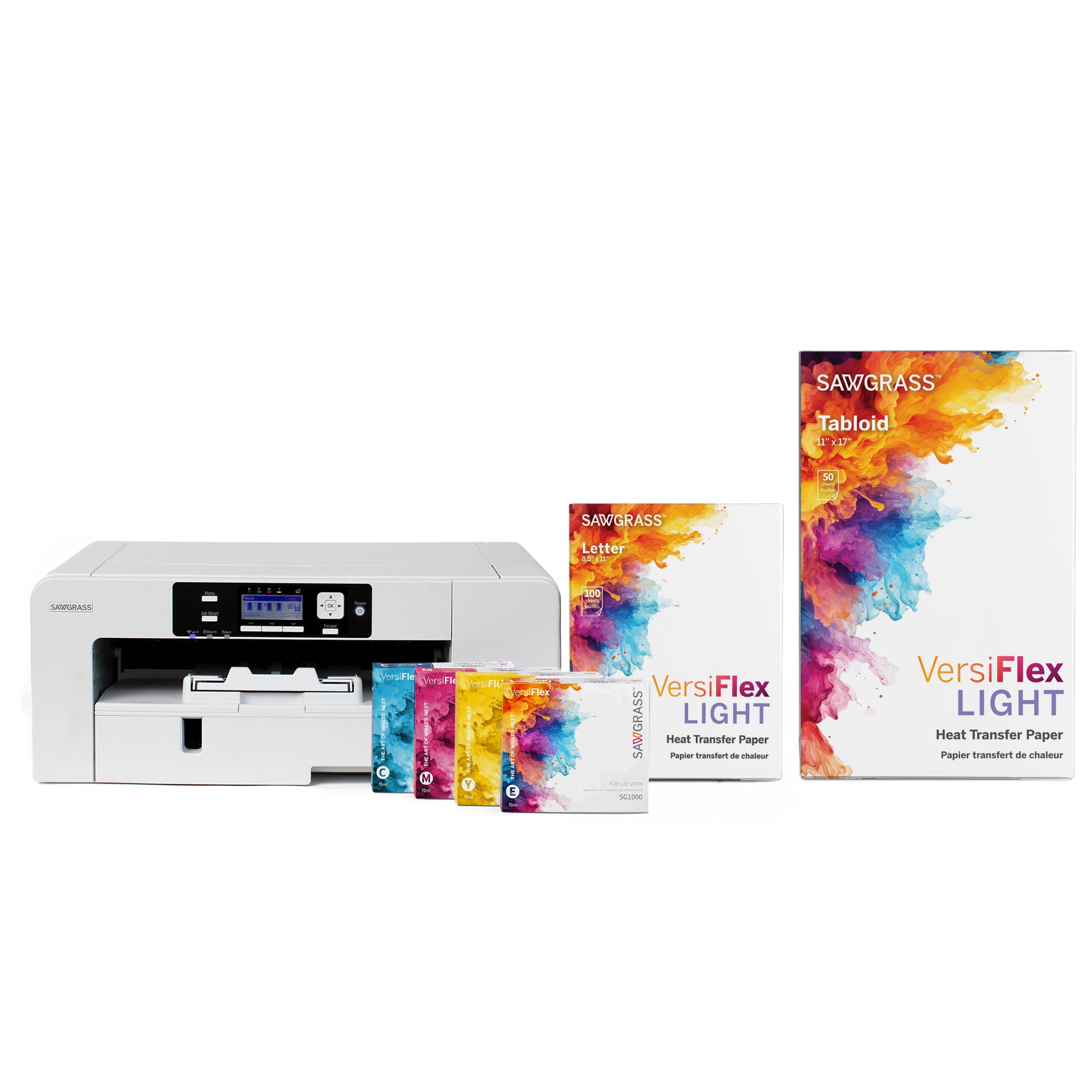
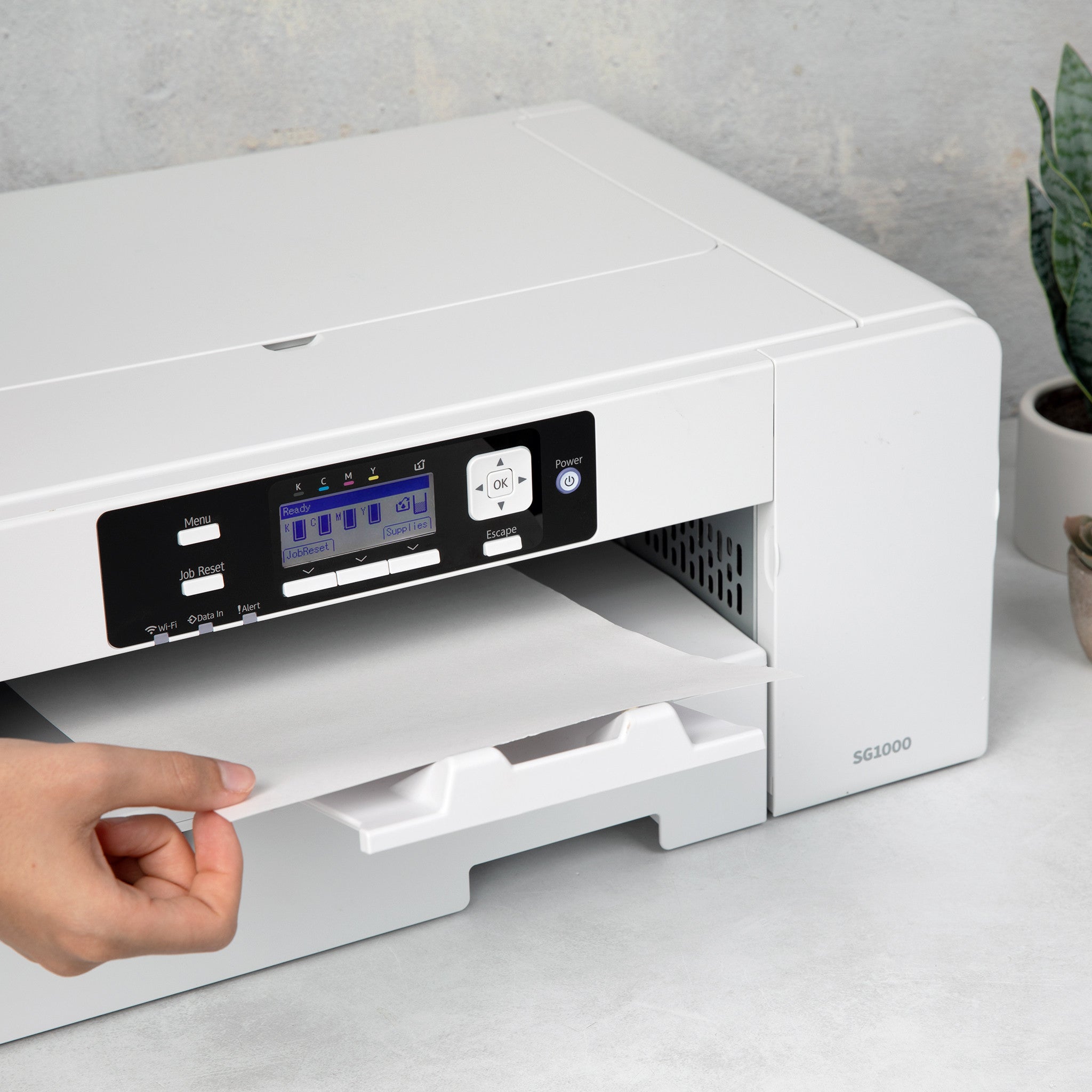
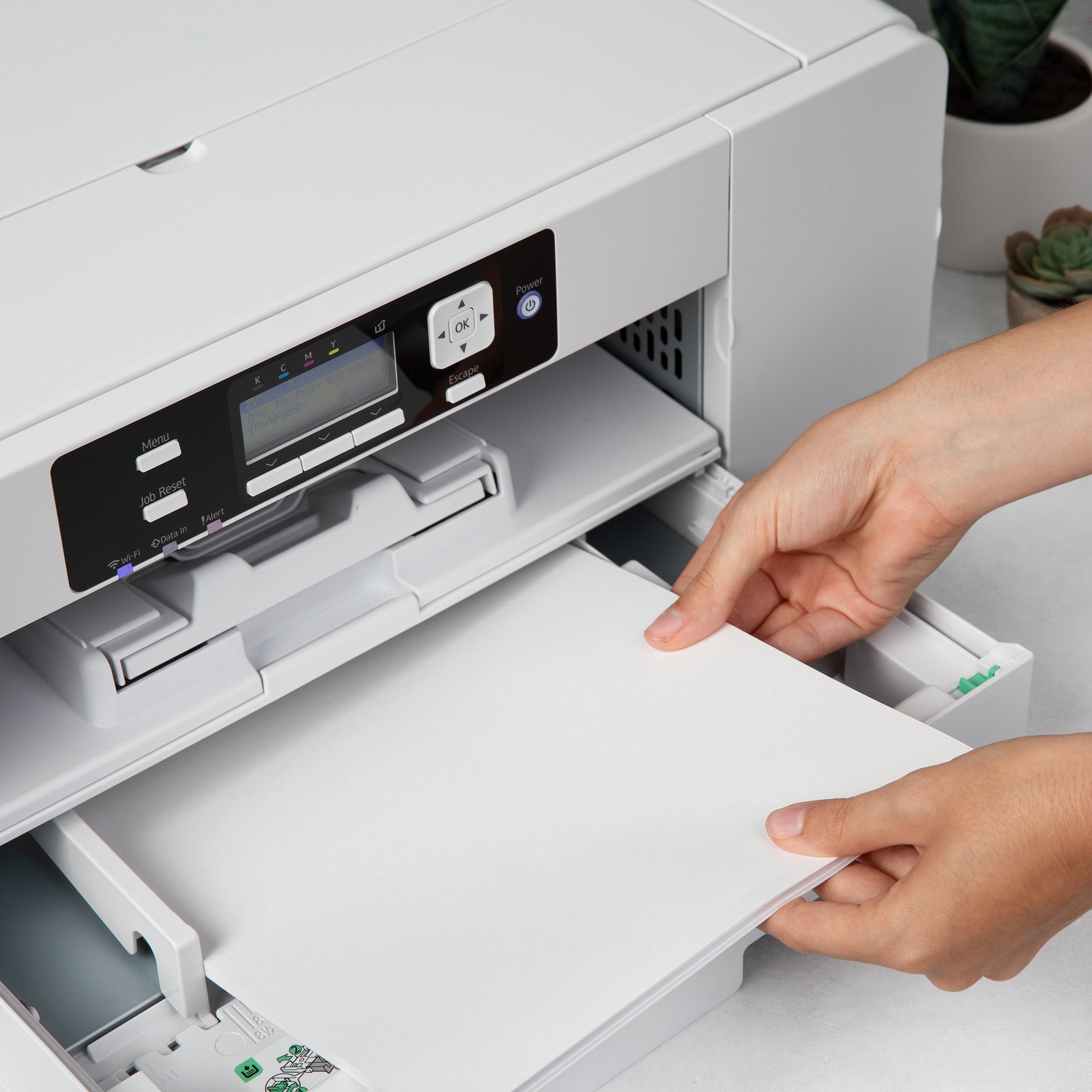
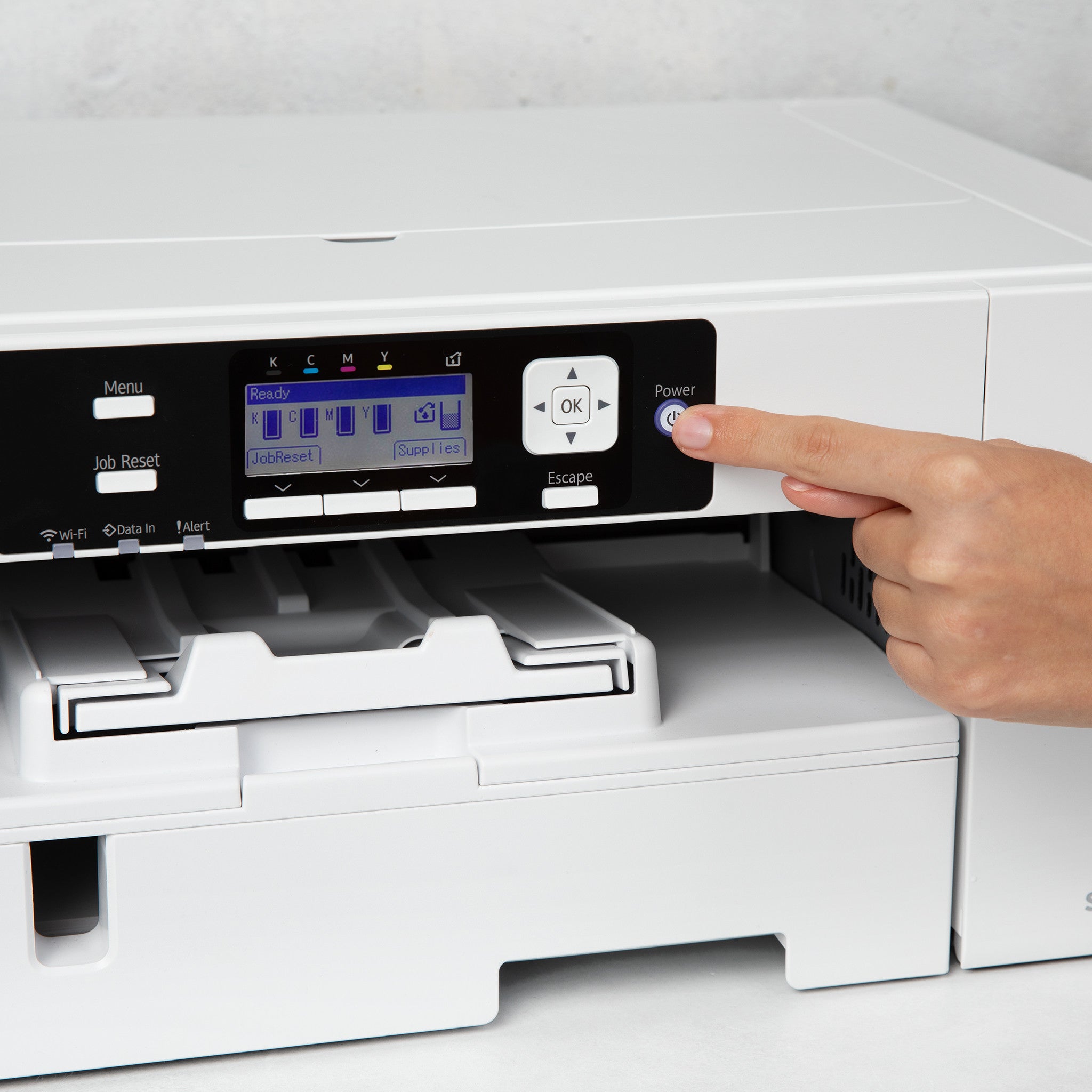
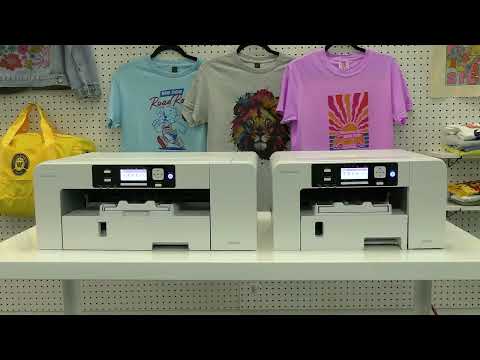
Créez des impressions éclatantes et de haute qualité directement depuis votre espace de travail grâce à nos imprimantes à sublimation de bureau . Conçues pour les amateurs comme pour les professionnels, ces imprimantes offrent une précision des couleurs exceptionnelle et des résultats durables dans un format compact.

Pourquoi choisir nos imprimantes à sublimation de bureau :

  • Impressions brillantes et haute résolution – Produisez des images vives et nettes avec des couleurs réalistes.

  • Compact et efficace – Parfait pour les studios à domicile, les petites entreprises ou les espaces de travail limités.

  • Fiable et facile à utiliser – Conçu pour un fonctionnement fluide et des résultats professionnels cohérents.

  • Applications polyvalentes – Idéal pour les cadeaux personnalisés, les panneaux photo, les textiles, les tasses et les produits promotionnels.

Que vous lanciez une entreprise de sublimation ou que vous développiez vos projets créatifs, nos imprimantes de bureau à sublimation offrent la qualité professionnelle et la commodité dont vous avez besoin. Achetez dès maintenant et donnez vie à vos créations avec des couleurs éclatantes et durables !

Filtre

3 des produits

  • Trier par

Frequently Asked Questions:

What is a desktop sublimation or white toner printer, and who is it designed for?

Desktop decoration printers are compact units — similar in footprint to office inkjet or laser printers — designed to produce transfers for custom products. Desktop sublimation printers use dye-sublimation inks to create transfers for polyester and coated substrates; desktop white toner printers use dry toner to produce transfers that work on cotton, polyester, and dark garments. Both are designed for small businesses, hobbyists, and on-demand custom product shops.

What print resolution and media size do desktop sublimation printers support?

Most desktop sublimation printers print at 1200–2400 dpi on media up to letter (8.5x11) or legal (8.5x14) size. This is sufficient for mug wraps, standard apparel transfers, phone cases, and most small product decorations. For larger items like pillow covers or oversized apparel designs, a wide-format sublimation printer is required as desktop units cannot accommodate wider media.

Is a desktop sublimation printer compatible with third-party sublimation paper, or is it locked to brand-specific media?

Most desktop sublimation printers accept third-party sublimation paper, though print quality and color accuracy depend on using an ICC color profile matched to the paper. Sawgrass printers work best with Sawgrass media profiles, but third-party papers with compatible profiles perform well at lower cost. White toner printers like the Uninet iColor series require proprietary transfer media for warranty coverage and optimal print quality.

Why are my desktop sublimation prints coming out with a pink or blue color cast on the final substrate?

A color cast almost always indicates a missing or misapplied ICC profile. Ensure you are printing with color management handled by the printer's RIP software or Creative Studio app — do not let both the design software and the printer driver apply color management simultaneously, as double-processing causes severe color shifts. Download and install the correct ICC profile for your specific ink, paper, and printer combination from the manufacturer's support site.

How many prints can I get from a set of desktop sublimation ink cartridges?

Ink yield depends heavily on design coverage and print size. A full letter-size print at 100% coverage uses significantly more ink than a small mug wrap. Entry-level desktop sublimation cartridges typically yield 200–500 letter-size prints at moderate coverage. The Sawgrass SG500, for example, uses high-yield cartridges rated at over 700 prints. Track your actual usage across jobs to calculate a reliable cost-per-print for your specific product mix.

Is a desktop printer a cost-effective entry point for a home-based custom product business?

Yes — desktop sublimation printers combined with a mug press and basic heat press represent one of the lowest-cost entry points into the custom product business, with startup equipment costs under $1,500 CAD for a functional setup. Profit margins on mugs, phone cases, and small apparel items are strong when purchased as blanks in quantity. The limitation is throughput — desktop printers are production-limited at around 20–30 letter-size prints per hour.

What is the professional trick for getting consistent color across a batch of desktop sublimation prints?

Print all items in a batch in a single session without interrupting or restarting the print job. Color output can shift slightly between print sessions as the printer warms up and ink viscosity stabilizes. For color-critical work, print a reference target at the beginning of each session and compare it against a known good print before running production. Consistent ambient temperature in the print room also reduces session-to-session color variation.

What is the difference between a converted inkjet sublimation printer and a purpose-built sublimation printer?

Converted printers (typically Epson EcoTank or similar) are standard inkjet units refilled with third-party sublimation ink — they cost less upfront but require careful setup and may void the printer warranty. Purpose-built sublimation printers (Sawgrass, Epson F-series) are factory-configured with sublimation-optimized ink delivery systems, ICC profiles, and software integration from day one. For beginners, purpose-built units produce more consistent results with less troubleshooting.

Are sublimation inks used in desktop printers safe for use in a home office environment?

Desktop sublimation inks are water-based and low-VOC, posing minimal inhalation risk during printing in a well-ventilated room. The heat-pressing step releases small amounts of vapors — a basic cross-ventilation setup (window or exhaust fan) is sufficient for home studio use. Always store inks in a cool location away from children, and review the SDS (Safety Data Sheet) for your specific ink brand for full handling guidelines.

How do I prevent print head clogging in a desktop sublimation printer used only a few times per week?

Infrequent use is the leading cause of desktop sublimation print head clogs. Print at least a small test pattern every 2–3 days even when not doing production — this keeps ink flowing through the heads and prevents it from drying in the nozzles. Enable any automated maintenance or cap station function your printer offers, and never turn the printer off at the wall — always use the power button so the printer can park the heads correctly.

Drawer Title
produits similaires