



























































































Aller au contenu
fr
CAD

🌨️ Des retards sont à prévoir en raison des conditions météorologiques. ❄️

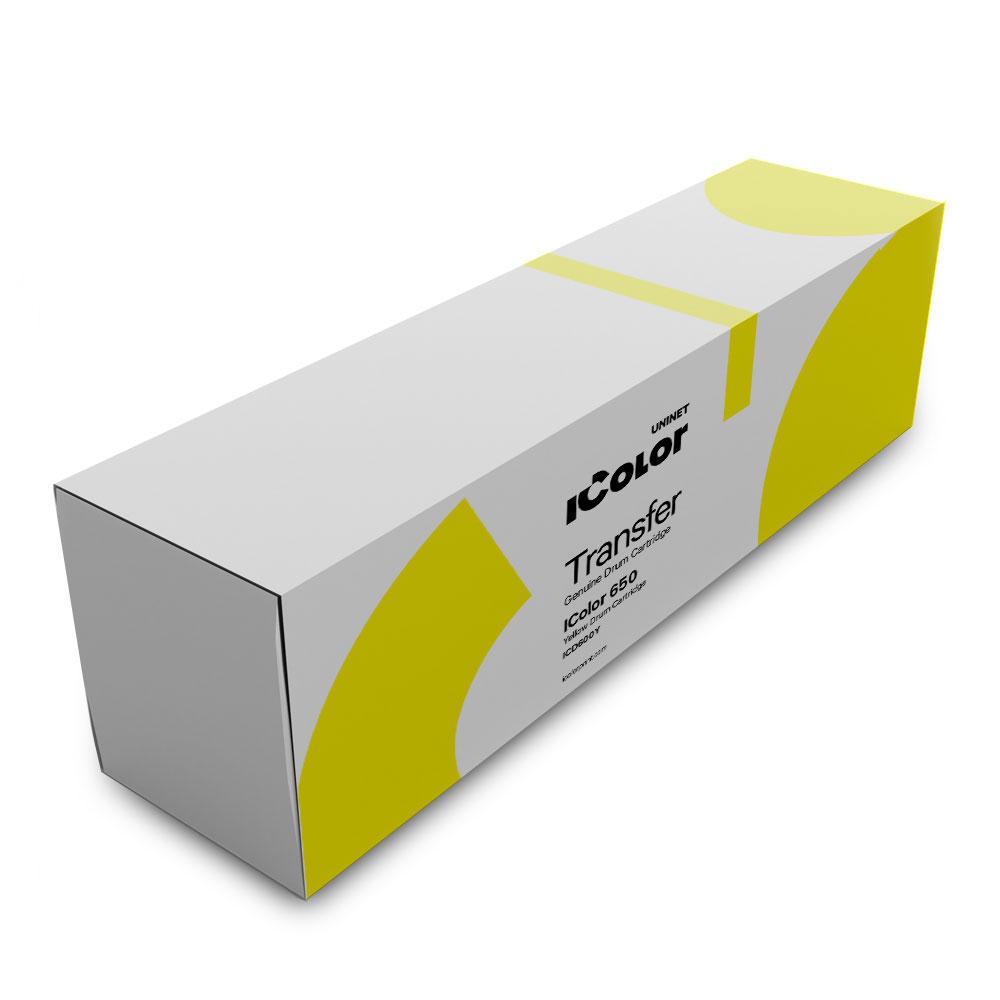
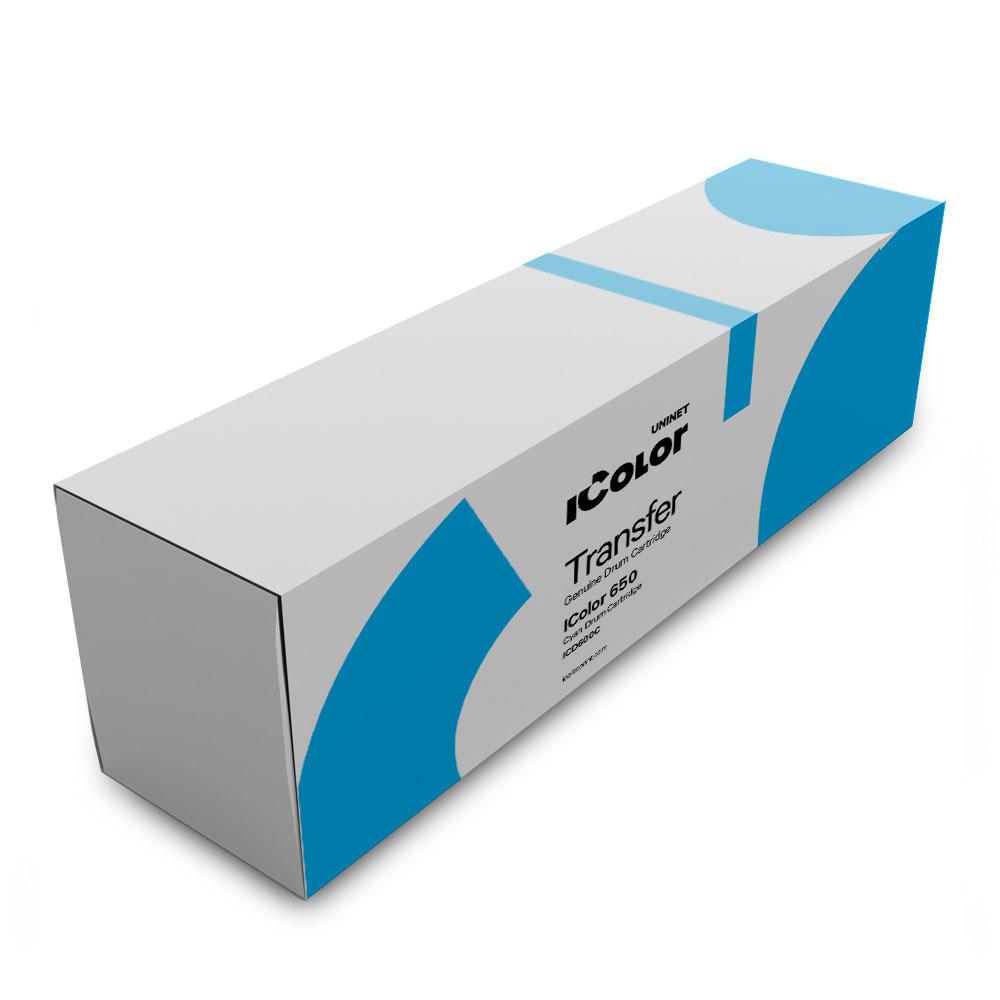
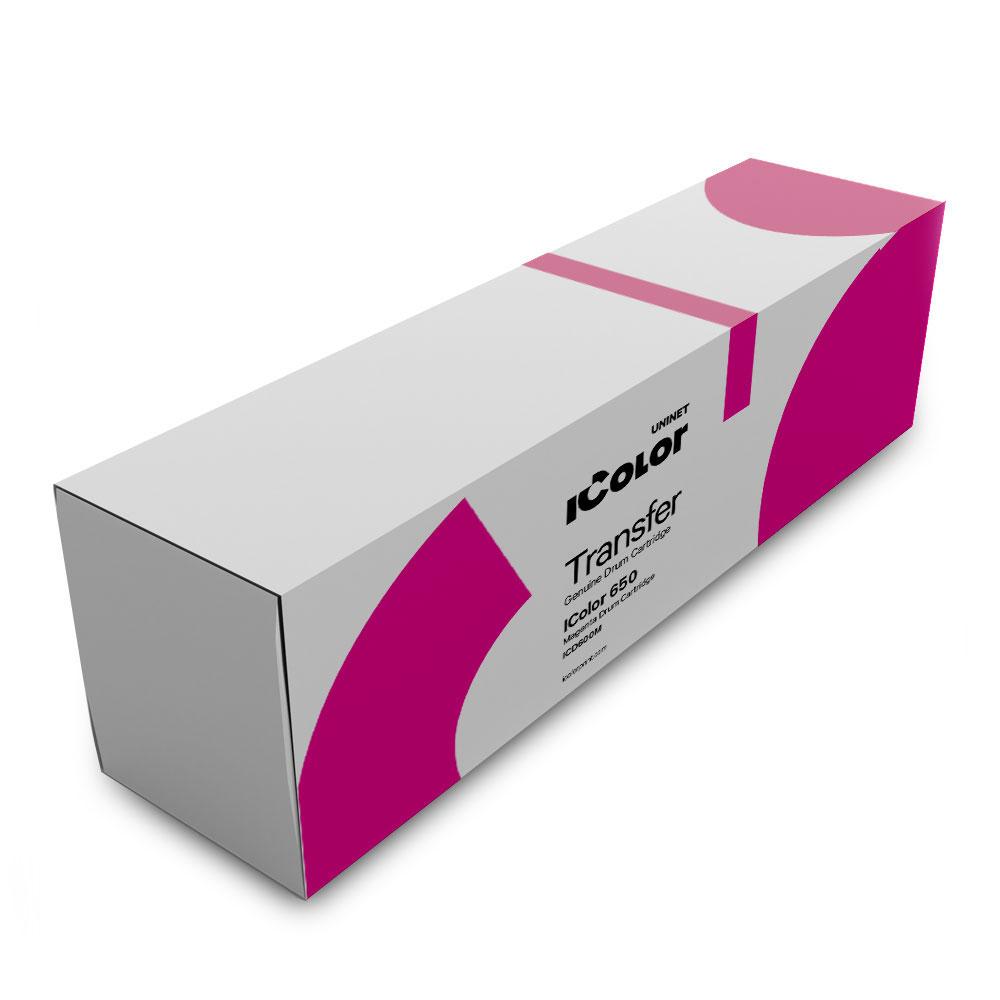
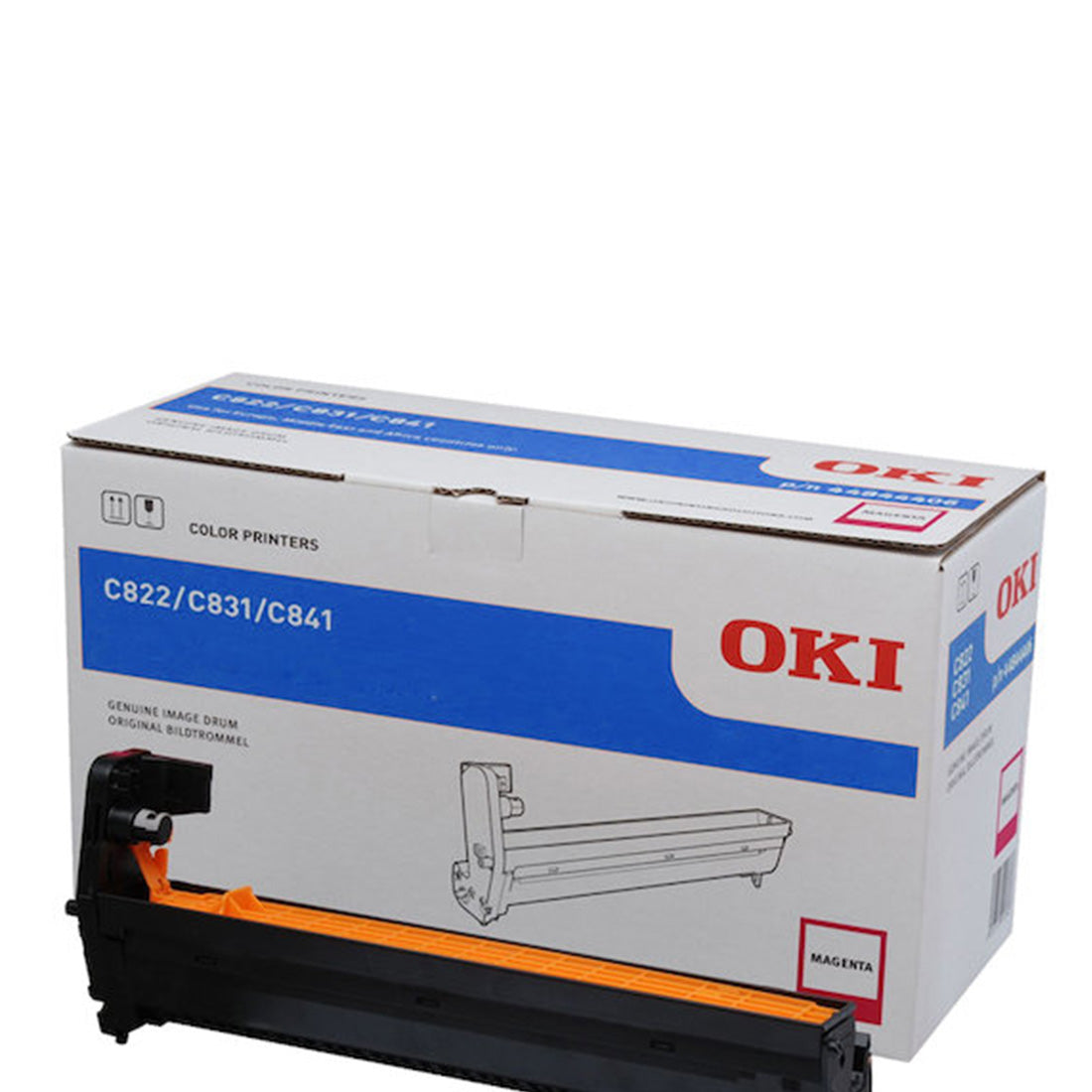
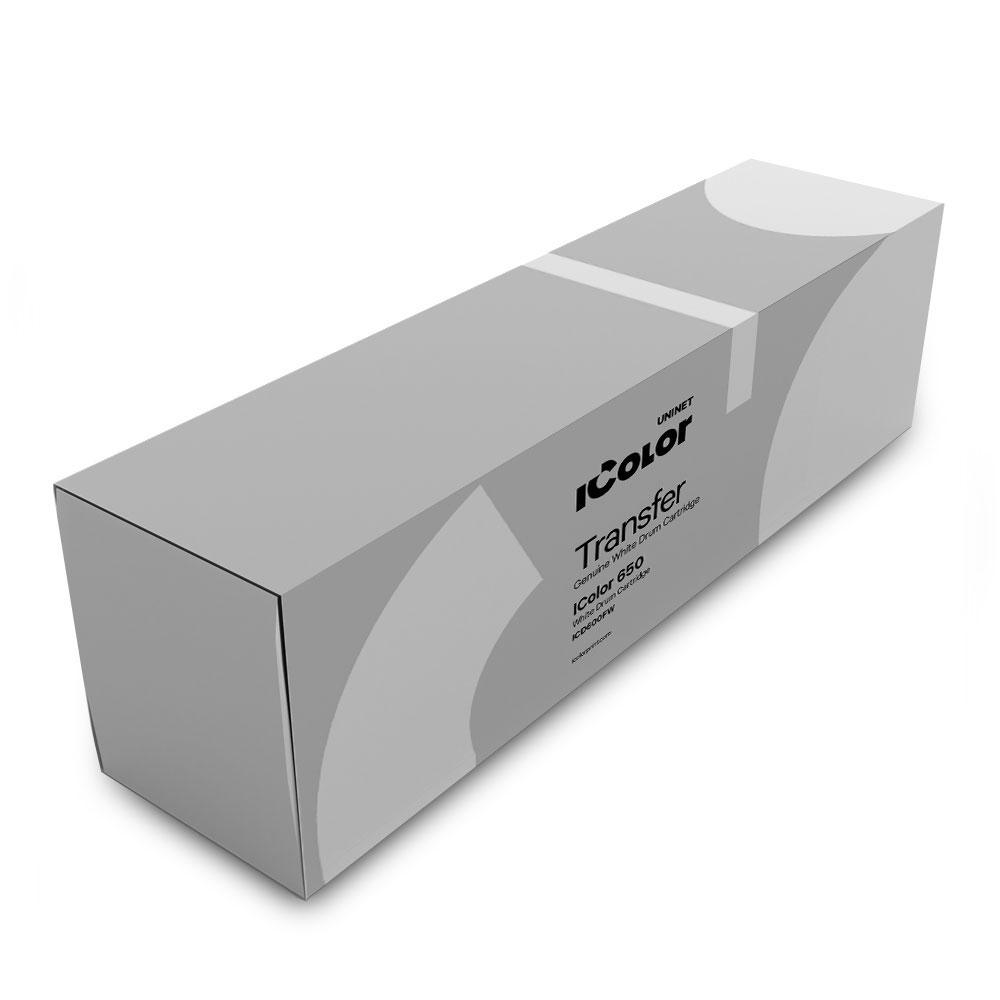
Tambours pour imprimantes

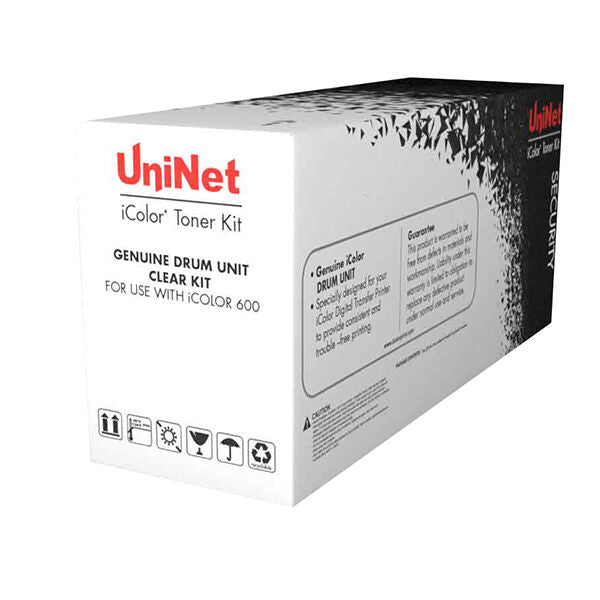
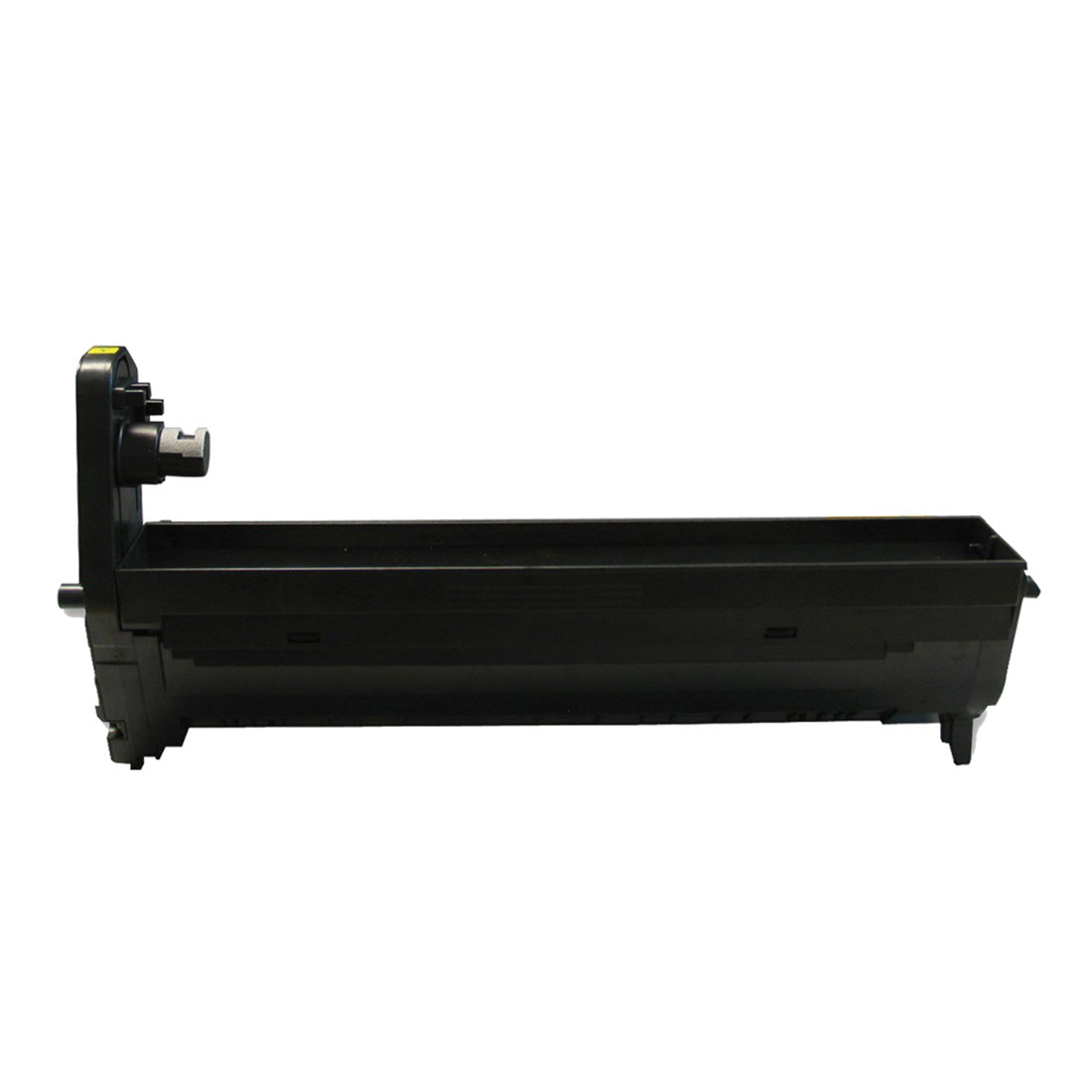
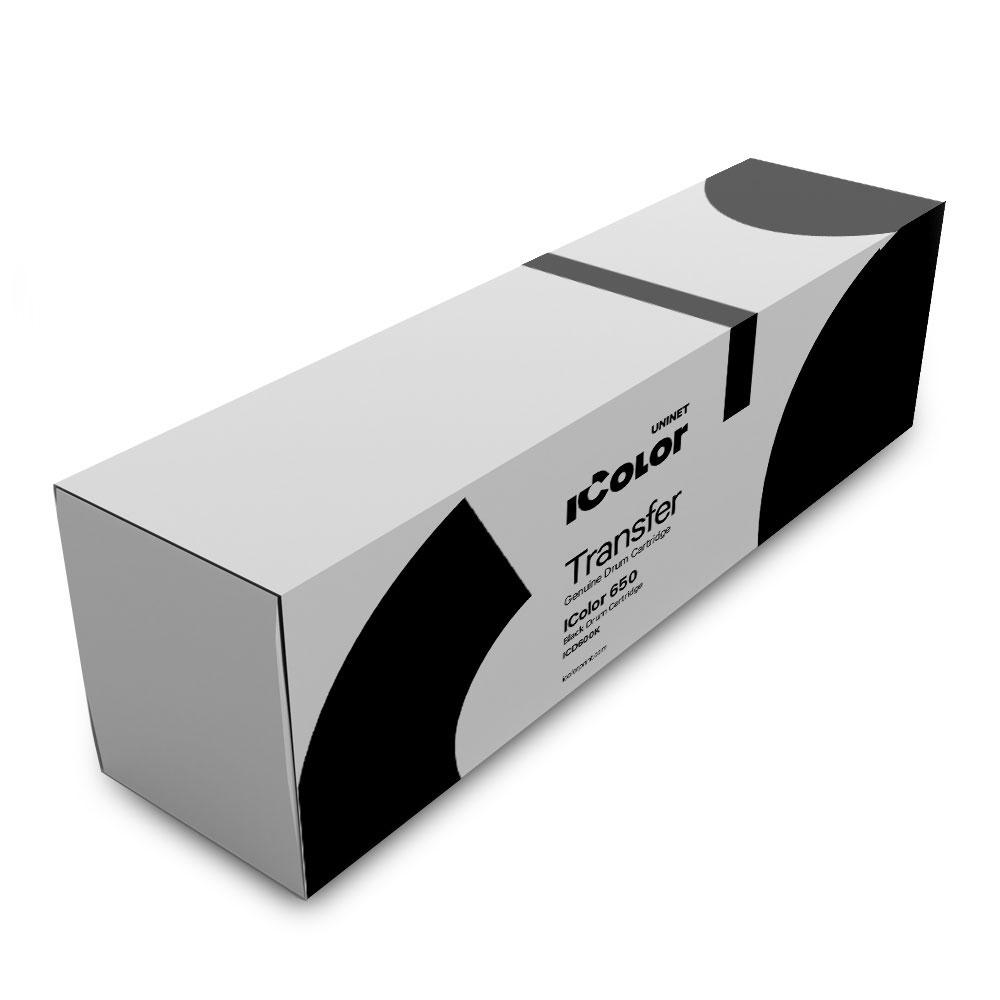
Tambours pour des performances d'impression constantes

Maintenez vos imprimantes en fonctionnement avec une efficacité maximale grâce aux tambours fiables de Joto, conçus pour fournir des résultats nets et prolonger la durée de vie de votre équipement.

Des tambours de haute qualité sont essentiels pour conserver des textes nets, des dégradés fluides et des couleurs précises à chaque impression. Joto propose des pièces de rechange fiables qui réduisent les temps d'arrêt et contribuent à protéger votre investissement en imprimantes et photocopieurs. Conçus pour durer, ces composants gèrent des charges de travail exigeantes sans compromettre la qualité, ce qui les rend parfaits pour les ateliers et les environnements de production à forte activité. L'installation est simple, permettant à votre équipe de reprendre rapidement ses impressions. Qu'il s'agisse de produire des supports marketing, des étiquettes ou des produits personnalisés, des performances constantes des tambours signifient moins de réimpressions et une plus grande satisfaction client. Bénéficiant de l'expertise technique de Joto et d'une livraison rapide, les tambours pour imprimantes Joto offrent tranquillité d'esprit, productivité stable et un moyen intelligent de soutenir la croissance de votre entreprise avec des résultats de qualité professionnelle à chaque fois.
Filtre

4 des produits

  • Trier par

FAQs

What is a printer drum unit and what role does it play in laser or toner-based printing?

A drum unit (also called an OPC drum or imaging drum) is a photosensitive cylinder in laser and toner-based printers that transfers the toner image onto paper or transfer media during printing. The drum receives a laser-etched electrostatic image, attracts toner to that image, and then transfers the toner to the media as it passes through. Drum condition directly affects print sharpness, density, and consistency — a worn drum produces ghost images, streaks, and uneven toner coverage.

At what page count or print volume should I replace the drum unit in a white toner transfer printer?

Drum units for white toner printers like the Uninet iColor series are typically rated for 20,000–30,000 pages under normal printing conditions. However, high-coverage white toner designs — where large areas of white are printed per page — consume drum life faster than the page-count rating suggests. Monitor print quality rather than relying solely on page count: ghost images, background haze, or streaks that persist after cleaning are reliable indicators that drum replacement is needed.

Is the drum unit in a white toner printer compatible with all media types, or do certain substrates accelerate drum wear?

Drum units perform optimally with media that falls within the printer's specified weight and surface smoothness range. Rough or heavily textured transfer media can abrade the drum surface and shorten its lifespan. Always use transfer media certified for your specific printer model — incompatible media causes premature drum wear and can deposit debris on the drum surface that leads to print defects within a single session.

Why is my white toner print showing a repeating ghost image at regular intervals across the page?

A repeating ghost image at regular intervals is a classic symptom of drum contamination or damage. The ghost appears at intervals equal to the drum's circumference — typically 75–95mm depending on the drum size. The drum has a permanent toner deposit or physical mark at that point on its surface that transfers residue on each rotation. Run a drum cleaning cycle first; if the ghost persists, the drum unit requires replacement.

How long does a drum unit last in a production environment where the printer runs 4–6 hours per day?

In a production environment running 4–6 hours daily, a drum rated for 25,000 pages may last 8–14 months depending on average page coverage. High-coverage white toner jobs shorten this considerably. Track drum page count from the printer status menu and establish a replacement schedule based on your actual job mix rather than the manufacturer's general rating, which assumes 5% average coverage — significantly lower than typical white toner transfer designs.

What is the cost-per-page impact of proactive drum replacement versus waiting for quality to degrade before replacing?

Proactive drum replacement at 80–90% of rated life costs slightly more per unit cycle but avoids the production waste of degraded prints. A drum unit that develops ghost imaging during a 200-piece production run can waste $300–$500 in blanks and labour before the defect is caught and diagnosed. Scheduling drum replacement during planned maintenance downtime rather than reacting to defects in production is the lower total-cost approach for high-volume white toner shops.

What is the professional technique for installing a new drum unit to avoid contamination and surface damage?

Handle the drum unit by its end caps only — never touch the green or blue photosensitive surface, as skin oils create permanent marks that appear as smudges in all subsequent prints. Remove the protective cover from the drum surface only at the moment of installation, in a dimly lit area — prolonged light exposure degrades the photosensitive coating. Insert the drum unit along its guide rails without forcing it and confirm it clicks into the locked position before closing the printer cover.

What is the difference between a combined toner-drum cartridge and a separate drum unit, and which is more economical?

Combined toner-drum cartridges integrate both the toner supply and the drum into one unit, replaced together when toner is depleted. Separate drum and toner systems replace each component independently based on its own wear rate. Separate systems are more economical in high-volume environments because the drum outlasts the toner supply by 3–5x — you replace the toner frequently but the drum rarely. Combined systems simplify maintenance at the cost of higher per-print cost in production environments.

Are used drum units considered hazardous waste under Canadian environmental disposal regulations?

Used drum units are not classified as hazardous waste under most Canadian provincial regulations, but they contain photosensitive materials that should not be disposed of in regular recycling. Most printer manufacturers offer drum unit return programs — check with Joto or the manufacturer for the applicable program. If no return program is available, seal the drum unit in its original packaging to prevent light exposure to any residual photosensitive material before placing in general waste.

How should drum units be stored before installation to preserve the photosensitive coating?

Store drum units in their original sealed packaging in a cool, dark environment at 50–77°F (10–25°C). Never store drums near strong light sources, UV-emitting equipment, or in direct sunlight — photosensitive drum coatings degrade with light exposure even through packaging in some conditions. Do not store drums in freezing temperatures or high humidity, which cause condensation on the drum surface that leaves permanent water marks. Install drums within the manufacturer's recommended shelf life, typically 12–24 months from manufacture date.

Drawer Title
produits similaires