




























































































































Aller au contenu
fr
CAD

🌨️ Des retards sont à prévoir en raison des conditions météorologiques. ❄️

Stands & Tables

Filtre

8 des produits

  • Trier par

FAQs

What are stands and tables used for in imaging and heat transfer workflows?

Stands and tables in imaging and heat transfer workflows provide essential, heavy-duty support for equipment like heat presses and wide-format printers to ensure stability during high-pressure applications. These specialized workstations are designed with ergonomic heights and industrial-grade materials to reduce vibration and prevent equipment shifting, which is critical for maintaining precise registration and print quality. Incorporating dedicated equipment stands optimizes floor space and improves workflow efficiency by providing organized storage for transfer media and essential accessories. By utilizing robust support systems, businesses can ensure a safer production environment and extend the operational lifespan of their professional imaging hardware.

What printers and equipment are compatible with Joto Imaging Stands & Tables for an optimized production workflow?

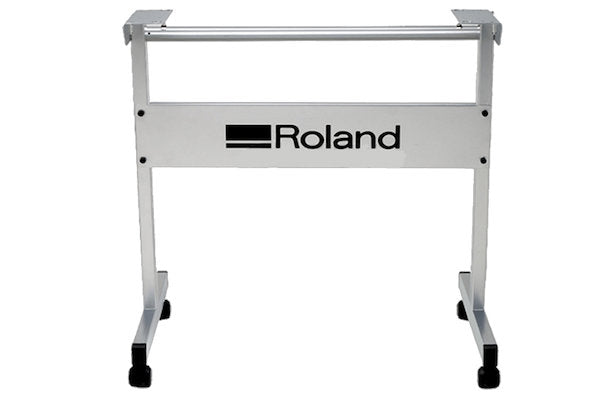
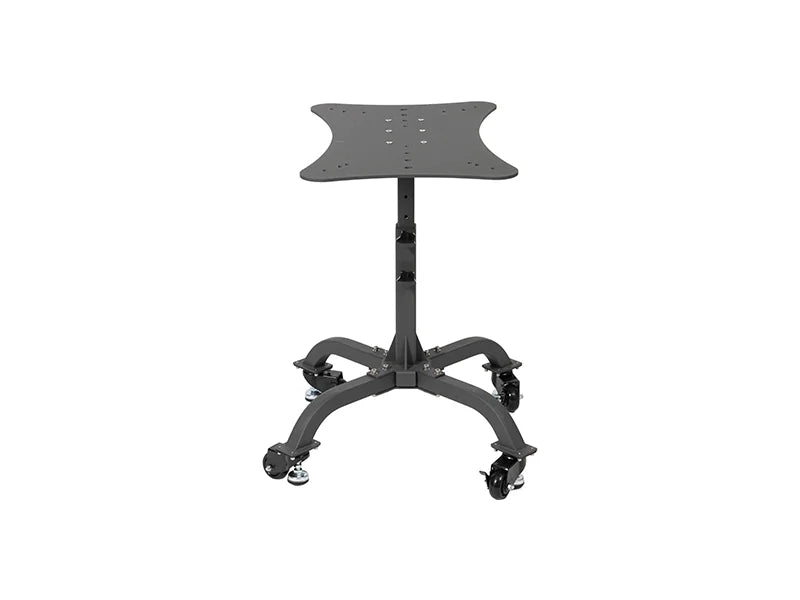
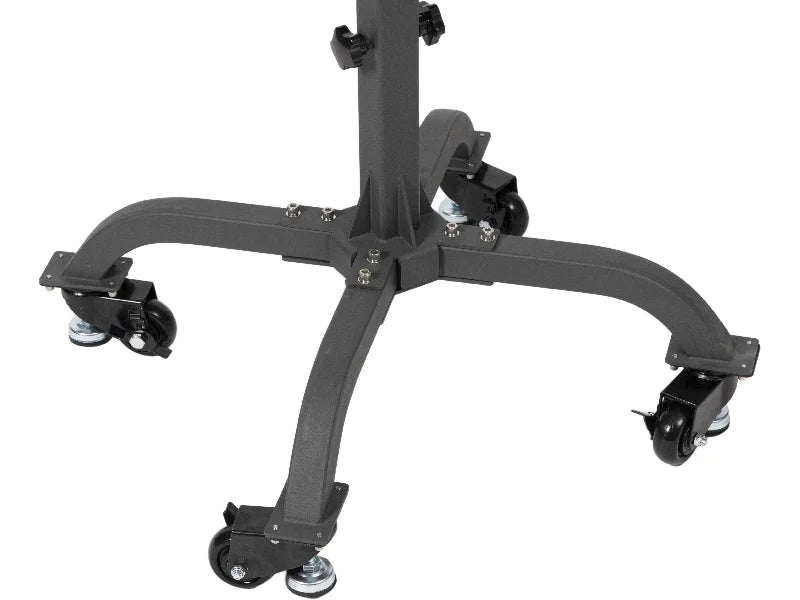
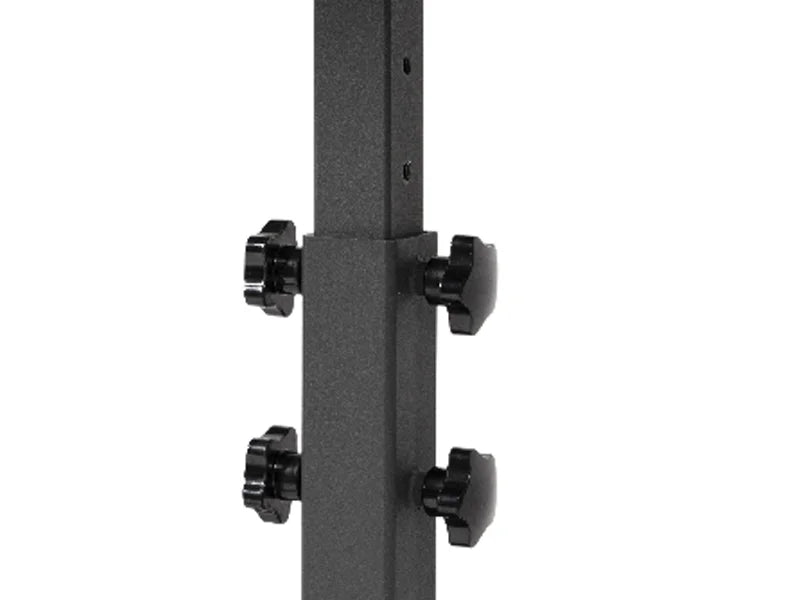
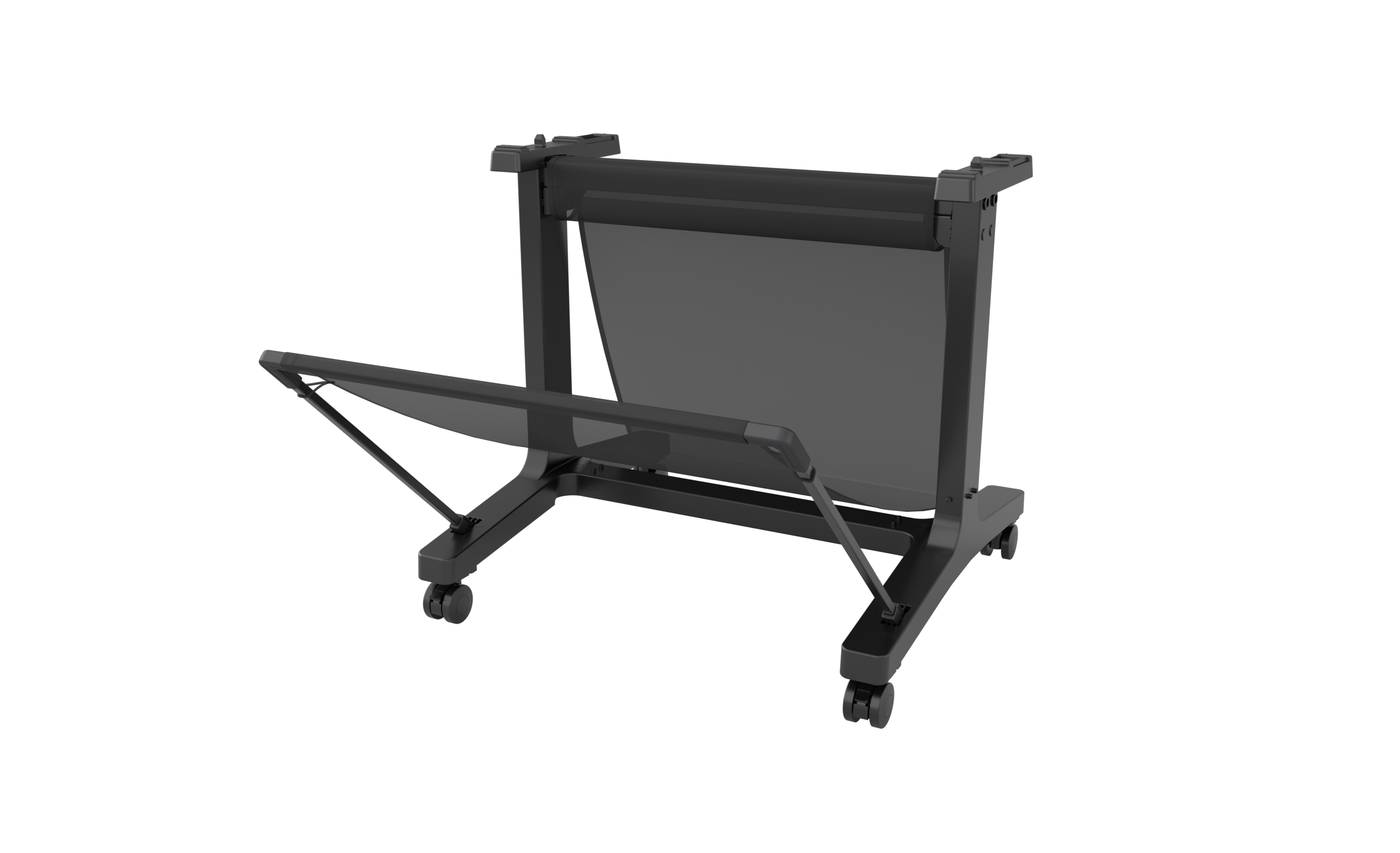
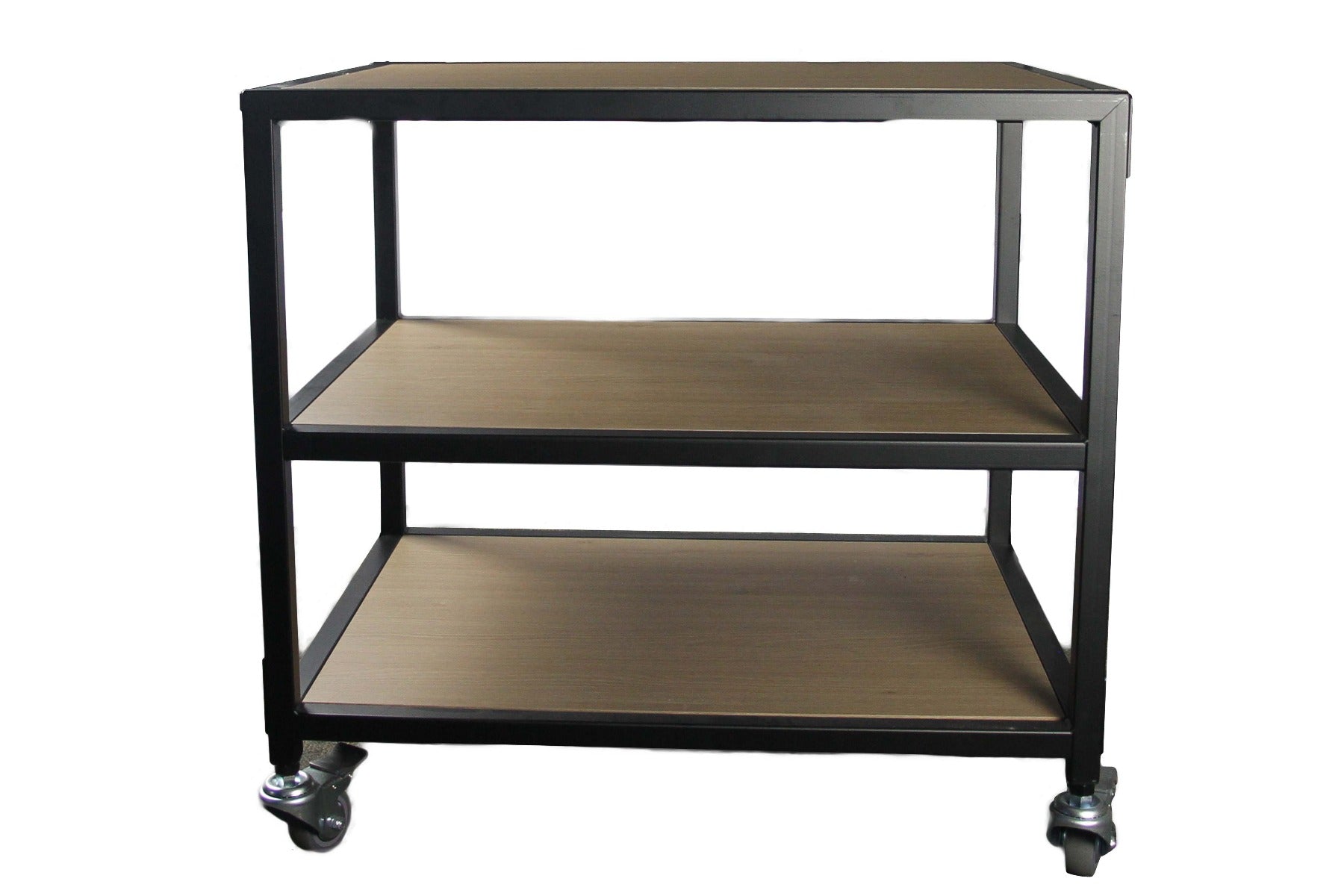
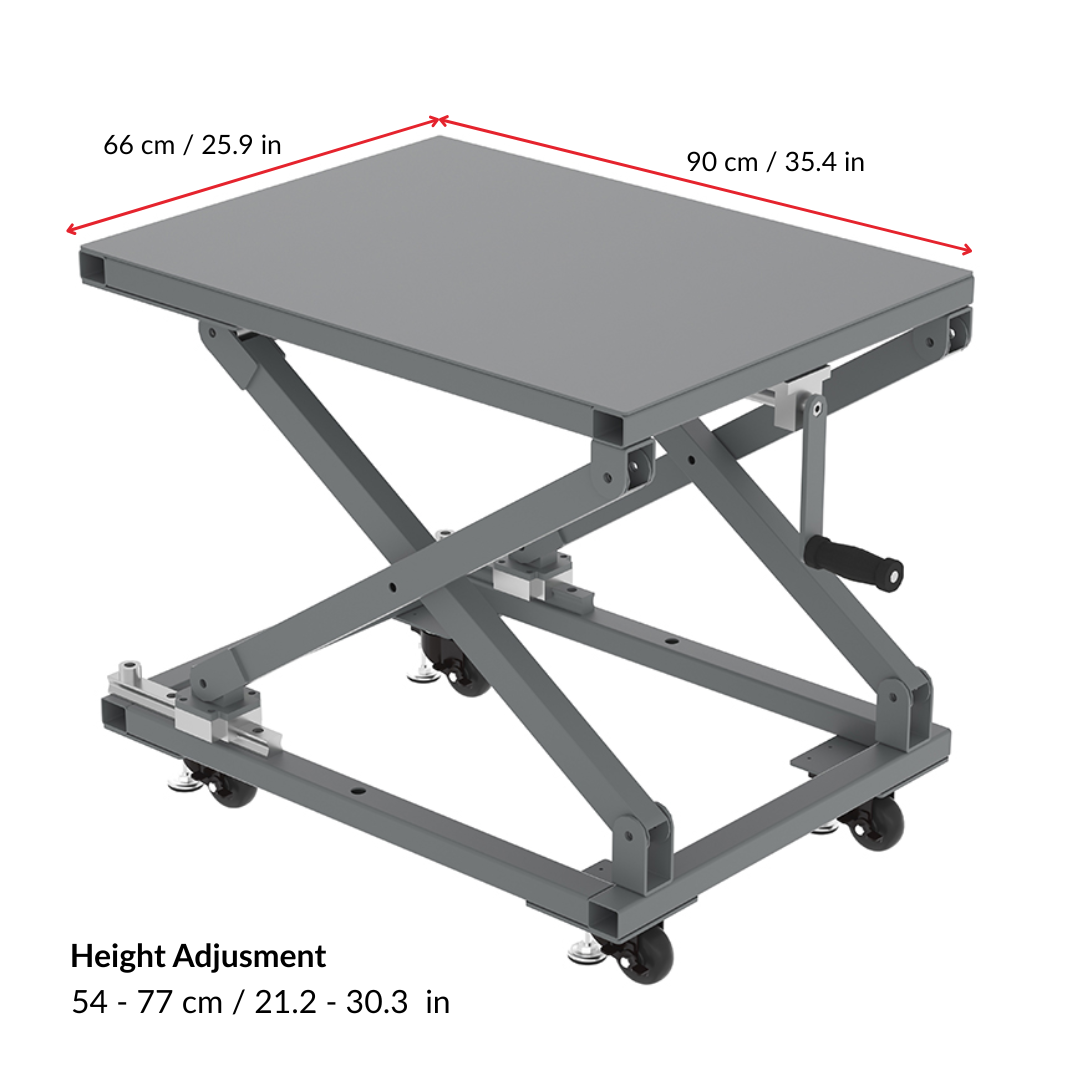
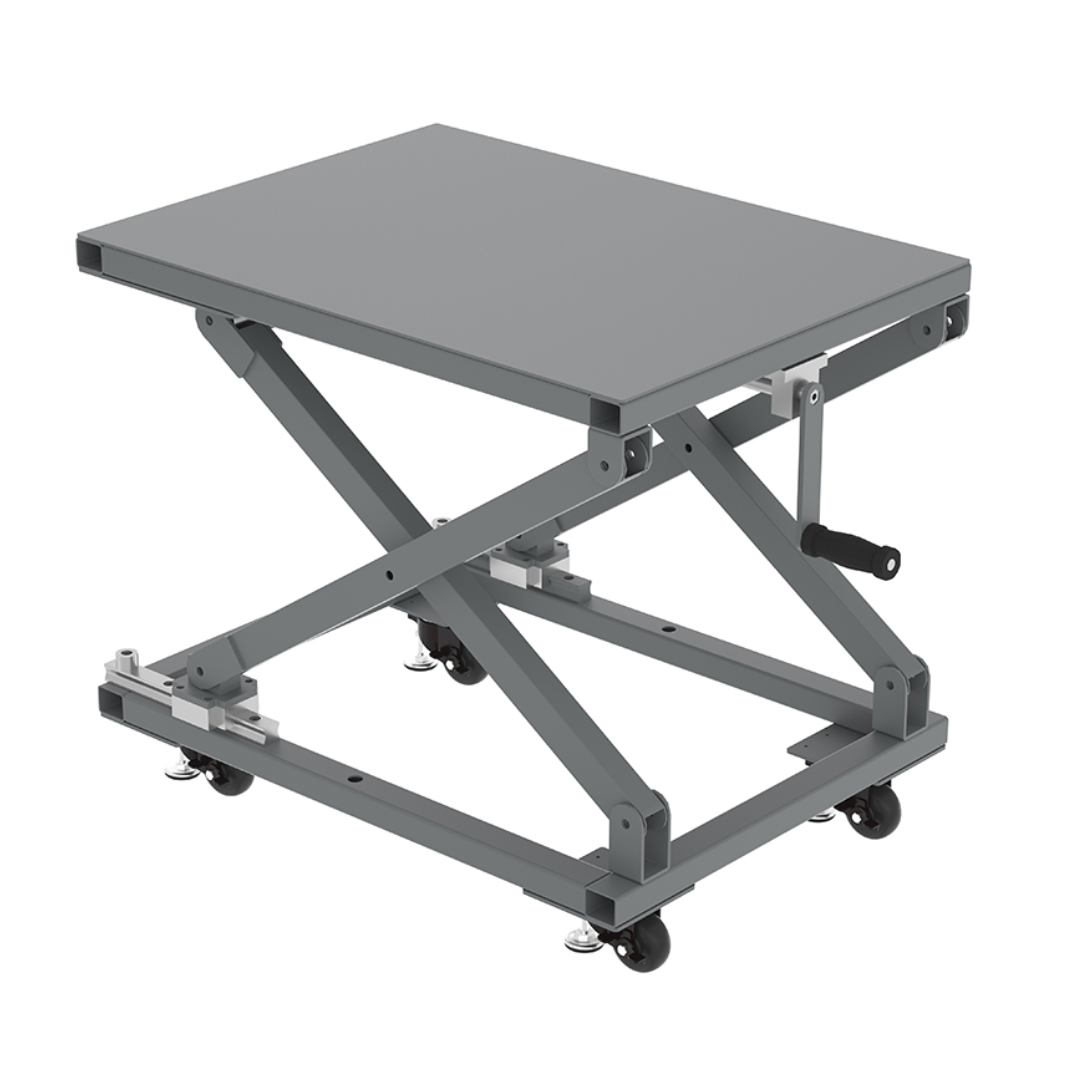
Joto Imaging Stands & Tables are engineered for universal compatibility with high-performance production equipment, including DTG printers, DTF systems, and large-format heat presses. These professional-grade workstations, such as the DTG Table and Universal Stand with wheels, provide the stability and mobility required to optimize industrial workflows and streamline equipment reconfiguration. By integrating these robust stands with your printing hardware, you ensure an ergonomic and organized workspace that maximizes efficiency for high-volume custom apparel and substrate decoration. Utilizing Joto's specialized tables helps maintain equipment longevity while facilitating a seamless, professional production environment.

How can I ensure the long-term durability and proper maintenance of equipment in the Stands & Tables collection?

To ensure the long-term durability of equipment in the Stands & Tables collection, regularly inspect and tighten all hardware to maintain structural integrity and prevent mechanical failure. Clean surfaces using material-specific methods, such as microfiber cloths for acrylic and pH-neutral solutions for wood or metal, to avoid surface degradation and rust. Protect your investment from environmental stressors by maintaining stable humidity levels between 30% and 55% and positioning units away from direct sunlight or high-heat sources. Implementing these preventative maintenance protocols ensures consistent performance and preserves the professional aesthetic of your workspace infrastructure.

How do you properly assemble and set up your Stands & Tables to ensure a stable and professional workspace for your imaging equipment?

To properly assemble Joto Stands and Tables, begin by securing all heavy-duty fasteners to the reinforced steel frame to ensure a vibration-free foundation for your heat presses or cutters. Utilize the adjustable leveling feet to compensate for uneven flooring, which is critical for maintaining the precise alignment required for high-performance imaging equipment. Once leveled, organize your workspace by utilizing integrated storage shelves for transfer media and ensuring all power cables are routed safely to prevent accidental disruptions during production. This professional-grade setup provides the structural integrity necessary to maximize the lifespan of your equipment while optimizing your workflow efficiency.

What are the most common causes of instability or uneven heat distribution when using Stands & Tables for heavy heat press equipment?

Instability when using stands and tables for heavy heat press equipment often results from uneven flooring or improperly engaged locking casters, which can cause subtle shifting during the high-pressure clamping process. To prevent uneven heat distribution and pressure, ensure the stand is rated for the specific weight of your commercial heat press and is positioned on a perfectly level surface to maintain uniform contact across the heating platen. Additionally, structural weaknesses or loose hardware in lower-quality supports can lead to frame fatigue and vibrations that compromise the precision of your heat transfers. Utilizing professional-grade stands from Joto Imaging Supplies ensures a stable, rigid platform that optimizes equipment performance and maintains the consistent temperature control necessary for high-quality production.

How can I achieve maximum color vibrancy and professional print quality with Stands & Tables?

To achieve maximum color vibrancy and professional print quality with your equipment stands and tables, ensure your workspace is level and stable to prevent vibrations that can cause banding or registration errors. Maintaining a dust-free environment and consistent ambient temperature around your stands helps preserve the integrity of your media and ink flow during the printing process. By providing a sturdy, professional foundation, you ensure that your imaging equipment operates at peak precision, resulting in the sharpest detail and most accurate color reproduction for every project. Utilizing high-quality Joto stands ensures your production workflow remains efficient while maintaining the brand authority of your finished products.

How can using Joto Imaging Supplies Stands & Tables help my business reduce production costs and increase profit margins?

Joto Imaging Supplies stands and tables reduce production costs by optimizing workflow efficiency and providing a stable, vibration-free platform for high-performance heat presses and printers. These heavy-duty workstations feature industrial casters for seamless mobility, allowing businesses to maximize floor space and reduce labor downtime during high-volume production. By organizing equipment and supplies in a centralized, ergonomic layout, our universal stands minimize setup errors and material waste while increasing throughput. Investing in durable, professional-grade equipment housing ensures long-term operational reliability and higher profit margins through improved output consistency.

How should Stands & Tables be stored and maintained to ensure equipment stability and user safety?

To ensure equipment stability and user safety, Stands & Tables should be placed on flat, stable surfaces and inspected weekly for loose screws, bolts, or worn-out hardware. Regularly clean surfaces with a soft microfiber cloth and mild, non-abrasive detergent while avoiding excessive moisture or harsh chemicals that can degrade the structural finish. For adjustable models, apply a silicone-based lubricant to moving parts and hinges to ensure smooth operation and prevent mechanical strain. Always adhere to the manufacturer’s maximum weight capacity and distribute loads evenly to prevent tipping and maintain the long-term integrity of your workspace equipment.

How do Stands & Tables compare to traditional workstations or dedicated printing benches for professional imaging setup?

Professional stands and tables offer a more versatile and ergonomic alternative to traditional workstations by providing adjustable height and specialized surfaces tailored for high-precision imaging equipment. Unlike standard office furniture, these dedicated imaging solutions are engineered for maximum rigidity and vibration control, which is critical for maintaining print accuracy and preventing ghosting during high-speed production. Furthermore, they feature integrated cable management and modular storage options that streamline workflows and enhance the organized layout of a professional print lab. Utilizing these specialized equipment stands ensures industrial-grade stability and long-term durability for your high-value imaging and 3D printing investments.

How can you adjust the leveling feet and reinforce the bracing on heavy-duty equipment stands to eliminate micro-vibrations that cause registration shifts during high-speed multi-pass printing?

To eliminate micro-vibrations on heavy-duty equipment stands, use a spirit level to precisely adjust each leveling foot until the load is evenly distributed and the printer remains perfectly horizontal. Reinforce the structural integrity of the stand by tightening all cross-bracing bolts and adding anti-vibration pads to dampen mechanical resonance during high-speed, multi-pass production. These technical adjustments prevent registration shifts and ensure consistent drop placement accuracy for professional-grade imaging results. Maintaining a stable, vibration-free base is critical for preserving the long-term mechanical calibration of your high-performance printing hardware.

Drawer Title
produits similaires