




Aller au contenu
fr
CAD

🌨️ Des retards sont à prévoir en raison des conditions météorologiques. ❄️

Imprimantes UV

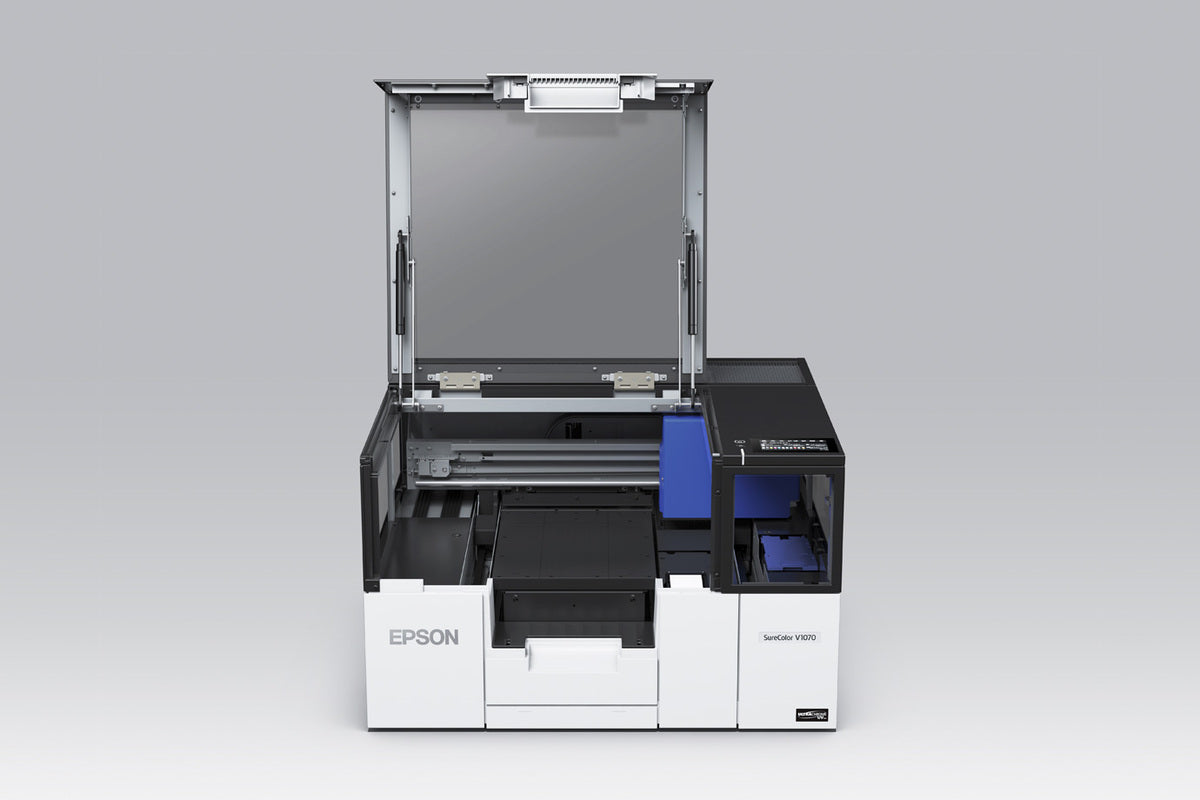
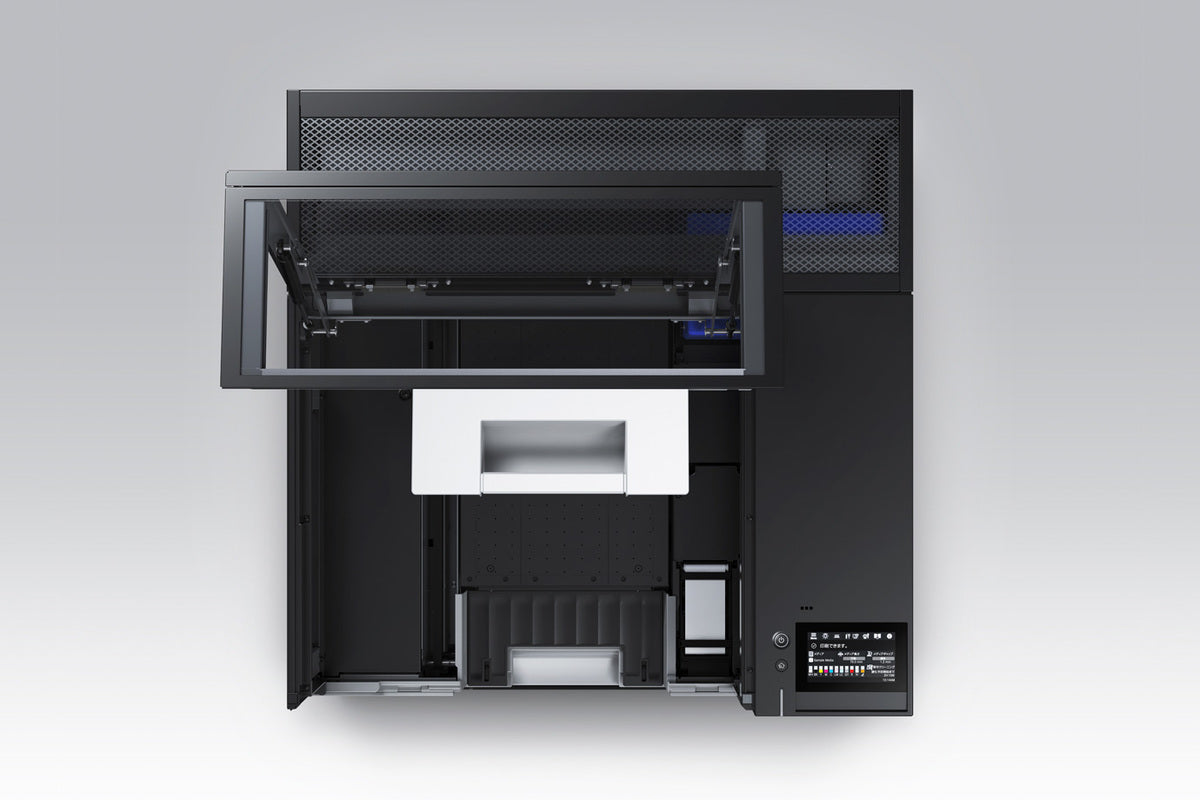
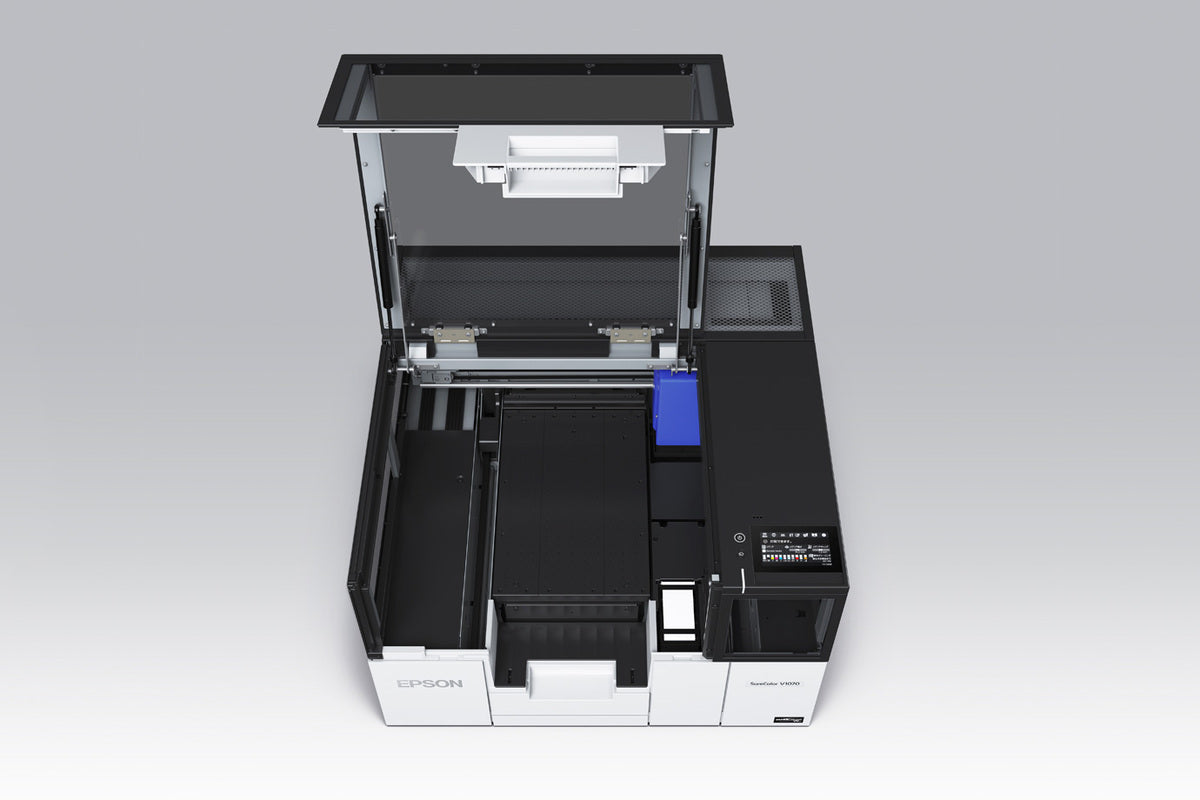
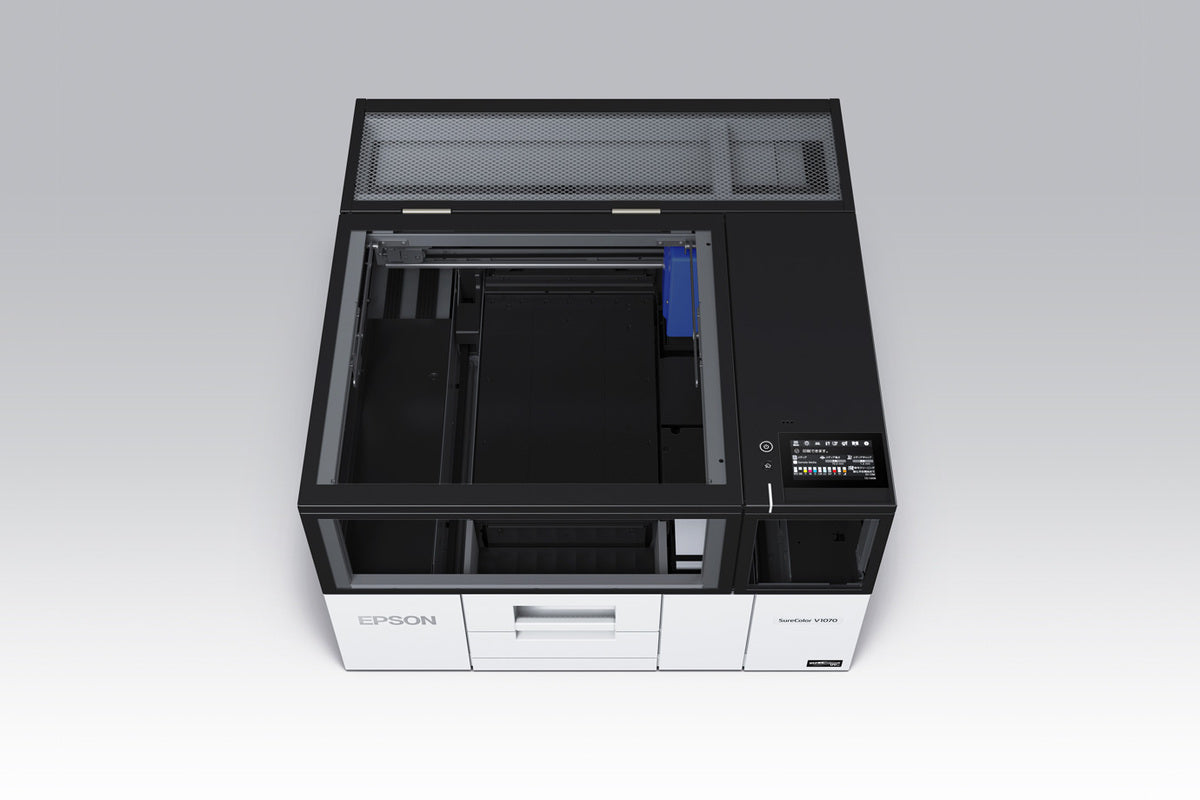
Imprimantes UV pour une personnalisation illimitée

Créez des designs saisissants sur presque toutes les surfaces avec des imprimantes UV qui offrent des impressions en couleur durables avec une polyvalence inégalée.

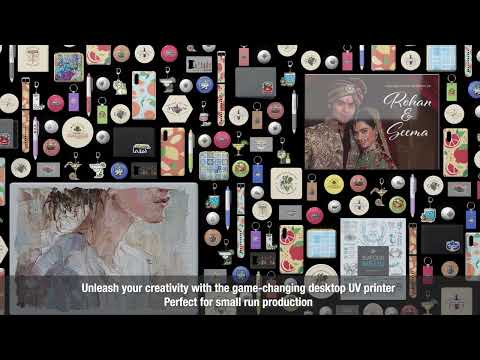
Les imprimantes UV ouvrent la voie à la personnalisation sur une grande variété de supports, notamment le bois, l'acrylique, le verre, le métal et le plastique. Grâce à la lumière ultraviolette, elles polymérisent instantanément des encres spécialement formulées, produisant des couleurs éclatantes, des détails précis et des effets de texture qui subliment chaque projet. Cette technologie permet d'imprimer directement sur des objets tridimensionnels, ce qui la rend idéale pour les produits promotionnels, la signalétique, les cadeaux personnalisés et les applications industrielles. Conçues pour la précision et l'efficacité, les imprimantes UV gèrent facilement les petits tirages comme les grandes séries. Leur processus de polymérisation instantanée garantit des impressions résistantes aux rayures et durables, même sur des matériaux difficiles. Idéales pour les entreprises souhaitant diversifier leur offre, elles offrent une flexibilité et un potentiel créatif inégalés. Grâce à l'équipement fiable, à la formation et à l'assistance experte de Joto, vous disposez des outils nécessaires pour obtenir des résultats professionnels qui se démarquent et fidélisent vos clients.

Filtre

2 des produits

  • Trier par

Frequently Asked Questions:

What are UV printers and how are they used for direct-to-substrate imaging on hard surfaces?

UV printers are advanced imaging systems that utilize ultraviolet-curable inks and integrated LED lamps to achieve instant bonding directly on a wide variety of non-porous hard surfaces. This direct-to-substrate technology eliminates the need for transfer films by jetting microscopic ink droplets that polymerize immediately upon exposure to UV light, resulting in a durable, scratch-resistant finish. By supporting materials such as glass, metal, acrylic, and wood, these printers allow for high-resolution, full-color customization on both flat and irregular objects with exceptional precision. Utilizing a UV printer streamlines production workflows and provides professional-grade results for signage, promotional products, and personalized merchandise.

What rigid and flexible substrates are compatible with UV printers for direct-to-surface imaging?

UV printers are engineered for maximum versatility, allowing for high-resolution direct-to-surface imaging on a vast range of rigid substrates including acrylic, glass, metal, wood, and ceramic tiles. These systems also excel on flexible media such as vinyl, leather, canvas, and various plastics like PVC and polycarbonate, provided the material can withstand UV lamp exposure without warping. To ensure professional-grade adhesion and scratch resistance on challenging non-porous surfaces like stainless steel or glass, the application of a specialized primer is often recommended. By utilizing instantly cured UV LED inks, businesses can achieve vibrant, durable results across diverse three-dimensional objects and industrial components.

How can I ensure the long-term durability and proper maintenance of products created with UV Printers?

Something went wrong. Try again.

How do you properly set up and operate UV Printers for high-quality direct-to-substrate imaging?

To set up UV printers for high-quality direct-to-substrate imaging, start by ensuring the printheads are properly aligned and the substrate surface is thoroughly cleaned to promote optimal ink adhesion. Adjust the printhead height precisely to the thickness of your material to prevent overspray and ensure sharp detail during the UV LED curing process. During operation, maintain consistent environmental conditions and utilize white ink circulation systems to prevent pigment settling and ensure vibrant, opaque results on dark or transparent media. Following these technical calibration steps will guarantee professional-grade durability and high-resolution output for all your rigid and flexible substrate projects.

What are the most common causes of poor ink adhesion or improper curing when using UV printers on non-porous surfaces?

Poor ink adhesion or improper curing in UV printers typically results from insufficient UV LED lamp intensity or incorrect lamp height, which prevents the UV-curable inks from polymerizing fully on non-porous surfaces. Surface contaminants such as oils, dust, or residues on rigid substrates like glass and metal can also create a barrier that inhibits the chemical bond required for a durable, scratch-resistant finish. For professional results, it is essential to calibrate your printer's lamp output and ensure that the substrate is thoroughly cleaned before direct-to-surface imaging. Maintaining stable environmental conditions and optimizing RIP software settings will further ensure the high-quality adhesion and color vibrancy expected from Joto Imaging Supplies equipment.

How can I achieve maximum color vibrancy and professional print quality with UV Printers?

To achieve maximum color vibrancy and professional results with UV printers, ensure your designs are high-resolution at 300 DPI and utilize correct ICC color profiles within your RIP software. Optimize your printer settings by adjusting white ink density to provide a solid, opaque base for CMYK layers on dark or transparent substrates, and consider a clear gloss topcoat to enhance saturation and depth. Maintain consistent printhead performance through regular nozzle checks and environmental control of temperature and humidity to prevent ink flow issues. Finally, calibrate your UV lamp intensity to ensure a full cure that preserves rich color saturation and creates a durable, scratch-resistant finish on various hard surfaces.

How can investing in UV Printers help my business reduce production costs and increase profit margins?

Investing in UV printers significantly reduces production costs by eliminating the need for expensive screens, emulsions, and transfer media through direct-to-substrate imaging. The instant curing of UV LED inks streamlines labor efficiency and accelerates turnaround times, allowing for high-volume customization on a vast array of rigid and flexible materials. By reducing material waste and energy consumption compared to traditional methods, businesses can achieve higher profit margins on short-run and personalized projects. This advanced technology ensures professional-grade durability and color vibrancy while optimizing your overall operational workflow.

What are the recommended storage conditions and safety precautions for UV Printers to ensure their longevity and operator safety?

To ensure the longevity of your UV printer, store and operate the equipment in a climate-controlled environment with temperatures between 20-35°C and humidity levels of 45-80% to prevent ink viscosity issues and static buildup. For operator safety, maintain a well-ventilated workspace to manage ozone and VOC emissions, and always wear appropriate PPE, such as nitrile gloves and UV-protective eyewear, when handling uncured photopolymers. Essential maintenance includes protecting the printhead from dust during short-term shutdowns and performing a thorough ink flush with dedicated cleaning solutions for extended periods of inactivity. Regular nozzle checks and the use of anti-static grounding measures further safeguard the printer’s delicate internal components and ensure consistent, high-quality production.

How do UV Printers compare to traditional screen printing or vinyl transfers for direct-to-substrate imaging on hard surfaces?

UV Printers offer a superior alternative to traditional screen printing and vinyl by enabling high-resolution, full-color direct-to-substrate imaging without the need for screens, weeding, or transfer tape. Utilizing advanced UV-curable inks and instant LED curing, these systems provide exceptional adhesion and scratch resistance on diverse hard surfaces like glass, metal, and acrylic. This digital workflow significantly reduces labor costs and setup time, making it more efficient and cost-effective for short-run customization and complex, multi-color designs. By eliminating manual processes, UV printing ensures a faster turnaround and a premium, durable finish that maintains the integrity of the substrate.

How can you calibrate UV lamp output and vacuum bed pressure to ensure perfect ink registration and adhesion on irregular or highly reflective heat-sensitive substrates?

To ensure perfect ink registration and adhesion on heat-sensitive or irregular substrates, start by lowering the UV lamp intensity and increasing the pass count to prevent thermal deformation while ensuring a complete cure. Adjust the vacuum bed pressure to the maximum stable setting for the specific material weight to eliminate any substrate shifting during the high-speed printing process. For highly reflective surfaces, utilize technical masking or a staggered lamp configuration to prevent stray UV light from reflecting back and causing premature curing at the printhead nozzles. This precise calibration of lamp output and suction ensures professional-grade durability and high-resolution results on even the most challenging imaging media.

Drawer Title
produits similaires