



























































































saltar al contenido
es
CAD

Bienvenido al nuevo sitio web de Joto Imaging Supplies

Tintas Epson

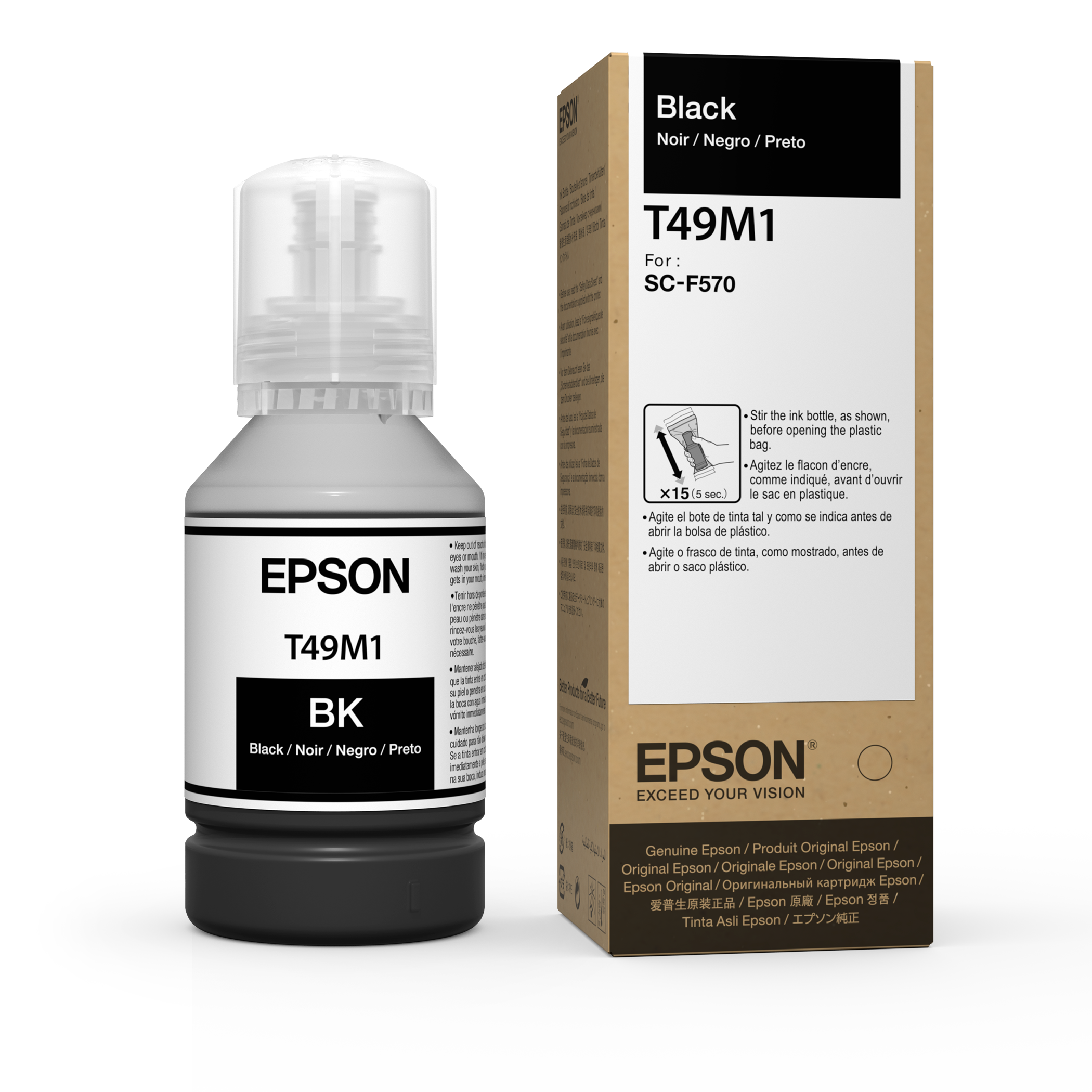
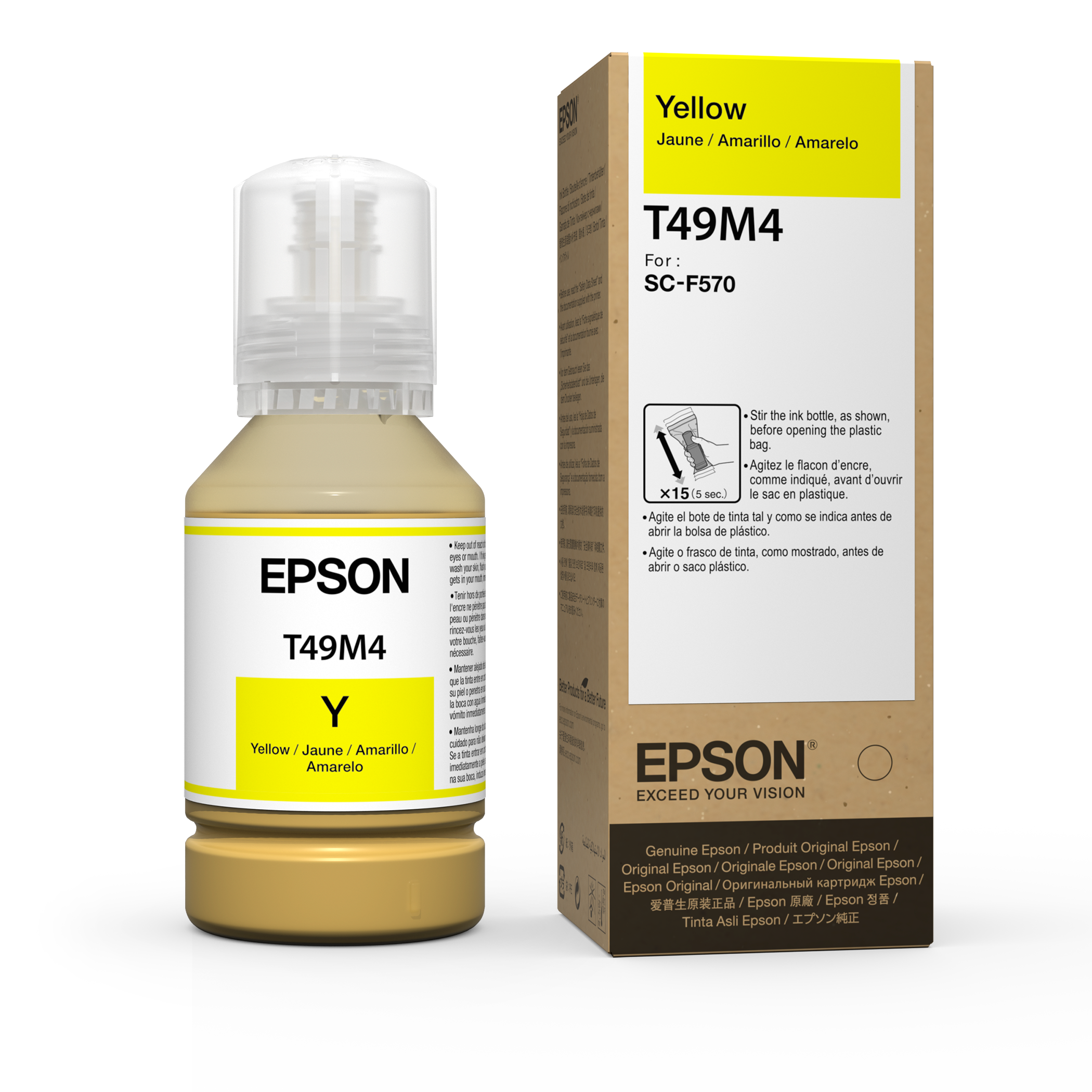
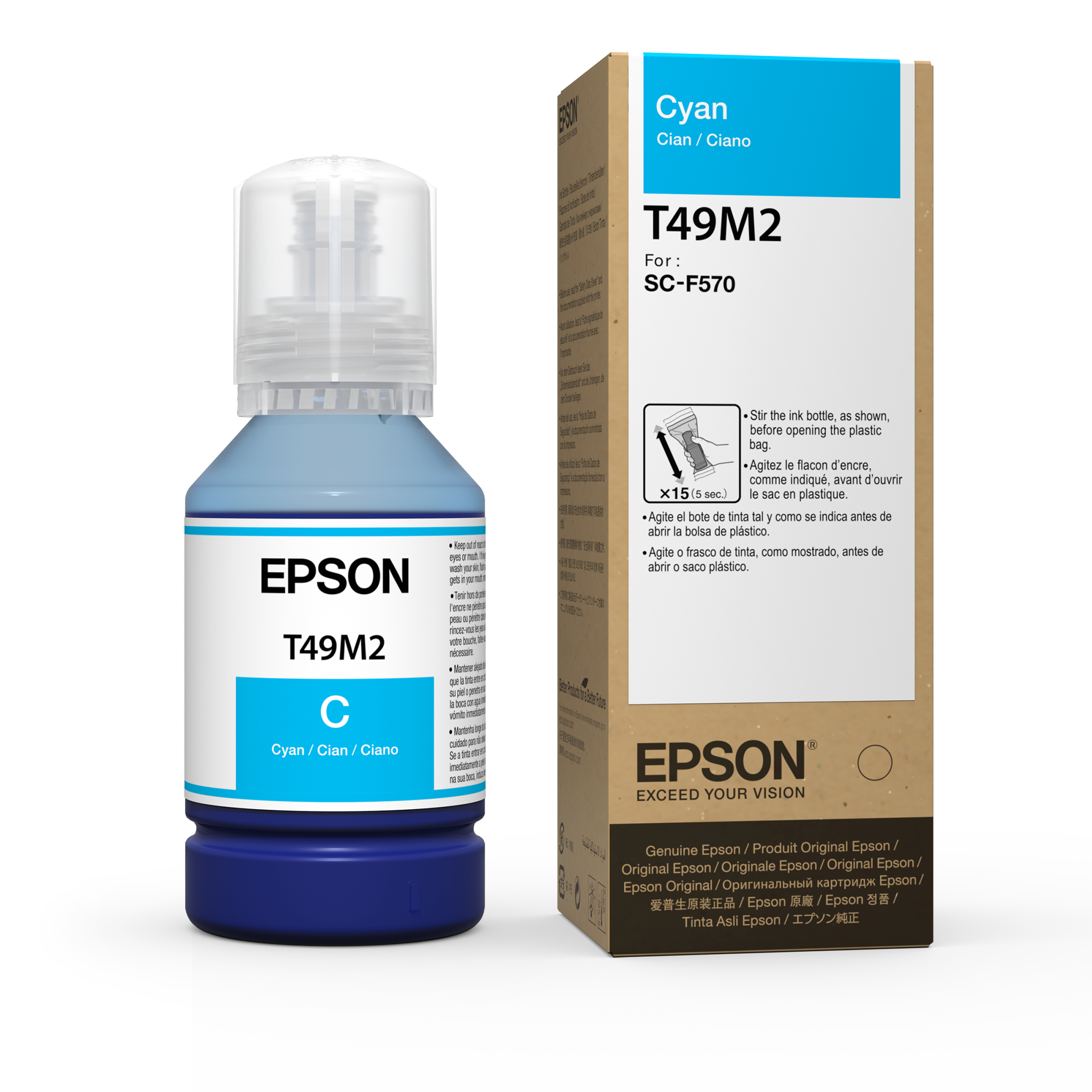
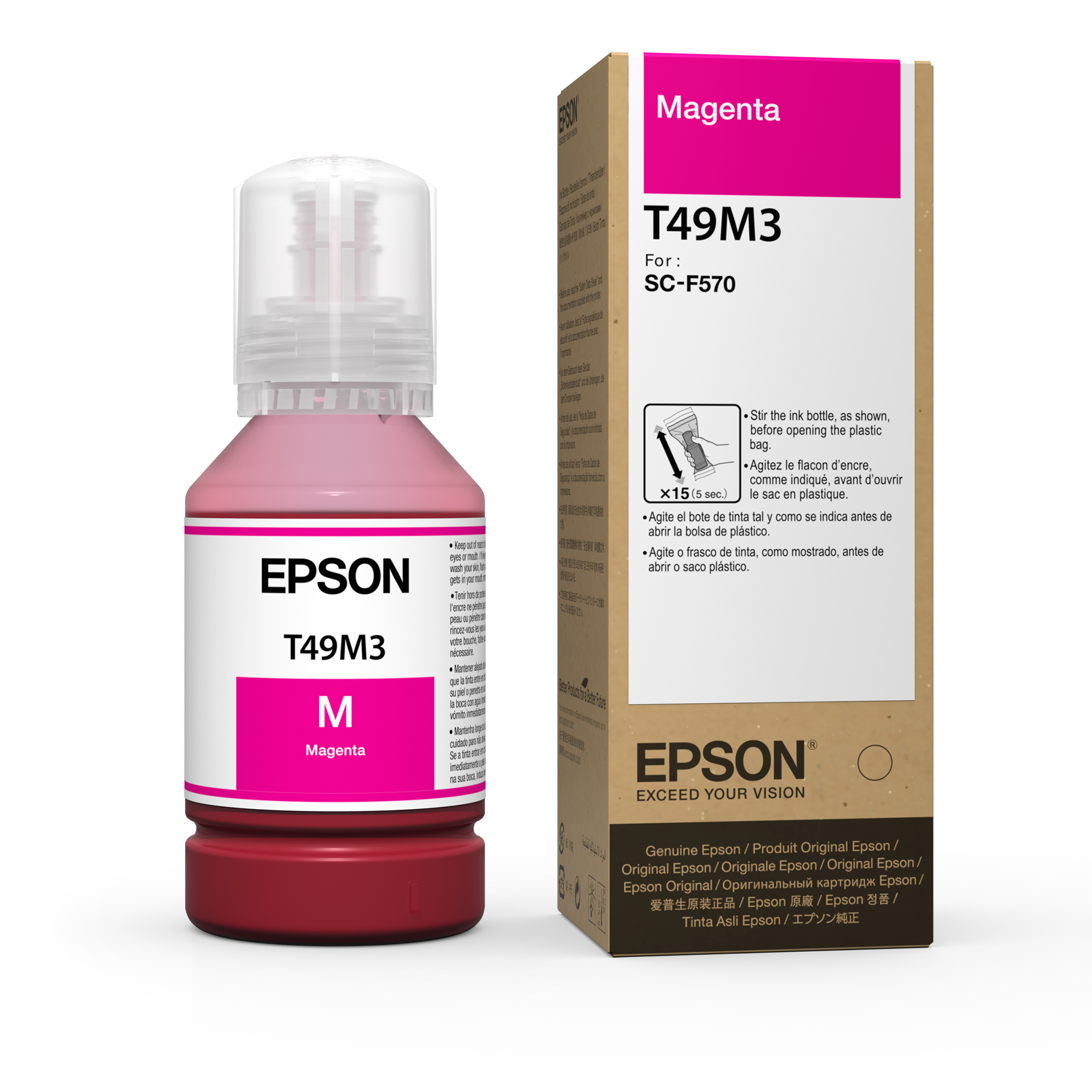
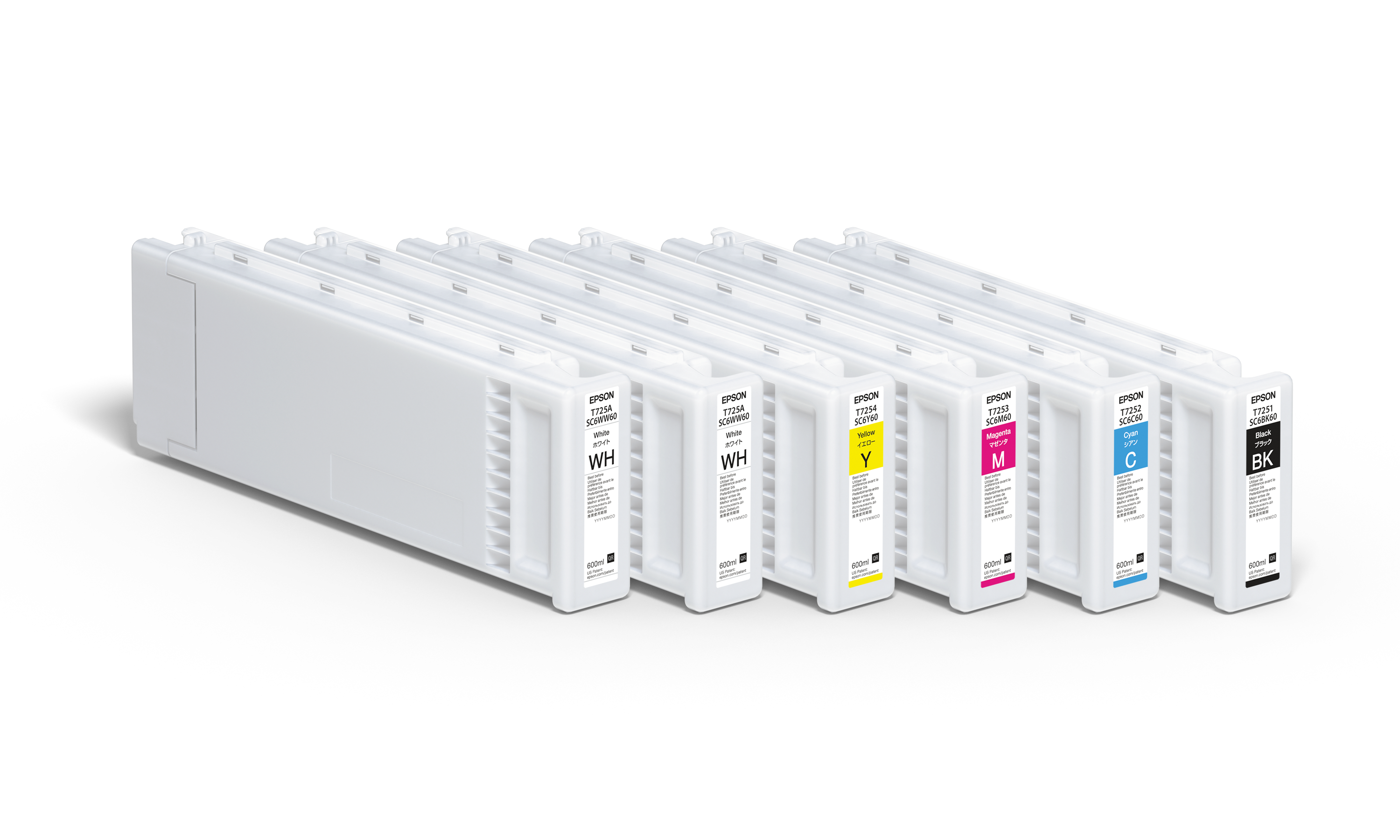
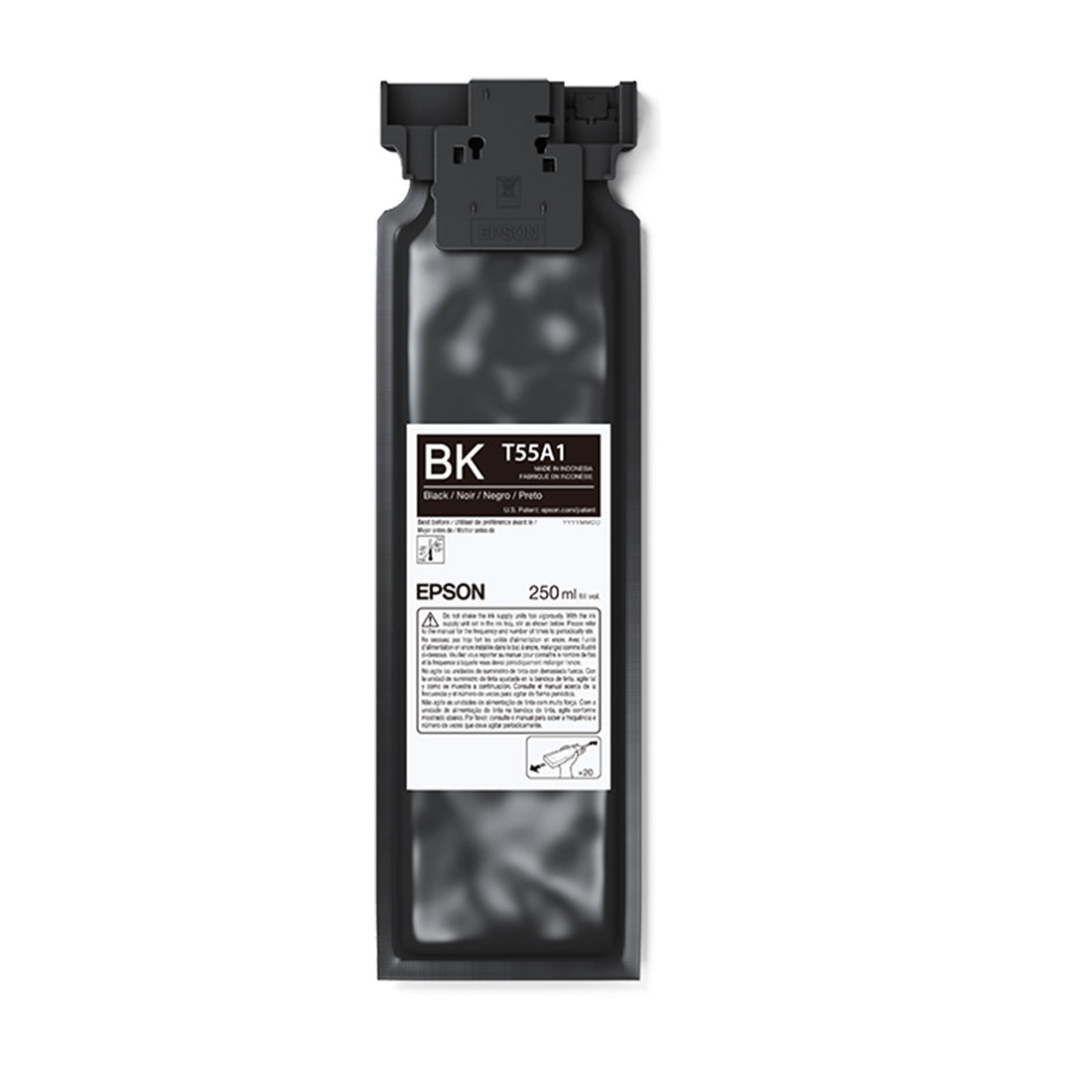
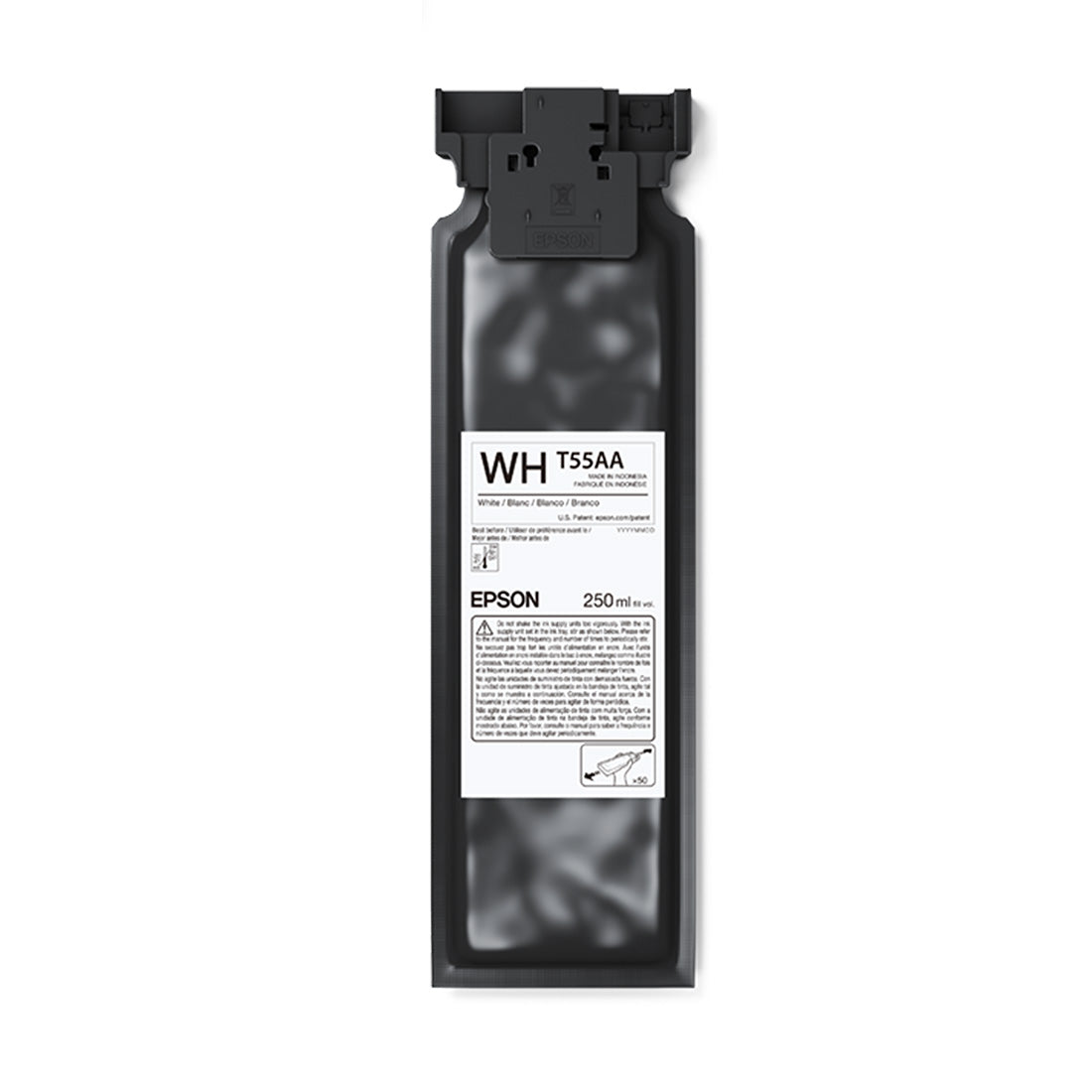
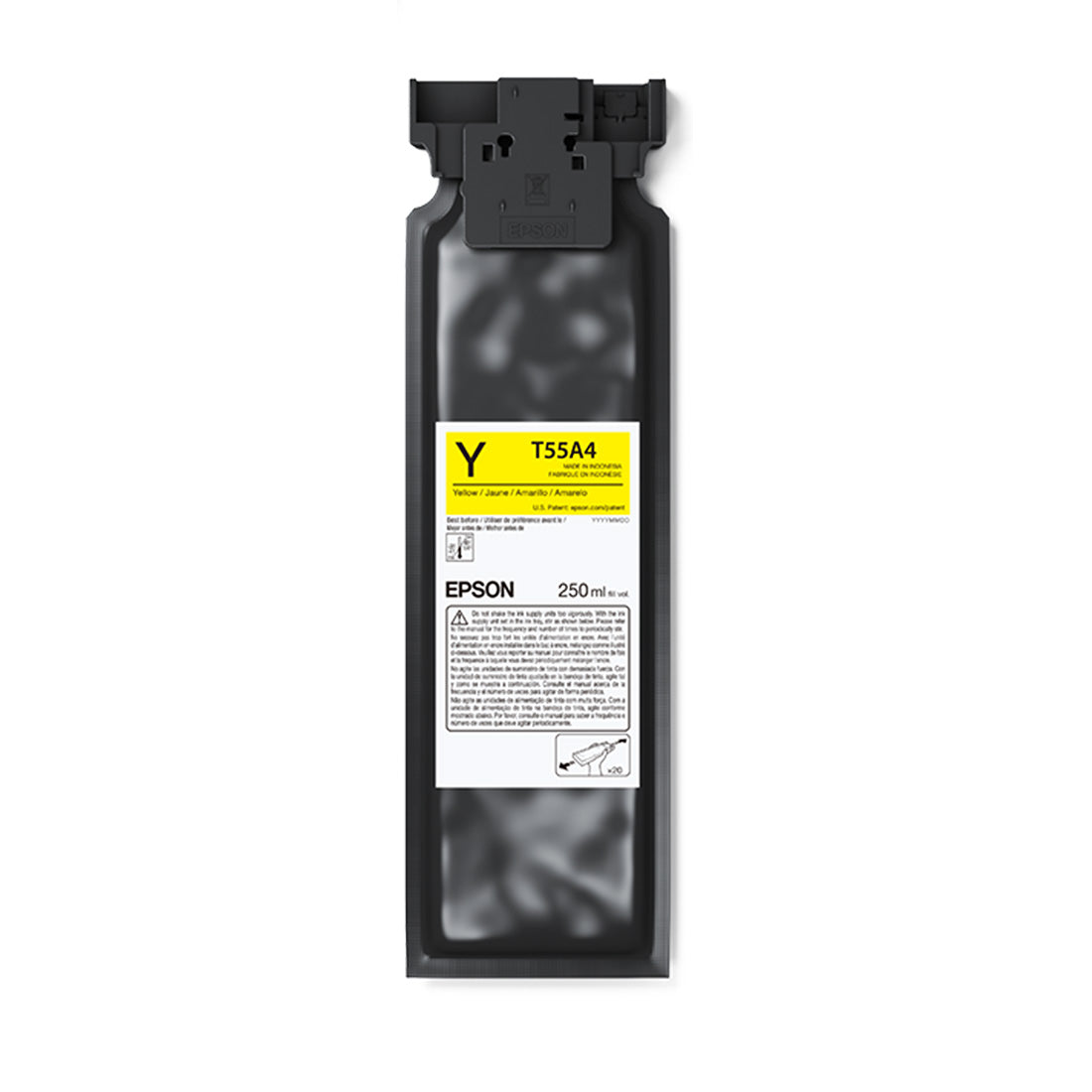
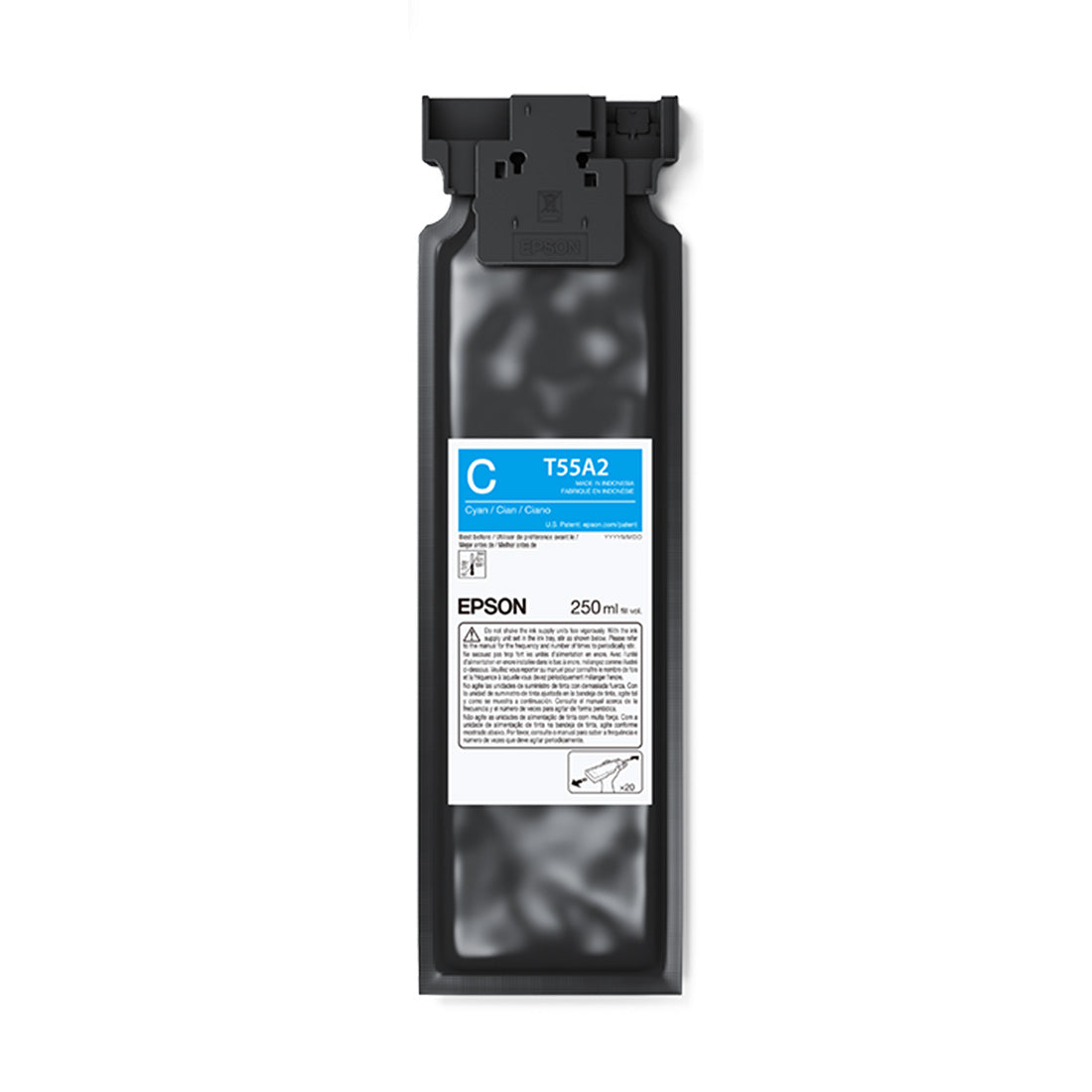
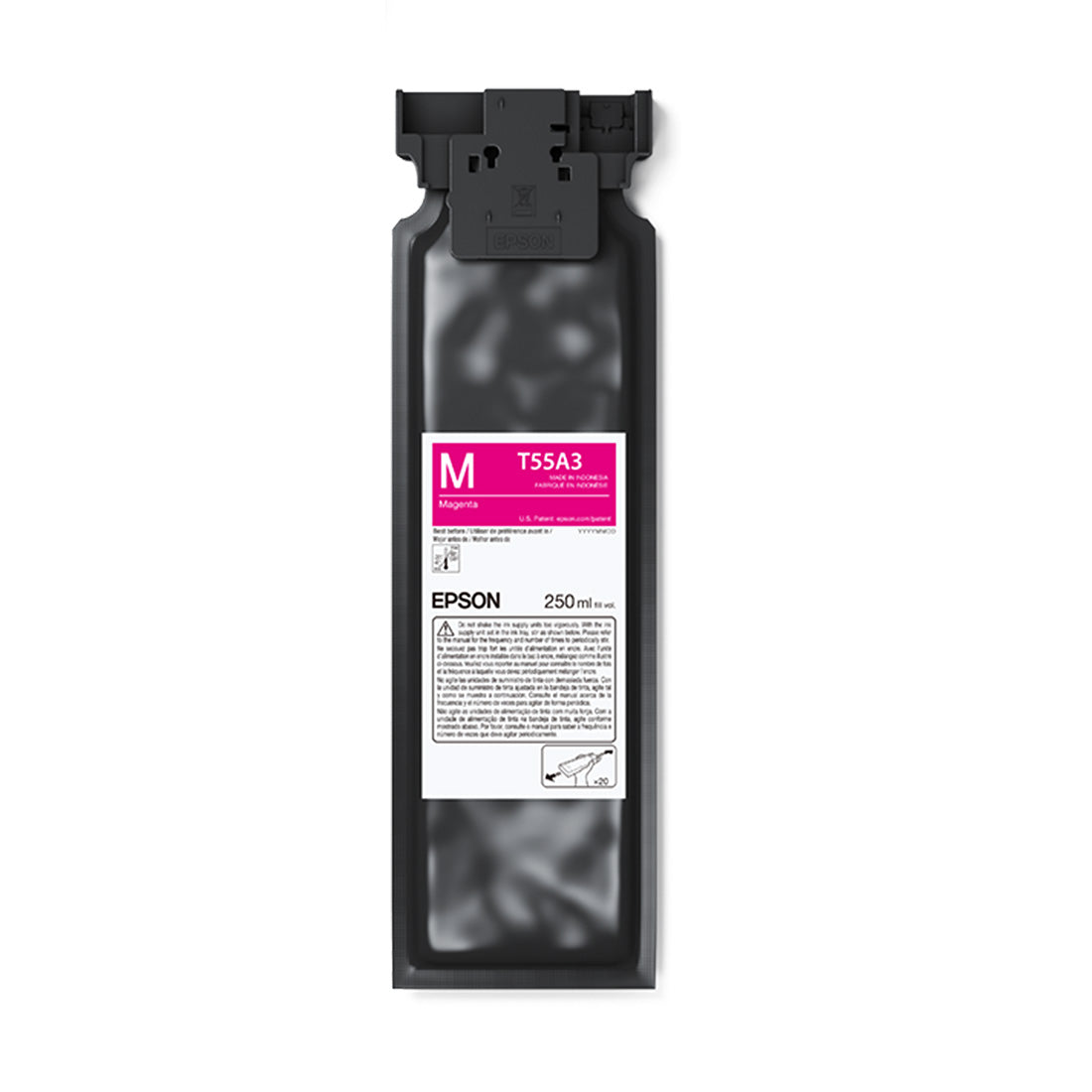
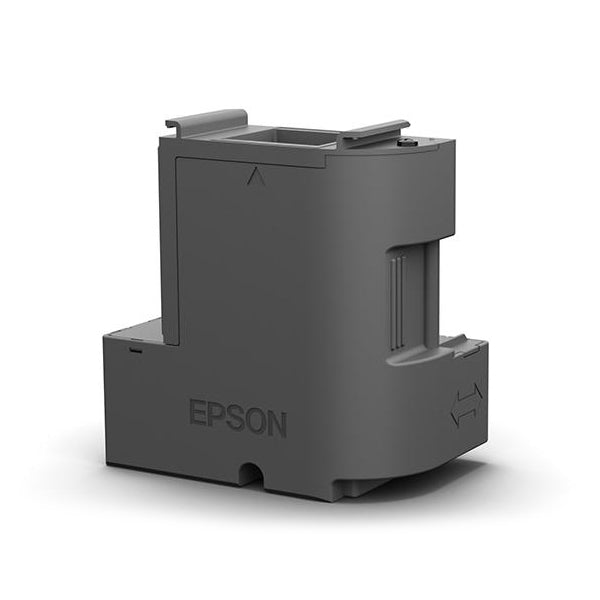
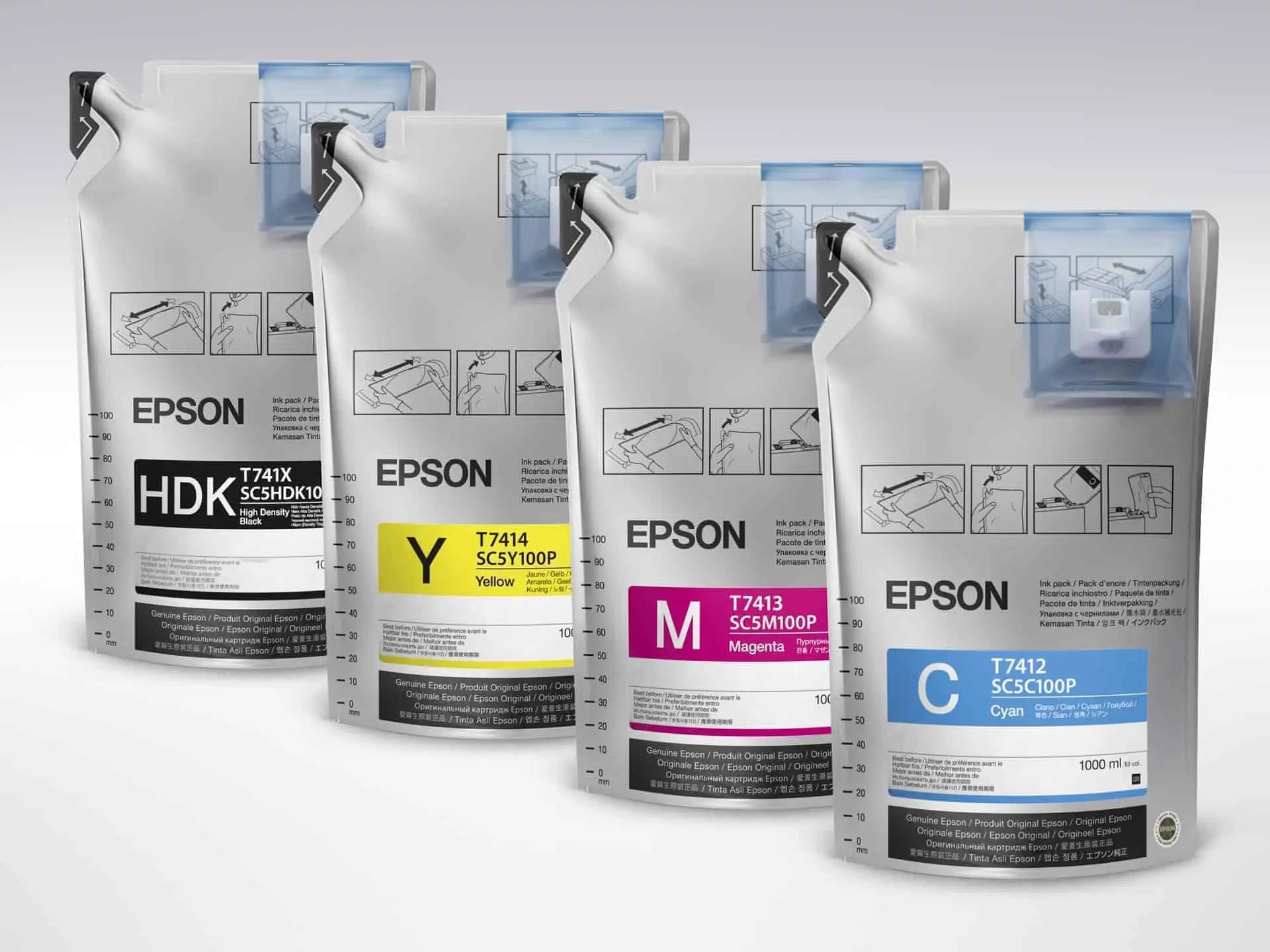
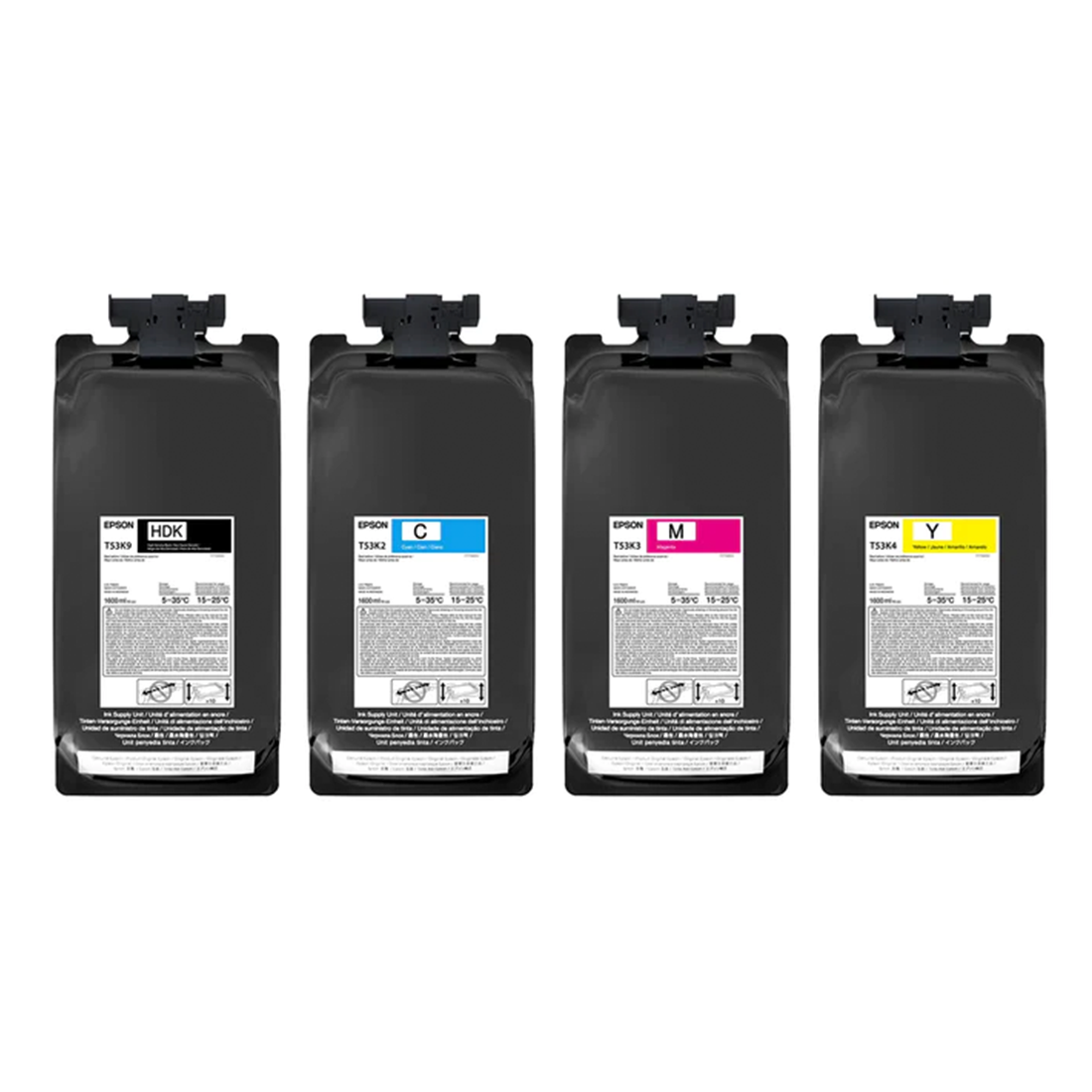
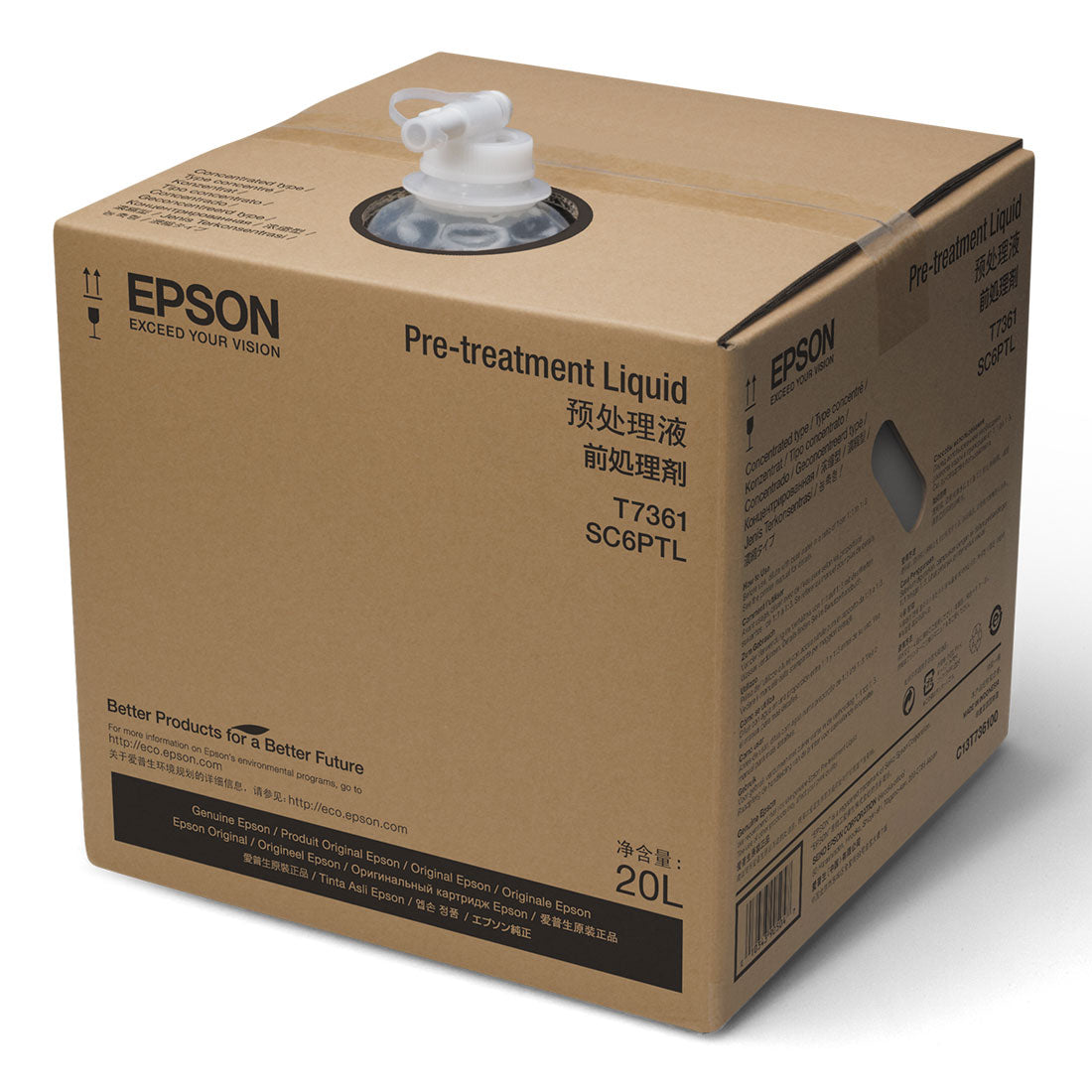
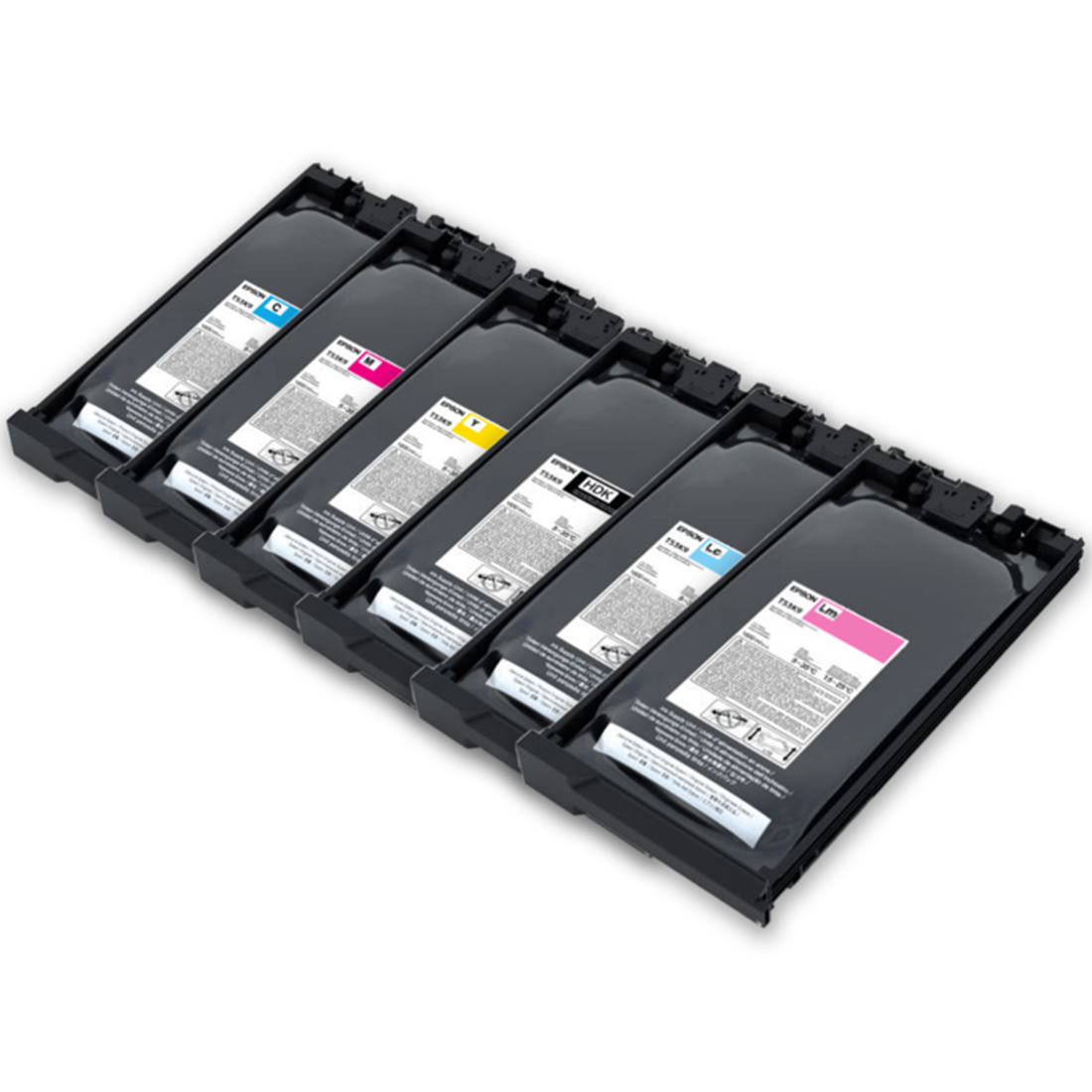
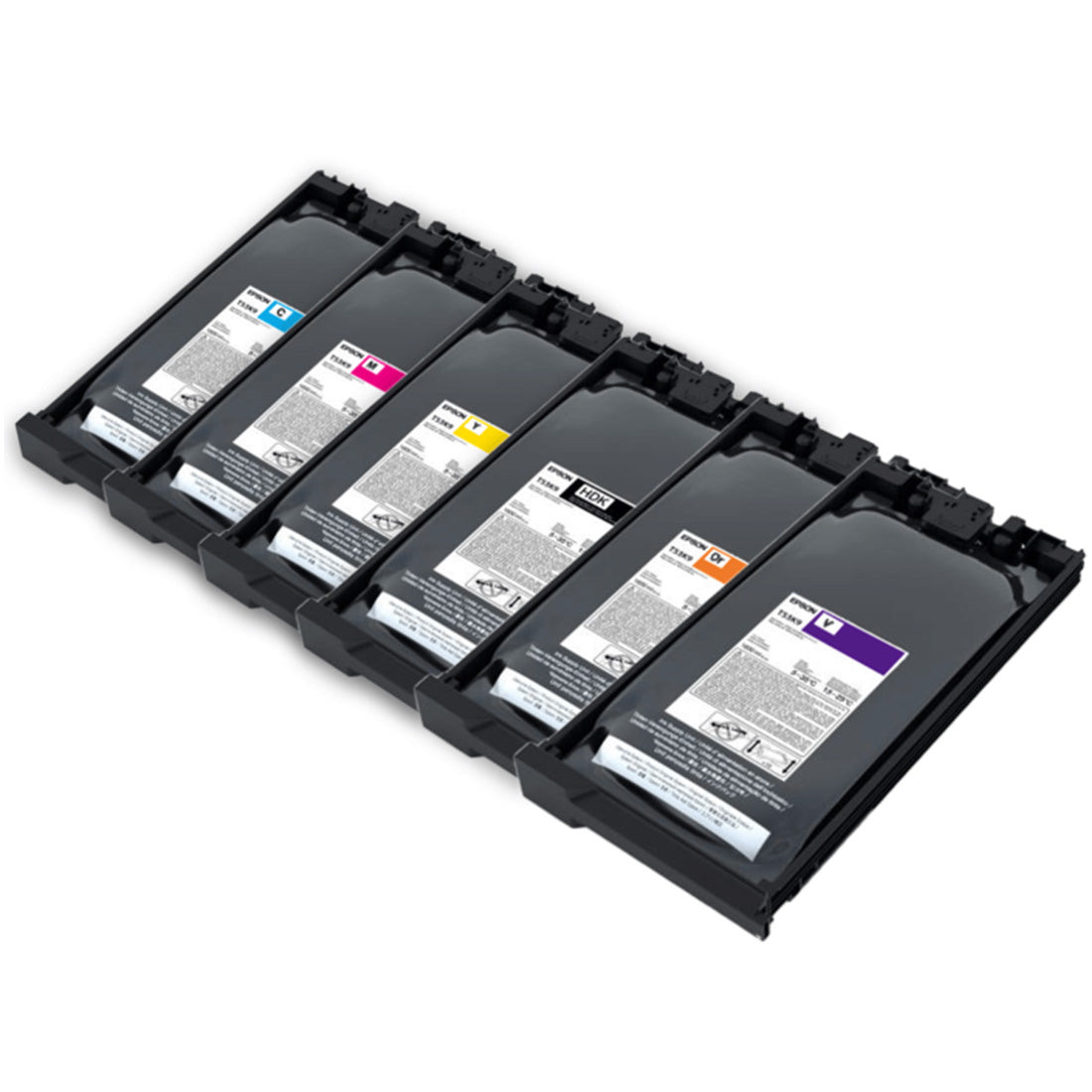
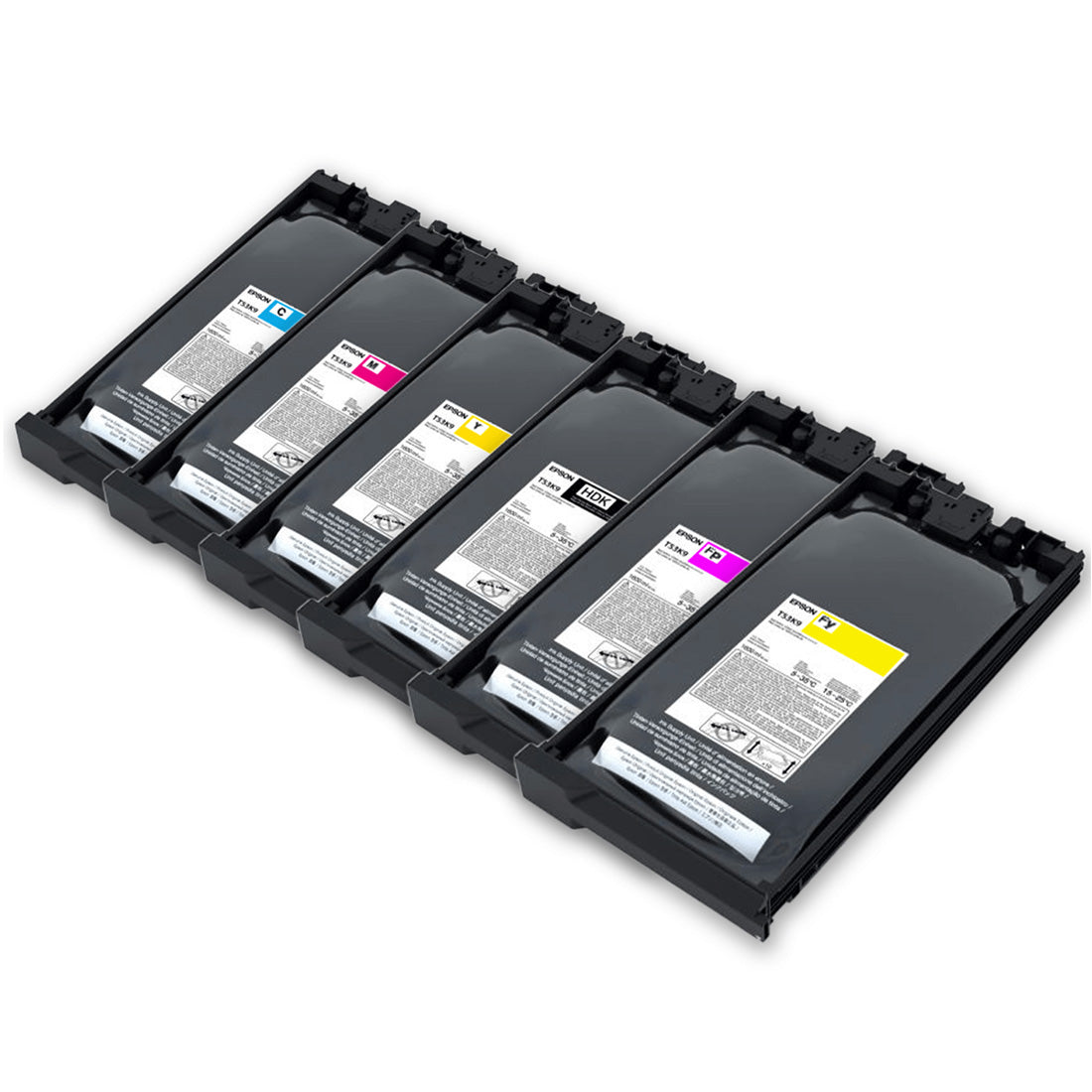
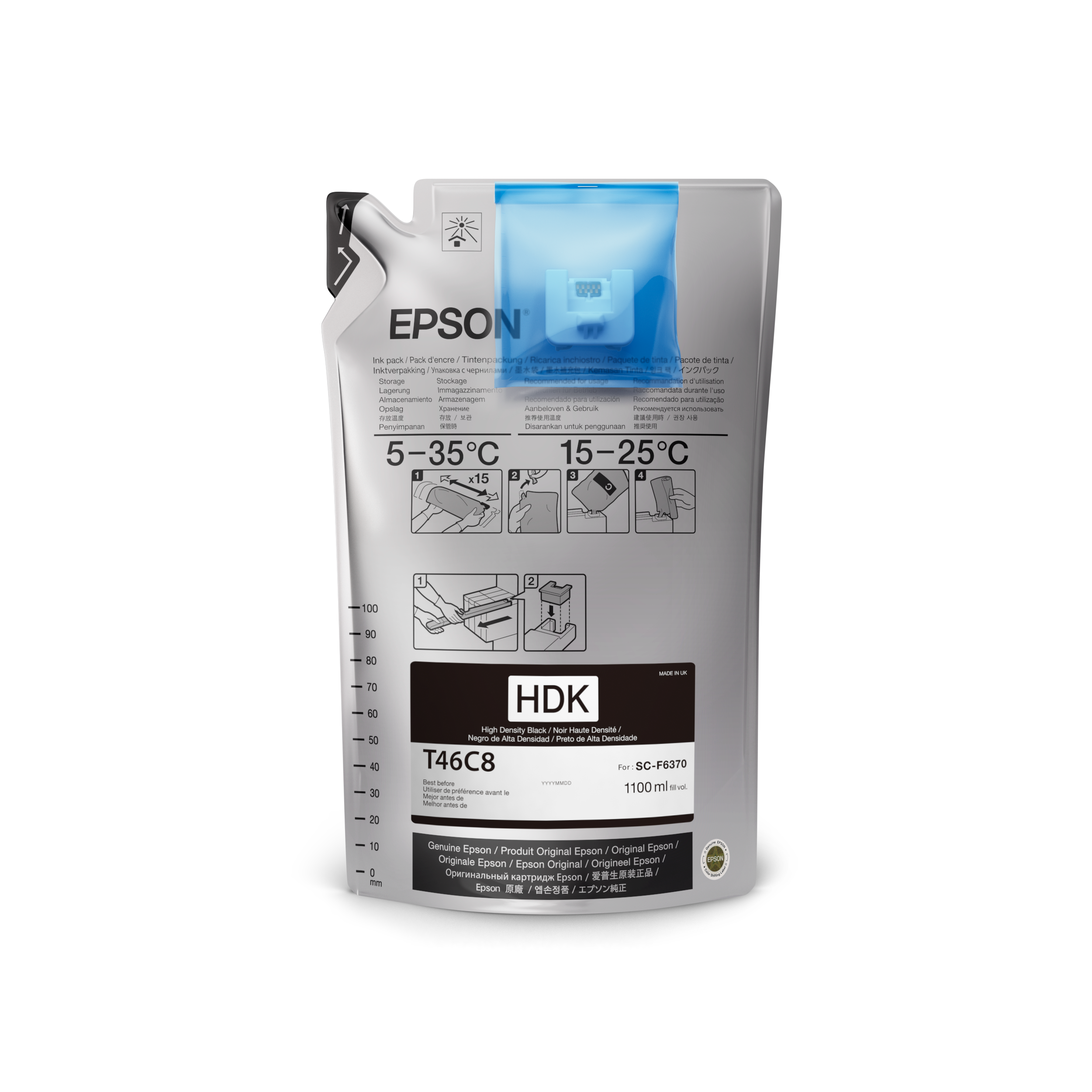
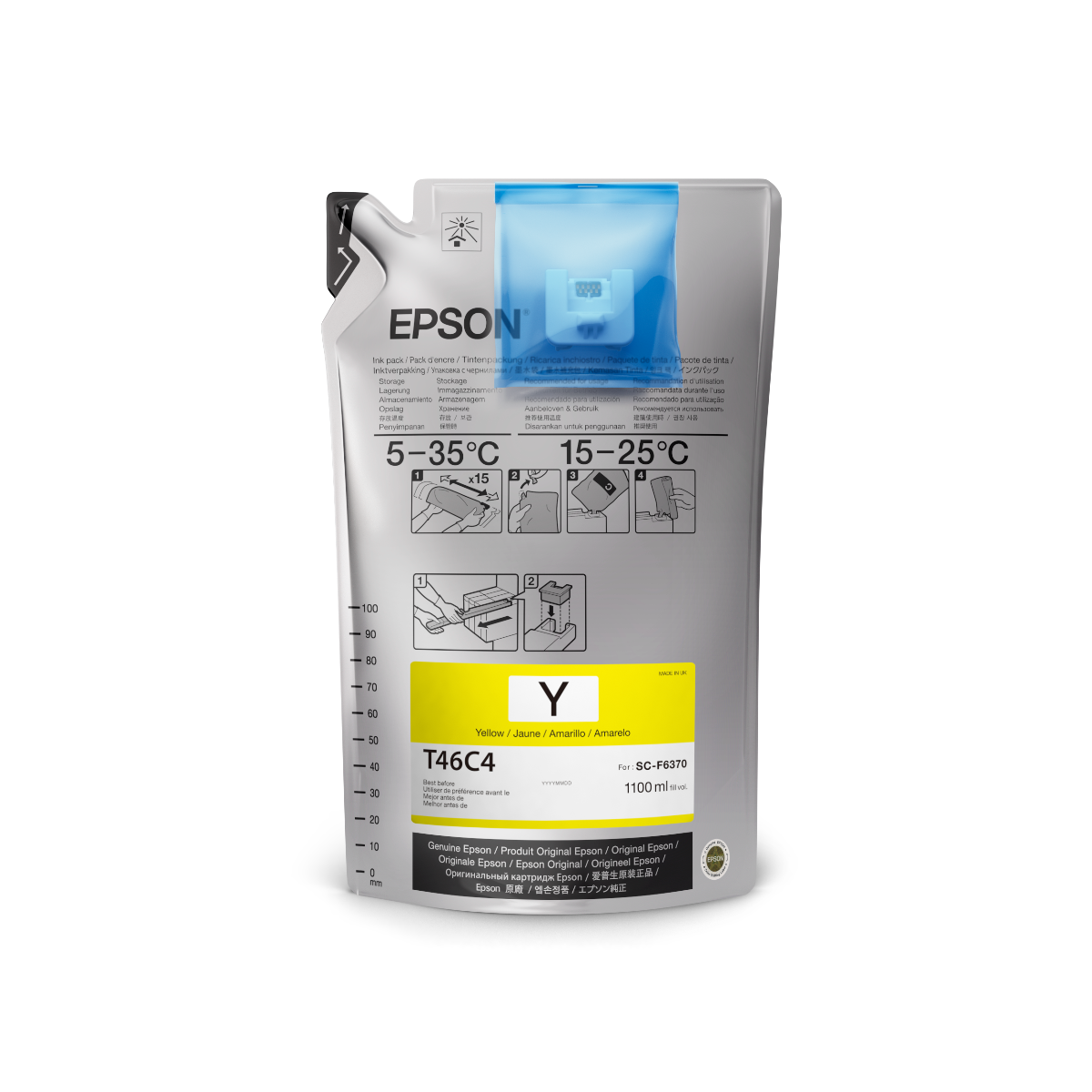
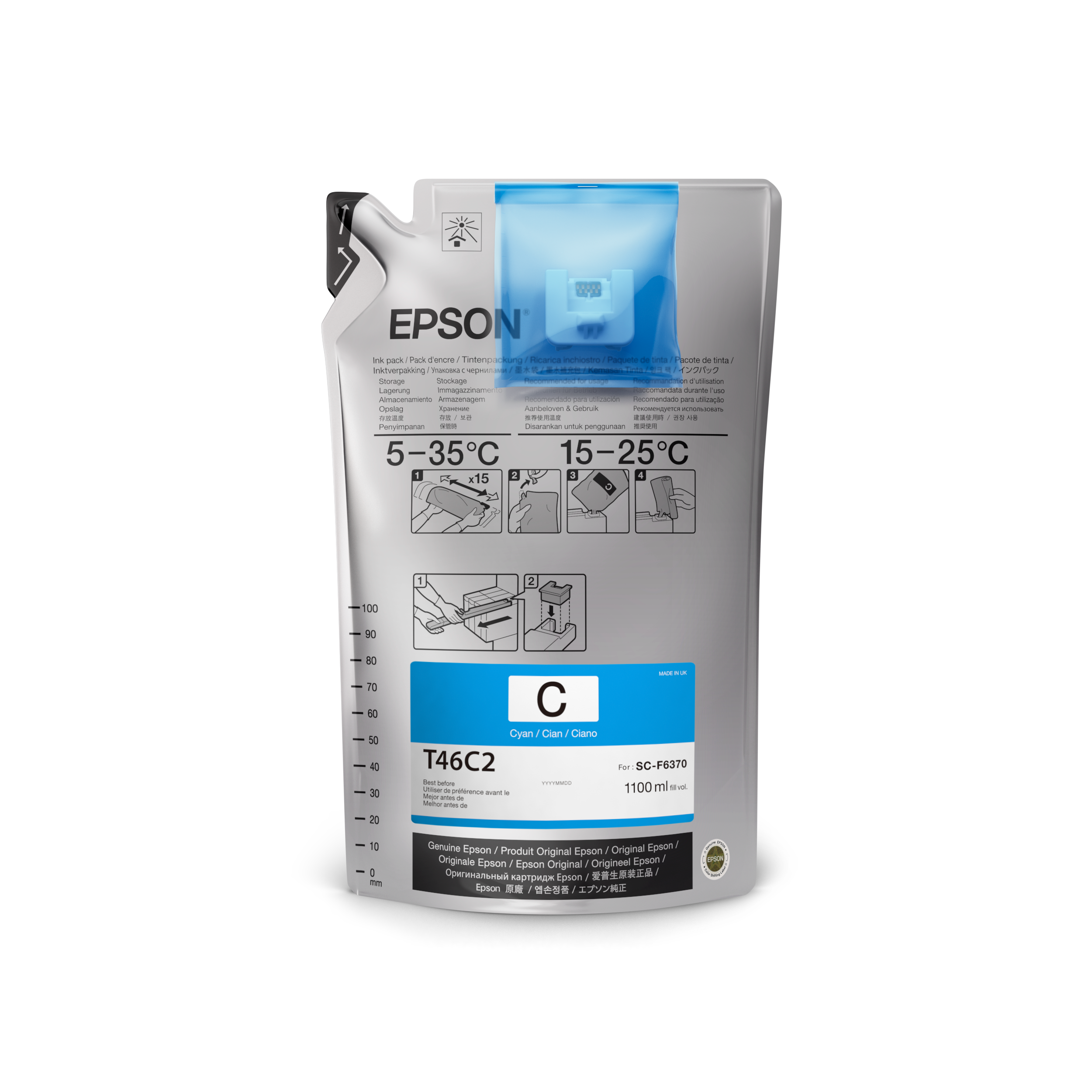
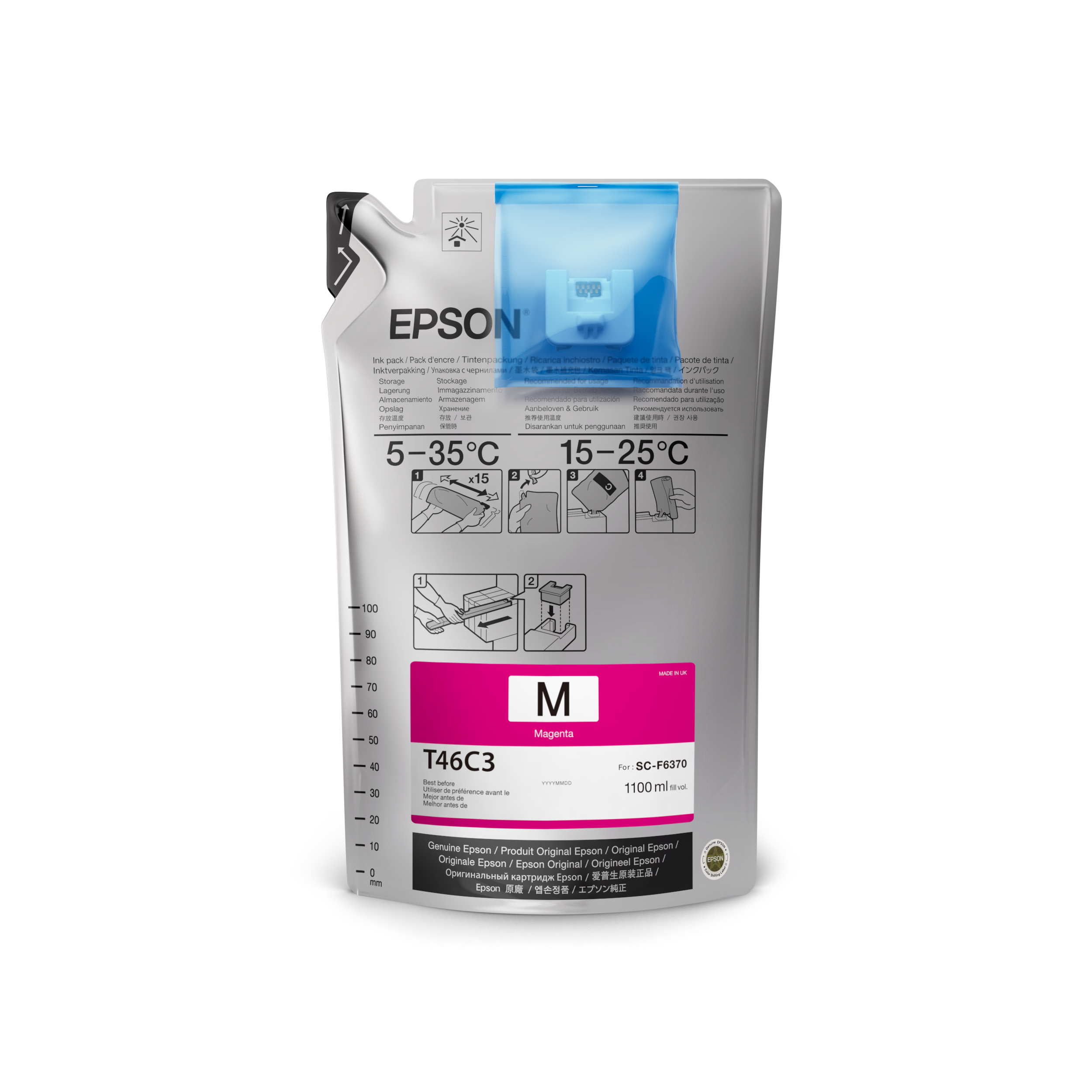
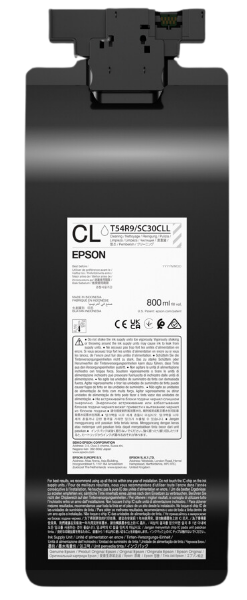
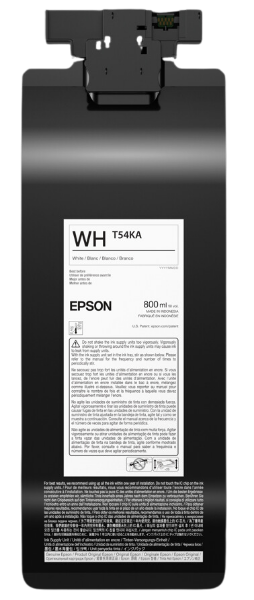
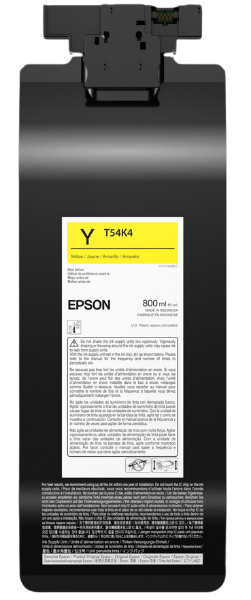
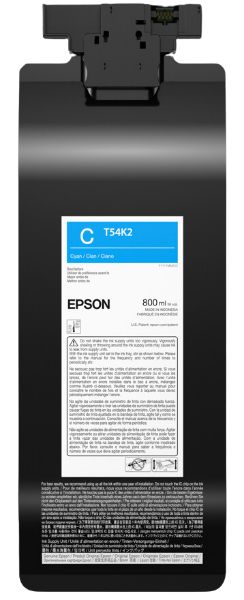
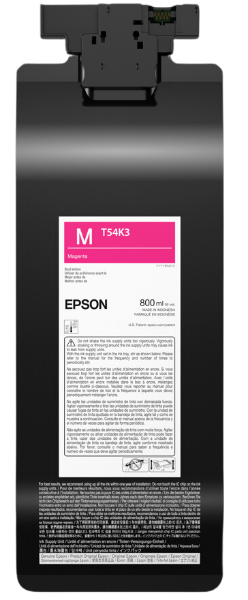
Joto ofrece tintas de sublimación Epson y tintas DTG/DTF para sus impresoras Epson.

Las tintas Epson producen una gama de colores extrema con colores vibrantes, negros intensos, contornos nítidos y gradaciones suaves; proporciona tiempos de secado extremadamente rápidos y, con los nuevos paquetes de recarga de tinta, ofrece un bajo costo total de propiedad.

Están formulados para trabajar con impresoras Epson y papel especial.

18 productos

  • Ordenar por

Frequently Asked Questions:

What are Epson inks used for in sublimation printing?

Epson UltraChrome DS inks are high-performance dye-sublimation inks designed to produce vibrant, high-contrast prints on polyester-coated substrates and fabrics. When used with compatible SureColor F-Series printers, these inks transition into a gaseous state under heat and pressure to permanently bond with the material at a molecular level. This professional-grade technology ensures exceptional color saturation, sharp contours, and superior resistance to fading or cracking. By utilizing genuine Epson ink sets, businesses can achieve consistent, retail-quality results for personalized apparel, promotional items, and hard-surface blanks.
Which Epson printer models are compatible with your dye sublimation inks?

Joto Imaging Supplies provides high-quality dye sublimation inks compatible with a broad range of Epson equipment, including the SureColor F170 and F570 desktop sublimation printers. Our professional ink formulations also support converted Epson EcoTank, WorkForce, and Stylus series printers, ensuring vibrant color reproduction and reliable printhead performance across diverse platforms. By utilizing these technical-grade inks along with specific ICC profiles, businesses can achieve consistent, retail-quality results on both hard and soft sublimation-ready substrates.

How can I properly store and handle Epson inks to ensure maximum print quality and longevity?

To ensure maximum print quality and longevity, Epson sublimation inks should be stored in a cool, dry environment between 59°F and 77°F, away from direct sunlight and extreme temperature fluctuations. Always keep ink containers sealed when not in use to prevent oxidation and moisture contamination, which can lead to clogged printheads or inconsistent color reproduction. Before refilling or installation, gently agitate the ink bottles to ensure proper pigment distribution and optimal viscosity for high-resolution output. Adhering to these technical storage protocols preserves the chemical integrity of the ink, ensuring vibrant and reliable transfers for your sublimation business.

How do I achieve vibrant results with Epson sublimation inks on different substrates?

To achieve vibrant, professional-grade results with Epson sublimation inks, you must utilize high-quality polymer-coated substrates and precisely calibrate your heat press to a temperature between 385°F and 400°F. For optimal color accuracy and extraordinary saturation, implement specific ICC color profiles designed for your printer, Epson ink, and transfer paper combination to ensure a faithful representation of your digital designs. Maintaining consistent pressure and dwell times—ranging from 45 seconds for textiles to over 3 minutes for ceramics—allows the ink to fully sublimate and form a permanent molecular bond with the substrate's polyester fibers or coating. Using premium transfer paper and ensuring all surfaces are free of moisture or contaminants will prevent ghosting and ensure your finished products remain resistant to fading, peeling, and cracking.

Why are my prints appearing dull or having inaccurate colors when using Epson inks for sublimation?

To achieve professional-quality color accuracy with Epson inks for sublimation, ensure you are utilizing high-quality sublimation paper and specific ICC profiles designed for your printer and ink combination. Dull or inaccurate colors often result from incorrect color management settings, so verify that your design software is set to the RGB color mode and that "No Color Adjustment" is selected in the printer driver to prevent conflicting profiles. Additionally, perform regular nozzle checks and head cleanings to eliminate clogs that can cause faded output or banding. Using technical-grade materials from Joto Imaging Supplies ensures the permanent molecular bond required for vibrant, retail-ready results on your polyester-coated substrates.

How can I achieve professional-quality color vibrancy with Epson Inks?

To achieve professional-quality color vibrancy with Epson inks, consistently utilize specialized ICC profiles and enable Image Color Matching (ICM) within your printer driver settings to ensure precise color reproduction. For maximum brilliance and high optical density, we recommend using genuine Epson pigment-based or dye-based inks paired with premium transfer media to optimize ink release and prevent dull or shifted hues. Additionally, regularly perform printhead alignments and color calibration cycles via the Epson Utility software to maintain consistent saturation and tonal accuracy across all print runs. Applying specific gamma adjustments and selecting high-resolution photo modes will further enhance contrast and depth for stunning, retail-ready results.

How can switching to Epson Inks improve my printing business's cost-effectiveness and overall profit margins?

Switching to Epson high-capacity ink systems can improve your business's cost-effectiveness by reducing ink costs by up to 90% compared to traditional cartridge-based models. By utilizing PrecisionCore Heat-Free Technology, these inks ensure superior color brilliance and professional-grade durability while maintaining a lower cost-per-page for high-volume production. Integrating high-yield ink bottles or packs minimizes downtime and administrative overhead, allowing you to maximize profit margins through improved operational efficiency. Utilizing these technical-grade consumables from Joto Imaging Supplies ensures long-lasting, vibrant results that differentiate your services in a competitive market.

How should I store and handle Epson inks to ensure long-term shelf life and print head safety?

To maximize the shelf life of Epson inks, store cartridges or bottles in a cool, dark environment at a stable temperature of approximately 25°C (77°F), avoiding direct sunlight and extreme thermal fluctuations. Always maintain an upright position with labels facing upward to prevent ink settling or leakage, and allow any products retrieved from cold storage to acclimate at room temperature for at least three hours before installation. To protect print head integrity, keep ink vacuum-sealed until immediate use and ensure all cartridges remain installed in the printer to prevent nozzle dehydration and clogging. For optimal color vibrancy and technical performance, utilize the ink within six months of opening and strictly observe the expiration dates provided on the original packaging.

How do Epson Inks compare to other decoration methods for professional digital transfers?

Epson sublimation inks offer a significant advantage over traditional decoration methods like screen printing or DTF by creating a permanent molecular bond with polyester-coated substrates. This dye-sublimation process ensures that transfers are virtually indestructible, resisting fading, cracking, and peeling even after repeated high-intensity use or industrial washing. While topical applications can alter the texture of a garment, Epson’s advanced ink formulation maintains the original soft hand-feel of fabrics while delivering high-resolution, vibrant color reproduction. By utilizing genuine Epson UltraChrome DS inks, professional decorators can achieve superior detail and consistency that ensures retail-quality results across a wide range of promotional products and apparel.

How can I calibrate custom ICC profiles and adjust gamma settings to ensure color accuracy when converting an Epson EcoTank for professional-grade sublimation?

To ensure professional-grade color accuracy when converting an Epson EcoTank for sublimation, you must install a custom ICC profile specifically calibrated for your unique ink, paper, and substrate combination. Calibrate your workflow by setting the printer driver to No Color Adjustment and adjusting your graphics software to manage colors using a 2.2 gamma setting to prevent dark or muddy outputs. For optimal results, use a spectrophotometer to measure test charts and establish consistent heat press variables, as temperature and pressure directly impact final color vibrancy. Regularly updating these profiles when switching batches of sublimation ink or media ensures your output remains color-matched to your calibrated monitor.

Drawer Title
productos similares