




























































































































saltar al contenido
es
CAD

Bienvenido al nuevo sitio web de Joto Imaging Supplies

Sawgrass Printers

Filtrar

4 productos

  • Ordenar por

Frequently Asked Questions:

What are Sawgrass Printers and what is their primary use in sublimation printing?

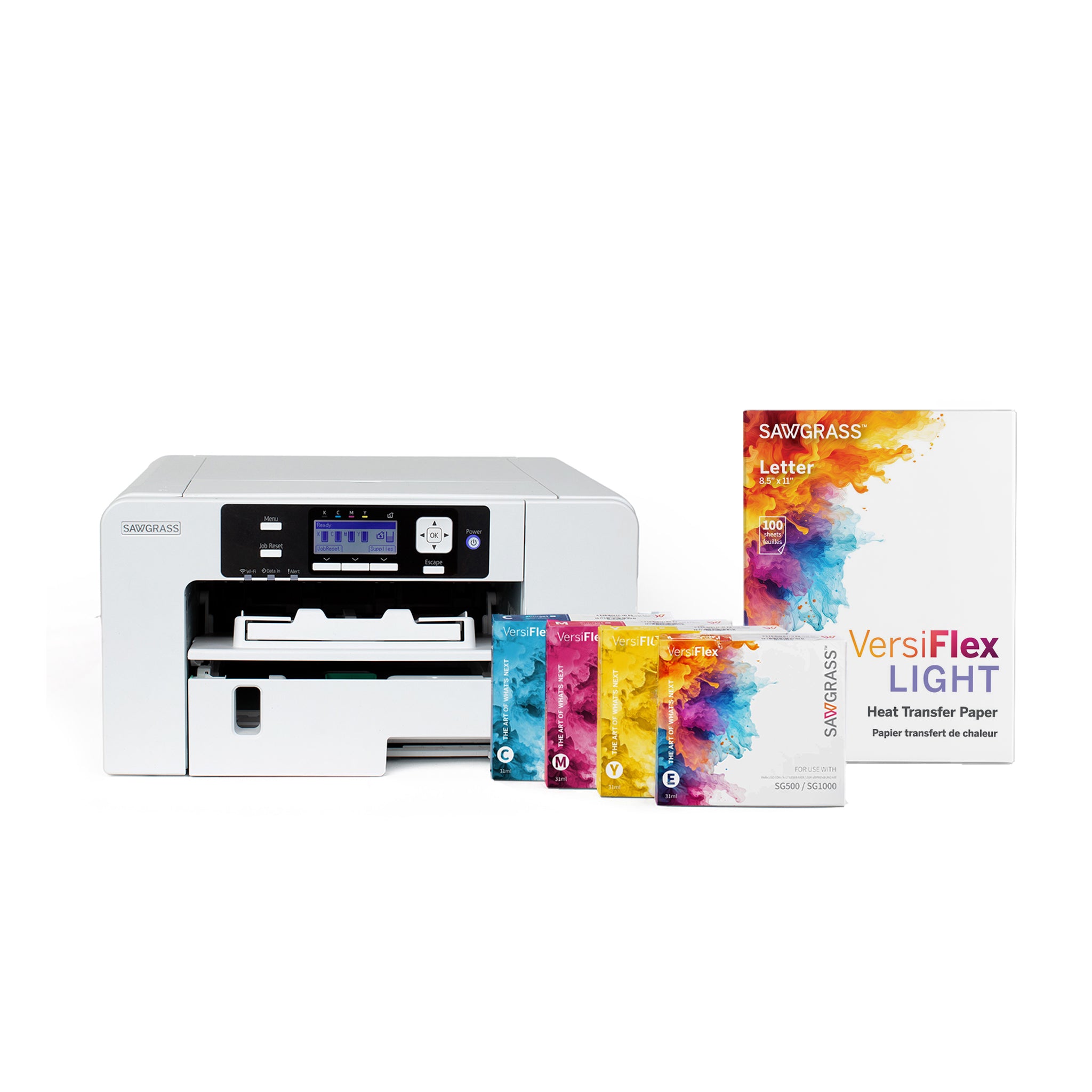
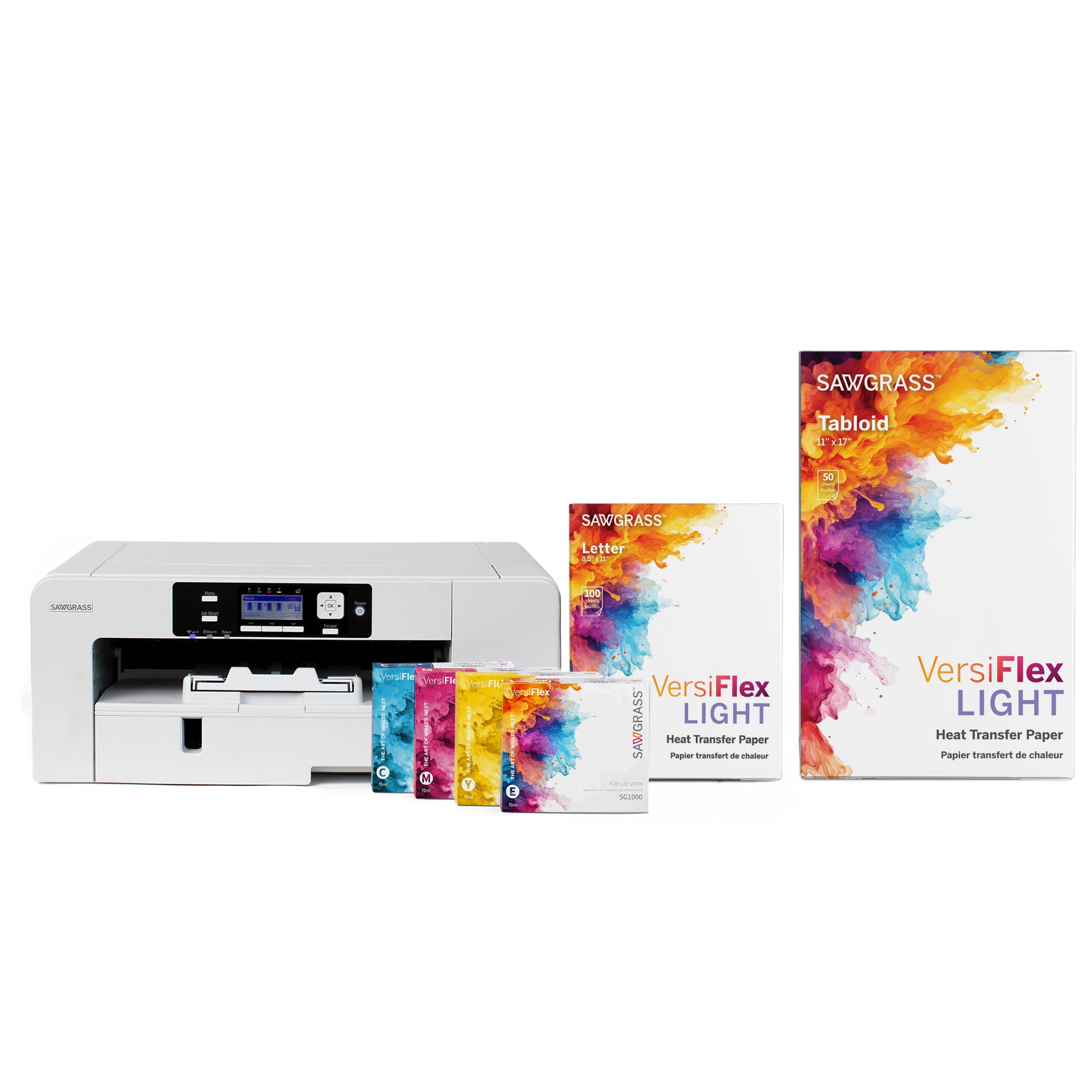
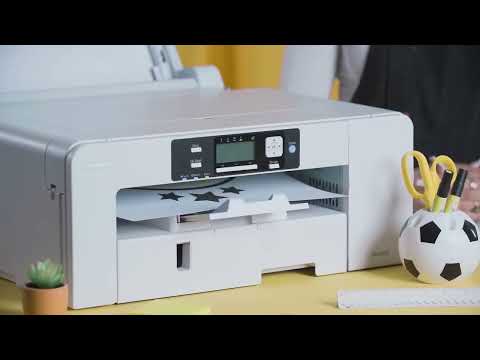
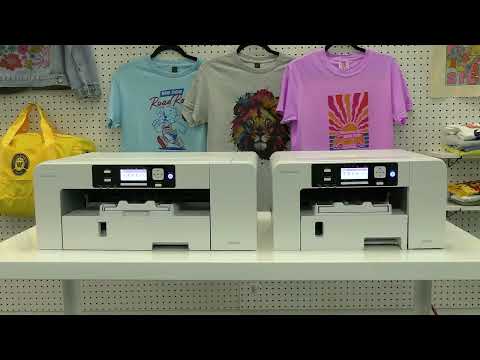
Sawgrass Printers are industry-leading desktop dye-sublimation systems specifically engineered for high-resolution product personalization on polyester fabrics and poly-coated substrates. These professional-grade printers utilize advanced SubliJet UHD inks and precision printheads to deliver vibrant, fade-resistant graphics with exceptional color accuracy. Their primary use in the sublimation workflow is to create high-quality transfers for a diverse range of items, including custom apparel, ceramic mugs, and photo panels. By integrating proprietary print management software, Sawgrass systems ensure optimized ink consumption and consistent, gallery-quality results for both startups and established print shops.

What paper types and substrates are compatible with Sawgrass printers for optimal sublimation results?

Sawgrass printers are optimized for use with high-quality transfer media like TruePix Classic and TexPrint DT Heavy paper to ensure maximum ink release and vibrant color density. These systems are highly compatible with a broad range of polyester-coated hard surfaces, including ceramic mugs, metal signage, and MDF wood blanks, as well as 100% polyester apparel and performance fabrics. For specialized applications, using Siser EasySubli HTV or Chromablast media allows for professional-grade transfers onto cotton and dark-colored textiles. By utilizing these Sawgrass-approved substrates and specialized papers, businesses can achieve durable, high-resolution results with exceptional wash fastness and clarity.

How can I ensure the long-term durability and proper maintenance of prints made with Sawgrass Printers?

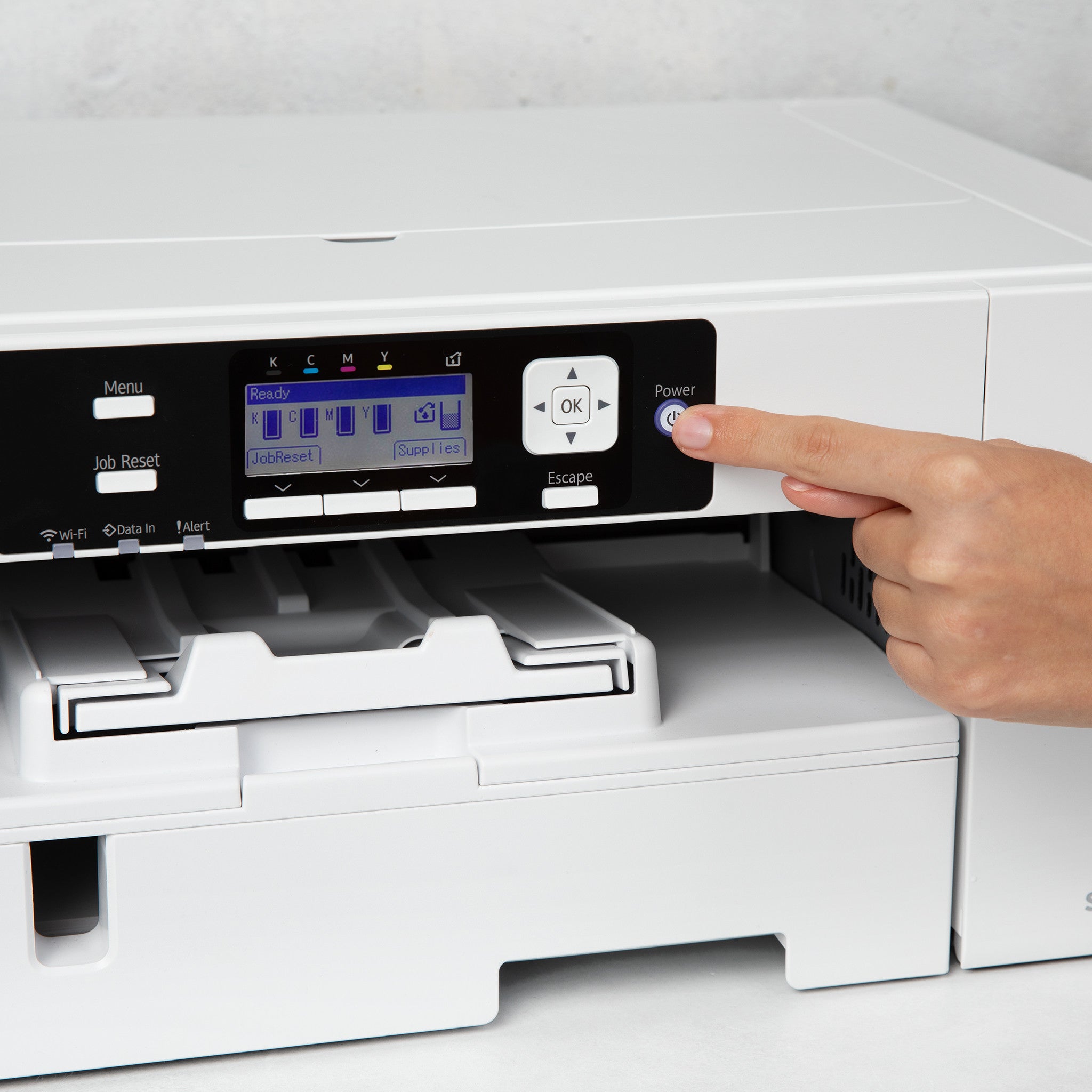
To ensure the long-term durability of sublimation prints made with Sawgrass Printers, always use genuine Sawgrass SubliJet UHD inks and high-quality transfer media to maintain vibrant color fastness and prevent printhead clogging. It is critical to keep the printer powered on at all times to allow the integrated self-maintenance cycles to preserve the dual stainless steel print heads and ensure consistent output. For decorated apparel, wait 24 hours before the first wash and follow specific laundering instructions, such as washing inside-out on a cold setting, to protect the image integrity. Following these technical maintenance protocols and environmental guidelines will maximize the lifespan of your custom sublimation products and protect your industry-leading warranty.

How do you properly set up and print with Sawgrass Printers to achieve professional sublimation results?

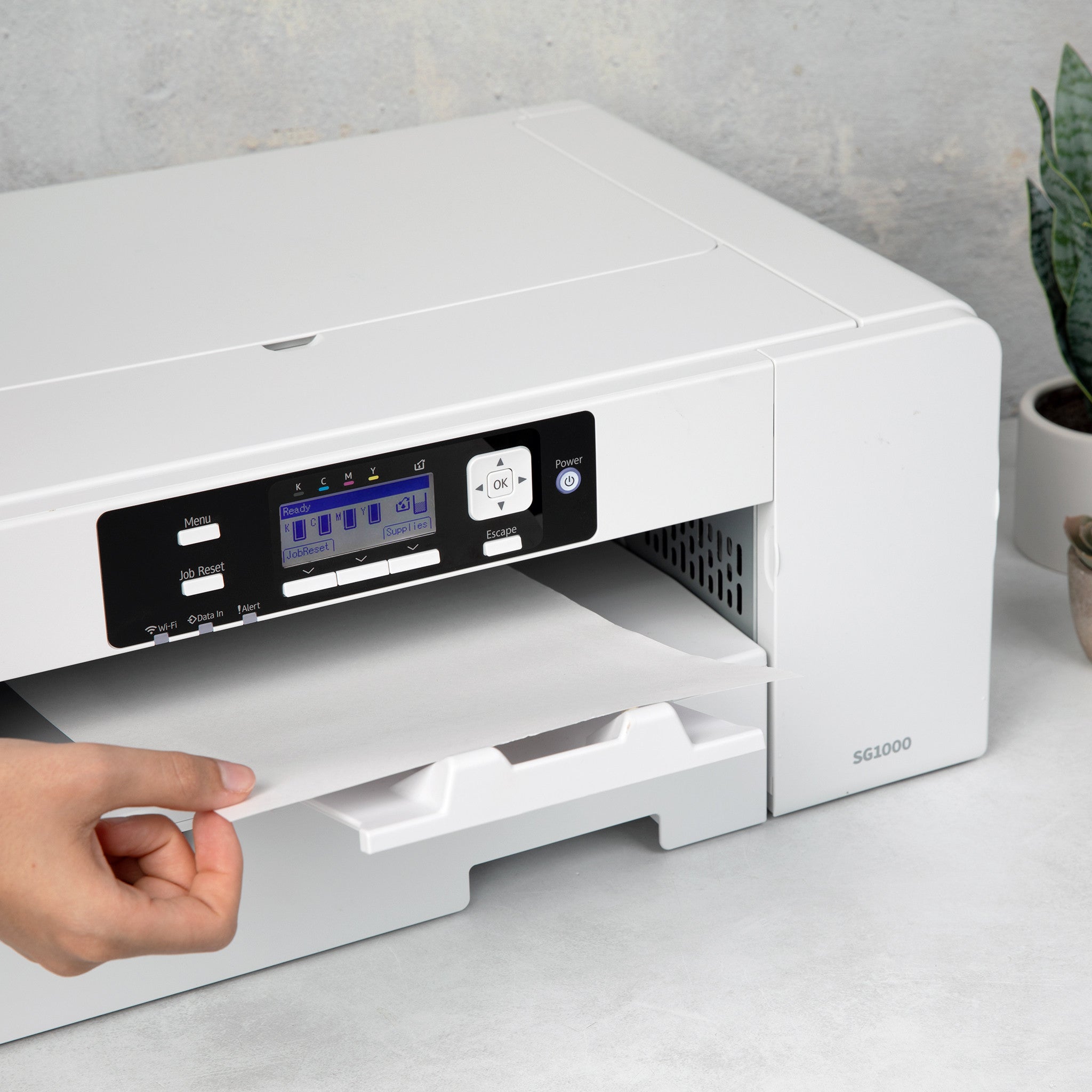
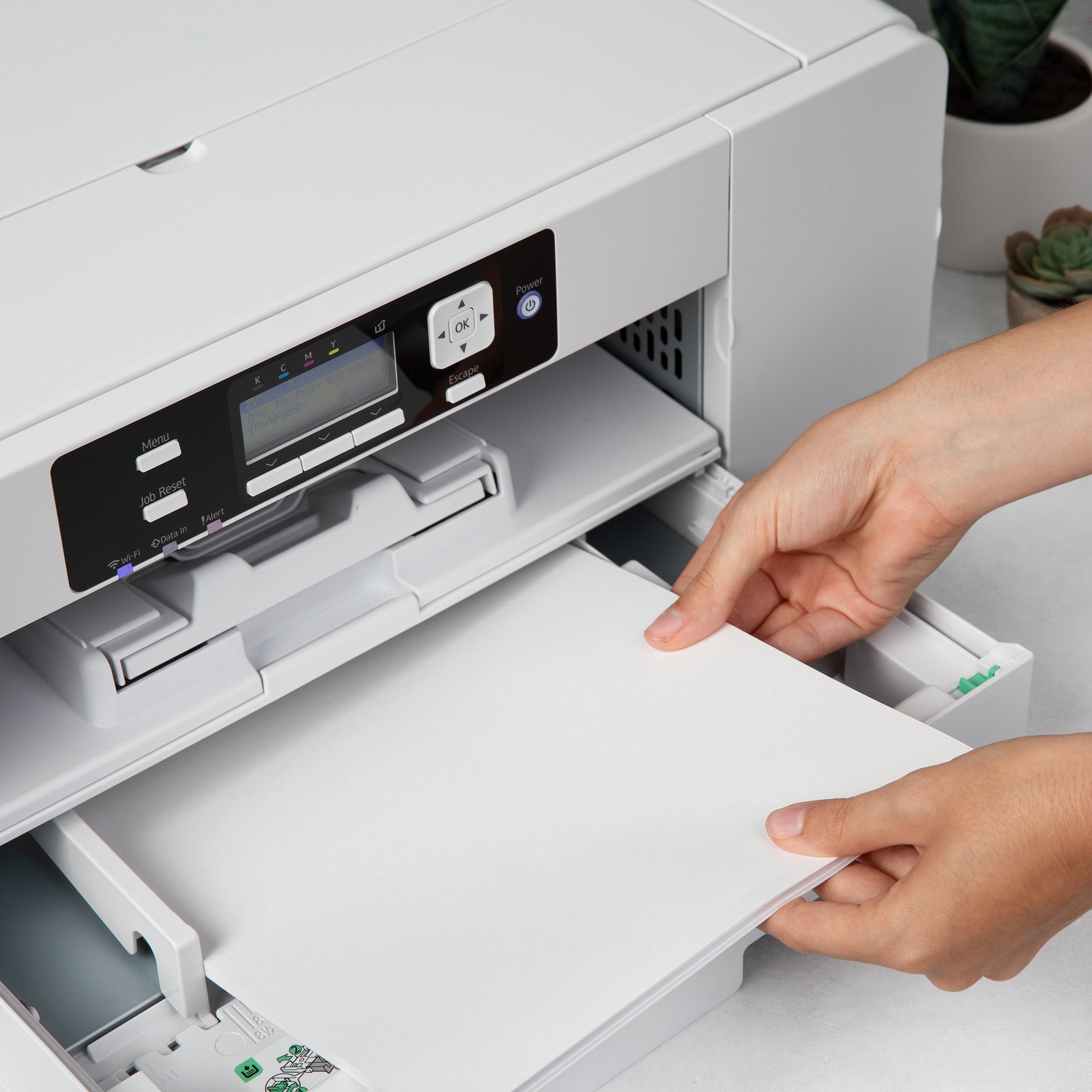
To properly set up your Sawgrass SG500 or SG1000 printer, begin by installing the genuine SubliJet-UHD ink cartridges and loading high-quality sublimation paper with the bright white side facing down. For professional results, utilize the Sawgrass Print Manager or Print Utility software to automatically manage ICC color profiles and ensure optimal color accuracy across various substrates. When printing, always select the correct substrate and paper settings within the software to maintain vibrant, high-resolution transfers that bond effectively at a molecular level. This streamlined workflow from Joto Imaging Supplies ensures consistent, industrial-grade quality for all your custom apparel and promotional product projects.

What are the most common causes of banding or incorrect color output when using Sawgrass sublimation printers?

Banding and incorrect color output in Sawgrass sublimation printers are most commonly caused by clogged print head nozzles, which can be identified and resolved through periodic nozzle checks and head cleanings. Technical issues such as bypassing the Sawgrass Print Manager or using incorrect substrate and paper profiles often result in dull or inaccurate colors. Additionally, hardware-related factors like a dirty horizontal encoder, misaligned paper feed adjustments, or the use of expired ink can significantly compromise print quality. Maintaining consistent power to the unit for automated maintenance cycles is essential for ensuring the long-term reliability and vibrant output of your sublimation system.

How can I achieve maximum color vibrancy and professional print quality with Sawgrass Printers?

To achieve maximum color vibrancy and professional print quality with Sawgrass Printers, always use authentic SubliJet UHD inks and premium sublimation paper while printing through the Sawgrass Print Utility. Ensure your settings are optimized by selecting the Vibrant color mode for bold graphics and high-resolution output levels up to 4880 x 1200 dpi. It is critical to select the correct substrate and paper profiles within the software to ensure precise color reproduction and optimal ink saturation. Finally, maintain your printer performance by performing regular nozzle checks and head cleanings to prevent banding and ensure consistent ink delivery.

How can investing in Sawgrass Printers help my business reduce production costs and increase profit margins?

Investing in Sawgrass Printers reduces production costs through an automated self-maintenance cycle that minimizes ink waste and prevents costly print head clogs. The integrated Sawgrass Print Manager optimizes ink consumption and color accuracy, ensuring high-yield results and lower per-unit costs for custom apparel and hard substrates. By utilizing high-capacity SubliJet-UHD ink cartridges and free CreativeStudio design software, businesses can eliminate third-party licensing fees and increase profit margins on personalized products. This purpose-built system provides a professional, low-maintenance solution that scales efficiently from startup to high-volume production.

How should Sawgrass Printers be stored and maintained to ensure their longevity and user safety?

To ensure the longevity of Sawgrass Printers, it is critical to keep the device powered on and plugged in at all times to allow for automatic maintenance cycles that prevent sublimation ink coagulation. Users should perform regular nozzle checks and periodic head cleanings to maintain optimal print quality and prevent clogs in the print head and ink lines. For long-term storage or downtime, ensure the printer remains in a climate-controlled environment, keep ink cartridges installed to prevent air from entering the system, and always use authentic Sawgrass inks to preserve warranty coverage. Maintaining a clean workspace free of dust and debris further protects the internal components and ensures consistent, professional-grade sublimation results.

How do Sawgrass Printers compare to traditional screen printing or direct-to-garment methods for custom apparel and gift decoration?

Sawgrass Printers offer a high-resolution, digital alternative to traditional screen printing by eliminating the need for screens, emulsions, and intensive setup, making them ideal for short-run custom apparel and gifts. Unlike Direct-to-Garment (DTG) systems that require significant maintenance and pretreatments, Sawgrass sublimation technology utilizes specialized SubliJet-UHD inks to create vibrant, permanent bonds with polyester fabrics and poly-coated substrates. This integrated desktop solution provides a lower startup cost and faster ROI for businesses looking to produce detailed, full-color designs on everything from t-shirts to ceramic mugs. By streamlining the production workflow, Sawgrass systems deliver professional-grade durability and color accuracy without the labor-intensive weeding or high overhead associated with traditional decoration methods.

How can you calibrate Sawgrass Print Utility and heat press dwell times to eliminate moisture-related ghosting and achieve critical color accuracy on high-definition polyester-coated substrates?

To achieve critical color accuracy on high-definition polyester-coated substrates, calibrate the Sawgrass Print Utility by selecting the specific ICC color profile and material preset that matches your substrate and paper combination. Eliminate moisture-related ghosting by pre-pressing your substrate for 5 to 10 seconds to remove residual humidity and securing the transfer with heat-resistant tape to prevent shifting during the sublimation process. Fine-tune your heat press by verifying consistent temperature and pressure across the platen, as slight adjustments to dwell times are often necessary to ensure deep ink penetration without scorching the polymer coating. Utilizing the "Photographic" or "Vibrant" color modes within the utility ensures high-fidelity results, while spot color replacement can be enabled for precise branding requirements.

Drawer Title
productos similares
