
































































































































Skip to content
en
CAD

Bloom Your Bussiness Into Proffit

DTG printers

Direct to garment printers for professional results

Experience the next level of apparel decoration with DTG printers, designed to deliver vibrant, durable prints directly onto garments with ease and precision.

Our Direct to Garment collection brings efficiency and creativity together for print shops seeking speed, flexibility, and exceptional color reproduction. These printers allow you to produce detailed designs on cotton and blended fabrics without the need for screens or transfers, making them ideal for short runs and custom orders. With advanced ink technology and intuitive software, you can print high resolution graphics that stay bright wash after wash. Perfect for businesses aiming to expand their services or entrepreneurs ready to enter the custom apparel market, DTG printers provide scalability and consistent quality. From sample production to large batches, this technology ensures your creativity meets profitability. Supported by Joto’s expertise and customer service, you can rely on smooth operation, fast turnaround, and lasting value for your growing business.
Filter

16 products

  • Sort by

Frequently Asked Questions:

What is a DTG printer and how does it print directly onto fabric?

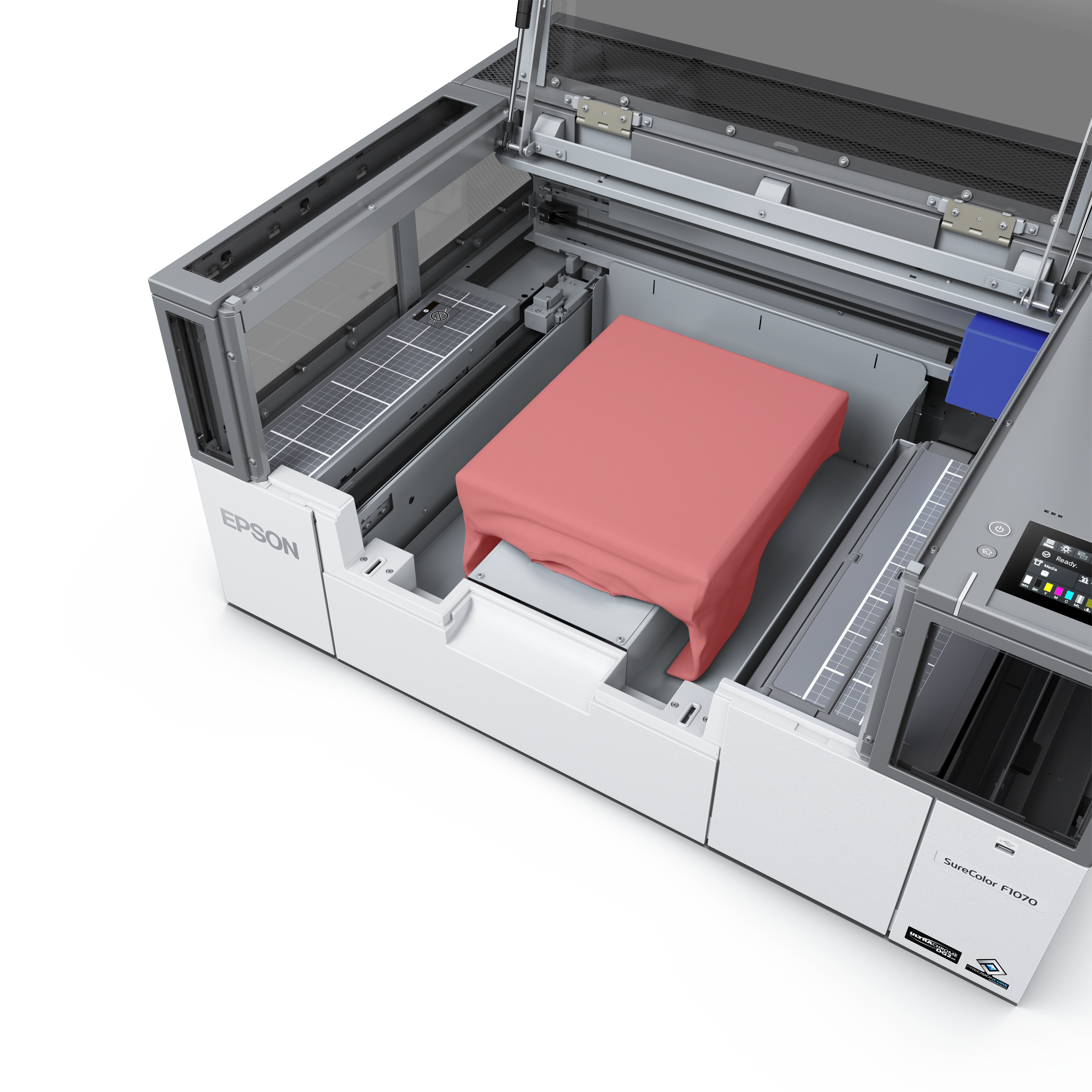
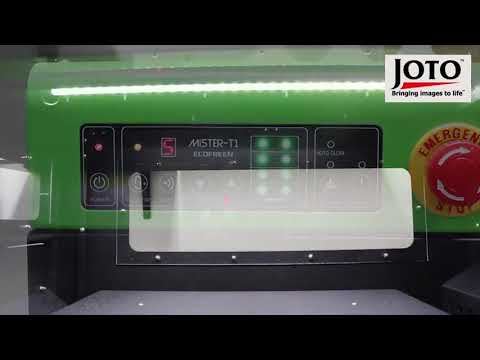
DTG — Direct-to-Garment — printers use modified inkjet technology with water-based textile inks to print designs directly onto fabric, much like a paper printer but for garments. The garment is loaded onto a flat platen that feeds under the print heads, which deposit CMYK inks (and white ink for dark garments) directly into the fabric fibers. A heat cure process then permanently bonds the ink to the garment.
What resolution, platen size, and print speed should I evaluate when choosing a DTG printer?

Look for a minimum of 1200 dpi for sharp photographic prints. Platen size determines the maximum print area — a standard adult platen prints approximately 16x20 inches. Print speed varies dramatically by model and settings: entry-level DTG printers produce 15–25 prints per hour at high quality; production models reach 60–100+ per hour. Evaluate speed at the quality level you plan to actually use, not the manufacturer's rated maximum.

Is a DTG printer compatible with all cotton percentages, or do results vary significantly by fabric content?

DTG performs best on 100% ring-spun cotton, where ink penetrates fiber deeply for vibrant, durable results. As polyester content increases, results degrade — 50/50 blends produce noticeably less vibrant prints, and pure polyester garments require sublimation or DTF rather than DTG. Fabric weight also matters: 4.5–6 oz per square yard garments produce sharper prints than very lightweight or heavy fleece fabrics.

Why are my DTG prints washing out after only a few cycles, even though they looked fine when pressed?

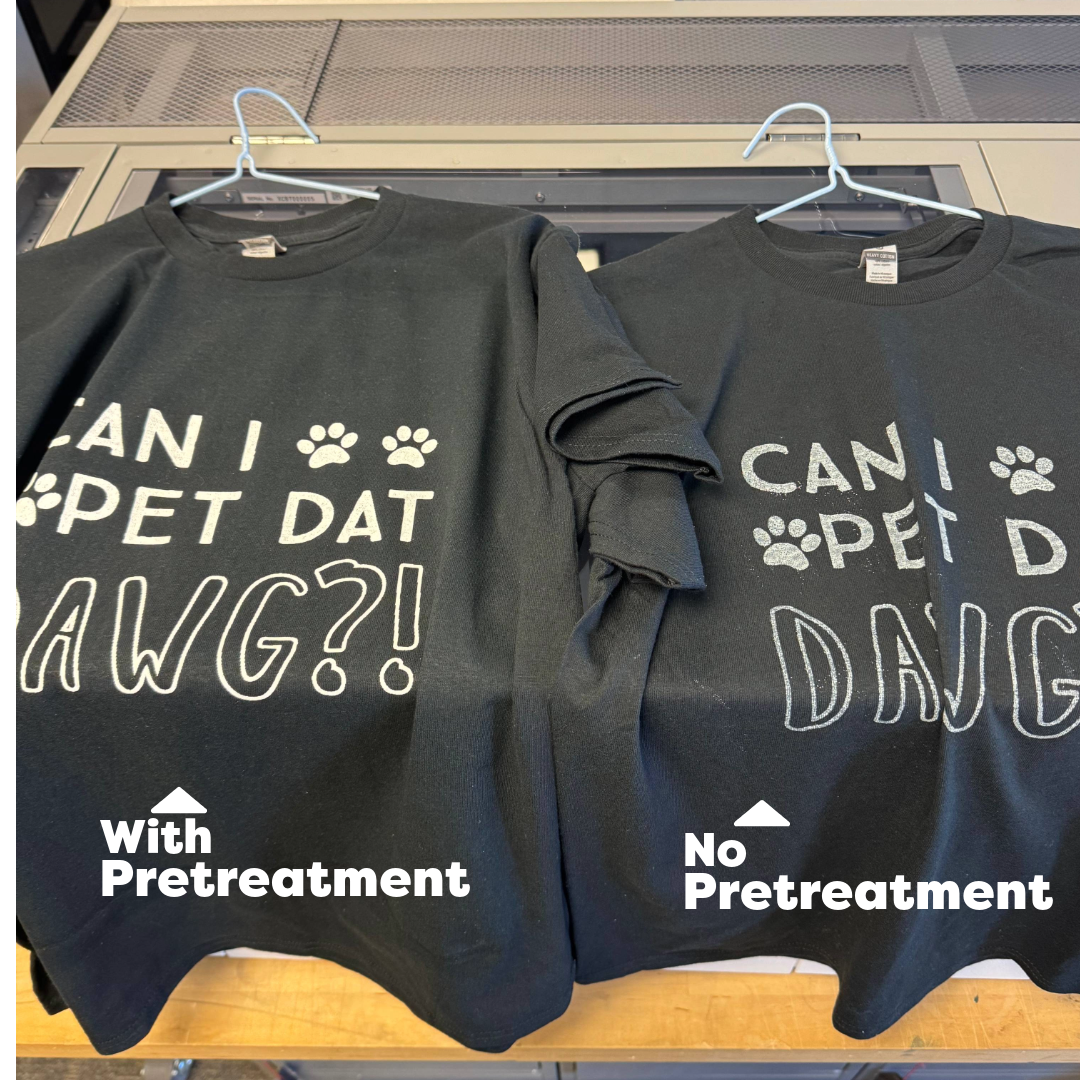
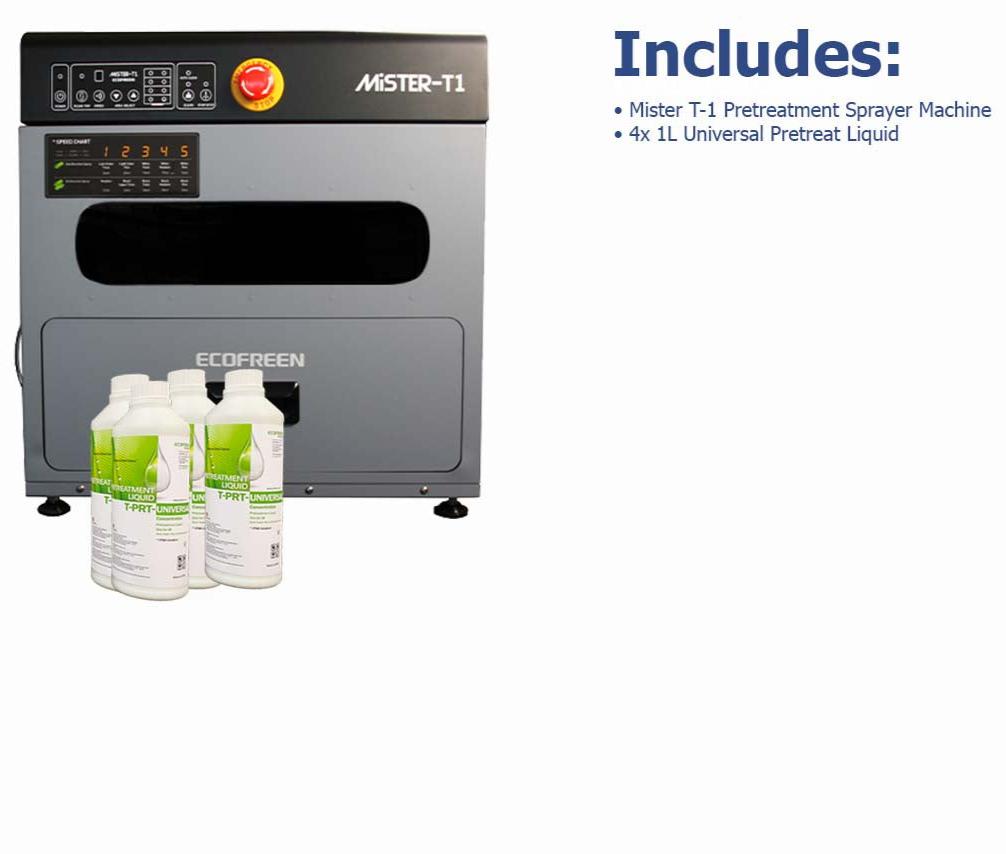
Wash-out is almost always a curing failure. DTG ink must reach a minimum internal fabric temperature of 320°F (160°C) for full cure — surface temperature on the press is higher but the fiber temperature lags. Extend your cure time or increase press temperature slightly and run a wash test on a sample. Under-pretreatment on dark garments is the second most common cause of premature fading.

How many prints can I expect per set of DTG inks before needing to reorder?

Ink yield per cartridge set varies by design coverage and garment size. A full-front design at 100% coverage on a large garment uses significantly more ink than a small chest print. Most DTG ink cartridge sets produce 150–400 full-front prints depending on the machine and design. Track your actual cost-per-print by recording ink usage per job rather than relying on manufacturer estimates, which assume average coverage.

What is the realistic cost-per-print on a DTG printer compared to screen printing for a 12-piece order?

For a 12-piece order with a full-color design, DTG typically costs $2–$5 per print in materials (ink, pretreatment, blank). Screen printing at 12 pieces carries $50–$150 in screen setup costs, making DTG far more economical for short runs. Screen printing crosses over to lower cost per unit at roughly 36–72 pieces for simple 1–2 color designs — DTG remains competitive at any quantity for complex multi-color artwork.

What is the best practice for white ink circulation to prevent print head blockages on an idle DTG machine?

White DTG ink contains titanium dioxide pigment that settles in the ink lines and print heads within hours of inactivity. Enable the printer's automated agitation or circulation system if available, and run a nozzle check plus head cleaning cycle every morning before production. For planned downtime of more than 2–3 days, perform a full ink system flush with cleaning fluid and refill channels before restarting. This single maintenance habit prevents the majority of costly DTG print head replacements.

What is the difference between a single-platen and a multi-platen DTG printer, and which suits a growing shop?

Single-platen DTG printers load, print, and unload from one station — the operator is idle during the print cycle. Multi-platen (or hybrid) printers have two or more platens that rotate, so while one garment is printing, another is being loaded or unloaded. Multi-platen designs increase throughput by 40–80% and reduce operator idle time significantly. For shops targeting over 50 prints per day, a multi-platen DTG is worth the price premium within the first year of operation.

Are DTG inks certified safe for printing children's apparel and garments worn close to skin?

Reputable DTG ink brands are formulated without heavy metals, formaldehyde, and restricted azo dyes, and many carry GOTS, Oeko-Tex, or CPSIA compliance for children's garments. Always verify the specific certification status of the ink brand your DTG printer uses — certification status varies by product line and jurisdiction. Request the ink brand's compliance documentation from your supplier before producing children's apparel.

How do I perform a deep clean on a DTG print head without damaging the nozzle plate?

Never use cotton swabs or abrasive cloths on the nozzle plate — fibres catch in the tiny nozzle openings and cause permanent blockages. Use the manufacturer's recommended cleaning fluid applied to a lint-free foam swab and gently dab (do not rub) the nozzle surface. Run the printer's automated cleaning cycle before and after manual cleaning. For severe blockages, use the printer's deep cleaning function first; reserve manual cleaning for residue that automated cycles cannot resolve.

Drawer Title
Similar Products