

































































































































Skip to content
en
CAD

Bloom Your Business Into Profit

Engraving Blanks

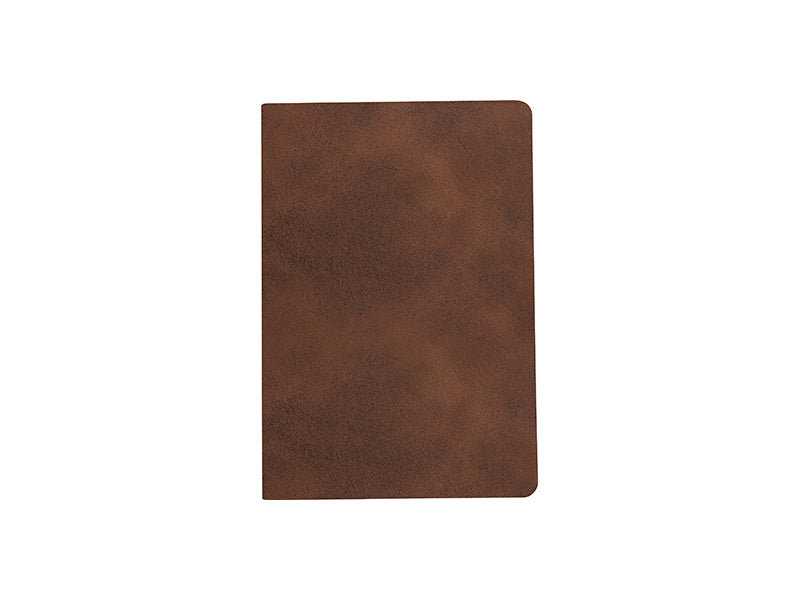
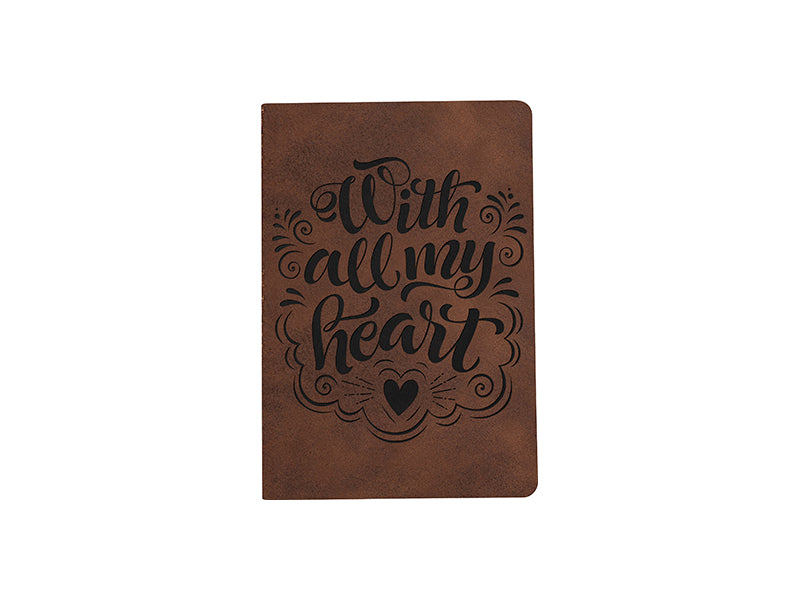
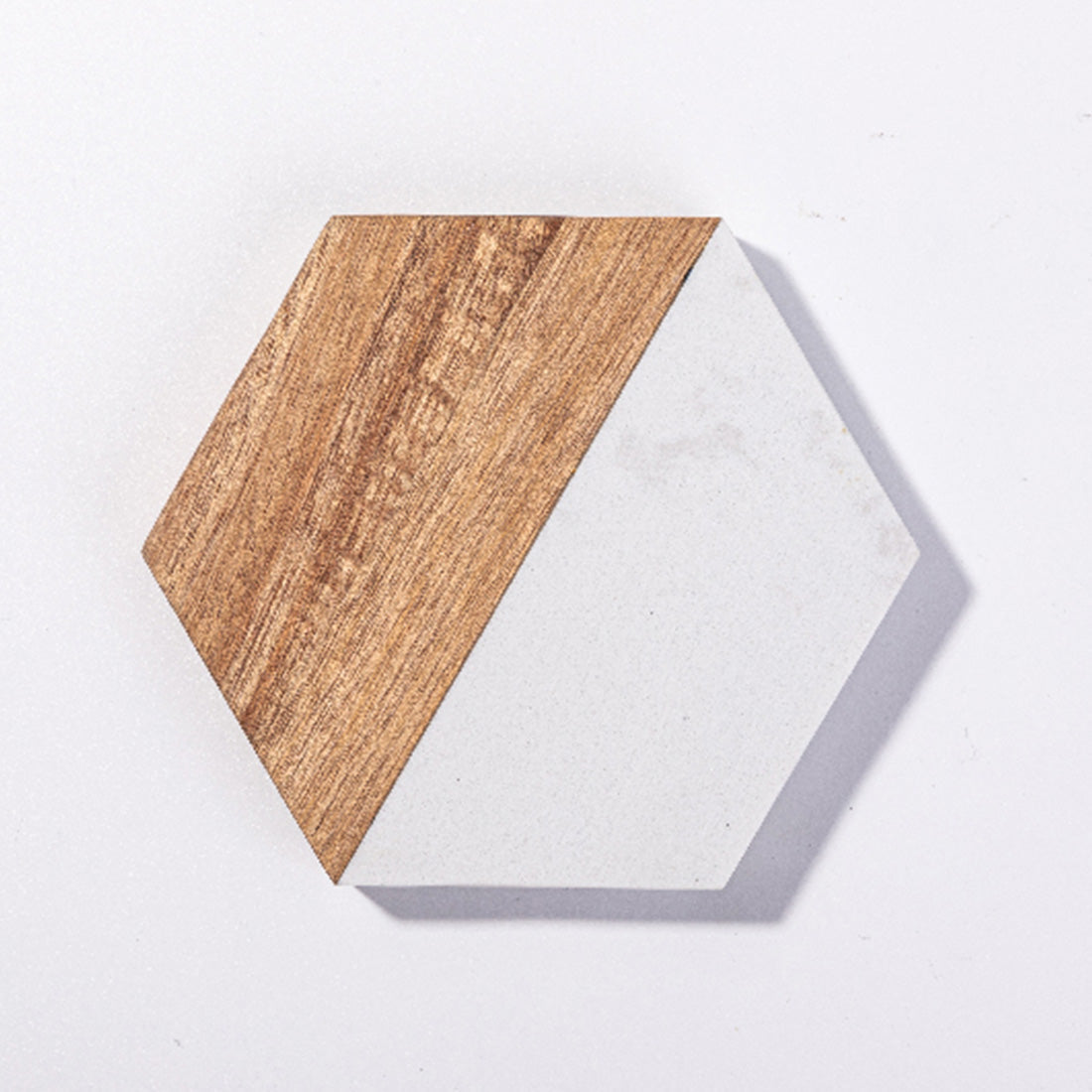
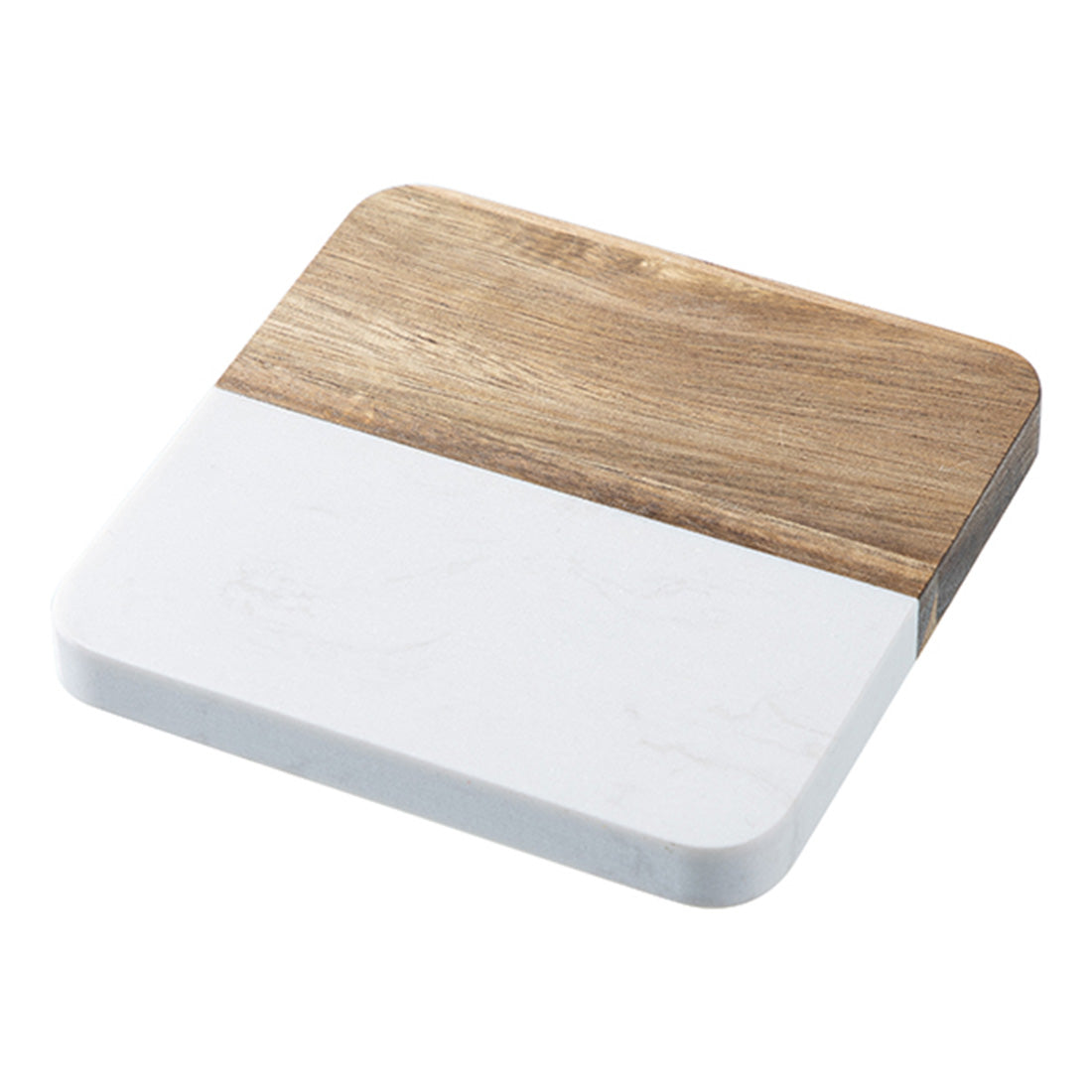
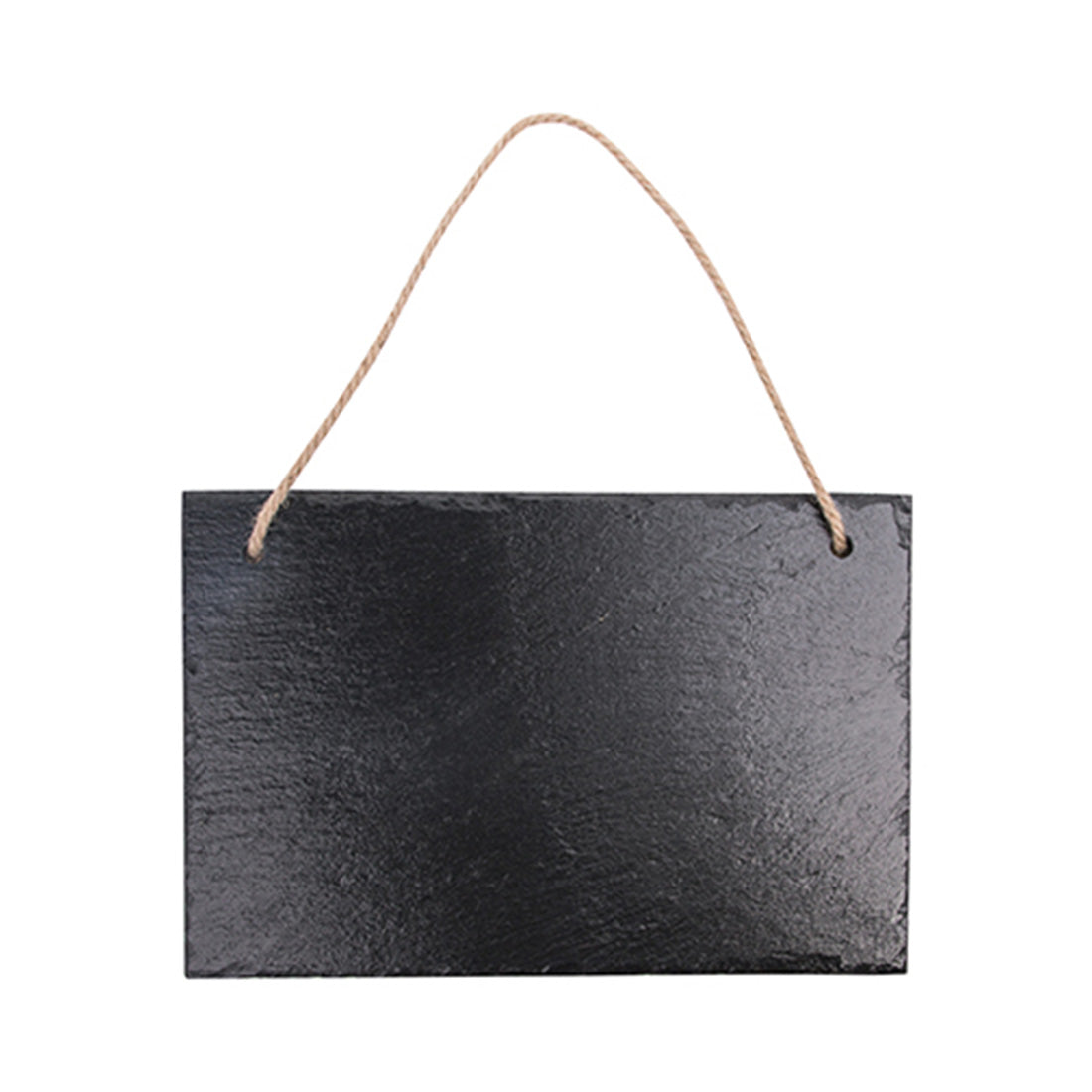
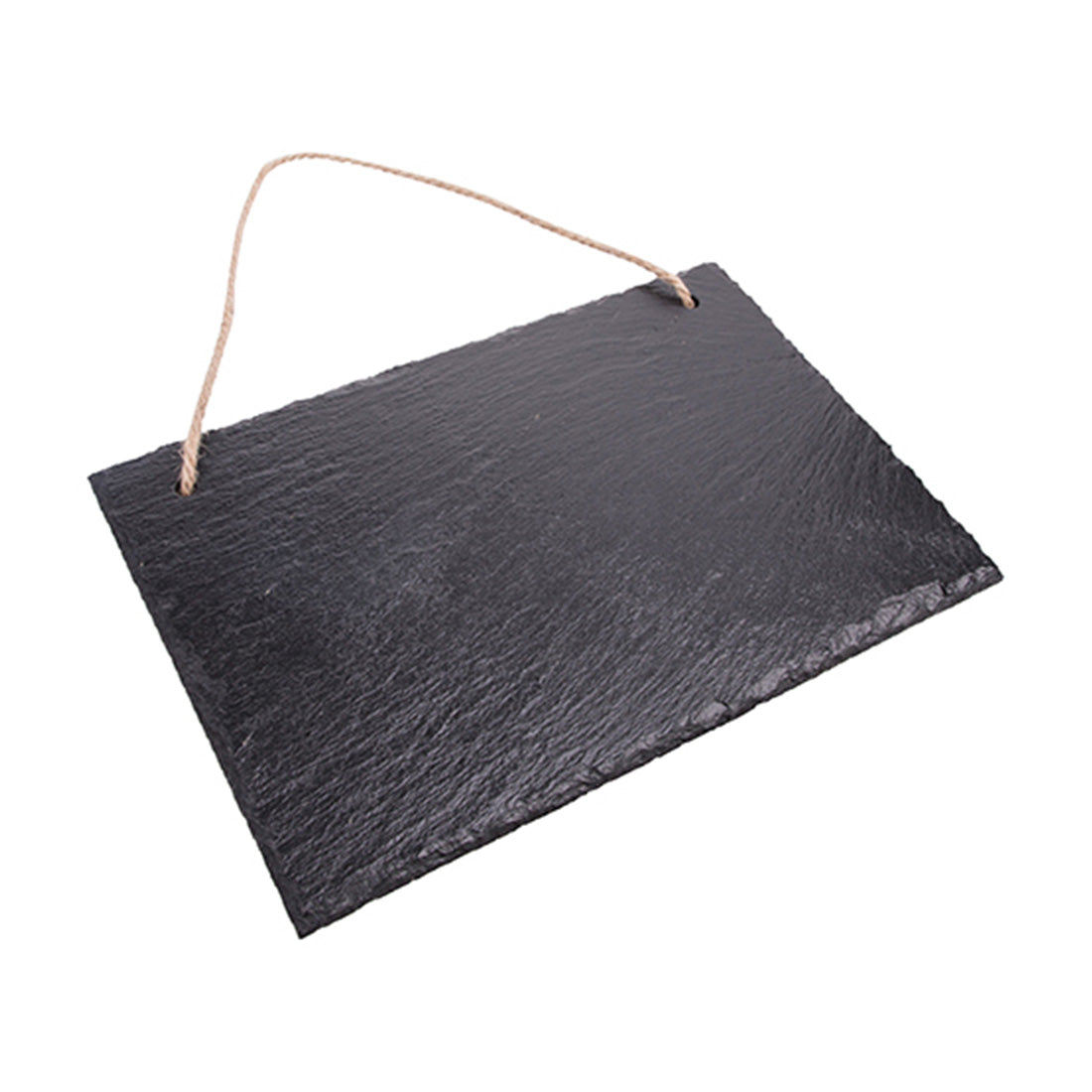
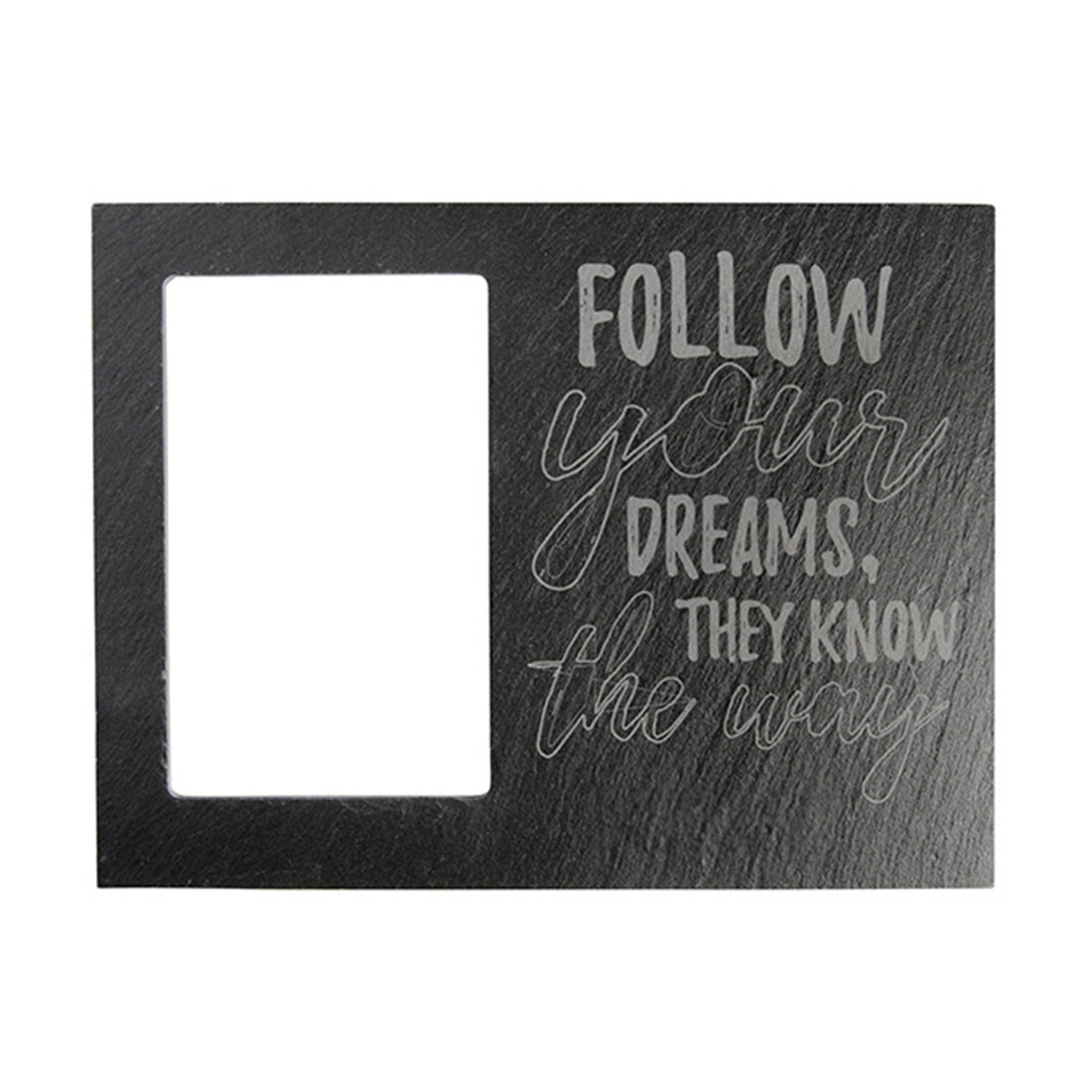
Engraving blanks for creative customization

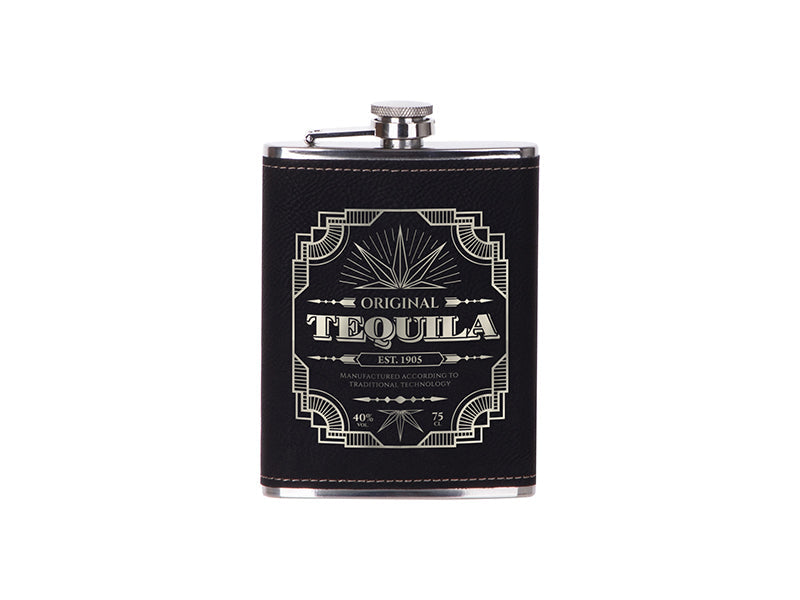
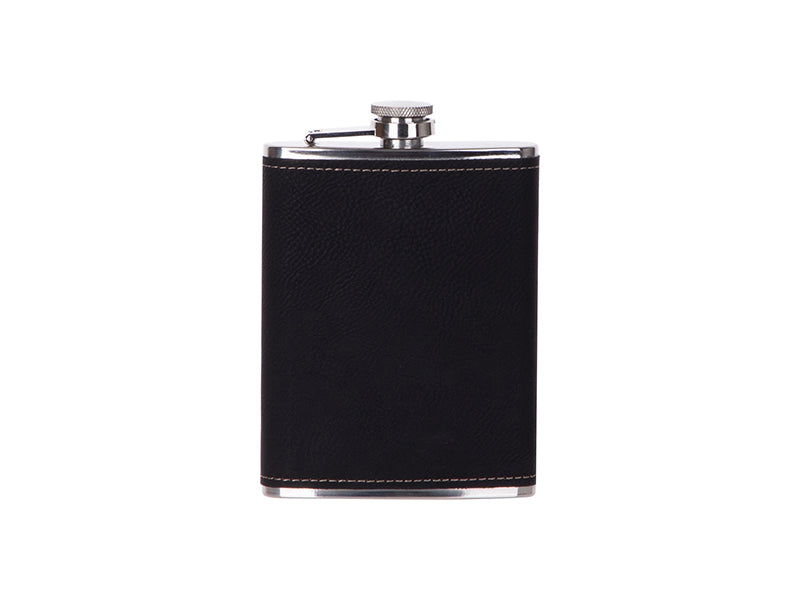
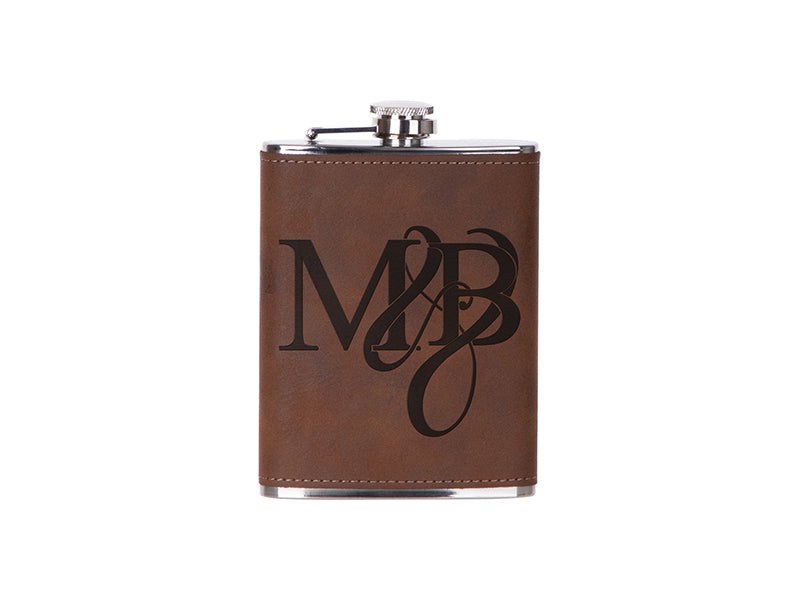
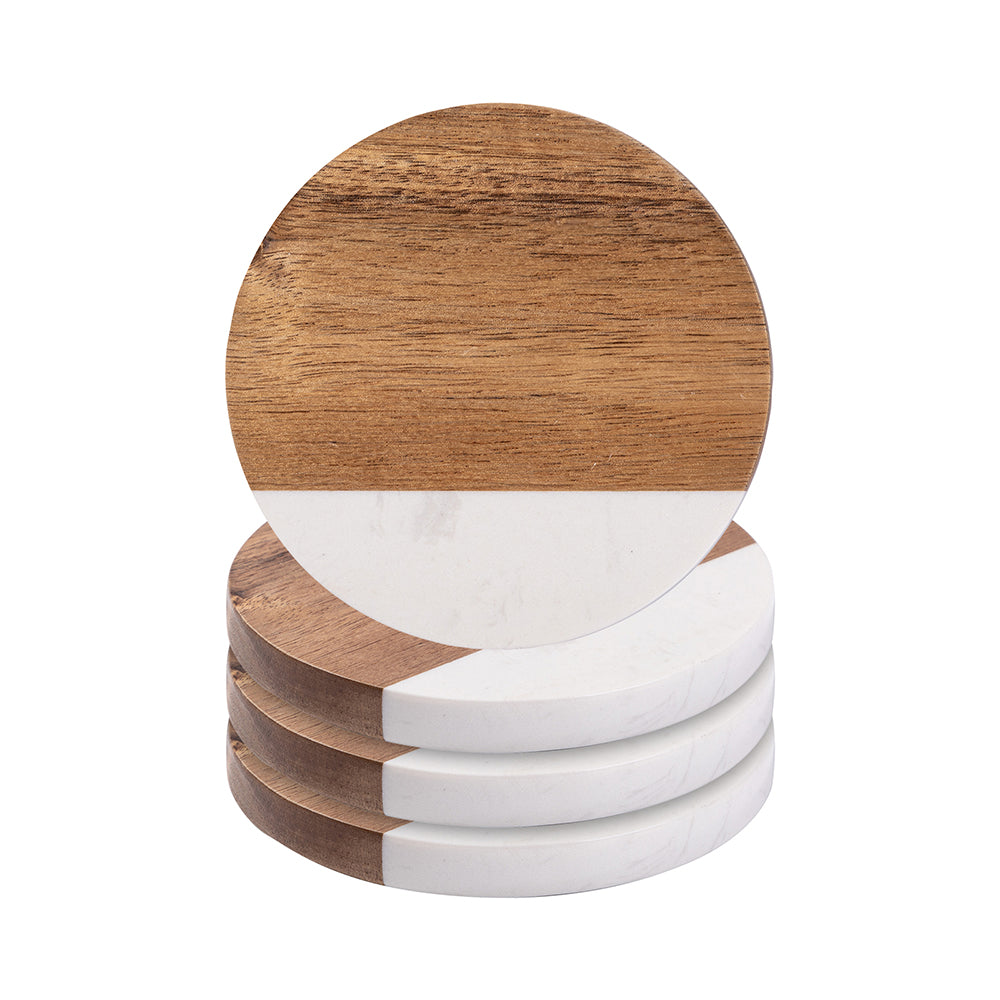
Bring your ideas to life with engraving blanks, versatile products designed to showcase precision, durability, and personalized style.

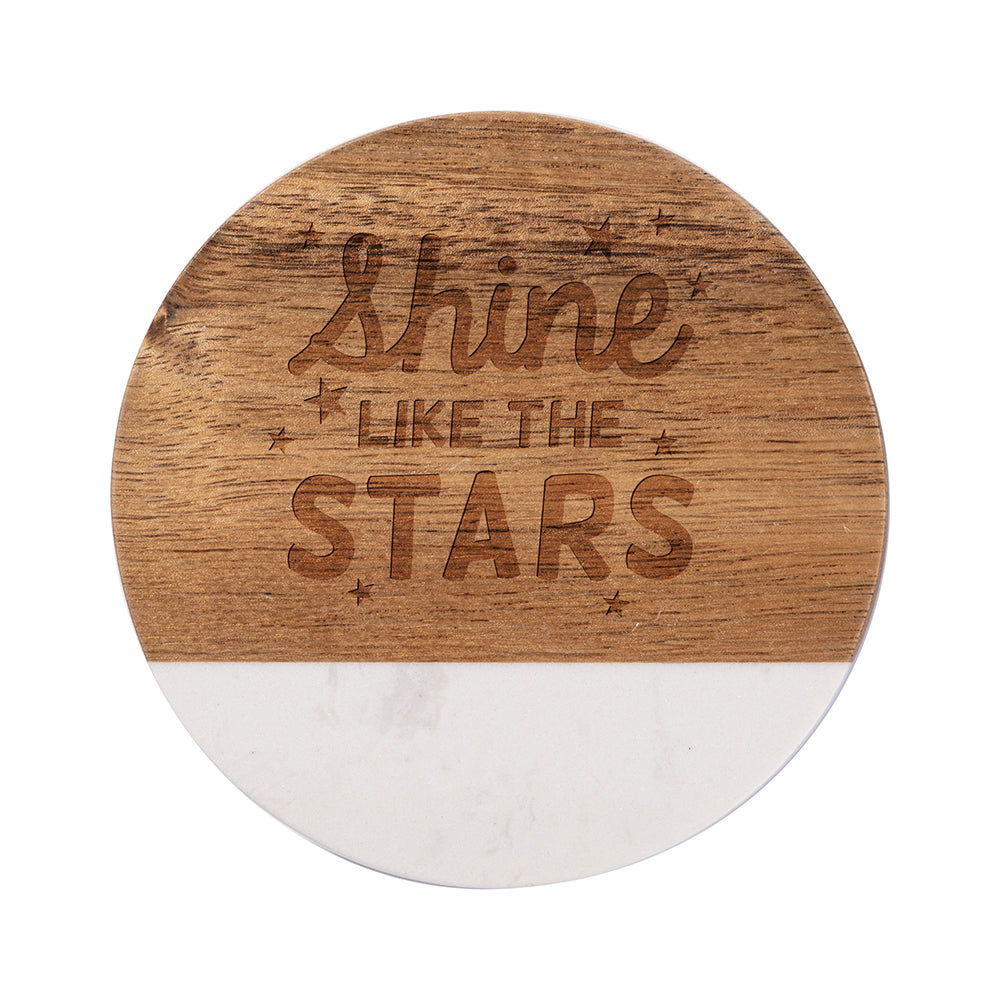
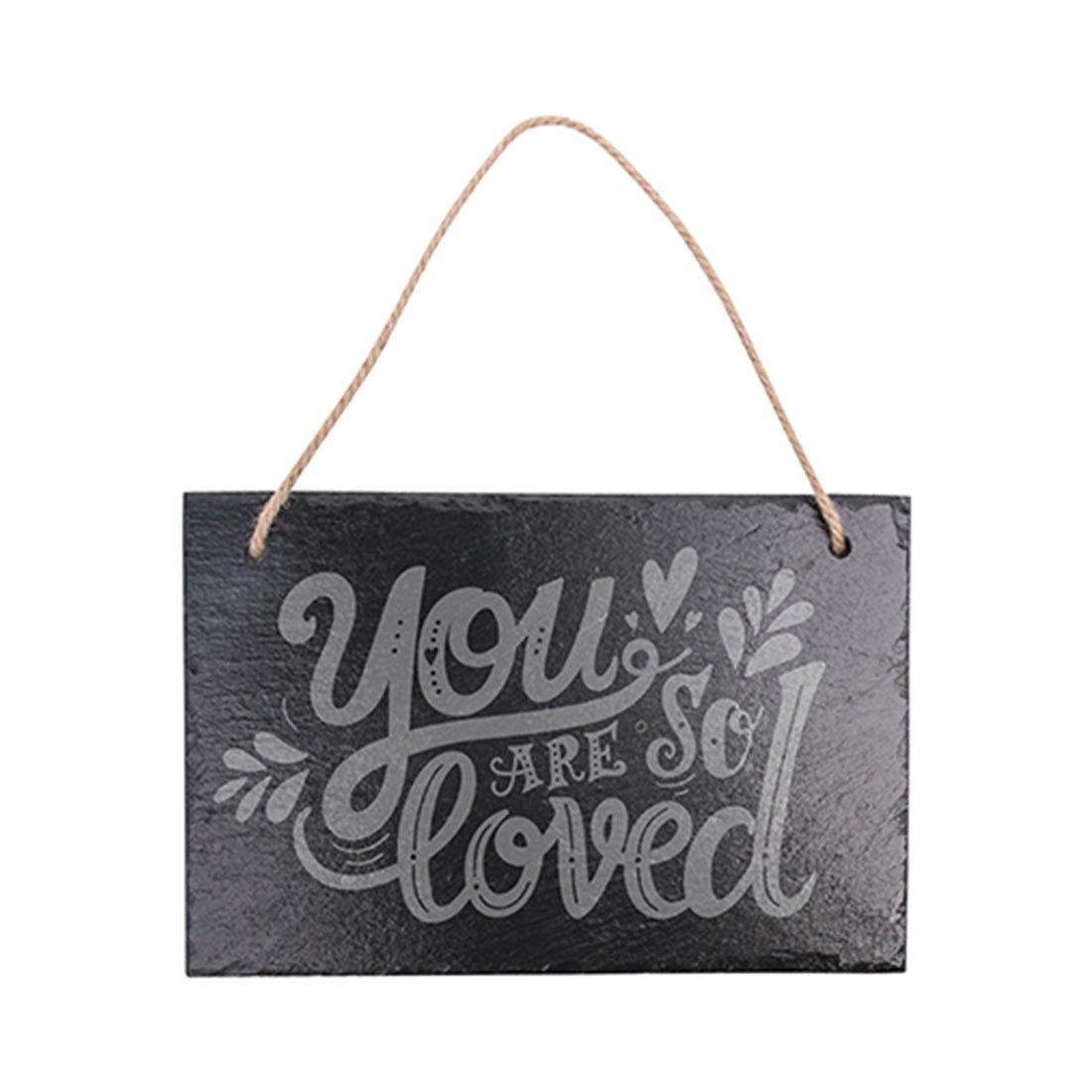
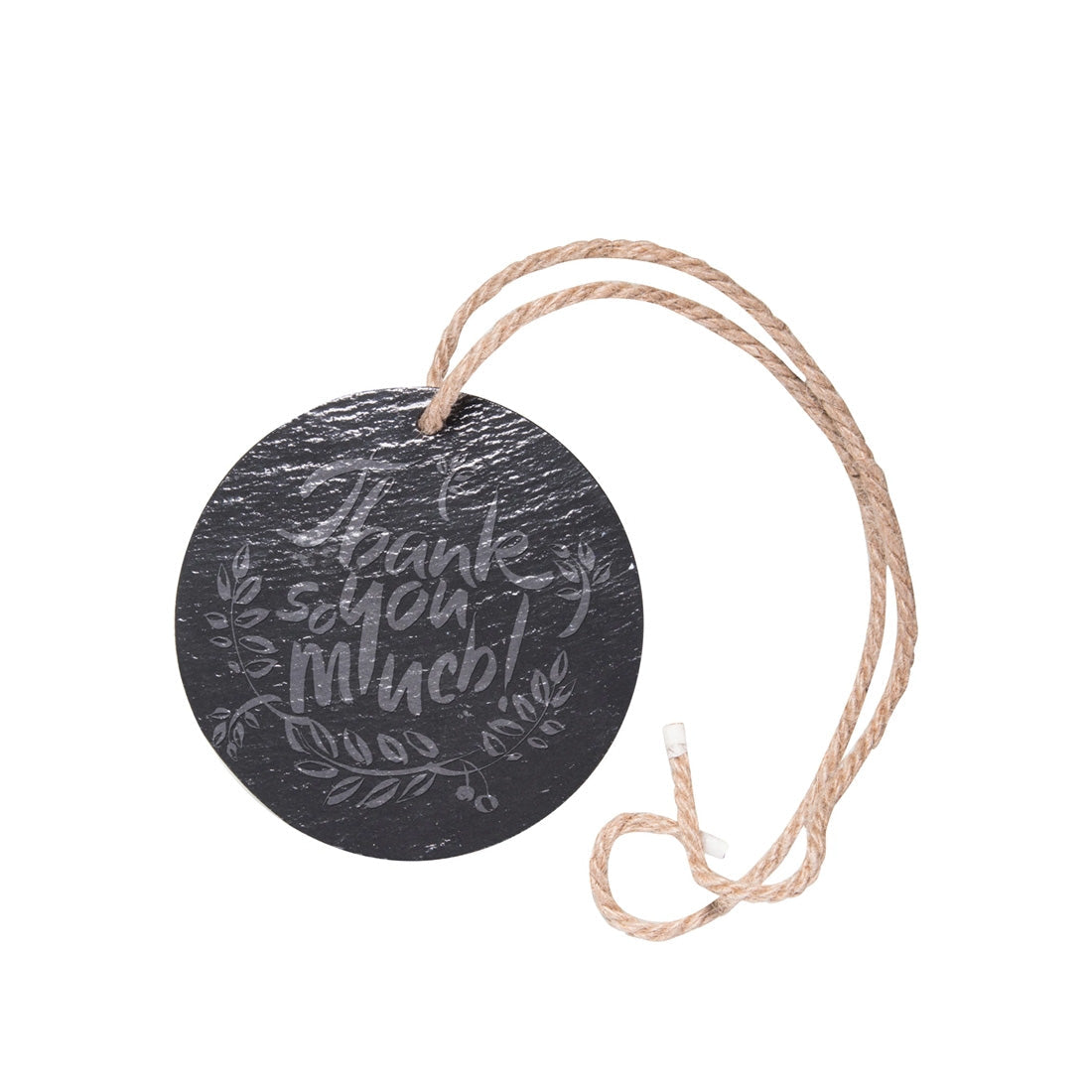
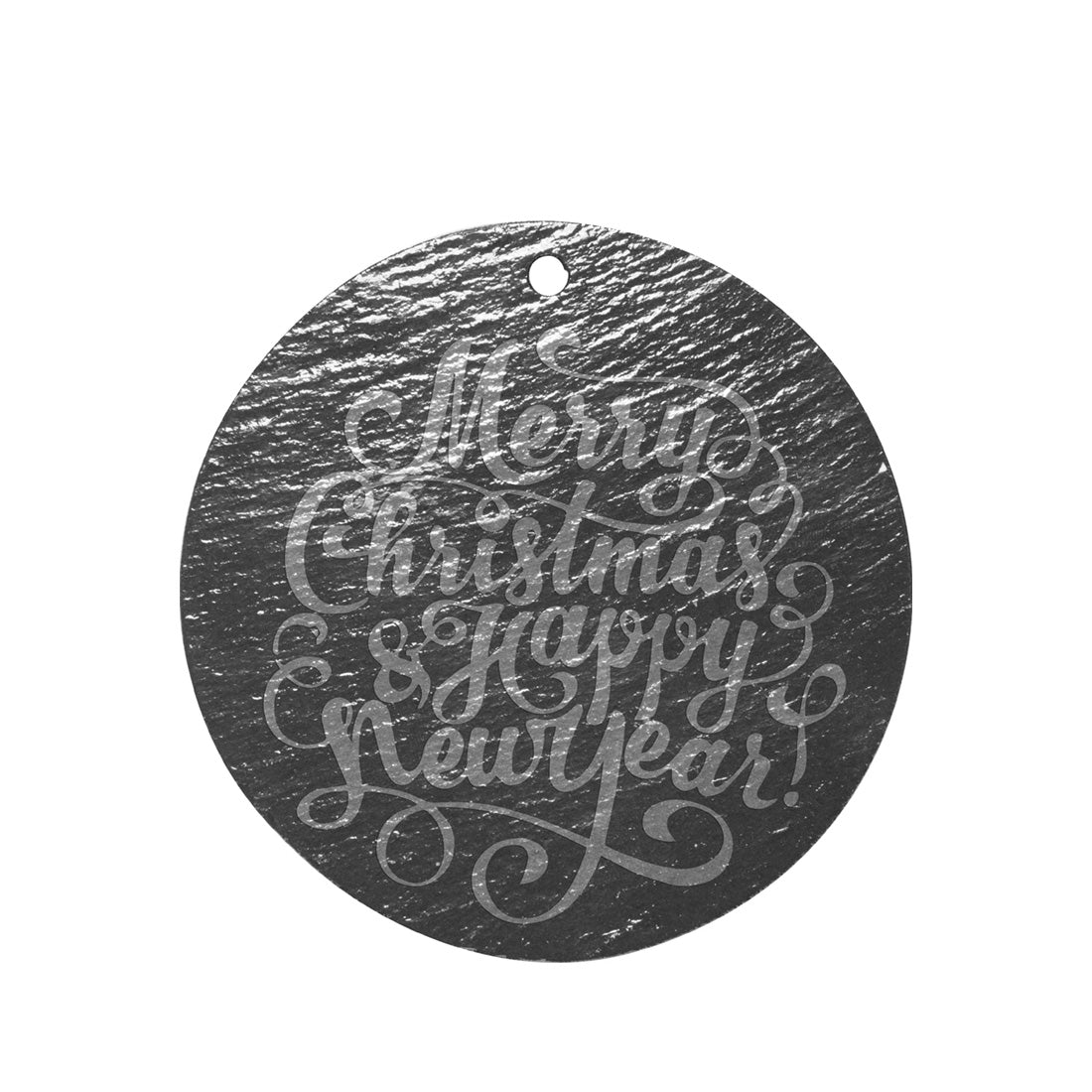
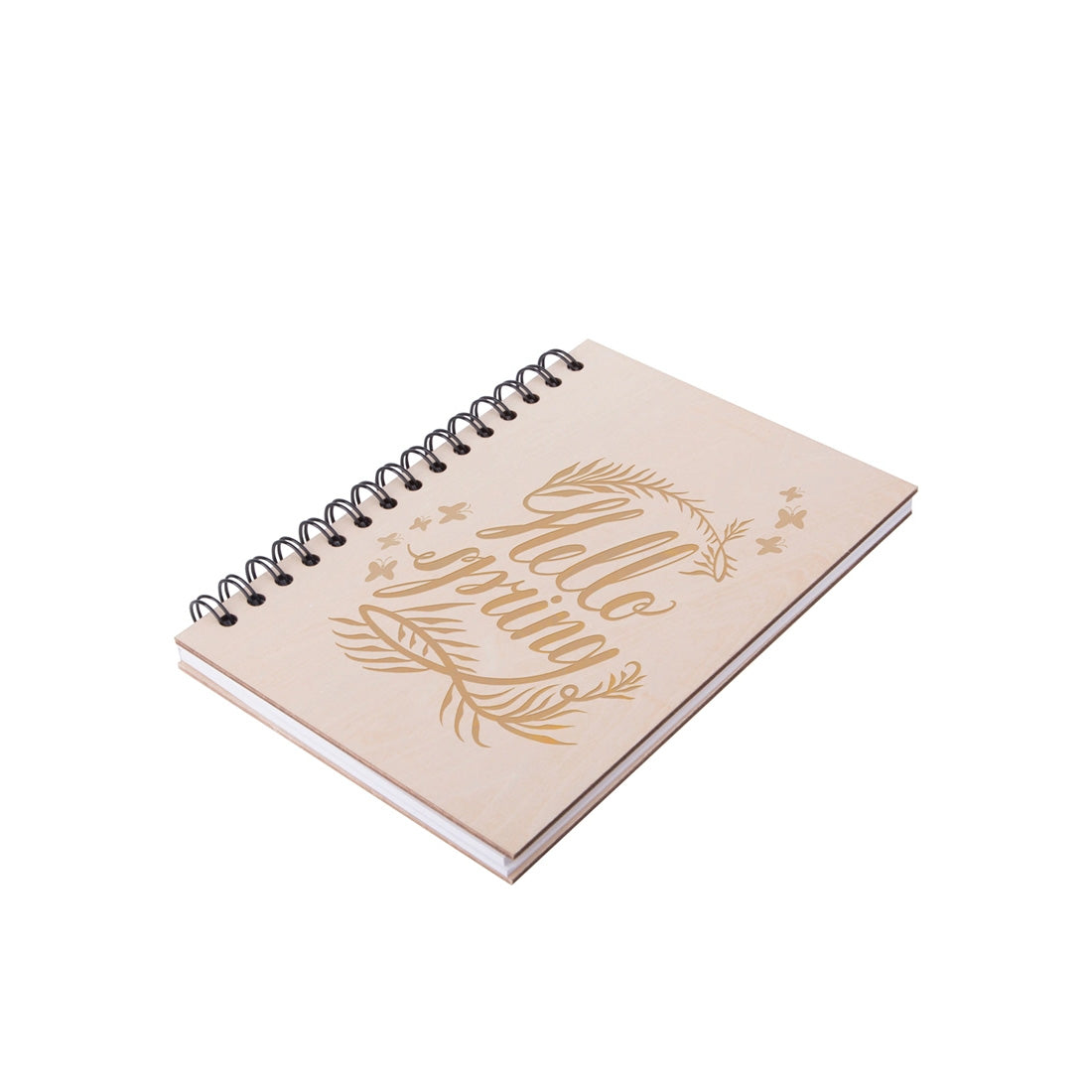
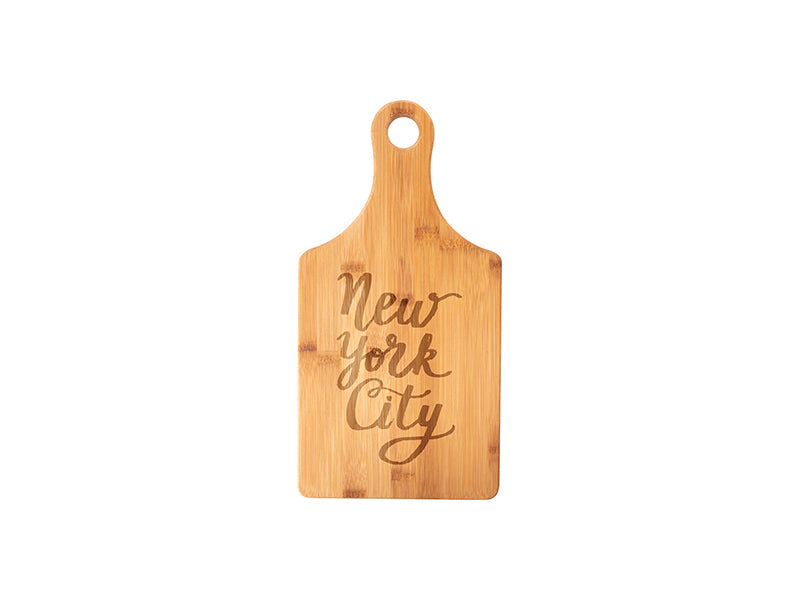
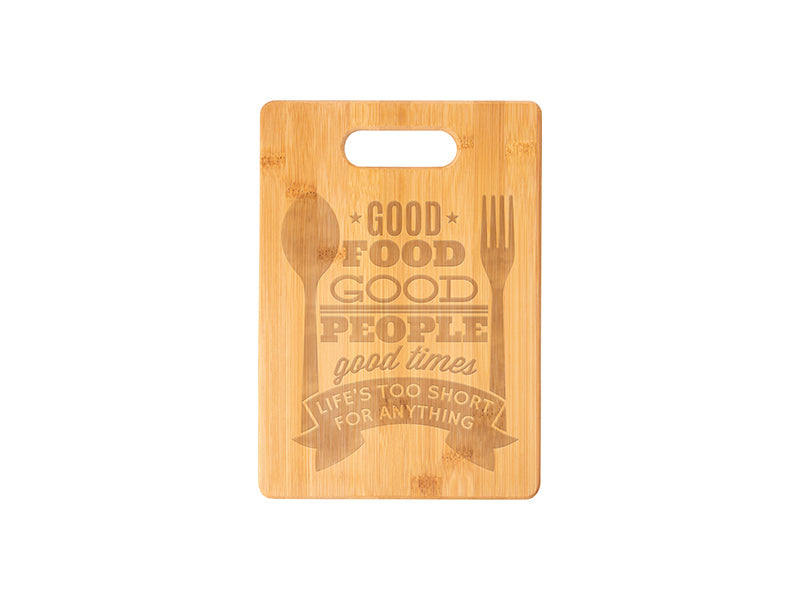
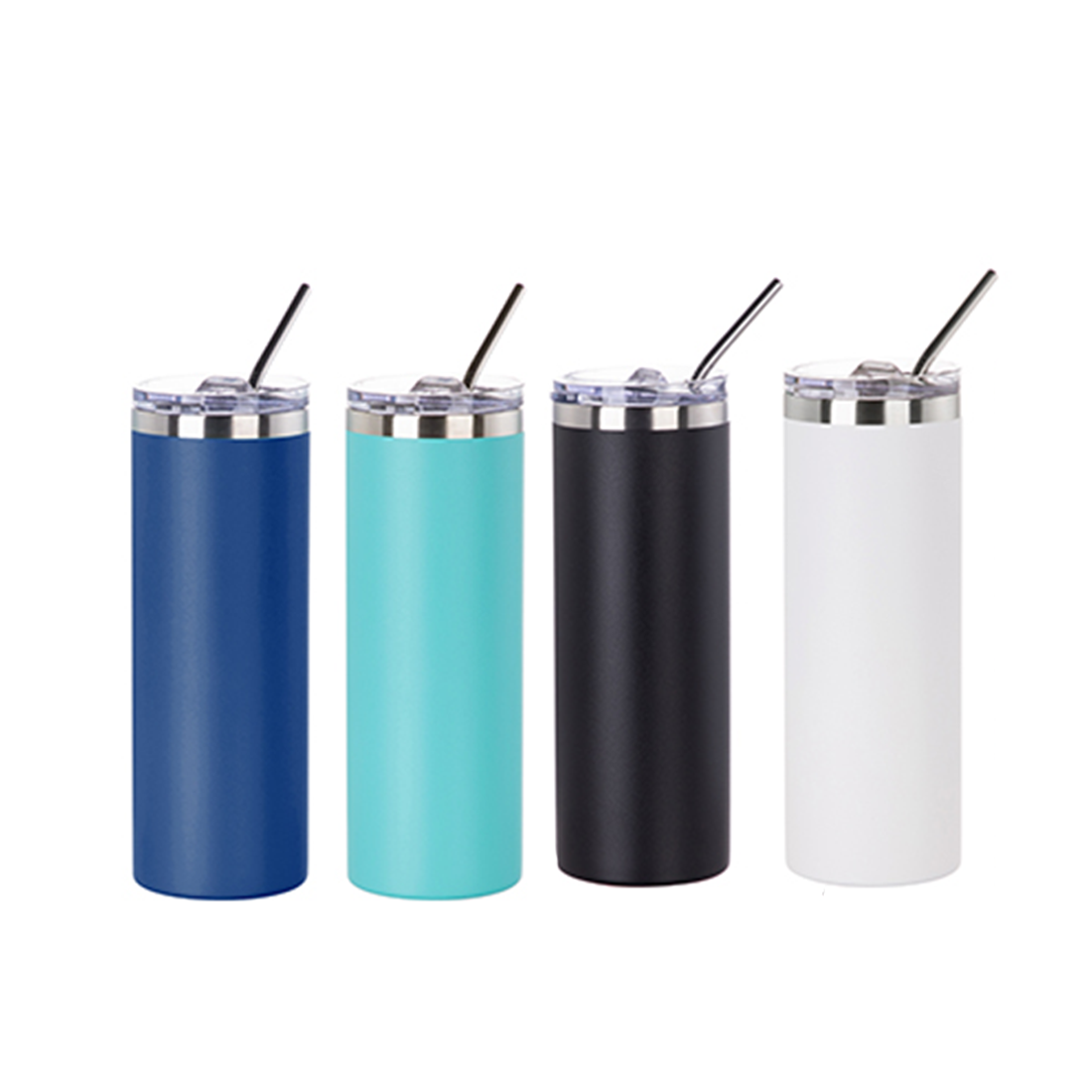
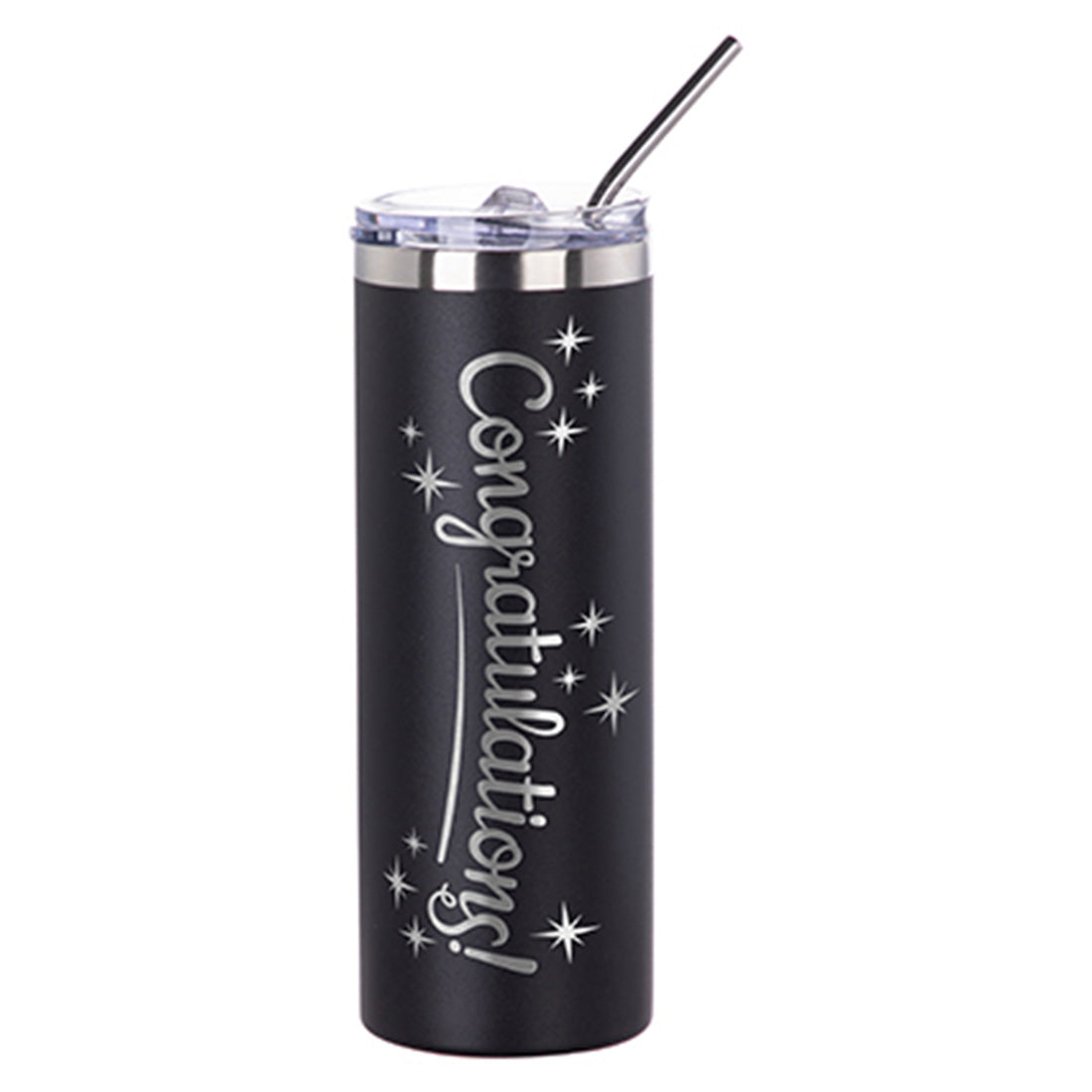
Our engraving blanks collection provides a wide selection of materials ready for laser customization, making it easy to produce professional-quality products. From wood and glass to metal and stone, each blank is crafted to deliver crisp, permanent results that stand out. Ideal for creating personalized gifts, branded merchandise, or decorative items, these blanks offer endless creative opportunities. Their durable construction ensures engravings remain sharp and appealing over time, even with daily use. Easy to handle and compatible with leading engraving systems, they streamline production and help reduce errors. Perfect for small businesses, print shops, and makers expanding their product lines, this collection combines quality with flexibility. With reliable stock available in North America and Joto’s expert technical support, engraving blanks empower you to grow your business with confidence and creativity.
18 products

  • Sort by

Frequently Asked Questions:

What are engraving blanks used for?

Engraving blanks are specialized materials used as the base for creating personalized items, industrial tags, and decorative signage through mechanical or laser engraving processes. These substrates are available in various materials such as metal, plastic, and wood, each designed to withstand high-precision etching for clear, permanent results. At Joto Imaging Supplies, our high-quality blanks ensure optimal contrast and durability for applications ranging from corporate awards to durable identification plates. By selecting the correct engraving blank, businesses can achieve professional-grade finishes that maintain brand authority and product longevity.
What materials are compatible with Joto engraving blanks?

Joto engraving blanks are engineered for high-precision results across a diverse range of substrates, including anodized aluminum, brass, stainless steel, acrylic, and wood. These professional-grade materials are specifically designed to withstand the thermal and mechanical demands of both CO2 laser systems and rotary engraving machines. To ensure technical accuracy and a permanent finish, each blank is optimized for clean etching, making them ideal for industrial tags, corporate awards, and custom signage. This extensive compatibility allows businesses to deliver durable, high-margin personalized products for various industrial and decorative applications.

How can I properly clean and store my engraving blanks to prevent surface scratches and maintain their finish?

To maintain the pristine finish of your Joto engraving blanks, always store them in their original protective packaging within a cool, dry, and dust-free environment to prevent oxidation and surface abrasions. When handling high-quality materials like anodized aluminum or acrylic, wear lint-free gloves to avoid transferring corrosive oils and use a microfiber cloth with a mild, non-abrasive cleaner to remove debris before processing. Implementing these professional storage and cleaning protocols ensures technical precision and prevents costly surface scratches during the laser or mechanical engraving process. Maintaining a clean workspace at Joto Imaging Supplies guarantees the long-term durability and professional-grade appearance of your personalized products and industrial signage.

How do I engrave custom designs onto Joto engraving blanks?

To engrave custom designs onto Joto engraving blanks, begin by selecting the appropriate material-specific settings for your laser system to ensure optimal power and speed for materials like stainless steel, wood, or acrylic. Secure the blank firmly within your engraver's workspace and perform a focus calibration to guarantee crisp, high-resolution results and pinpoint technical accuracy. Once the design is imported into your control software, execute the engraving process to achieve a permanent, professional-grade finish that resists wear and maintains sharp detail. Consistent use of Joto’s premium blanks ensures reliable performance and high-quality customization for all your branded merchandise or personalized gift projects.

Why is my engraving machine not cutting deep enough or leaving uneven marks on Joto engraving blanks?

Inconsistent engraving depth or uneven marks on Joto engraving blanks are typically caused by improper focal length, low laser power, or unlevel material positioning. To resolve weak engraving, ensure your lens and mirrors are clean and verify that the laser is perfectly focused on the substrate's surface to maximize energy density. Additionally, check that your engraving speed is not too high for the material's density and that the blanks are securely clamped to a level working bed to prevent variations during the job. Performing a test run to fine-tune the balance between power, speed, and pass count is essential for achieving professional-grade results on diverse substrates.
How can I achieve professional-grade quality and color vibrancy with Engraving Blanks?

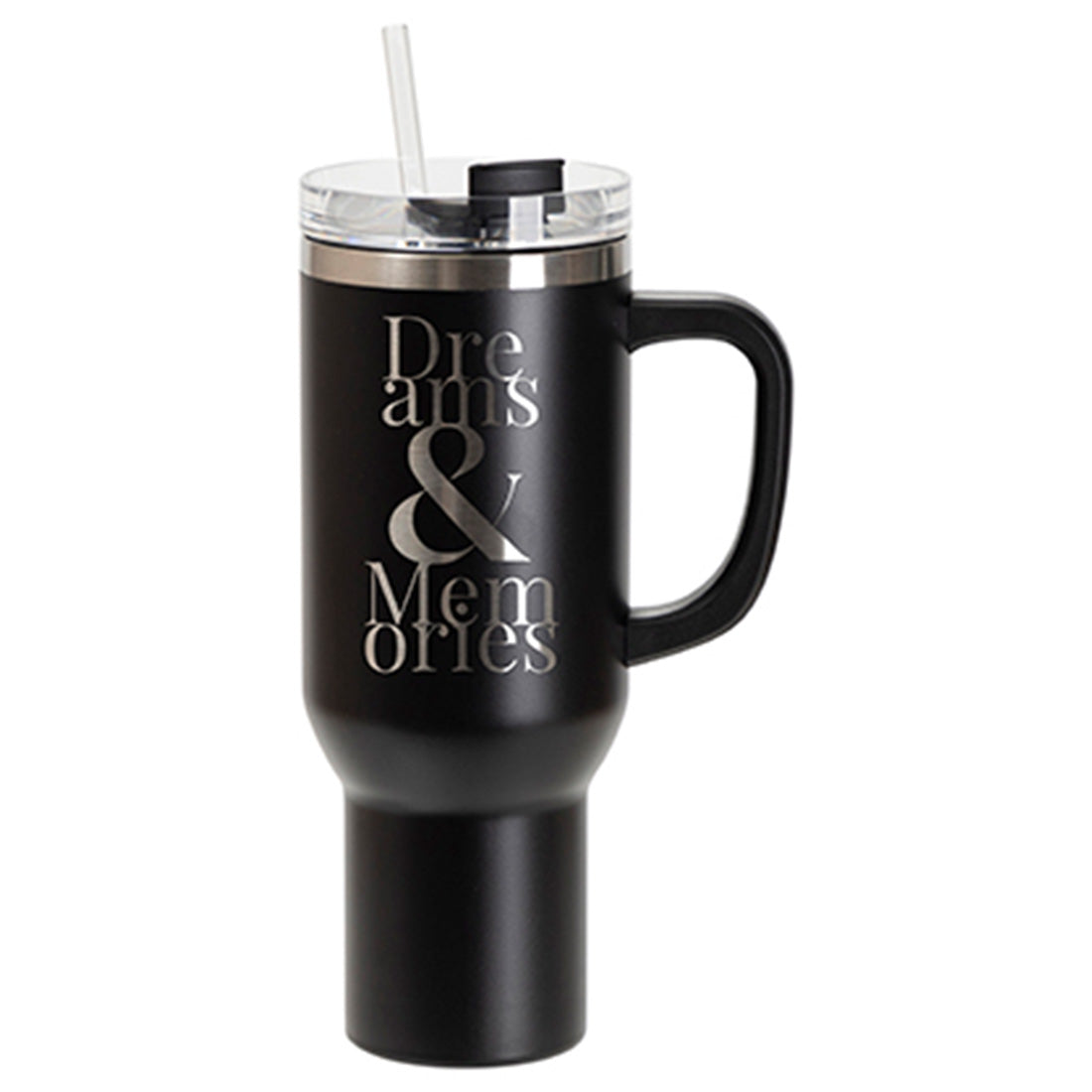
To achieve professional-grade quality with engraving blanks, start by precisely calibrating your laser or mechanical engraver’s focal depth and speed settings to match the specific material substrate. Enhance color vibrancy and visual contrast by utilizing high-resolution vector artwork and applying specialized color-filling techniques to the etched areas to make designs pop against the surface finish. Joto Imaging Supplies recommends conducting test cuts to optimize power levels, ensuring clean edges and a premium, durable finish for all your high-margin personalized products.

How can investing in Engraving Blanks help grow my business and increase overall profitability?

Investing in high-quality engraving blanks allows your business to offer durable, high-margin personalized products like industrial tags, corporate awards, and custom signage that demand premium pricing. By utilizing diverse materials such as anodized aluminum, acrylic, and wood, you can expand your service offerings across multiple industries while maintaining low overhead through efficient laser or mechanical etching processes. These professional-grade substrates ensure high-contrast, permanent results that enhance customer satisfaction and encourage repeat business. Incorporating a wide variety of engraving blanks into your workflow optimizes production efficiency and significantly boosts overall profitability.
How should I store and handle Engraving Blanks to prevent surface damage and ensure safety?

To prevent surface damage, store engraving blanks in a cool, dry environment, keeping them in their original protective packaging to shield against scratches, dust, and oxidation. When handling high-quality substrates like metal, acrylic, or wood, wear lint-free gloves to avoid transferring oils and fingerprints that can interfere with laser absorption or mechanical etching. Always secure the blanks firmly in your engraving machine’s workpiece area to ensure operator safety and maintain high-precision results during the engraving process. Proper storage and handling are essential for maintaining the pristine finish and structural integrity of your personalized items and industrial tags.
How do Engraving Blanks compare to other decoration methods like sublimation or UV printing?

Engraving blanks offer superior durability and tactile depth compared to sublimation or UV printing, as the designs are physically etched into the substrate rather than applied to the surface. While sublimation provides vibrant full-color graphics and UV printing allows for direct-to-substrate versatility, engraving ensures permanent marks that are resistant to fading, chemicals, and mechanical wear. This makes engraving the preferred choice for industrial tags, high-end awards, and outdoor signage where longevity and professional finish are paramount. By selecting the appropriate material, such as brass, anodized aluminum, or microsurfaced acrylic, businesses can achieve high-contrast results that surface-level decoration methods cannot replicate.

How can I calibrate laser frequency and focal depth settings on various engraving blanks to minimize charring while maintaining high-contrast detail on heat-sensitive substrates?

To calibrate laser frequency and focal depth for heat-sensitive engraving blanks, increase the frequency to reduce peak energy per pulse, which minimizes charring while maintaining high-contrast detail. Adjusting the focal depth by de-focusing slightly can broaden the beam to distribute heat more evenly, preventing surface scorching on delicate substrates like wood or plastic. We recommend running a test grid at 100% power with variable frequency and speed settings to identify the optimal balance for material removal without thermal damage. Always ensure the laser is properly focused using a calibration tool to achieve the sharpest possible marks before fine-tuning for specific material sensitivities.

Drawer Title
Similar Products