

































































































































Skip to content
en
CAD

Bloom Your Business Into Profit

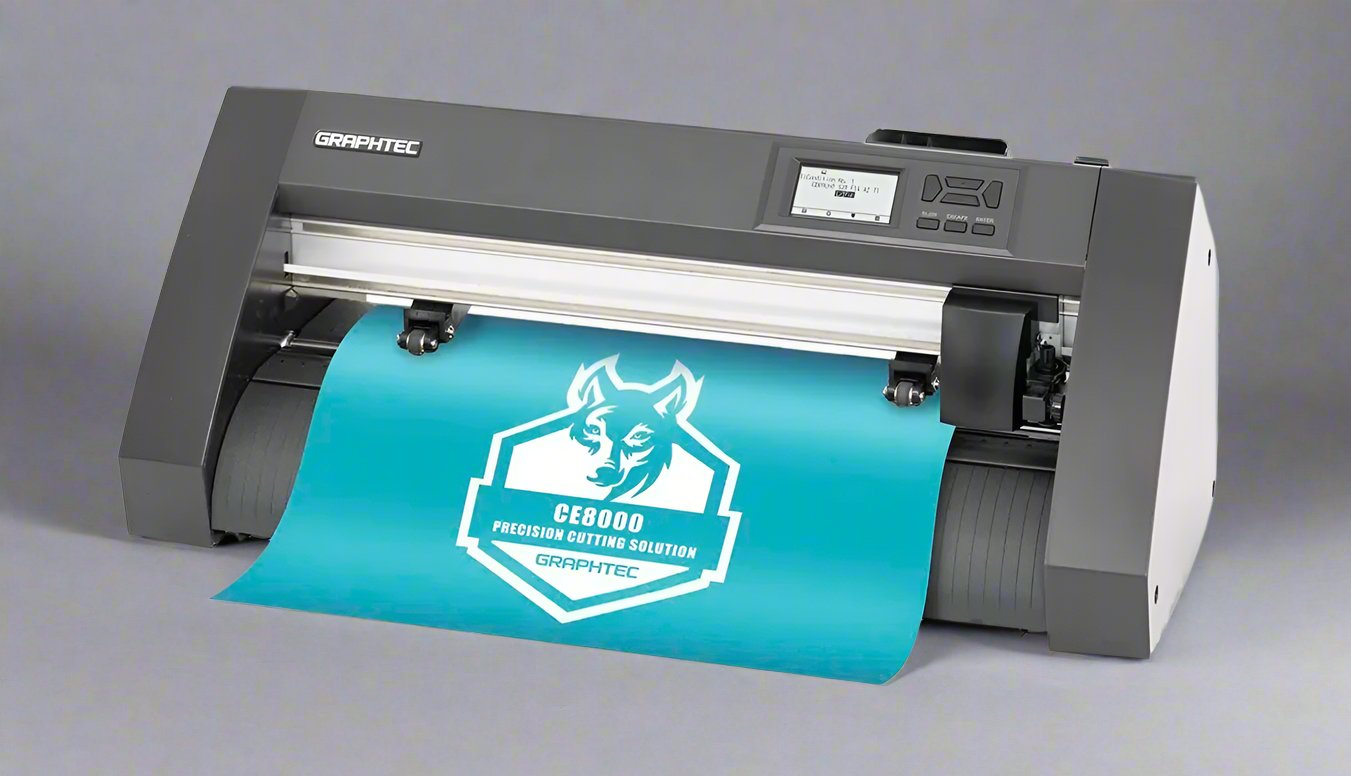
Graphtec vinyl cutters

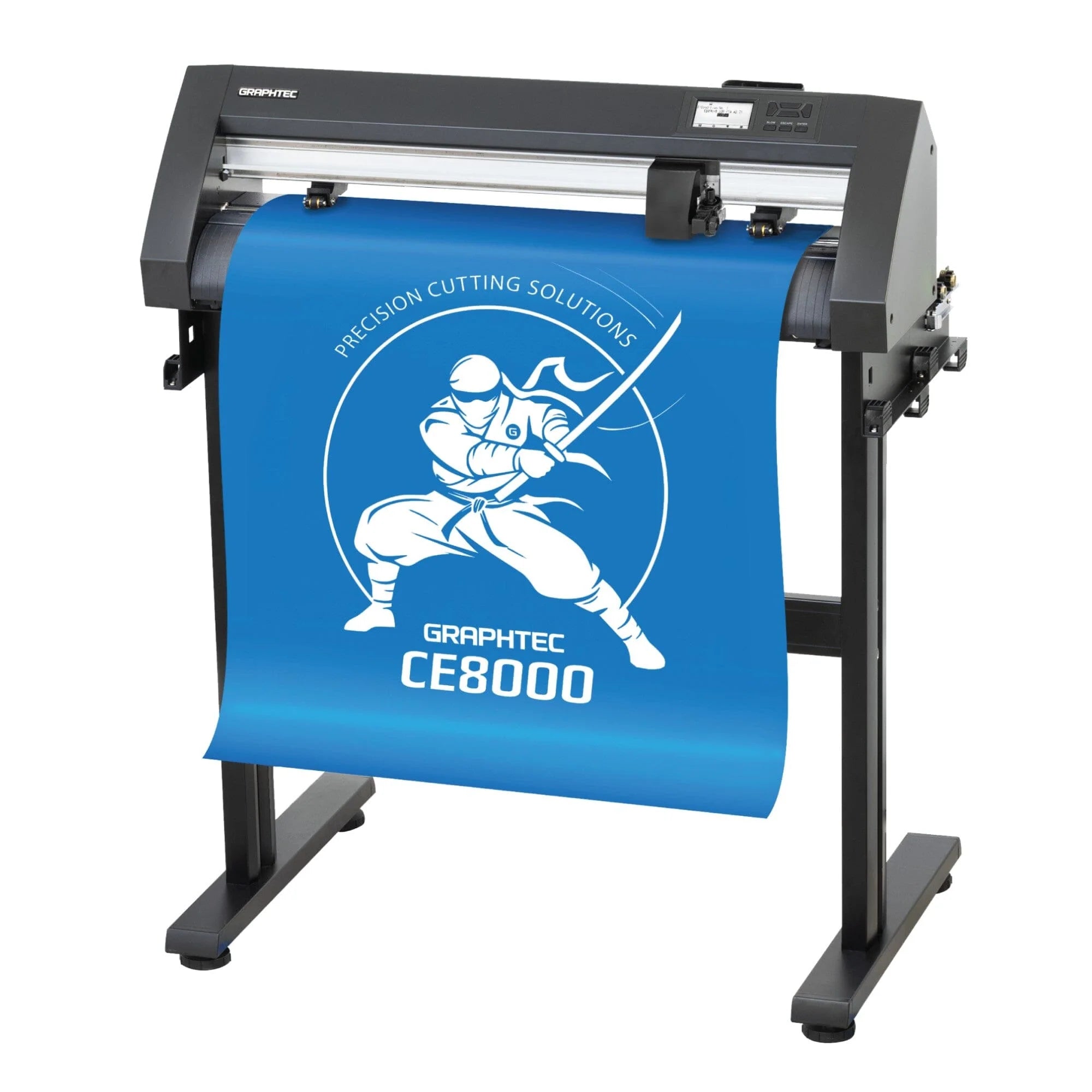
Graphtec vinyl cutters for unmatched precision

Cut with confidence using Graphtec vinyl cutters that combine speed, accuracy, and reliability for professional grade results.

These vinyl cutters are trusted worldwide for their ability to deliver sharp, consistent cuts across a variety of materials, from heat transfer vinyl to adhesive films. Engineered with advanced tracking systems and intuitive controls, they ensure precision even on long runs, reducing waste and saving time. Perfect for apparel decoration, signage, stickers, and custom graphics, these cutters make it easy to expand your services and impress customers with flawless detail. Their robust build quality and versatile software integration make them suitable for both beginners seeking ease of use and professionals demanding high performance. Whether producing one off designs or handling bulk orders, Graphtec cutters provide the consistency that growing businesses need. With Joto’s expertise, fast shipping, and ongoing support, you gain the confidence to scale operations and keep creativity flowing without compromise.
Filter

5 products

  • Sort by

Frequently Asked Questions:

What Graphtec vinyl cutter models does Joto carry, and what are they primarily used for?

Joto carries Graphtec professional cutting plotters suited for heat transfer vinyl, adhesive vinyl, printable HTV, and specialty media cutting. Graphtec cutters are used for custom apparel decoration, sign making, vehicle decals, window graphics, and print-and-cut workflows. They are widely regarded as among the most accurate and reliable cutting plotters available for professional decoration businesses.

What cutting force, speed, and blade offset settings produce clean cuts on standard HTV with a Graphtec cutter?

For standard HTV on a Graphtec cutter, start with a cutting force of 8–12 (on a 1–38 scale), speed of 40–60 cm/s, and blade offset of 0.25 for a standard 45-degree blade. Run a test cut on scrap material first — the blade should cut cleanly through the vinyl without penetrating the carrier. Increase force in 2-unit increments if cuts are incomplete; reduce speed if corners are overshooting.

Is a Graphtec cutter compatible with print-and-cut workflows using printable HTV and dye-sublimation printed sheets?

Yes — Graphtec cutters with optical registration (ARMS system) are designed for print-and-cut workflows, reading registration marks on printed sheets to automatically align the cut path precisely to the printed design. This capability is essential for contour cutting printable HTV and sublimation-printed materials. Verify that your Graphtec model includes the ARMS optical sensor, as entry-level models may not have this feature included.

Why is my Graphtec cutter not reading registration marks on my printed HTV sheets?

Registration mark reading failure is usually caused by insufficient mark contrast, incorrect mark size, or the sensor being dirty or miscalibrated. Ensure registration marks are printed in solid black (not dark grey) and meet Graphtec's minimum mark size specification for your ARMS system (typically 5mm square or larger). Clean the sensor lens with a lint-free cloth and run the ARMS calibration routine from the cutter menu before cutting. Also ensure adequate ambient lighting — very low light can prevent reliable mark detection.

How many cutting hours does a Graphtec cutter blade last before quality degrades in a professional shop?

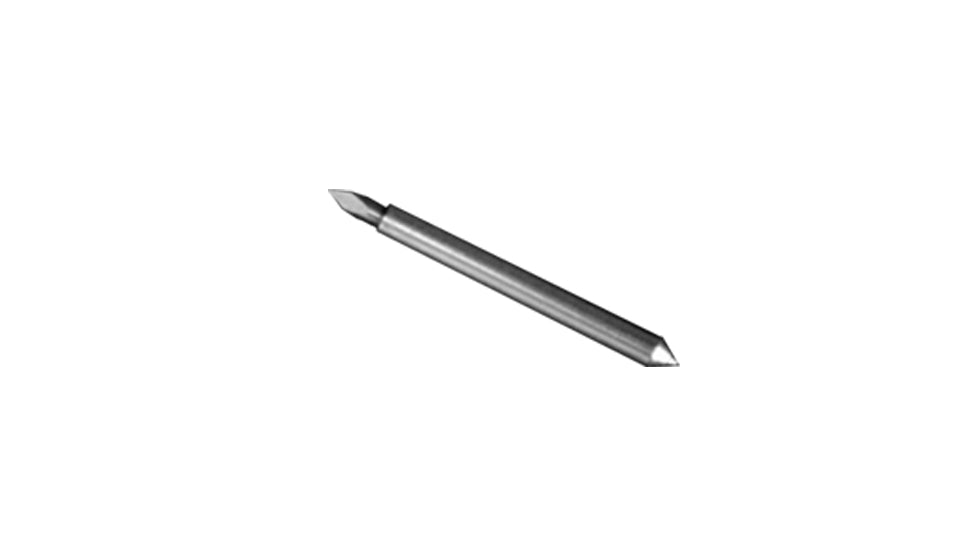
Graphtec blades in a professional shop cutting 6–8 hours per day typically last 2–4 weeks before cut quality degrades noticeably on fine details and small text. Harder materials like rhinestone template film and laminated vinyl shorten blade life to 1–2 weeks. Monitor cut quality rather than counting hours — ragged edges, corner overshooting, and carrier penetration are reliable indicators that a blade change is needed regardless of how long the blade has been in use.

Is a Graphtec cutting plotter a cost-effective investment for a small print shop versus a hobby-grade cutter?

Graphtec professional plotters cost significantly more upfront than hobby cutters (Cricut, Silhouette) but offer wider media handling (up to 60 inches wide on large models), higher cutting force for thicker materials, optical registration for print-and-cut, and significantly greater cutting accuracy and repeatability. For a shop processing 20+ cuts per day with diverse material types, the accuracy and throughput improvement from a Graphtec typically recovers the price difference in reduced material waste and rework within 6–12 months.

What is the professional technique for cutting small text and fine detail designs accurately on a Graphtec cutter?

For fine detail work on a Graphtec, reduce cutting speed to 20–30 cm/s to give the cutter time to follow tight curves and sharp corners without overshooting. Use a 60-degree blade for text below 1 inch in height — the longer, sharper tip maintains accuracy in tight curves where a 45-degree blade rounds off corners. Enable 'overcut' settings in Graphtec Studio to add a small overcut at path endpoints that ensures clean corner separation during weeding.

What is the difference between a Graphtec CE series and FC series cutter, and which is appropriate for a growing apparel shop?

The CE series (CE7000 and CE6000) are desktop plotters suited for shops cutting up to 24 inches wide — ideal for HTV, adhesive vinyl, and small print-and-cut jobs. The FC series are professional floor-standing plotters handling 24–64 inch wide media for large-scale signage, vehicle wrap, and wide-format HTV work. For an apparel decoration shop focused on garments and small products, the CE7000 handles the vast majority of applications. An FC series plotter becomes necessary when large-format banner or vehicle wrap cutting is a significant part of the workload.

Are Graphtec cutters compliant with Canadian electrical standards and safe to operate in a home-based workshop?

Graphtec cutters sold through Joto are configured for 110V North American power and are ETL or CSA listed, confirming compliance with Canadian electrical safety standards. They are suitable for home-based workshop operation on a standard 15-amp circuit. The primary safety consideration is the sharp cutting blade — always engage the blade lock when loading or removing media, and keep hands clear of the cutting area during operation.

How do I perform routine maintenance on a Graphtec cutter to maintain cutting accuracy over years of use?

Weekly maintenance includes cleaning the cutting strip with a lint roller to remove vinyl debris, wiping the carriage rail with a dry cloth, and inspecting the pinch rollers for adhesive buildup. Monthly, clean the pinch rollers with isopropyl alcohol on a lint-free cloth — adhesive residue on rollers causes media tracking errors that compound over long cuts. Quarterly, verify the blade holder is clean and the blade is fully seated with correct blade depth. Annual carriage rail lubrication per Graphtec's specifications maintains smooth, accurate carriage movement.

Drawer Title
Similar Products