




































































































































Skip to content
en
CAD

Bloom Your Business Into Profit

Cutters Accessories

Accessories collection for professional results

Cutters Accesories keep every project sharp, accurate, and ready for production.

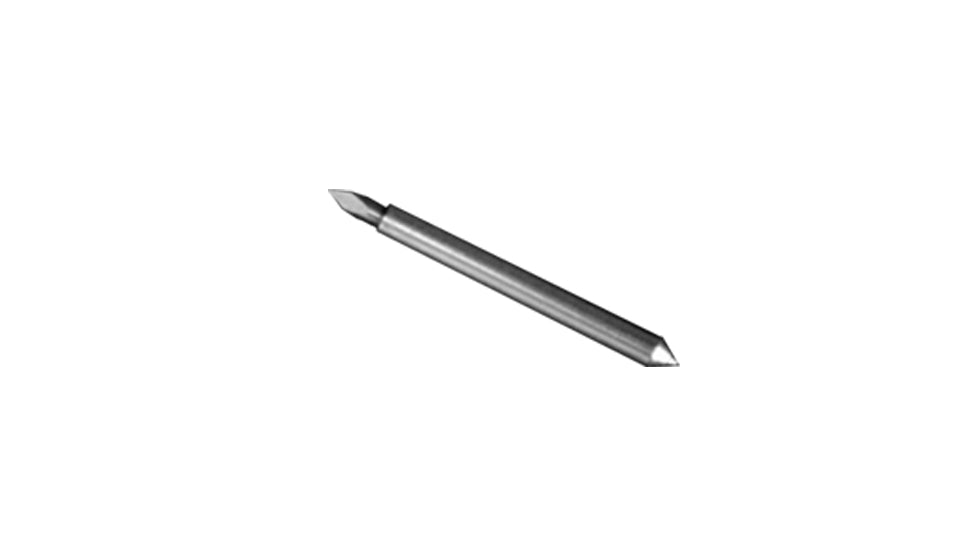
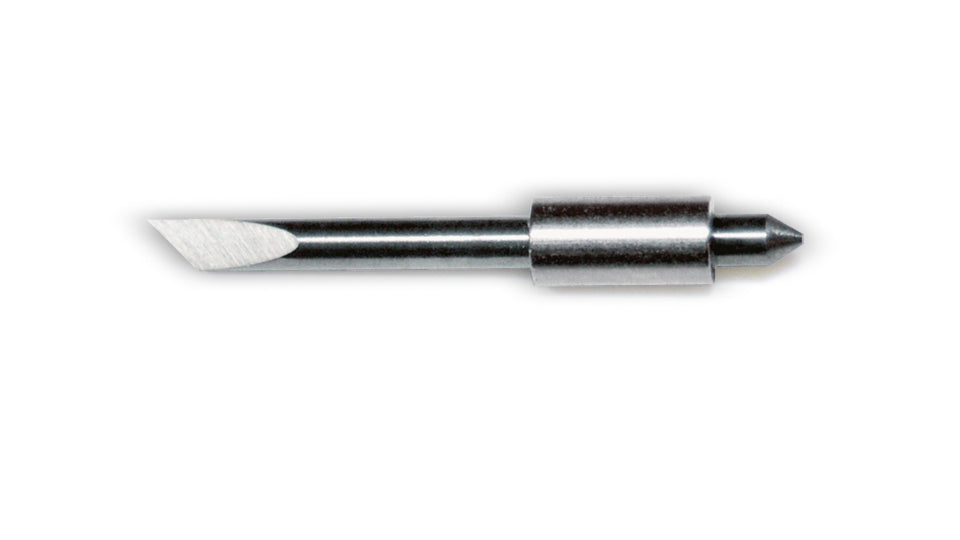
Cutters Accessories give your equipment the support it needs to perform at its best. With durable blades, mats, and maintenance tools, you achieve smoother cuts and protect the life of your machine. Joto supplies trusted accessories that fit leading cutter models, helping you reduce waste and improve precision. Whether you work with vinyl graphics, heat transfer materials, or specialty media, these tools ensure cleaner results with less effort. Designed for busy shops and growing businesses, this collection keeps production steady and professional from start to finish.
Frequently Asked Questions:

What essential accessories does a vinyl cutter operator need to get started?

At minimum you need replacement blades, a cutting mat matched to your material, weeding tools, and transfer tape for adhesive vinyl applications. A blade depth gauge, a burnishing tool or squeegee, and a lint roller round out a professional setup. Having these on hand prevents production stops when consumables wear out mid-job.

What blade depth and cutting force settings prevent tearing on heat transfer vinyl?

For standard cuttable HTV, blade depth should expose roughly 0.5mm of blade — enough to cut the vinyl layer cleanly without penetrating the carrier sheet. Start with low force (typically 50–80g on most cutters) and do a test cut before committing to the full design. Torn carrier sheets are the most common sign of excessive blade depth.

Is cutting mat grip level compatible with all vinyl types, or do I need different mats for different materials?

Yes — mat grip level matters. Standard grip mats work for most HTV and adhesive vinyl. Light grip mats are used for delicate materials like printable HTV or thin paper that would tear when removed from a high-tack mat. Strong grip mats handle thicker materials like cardstock, thick adhesive vinyl, and chipboard. Using the wrong mat causes material slipping or surface damage on removal.

Why is my cutter leaving uncut sections in the middle of detailed designs?

Uncut sections in fine detail are usually caused by a dull blade, insufficient cutting force, or debris on the cutting strip. Replace the blade first — it is the lowest-cost fix. If the issue persists, clean the cutting strip with a lint roller, increase cutting force in 5g increments, and reduce cutting speed for intricate designs where the carriage needs more time to follow tight curves.

How long does a standard vinyl cutter blade last before it needs replacing?

A quality blade typically lasts 3–5 rolls of standard HTV under normal production conditions. Harder materials like rhinestone template film, cardstock, or thick adhesive vinyl will shorten blade life significantly. Inspect blades weekly in high-volume operations — a dull blade is the leading cause of ragged edges and carrier sheet penetration.

What is the cost difference between using OEM blades versus quality aftermarket options for a print shop?

OEM blades from cutter manufacturers typically cost 2–4x more per unit than quality aftermarket alternatives. In high-volume shops cutting daily, switching to certified-compatible aftermarket blades can reduce blade spend by 40–60% annually with minimal quality difference on standard vinyl. Always test a small batch before committing to a bulk aftermarket blade purchase.

What is the best way to extend cutting mat life between replacements?

Rotate your mat 180° periodically so you use the full surface evenly rather than always cutting in the same area. After each session, remove debris with a lint roller — never use solvents on a standard mat. When the mat loses tack, restore it with a light mist of repositionable adhesive spray rather than replacing immediately. A properly maintained mat can last 3–5x longer than one that is neglected.

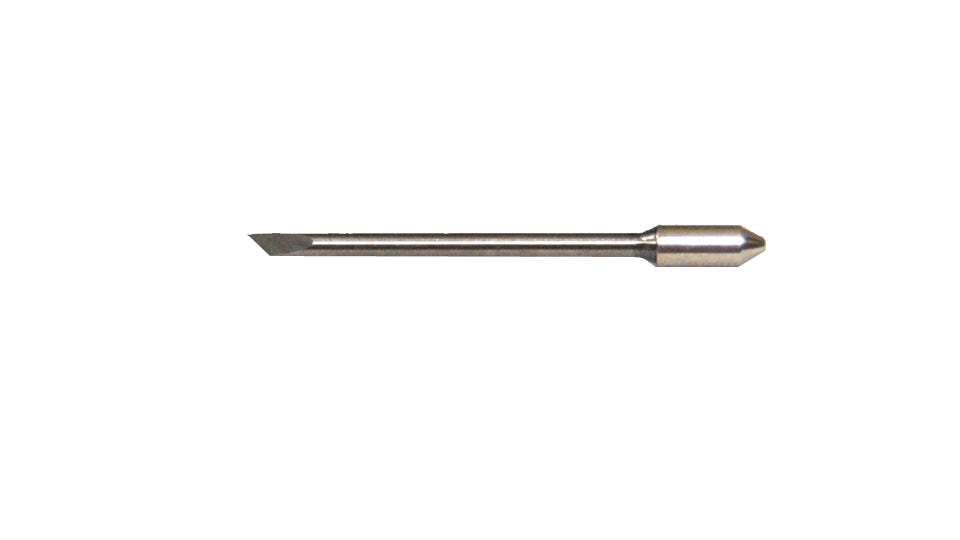
What is the difference between a 45-degree and a 60-degree blade, and when should each be used?

A 45-degree blade is the standard choice for most vinyl, HTV, and light materials — it produces clean cuts at normal speeds. A 60-degree blade has a longer, sharper tip designed for intricate detail work and thicker materials like rhinestone template film or Siser Brick. Using a 60-degree blade on thin standard HTV can cause over-cutting and tearing at corners.

Are cutter blades and mats safe to dispose of in regular recycling bins?

Blades are sharp metal and should never be placed loose in recycling or trash. Wrap used blades in tape before disposal, or collect them in a puncture-resistant sharps container. Most cutting mats are non-recyclable plastic — check your local municipal guidelines. Some cutter manufacturers offer blade recycling programs worth enquiring about.

How should I clean and store cutting mats to preserve their adhesive coating?

After each use, remove vinyl scraps and lint with a lint roller or soft brush. For deeper cleaning, use a damp cloth with mild soap — never alcohol or acetone, which degrade the adhesive. Allow mats to dry completely before storing. Store mats flat or in the protective sleeve they came with to prevent bowing, which causes uneven cuts on future jobs.

Drawer Title
Similar Products