



































































































































Skip to content
en
CAD

Bloom Your Business Into Profit

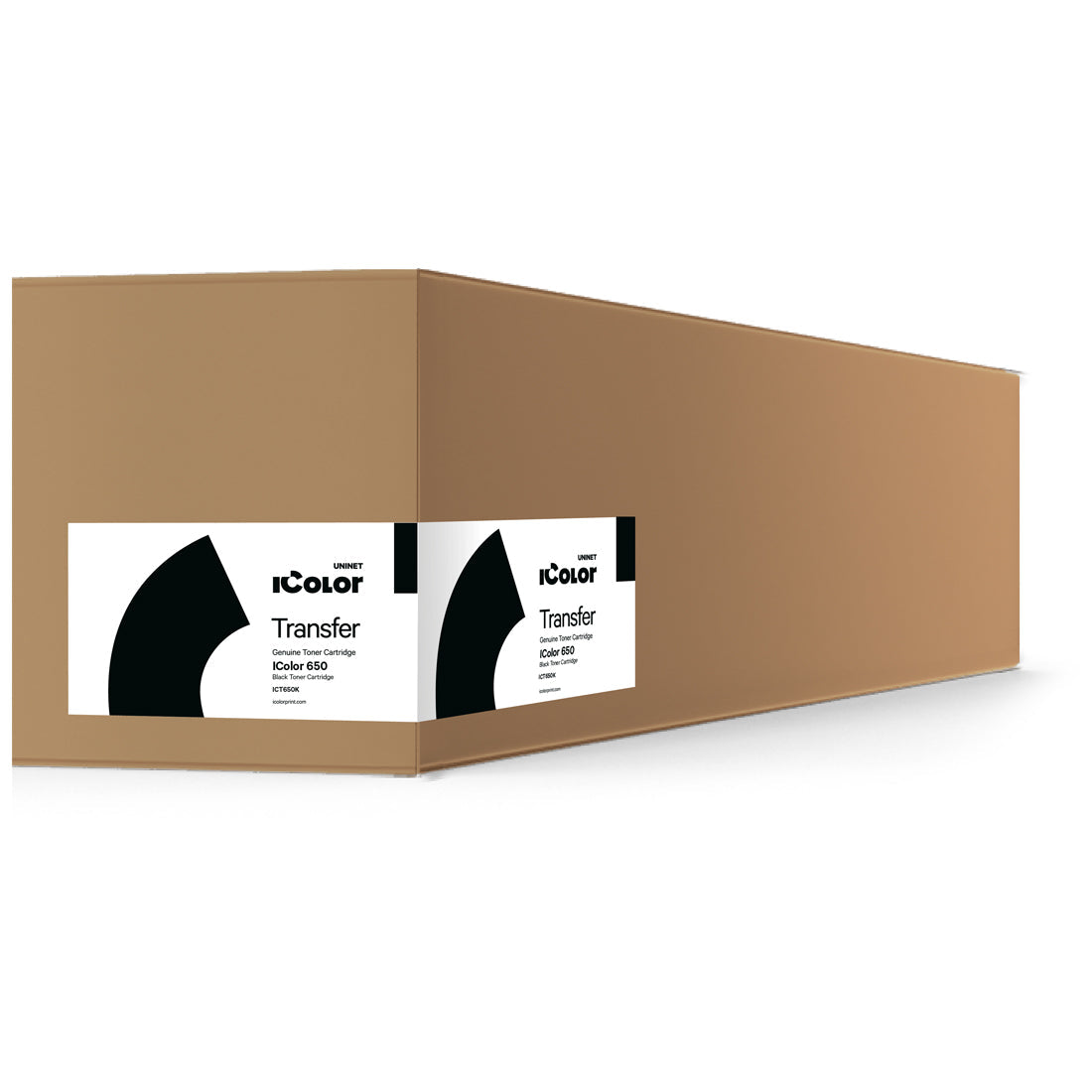
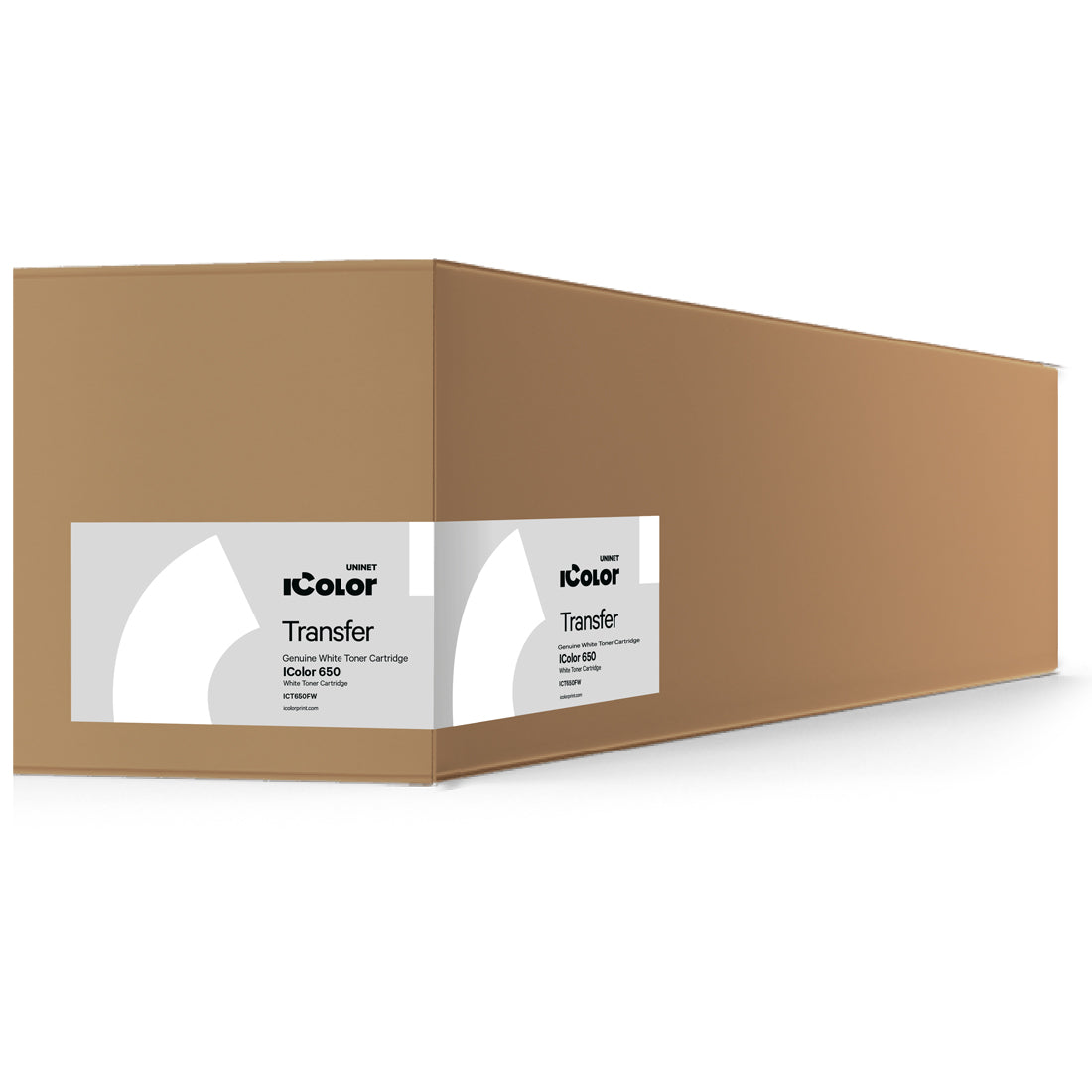
White Laser Toner

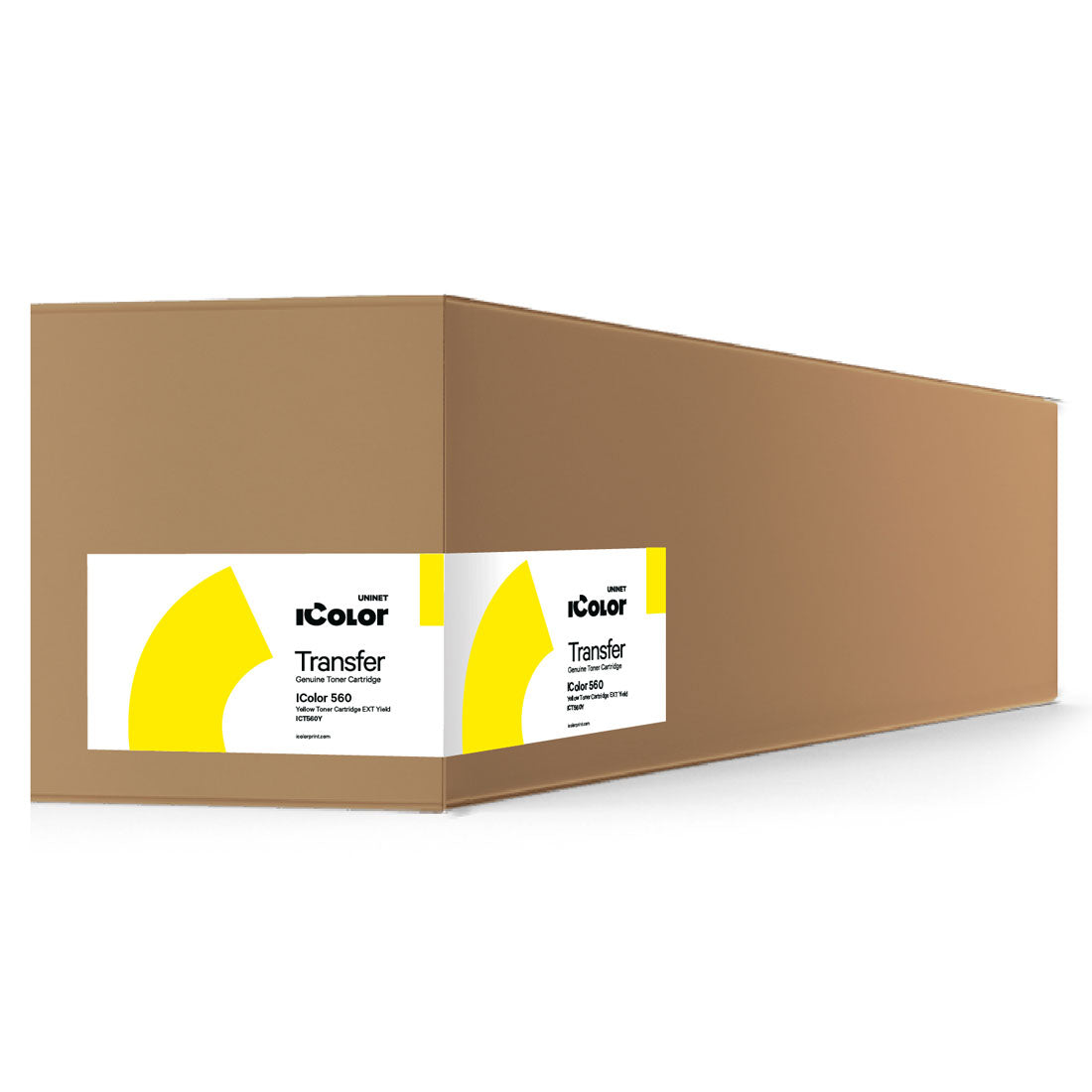
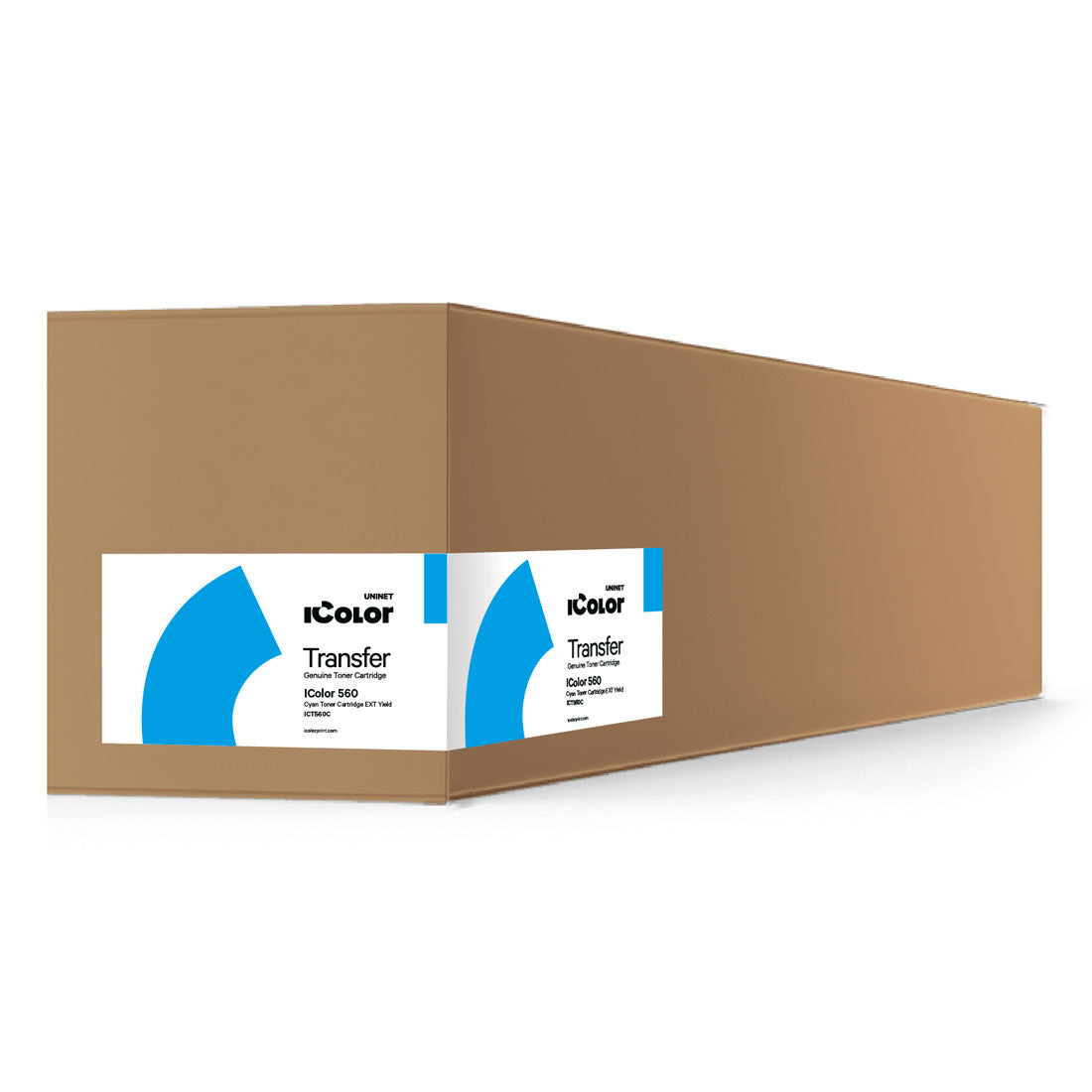
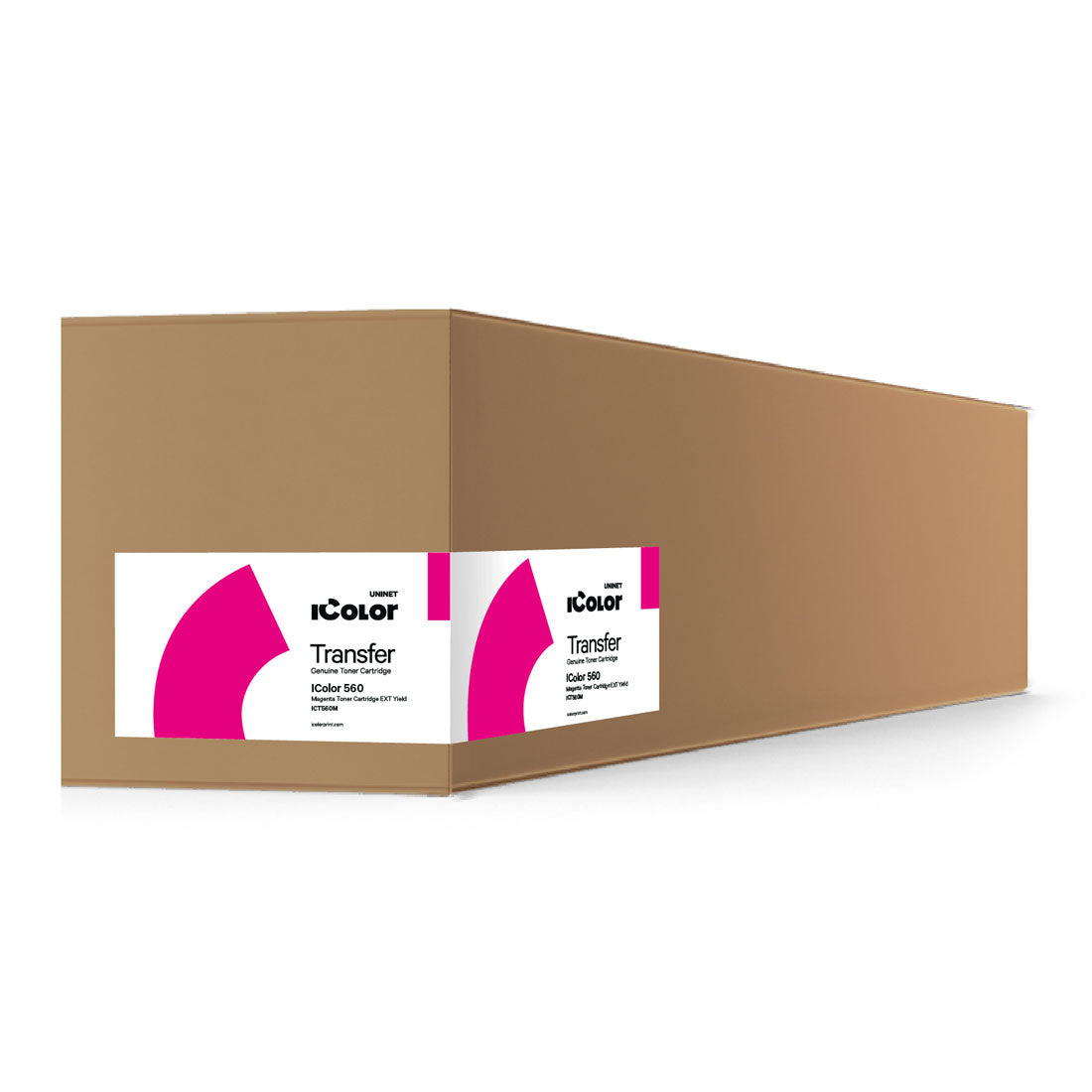
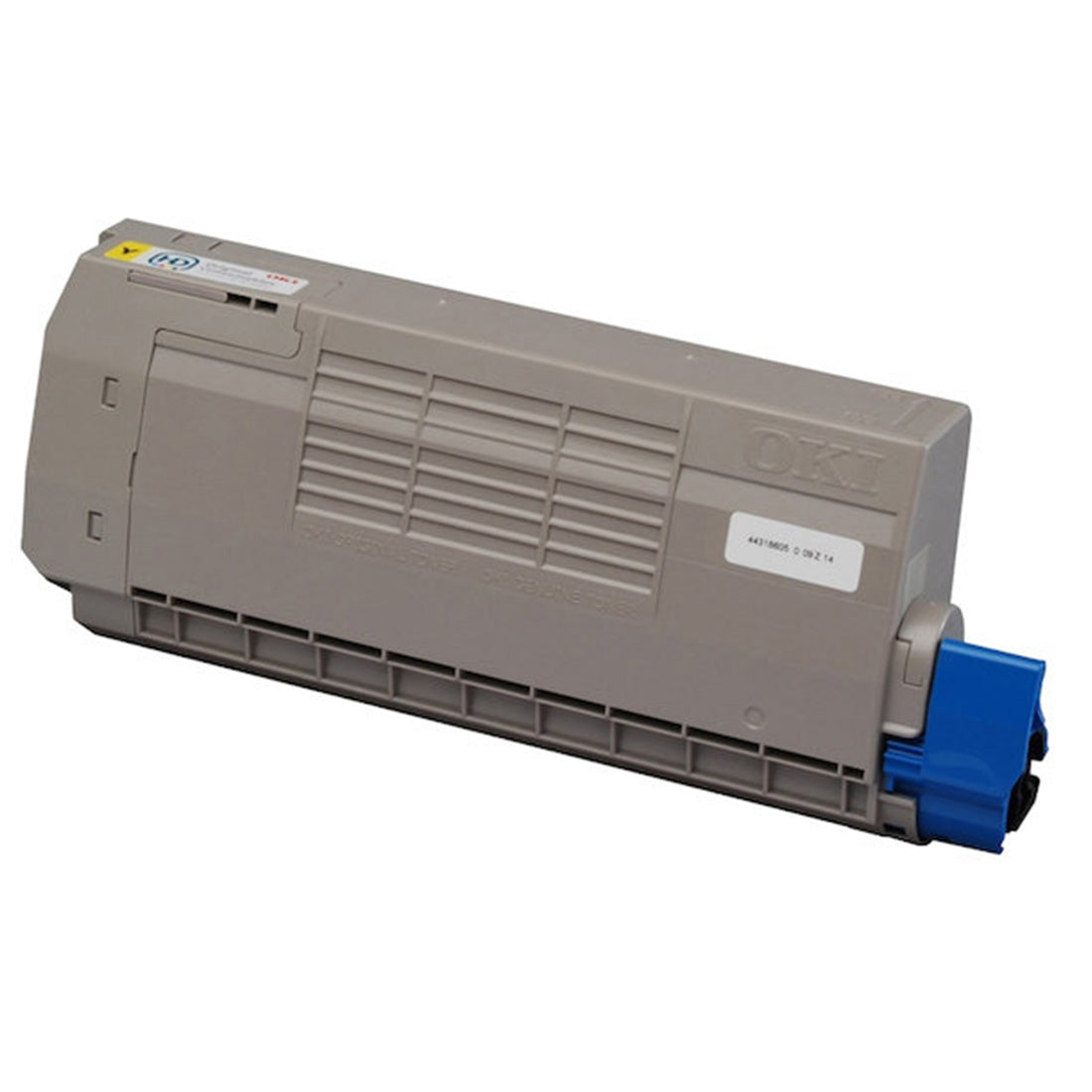
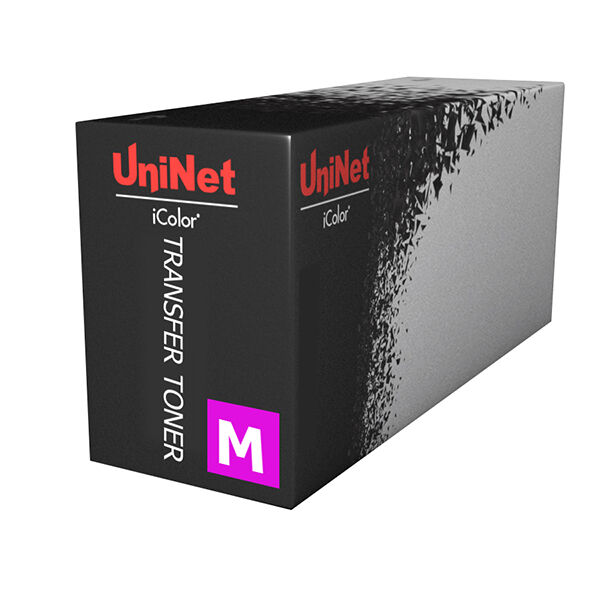
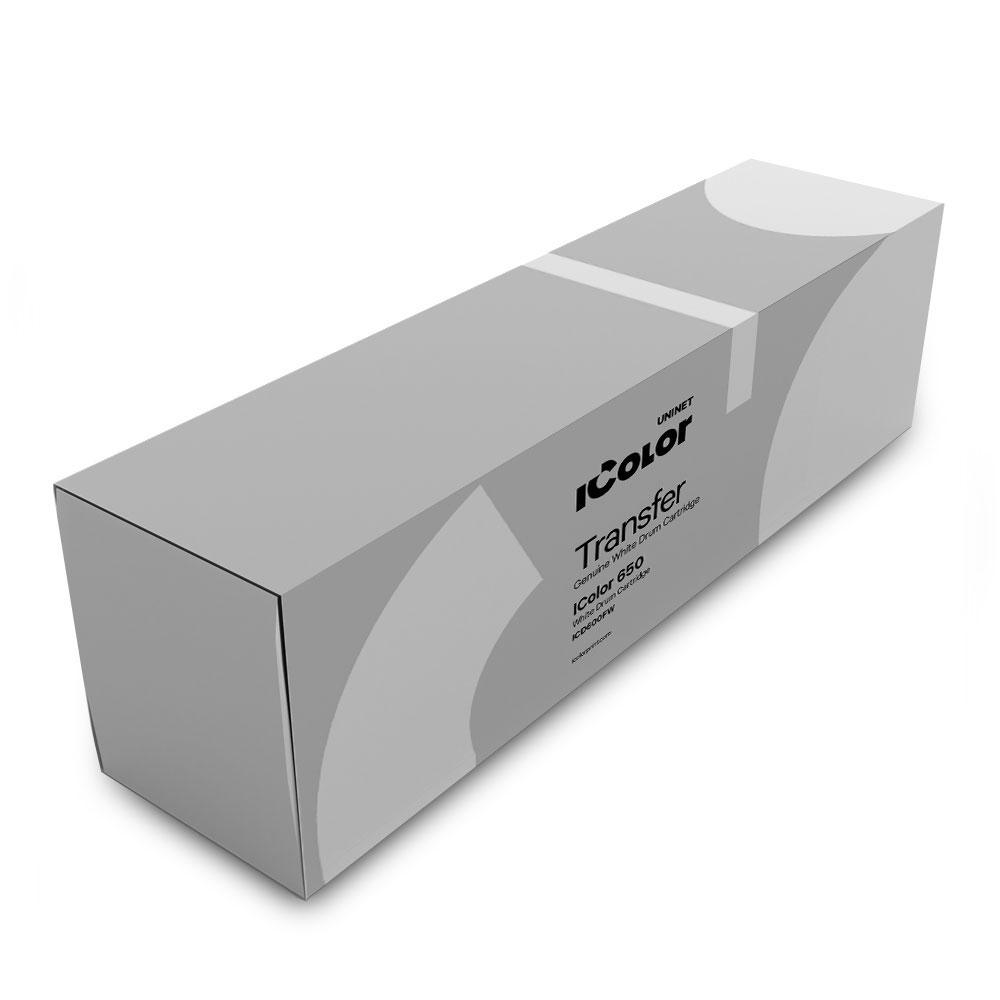
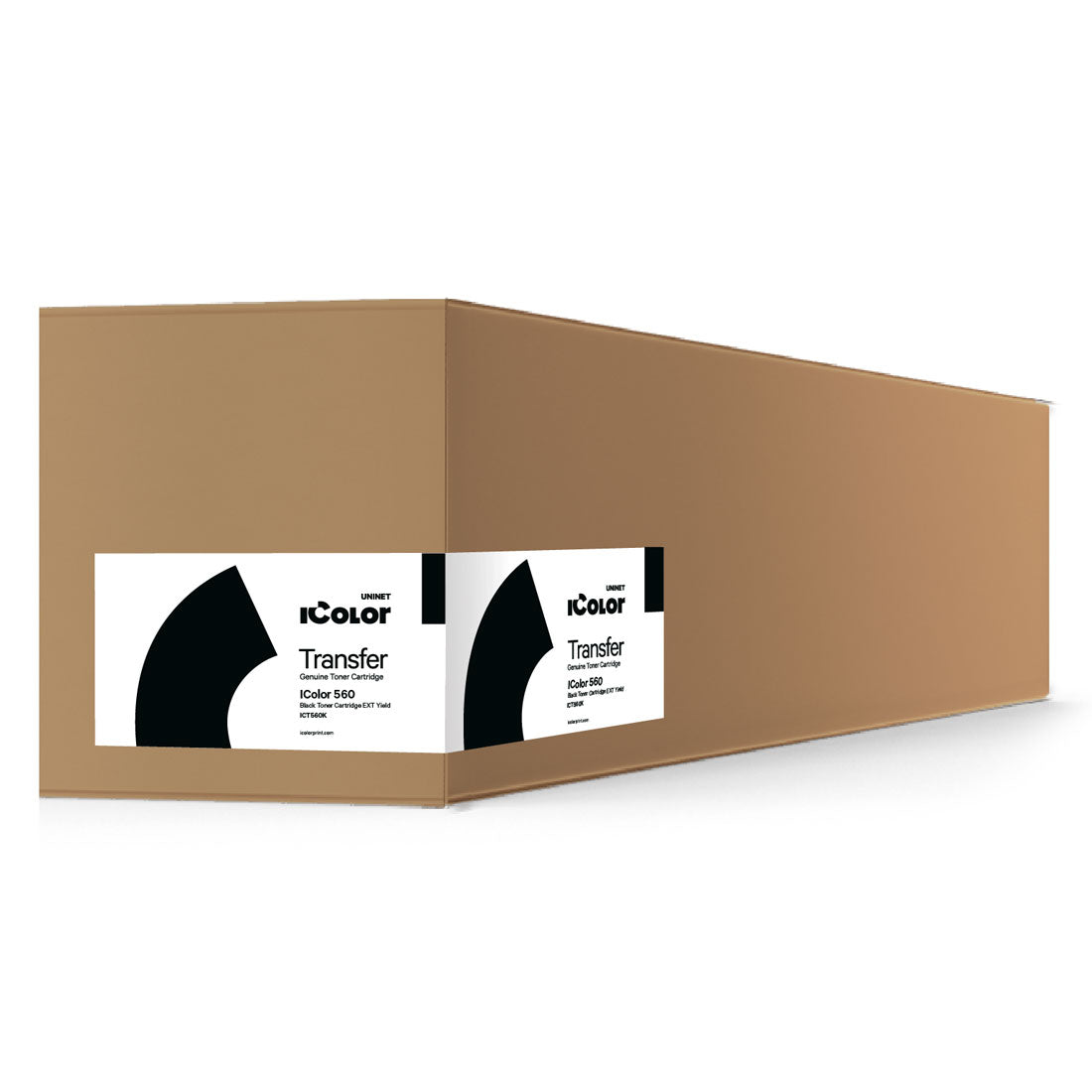
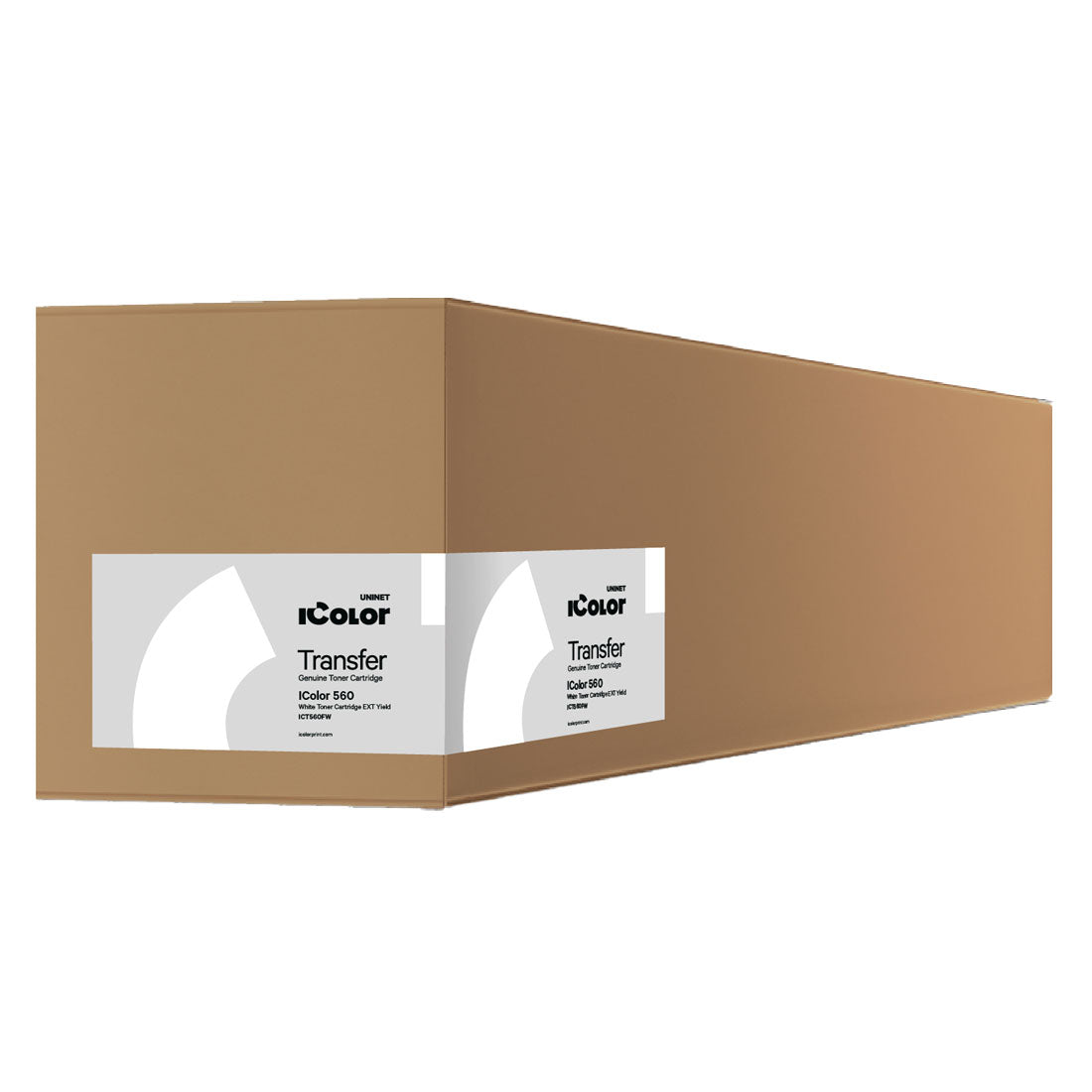
White laser toner for bold designs

Unlock new creative possibilities with Joto’s white laser toner, perfect for producing opaque, striking prints on dark and colored surfaces.

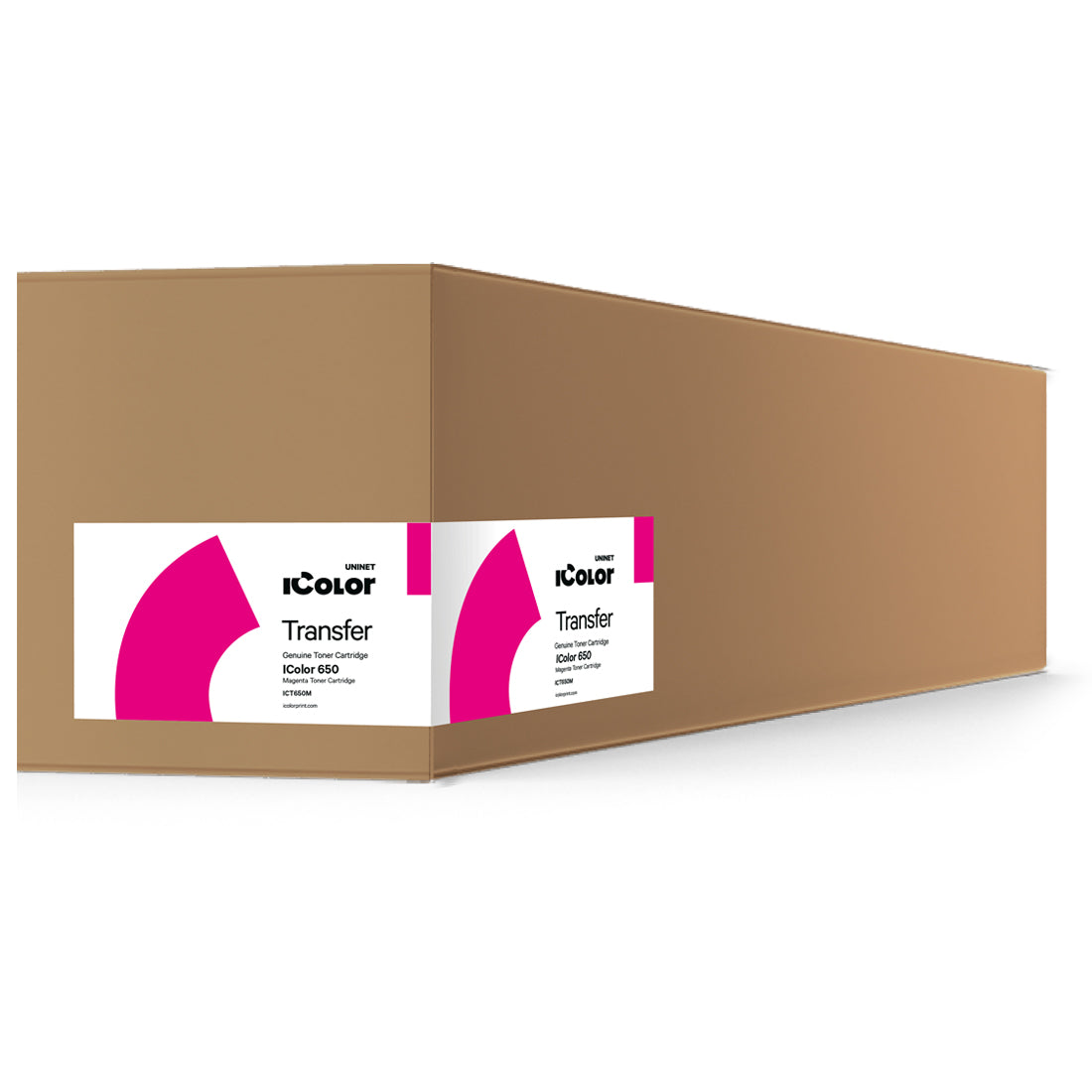
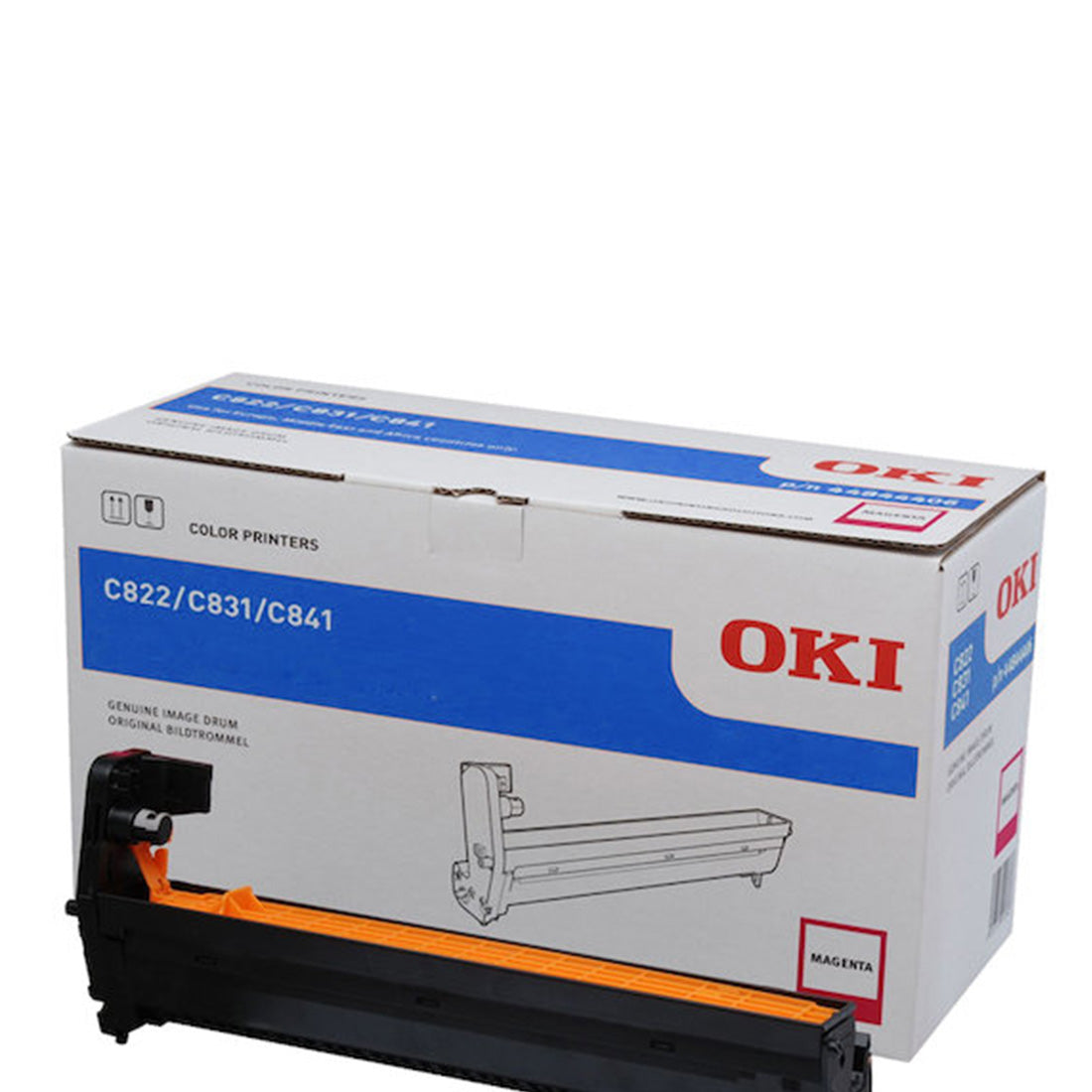
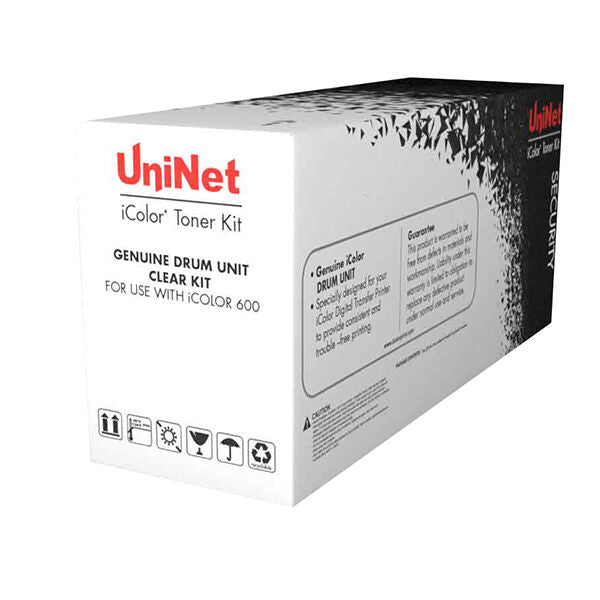
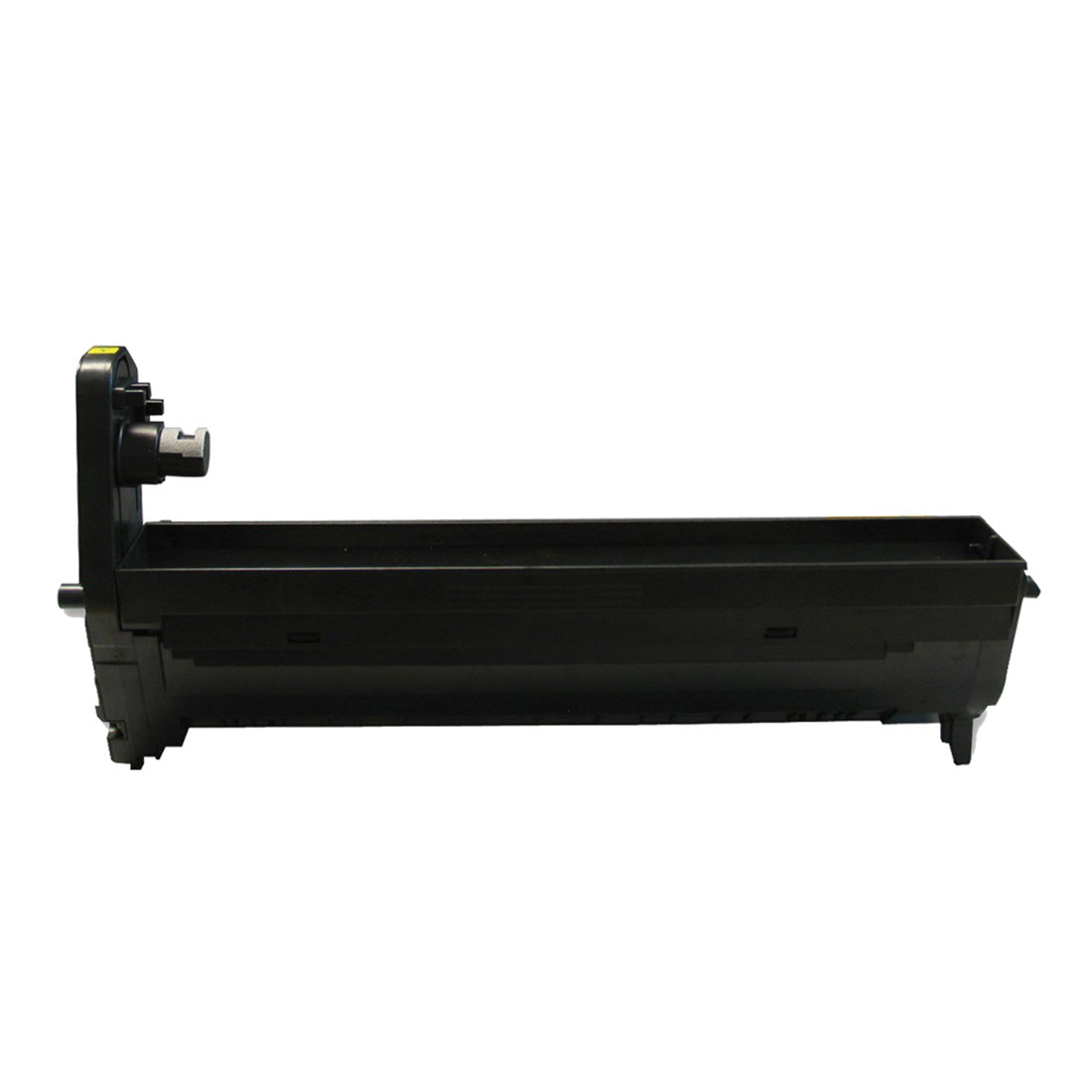
White toner technology expands your printing capabilities by allowing text, graphics, and detailed artwork to stand out with crisp contrast on a variety of substrates. Ideal for heat transfer applications, signage, packaging, and promotional products, it ensures that colors remain vibrant and visible even on darker backgrounds. Joto’s high-quality cartridges are designed for reliability, reducing misprints and delivering consistent coverage with every run. Easy to install and compatible with select laser printers, they save time while supporting professional results. From small business owners customizing apparel to print shops producing branded merchandise, white laser toner offers the flexibility to impress clients and boost revenue. With Joto’s expertise and dependable supply chain, you can trust your projects to look sharp, unique, and ready to turn heads.
Frequently Asked Questions:

What is white laser toner and what types of printing applications require it?

White laser toner is a dry toner formulation used in white toner transfer printers like the Uninet iColor series to create an opaque white layer in transfer designs. It enables full-color printing on dark fabrics, dark paper, and non-white substrates by acting as a bright underbase beneath CMYK colors. Without a white toner layer, colors printed on dark surfaces appear dull and muted.

What fuser temperature and print density settings optimize white toner opacity on transfer media?

White toner opacity is maximized by printing at the highest available density setting in your RIP software and ensuring the fuser temperature is within the printer manufacturer's recommended range. Under-fused white toner appears translucent and transfers incompletely to the substrate. If your white layer appears grey rather than bright white after transfer, increase fuser temperature in the printer settings and verify you are using the correct transfer media for your printer model.

Is white laser toner compatible with all transfer paper types, or does it require brand-specific media?

White laser toner is formulated to work with specific transfer media designed for white toner printers. Uninet iColor printers, for example, require iColor-branded transfer papers (Select, UltraBright, ThermoFlex) for optimal adhesion and wash durability. Using incompatible or generic transfer paper with white toner causes poor toner adhesion, incomplete transfer, and significantly reduced wash durability. Always use media certified for your specific printer model.

Why is the white layer of my transfer appearing grey or transparent after pressing onto a dark garment?

A grey or transparent white layer after pressing indicates the white toner was under-fused during printing, causing incomplete toner particle fusion. This results in poor ink transfer to the substrate. Check the fuser temperature setting in your printer driver or RIP, ensure you are using the correct transfer media, and verify that the toner cartridge is not depleted — low white toner levels cause thin, translucent white layers even at correct fuser settings.

How many wash cycles do white toner transfers on cotton garments withstand before the white underbase begins to crack?

White toner transfers on cotton using quality transfer media typically withstand 25–40 wash cycles before showing visible cracking or edge lifting when washed in cold water inside out. Wash durability on polyester is slightly lower. High-heat drying accelerates cracking significantly — always recommend air drying or low-heat tumble drying to customers purchasing white-toner decorated garments to maximize product lifespan.

What is the cost-per-print comparison between white toner transfers and DTF for a shop producing 50 dark garments per week?

At 50 dark garments per week, white toner transfer materials (toner, media) typically cost $1.50–$3.00 per letter-size transfer. DTF at the same volume costs $0.50–$1.00 per transfer in film, ink, and powder. However, white toner requires no curing oven or powder station — the total equipment investment is lower, and the workflow is simpler. For shops already owning a white toner printer, the per-print economics are competitive with DTF up to approximately 150–200 pieces per week.

What is the trick to getting the sharpest possible fine-detail output with white toner on a dark transfer?

Print the white layer at 100% density and add a slight spread (0.5–1pt in your RIP) to the white underbase so it extends just beyond the CMYK boundary — this prevents a dark halo from appearing around fine lines and text when the CMYK colors are slightly smaller than the white base due to press registration variance. For text under 8pt, use bold weights rather than fine strokes, as very fine white toner lines can break up during transfer application.

What is the difference between white laser toner and white inkjet ink for transfer printing, and why choose toner?

White laser toner is a dry particle fused by heat, producing a crisp, opaque white layer in a single pass without ink drying time. White inkjet ink is liquid and requires careful drying management and often a dedicated print head channel. Toner-based systems produce more consistent opacity across production runs, require less maintenance than liquid white ink systems, and have no ink settling or agitation requirements. For shops prioritizing simplicity and consistency over maximum substrate flexibility, white toner is the better workflow.

Are white toner cartridges free from heavy metals and compliant with Canadian environmental disposal regulations?

White toner cartridges from major manufacturers are formulated to meet RoHS and equivalent Canadian environmental standards restricting heavy metals including lead, cadmium, mercury, and hexavalent chromium. Most manufacturers offer cartridge return and recycling programs — check with your supplier for the program applicable to your printer brand. Do not dispose of toner cartridges in regular recycling or trash; residual toner powder is a fine particulate that requires proper containment during disposal.

How should I store white toner cartridges to prevent clumping and maintain consistent opacity?

Store white toner cartridges horizontally at room temperature (59–77°F / 15–25°C) away from direct sunlight, humidity, and magnetic fields. Before installing a stored cartridge, gently rock it side to side 5–6 times to redistribute any settled toner particles — this is especially important for white toner, which contains titanium dioxide pigment that compacts during storage. Never store cartridges in a hot vehicle or near a heat source, as elevated temperatures cause toner to fuse inside the cartridge.

Drawer Title
Similar Products