



























































































































































Choosing between the SG500 and SG1000 should not feel this complicated. You read spec sheets that sound identical. You watch reviews that contradict each other. You worry about buying too small and hitting a ceiling in six months, or buying too big and wasting money on capacity you never use.
Here is what actually matters: The Sawgrass SG500 supports prints up to 8.5 by 14 inches, while the SG1000 provides greater media flexibility for larger designs. Both printers use identical ink technology and deliver the same print quality. The difference is not better or worse. The difference is which products you plan to make. Sawgrass Inks
This guide breaks down the operational differences between both models. You will understand print capacity, workspace requirements, cost structures, and which business models align with each printer. By the end, you will know which Sawgrass printer fits your business without overspending on unnecessary capability.
Why Print Size Defines Your Business Model
The main tray of the SG1000 can handle up to A3/Tabloid size paper while the SG500 can support up to A4/Legal size paper. This is not a minor specification difference. Print size determines which products you can manufacture efficiently. Sawgrass Technologies
SG500 Print Capacity (8.5 x 14 inches / 22 x 36 cm):
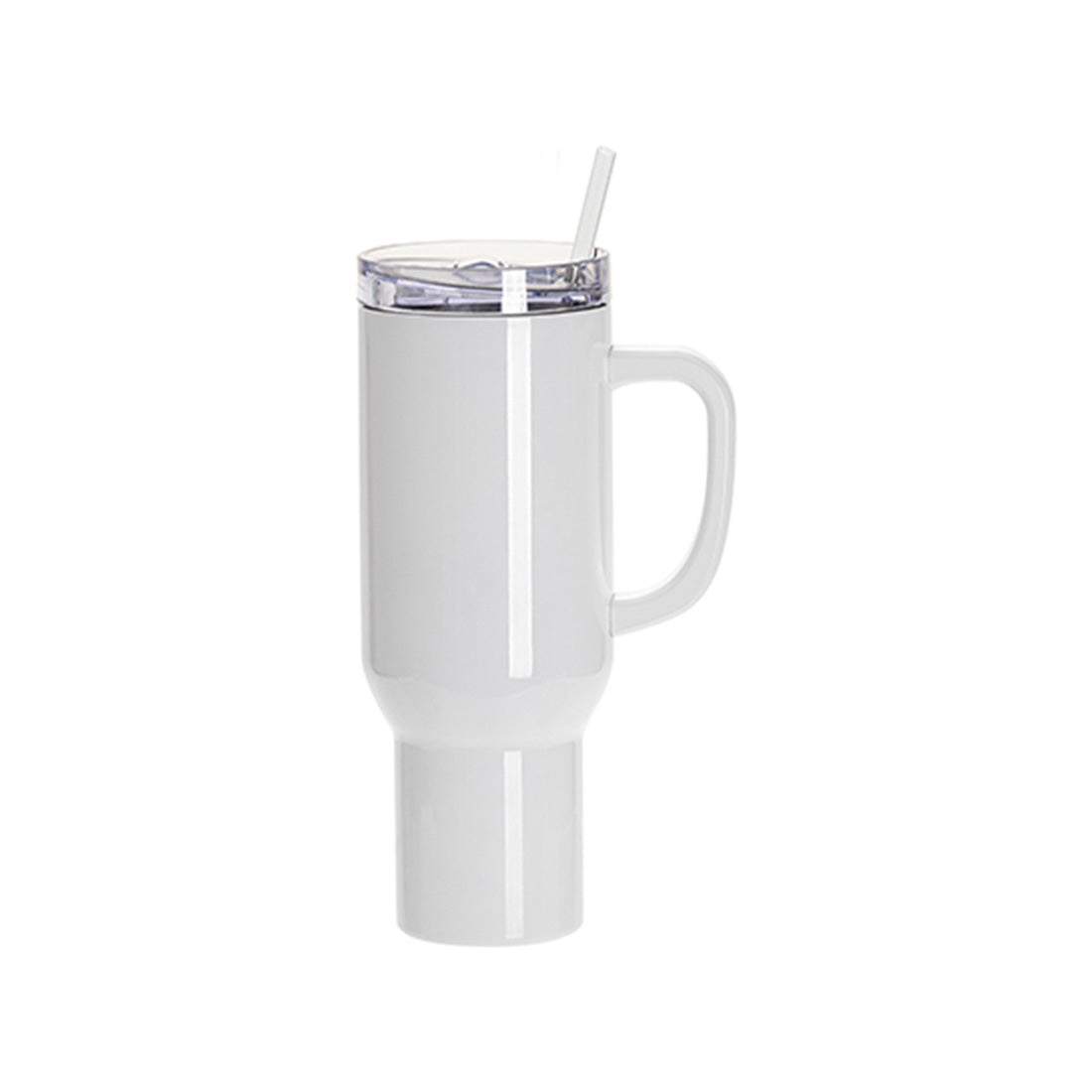
- Mugs, tumblers, and drinkware
- Phone cases and tablet covers
- Coasters and mousepads
- Youth and toddler apparel
- Small signage up to 20 x 36 cm
SG1000 Print Capacity (11 x 17 inches / 28 x 43 cm standard):
- Adult t-shirts and hoodies (full front designs)
- Full-size cushions and pillowcases
- Large format signage and banners
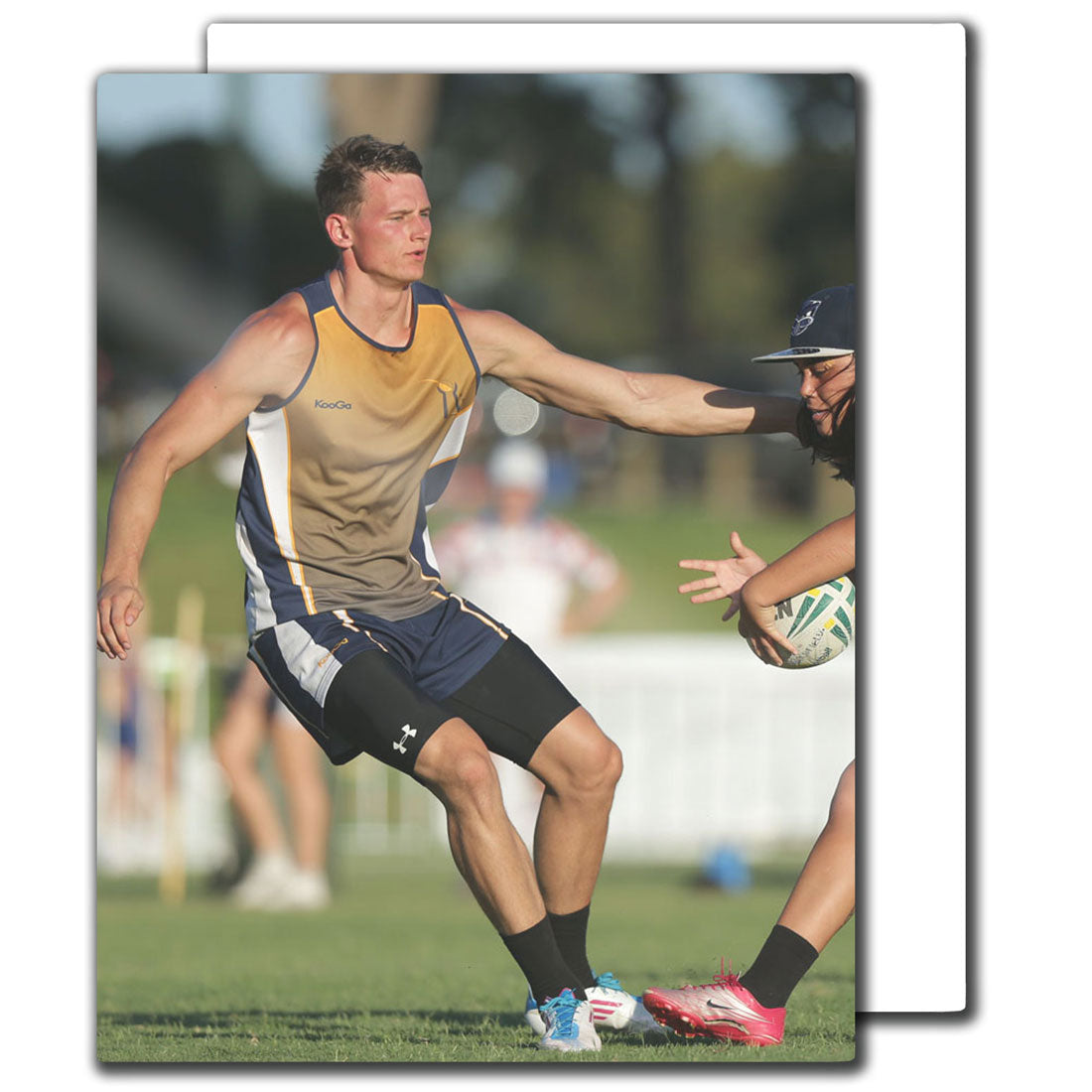
- Oversized photo panels
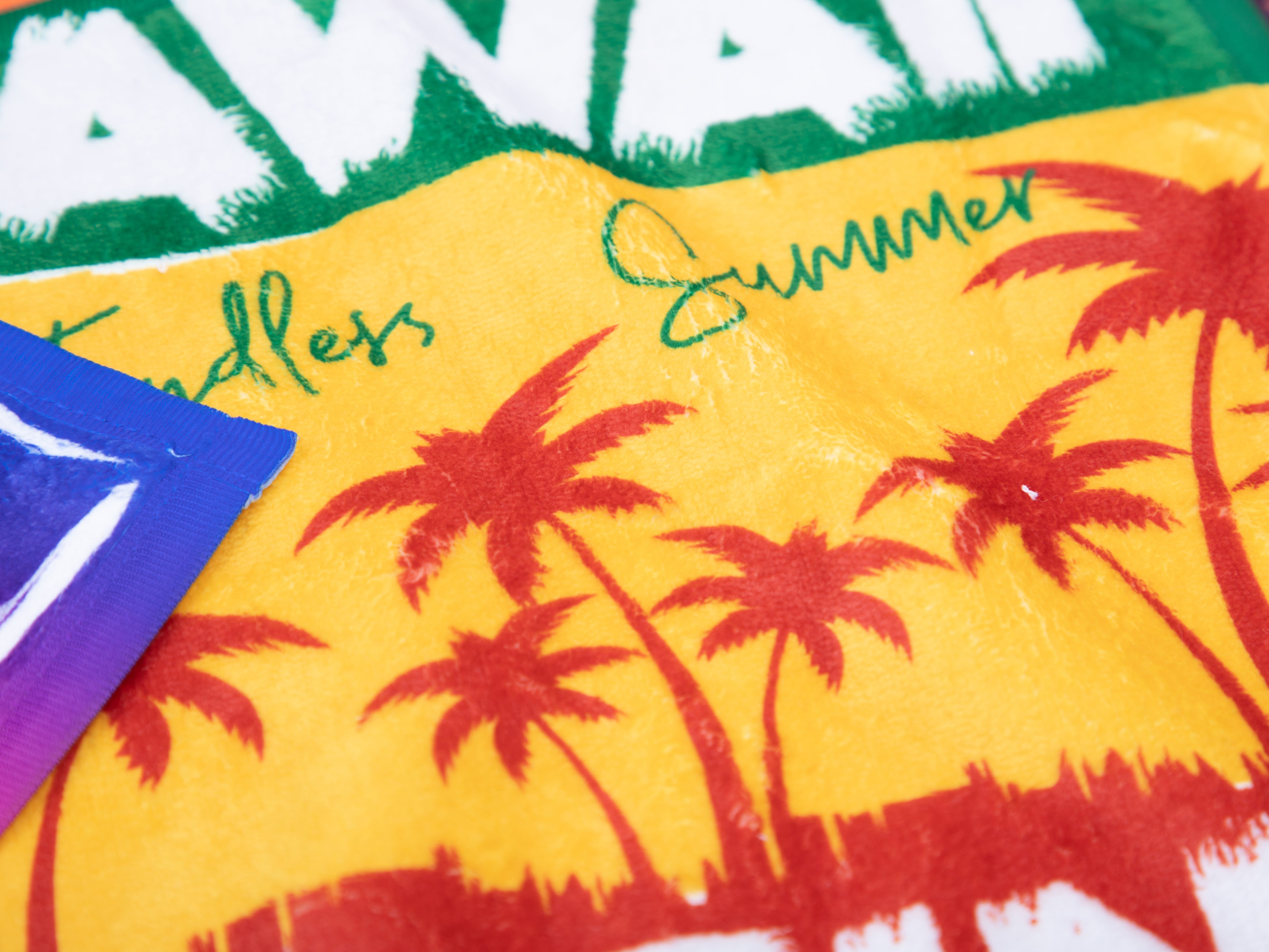
- Beach towels and blankets
- 13 x 19 inches (33 x 48 cm) with optional bypass tray
The SG500's 8.5 by 14-inch maximum print area covers the majority of personalized products. These products typically carry high profit margins because they require minimal material cost relative to selling price. A sublimated mug costs approximately CAD 3-5 in materials and sells for CAD 20-30 retail. This margin structure works well for home-based businesses and small studios.
The SG1000 expands your format to 11 by 17 inches standard, with 13 by 19 inches available through an optional bypass tray. Adult t-shirts require approximately 12 by 16 inches of print area for full front designs. Without this capability, you either decline those orders or resort to inefficient workarounds like tiling multiple smaller transfers.
Format limitations create invisible business ceilings. An SG500 owner who builds a successful local market for custom apparel will eventually face a choice: refer large orders to competitors with larger printers, or invest in an SG1000 as a second unit. The second printer adds equipment cost, workflow complexity, and space requirements. Choosing the right initial format prevents this friction.
→ Browse all Sawgrass printers and compare formats
Print Quality Is Identical Between Models
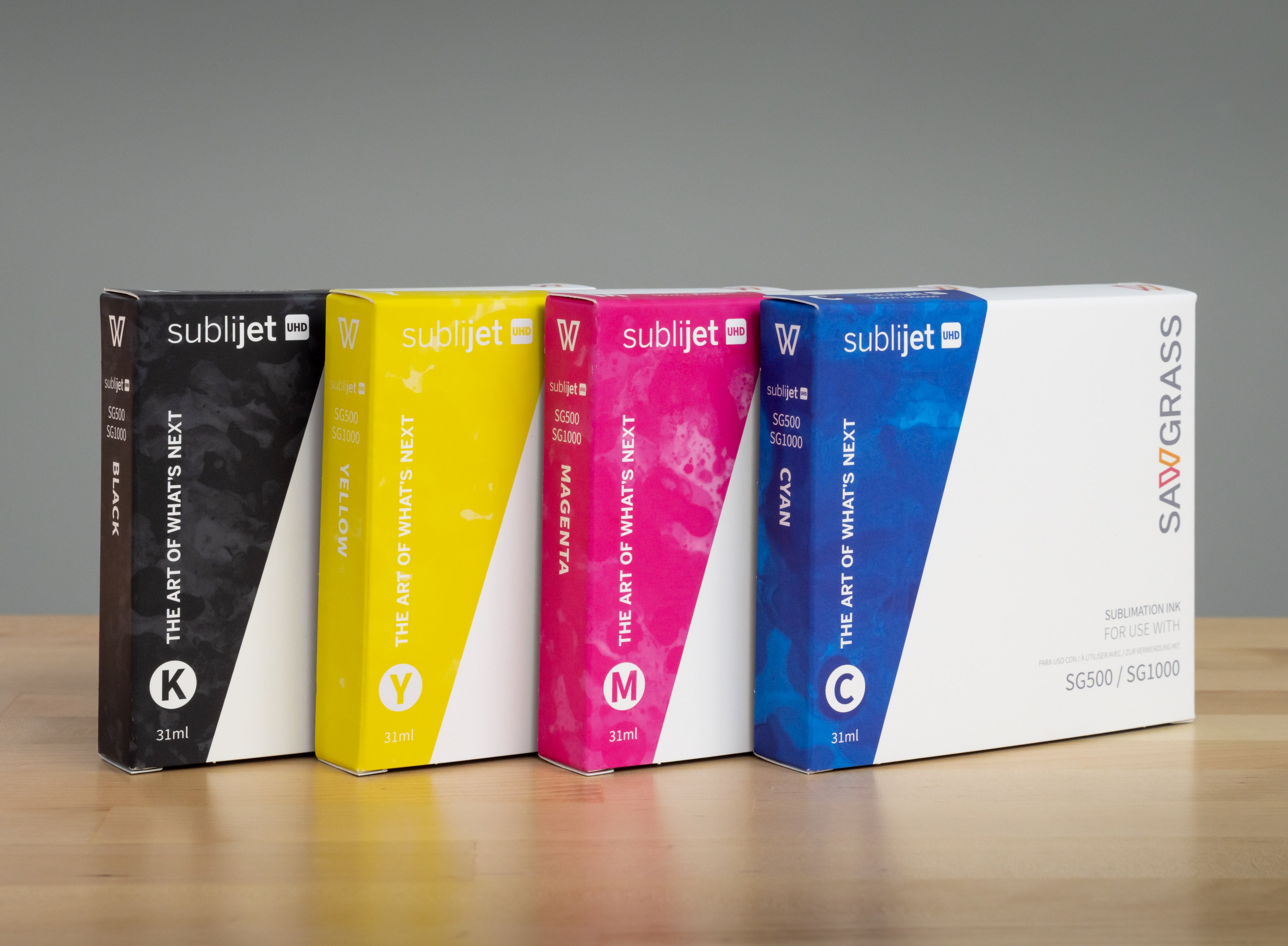
Both the SG500 and SG1000 use Sawgrass SubliJet UHD ink and the same print engine architecture. Both printers support the same Sawgrass ink systems including SubliJet UHD sublimation ink and VersiFlex ink. Resolution, color accuracy, and image sharpness remain consistent across both models. Sawgrass Inks
Shared print specifications:
- 4880 x 1200 dpi resolution on both models
- Identical CMYK ink formulation
- Same color management software
- Compatible with VersiFlex natural fiber printing
- Automatic maintenance systems on both printers
This matters because businesses sometimes assume the higher-priced SG1000 produces superior output. It does not. The SG1000's premium reflects format capacity and production features, not image quality. A mug printed on an SG500 looks identical to the same mug printed on an SG1000.
The shared print engine means your investment decision centers on business model, not quality concerns. If your product line fits within 8.5 by 14 inches, the SG500 delivers professional results indistinguishable from larger format equipment. Quality differentiation occurs through proper heat press technique, substrate selection, and color management, not printer model.
Physical Footprint and Workspace Requirements
SG500 Specifications:
- Dimensions: 40 x 44 x 22 cm
- Weight: ~12 kg
- Desktop compatible
- Operates from standard desks or counters
- Minimal dedicated space required
SG1000 Specifications:
- Dimensions: 53 x 36 x 22 cm
- Weight: ~14 kg
- Dedicated station recommended
- Bypass tray adds ~40 cm depth clearance
- Benefits from proper production layout
The SG500's compact footprint allows operation on standard desks, kitchen counters, or shared workspaces. Many home-based businesses run the SG500 from spare bedrooms or basement workshops without dedicated printer stations.
The SG1000 measures approximately 53 by 36 by 22 centimetres and weighs roughly 14 kilograms. While not dramatically larger, it benefits from dedicated printer stands or workstations, especially when paired with the bypass tray for extended media handling.
Workspace considerations extend beyond the printer itself. Sublimation workflows require adjacent space for substrate preparation, transfer paper handling, heat press operation, and finished product cooling. An SG500 fits into compact workflows where all equipment shares a small room. An SG1000 typically indicates a business ready for dedicated production space with proper ventilation and equipment organization.
Canadian businesses operating from residential properties should verify local zoning compliance for home-based commercial activity. Some municipalities restrict equipment noise levels, operating hours, or customer traffic. A compact SG500 setup maintains lower visibility than a full production station with an SG1000 and multiple heat presses.
Ink Capacity and Cost Per Print
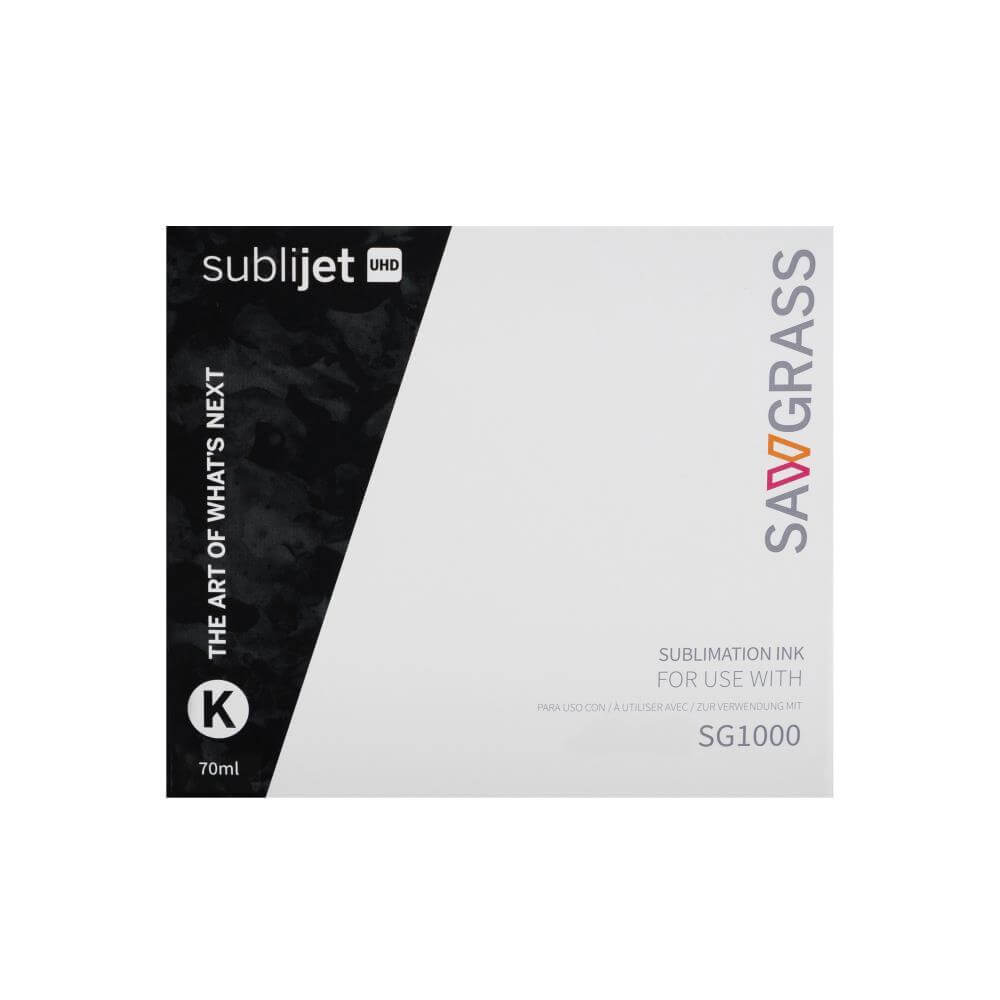
The new Sublijet-UHD ink is redesigned for even richer, more vibrant color on both hard and soft substrates. Both printers use the same CMYK cartridge system, available in standard and extended capacity formats.
Ink cartridge options:
- SG500: Standard capacity cartridges only
- SG1000: Standard + extended capacity cartridges
- Extended cartridges contain ~2x ink volume
- Extended cartridges cost ~1.6x standard pricing
- Lower cost per print on high-volume operations
The extended cartridge option on the SG1000 reduces ink costs for businesses printing hundreds of transfers weekly. This advantage matters most for production operations where incremental cost savings compound across large order volumes.
Ink consumption varies by image coverage. A full-coverage photograph uses significantly more ink than line art or text-based designs. Sawgrass Print Manager software optimizes ink output based on substrate type, reducing waste and improving color accuracy. This optimization applies to both printer models equally.
Cost per print factors:
- Substrate (blank item cost)
- Transfer paper
- Ink consumption
- Heat press electricity
- Labour time per unit
Ink typically represents 15-25 percent of total production cost for most products. The extended cartridge option on the SG1000 reduces this percentage marginally but does not fundamentally change profit margins. Labour efficiency and product pricing strategy impact profitability far more than incremental ink savings.
Connectivity and Workflow Integration
Both printers include USB, Ethernet, and 2.4GHz WiFi connectivity. Wireless printing eliminates cable management issues in multi-station workshops and allows printer placement independent of computer location.
Both the SG500 and SG1000 printer are equipped with an Ethernet port, USB port as well as 2.4Ghz WiFi connectivity. Sawgrass Technologies
Connection options ranked by reliability:
- Ethernet: Most stable for high-resolution files, prevents wireless interference
- USB: Most reliable for single-workstation setups, direct computer connection
- WiFi: Best for multi-station flexibility, mobile printing capability
Sawgrass Print Manager integrates with Adobe Creative Suite, CorelDRAW, and other professional design software. The print manager handles color profiling automatically based on substrate selection, ensuring consistent results without manual ICC profile management. This integration works identically on both printer models.
Workflow efficiency factors:
- Batch printing multiple designs reduces per-unit labour cost
- Digital asset library organization
- Standardized design templates
- Automated color management via Print Manager
Workflow efficiency depends more on design process optimization than printer specifications. A well-organized digital asset library and standardized design templates impact productivity far beyond equipment specs.
Production Capacity and Business Scale
Paper tray capacity:
- SG500: ~200 sheets sublimation paper
- SG1000: ~250 sheets sublimation paper
This difference matters little for businesses printing dozens of items daily but becomes relevant at higher production volumes where frequent paper reloading interrupts workflow.
Print speed remains comparable between models for identical print sizes. An 8.5 by 11-inch full-coverage image takes approximately the same time on both printers. The SG1000's advantage appears when printing multiple items per sheet. Larger format allows nesting multiple small designs on one transfer sheet, reducing the total number of prints required for batch orders.
Daily volume capacity guidelines:
- SG500: Optimal for 10-30 transfers daily
- SG1000: Handles 30-100+ transfers daily efficiently
- Both models: Can exceed these volumes but workflow efficiency decreases
Production businesses serving wholesale accounts, corporate clients, or event-based bulk orders require consistent throughput. Businesses regularly printing 50-100 transfers daily should evaluate whether the SG1000's format efficiency justifies the additional investment. Businesses printing fewer than 20 transfers daily rarely benefit from the SG1000's capacity.
Growth trajectory matters more than current volume. A business planning aggressive market expansion, wholesale partnerships, or multi-product-line diversification may prefer the SG1000 even at lower initial volumes. The format flexibility prevents business model limitations as opportunities arise.
Product Category Alignment

SG500 Optimal Products
- Mugs and drinkware (11-15 oz standard sizes)
- Phone cases and tablet covers
- Coasters and trivets
- Mousepads and desk mats
- Small signage (up to 20 x 36 cm)
- Youth and toddler apparel
- Pet accessories and bandanas
- Ornaments and small decorative items
- Keychains and bag tags
- Ceramic tiles and coasters
SG1000 Optimal Products
- Adult apparel (t-shirts, hoodies, long sleeves)
- Full-size cushions and pillowcases
- Large format signage and banners
- Oversized photo panels and canvas
- Beach towels and blankets
- Yoga mats and fitness accessories
- Commercial signage and trade show displays
- Multi-item gang sheets for production efficiency
- Full-front and full-back garment designs
- Large format wall art and posters
Product mix determines profitability more than equipment cost. High-margin small items generate excellent returns on an SG500. Volume-based apparel businesses require the SG1000's efficiency. Many established businesses operate both printers, routing work to the appropriate format for each order.
VersiFlex Ink Compatibility: Cotton Printing Option

Both the SG500 and SG1000 support Sawgrass VersiFlex ink technology, which extends sublimation printing to cotton and natural fiber substrates. Traditional sublimation only works on polyester and polymer-coated surfaces. VersiFlex breaks this barrier.
VersiFlex capabilities on both printers:
- Print on 100% cotton garments
- Print on cotton-poly blends
- Maintain sublimation quality on natural fibers
- Use same printer for polyester and cotton workflows
- No equipment changes required
This flexibility matters for businesses serving diverse markets. Wedding photographers need natural-fiber photo panels. Corporate clients request cotton polo shirts. Event planners need cotton tote bags. Without VersiFlex capability, you either decline these orders or invest in separate DTF or DTG equipment.
Both the SG500 with VersiFlex kit and SG1000 with VersiFlex kit provide complete cotton printing capability. The format constraints remain the same: SG500 handles cotton products up to 22 by 36 cm, SG1000 handles cotton products up to 28 by 43 cm standard.
Investment Comparison Framework
| Factor | SG500 | SG1000 |
|---|---|---|
| Print Area | 22 x 36 cm standard | 28 x 43 cm standard, 33 x 48 cm with bypass tray |
| Physical Size | 40 x 44 x 22 cm | 53 x 36 x 22 cm |
| Weight | ~12 kg | ~14 kg |
| Paper Capacity | ~200 sheets | ~250 sheets |
| Ink Cartridges | Standard capacity only | Standard + extended capacity options |
| Optimal Daily Volume | 10-30 transfers | 30-100+ transfers |
| Primary Markets | Personalization, gifts, small goods | Apparel, signage, production |
| Workspace | Desktop compatible | Dedicated station recommended |
| Business Stage | Startup, home-based, testing market | Established, growth phase, wholesale |
| Connectivity | USB, Ethernet, WiFi | USB, Ethernet, WiFi |
| Print Quality | 4880 x 1200 dpi | 4880 x 1200 dpi (identical) |
| VersiFlex Compatible | Yes | Yes |
Canadian Market Considerations
Canadian businesses benefit from Joto Imaging Supplies' established distribution network with warehouses in British Columbia and Ontario. This geographic coverage enables 1-2 day order preparation followed by 1-5 day delivery to most Canadian addresses.
Buying from Canadian authorized distributors provides:
- Proper warranty coverage with Canadian service
- Local technical support in your time zone
- No customs duties or border delays
- Verified genuine Sawgrass components
- Established parts and service networks
- Access to Sawgrass accessories and replacement parts
Cross-border equipment purchases from US retailers may offer lower initial pricing but typically exclude Canadian warranty service, create customs duty complications, and eliminate local technical support relationships. Equipment failures requiring manufacturer service mean international shipping, extended downtime, and potential currency exchange complications.
The warranty period for the SG500 and SG1000 is of two years starting from the date of purchase and is only applicable to the original purchaser of the printer. Two-year warranty coverage through Canadian distributors includes troubleshooting support, replacement part coordination, and software assistance. Sawgrass Technologies
Canadian electrical compatibility:
- Both printers operate on standard 120V power
- Matches Canadian and US electrical systems
- No voltage converters required
- No special wiring needed
- Standard household outlets sufficient
Complete Starter Packages Available
Starting a sublimation business requires more than just a printer. You need sublimation paper, heat press equipment, substrates, and proper workflow setup. Both the SG500 and SG1000 are available in complete starter packages that include everything needed for immediate production.
Typical starter package includes:
- Sawgrass printer (SG500 or SG1000)
- SubliJet UHD or VersiFlex ink cartridges
- Sublimation paper starter supply
- Sawgrass Print Manager software
- Product templates and design resources
- Technical support and setup assistance
→ Browse complete Sawgrass printer packages
These packages eliminate the guesswork of component compatibility. All included materials are tested and optimized for Sawgrass printers. You avoid the common beginner mistake of purchasing incompatible substrates or low-quality transfer paper that produces poor results.
Common Decision Mistakes
Underestimating growth trajectory: Businesses launch with an SG500, build successful local markets, then face format constraints within 12-18 months. The second printer investment could have been avoided by choosing the SG1000 initially.
Overestimating initial volume: Entrepreneurs purchase the SG1000 expecting immediate high-volume orders, then operate at low capacity for extended periods. The extra capital could have funded marketing, inventory, or operational expenses with better ROI.
Ignoring workspace limitations: The SG1000 arrives and does not fit comfortably in the planned workspace. Equipment gets crammed into inadequate spaces, creating inefficient workflows and operator frustration.
Overlooking bypass tray requirements: Buyers select the SG1000 for large format capability but fail to budget for the bypass tray accessory. Maximum print dimensions remain limited until the accessory purchase.
Assuming quality differences: Decision-makers believe the SG1000 produces superior output and overspend for capability they do not use. Print quality remains identical across models.
Buying from unauthorized sellers: Equipment purchased from non-authorized distributors often lacks proper Canadian warranty coverage, includes incompatible ink formulations, or arrives without technical support access. These savings disappear quickly when problems occur.
Frequently Asked Questions
Can I upgrade from SG500 to SG1000 later?
Yes. Many businesses start with the SG500 and later upgrade to the SG1000 as production demand increases. Both printers use the same software, workflows, and consumables, making the transition straightforward. Many businesses retain both printers and route work based on format requirements. Sawgrass Inks
Will the SG500 limit my business growth?
Only if your product line expands into large format applications. Businesses focused on personalized gifts, drinkware, and accessories rarely encounter SG500 format limitations. Businesses targeting apparel markets will need larger format capability.
Does the SG1000 require more maintenance?
No. Both printers include automatic maintenance routines that prevent print head clogging and maintain consistent output. Maintenance requirements depend on printing frequency and environmental conditions, not printer model.
Can I use third-party inks?
No. Non-Sawgrass inks void warranty coverage and typically produce inferior results. Sawgrass engineers their printers and inks as integrated systems. Third-party inks may cause print head damage, color inconsistency, and premature equipment failure.
How long does it take to learn either printer?
Most operators produce their first successful sublimation within 2-4 hours. Sawgrass Print Manager simplifies color management and print settings. Mastering advanced techniques like color matching, difficult substrates, and production optimization requires several weeks of regular practice.
Final Recommendation
Choose the SG500 if you:
- Are launching a sublimation business
- Testing market viability before scaling
- Operating from limited space (home office, spare room)
- Focusing on high-margin personalized products
- Need desktop-compatible equipment
- Plan to produce mostly drinkware, phone cases, small goods
Choose the SG1000 if you:
- Plan to serve apparel markets
- Anticipate wholesale or corporate accounts
- Require production-level throughput (30+ items daily)
- Want format flexibility as business diversifies
- Have dedicated production space available
- Need to nest multiple designs per sheet for efficiency
Both printers deliver professional results. Your decision should align with business model, workspace constraints, and growth trajectory rather than perceived quality differences. The wrong choice costs either unnecessary upfront investment or future format limitations that restrict revenue growth.
Ready to start your sublimation business? Browse all Sawgrass printers and complete starter packages or contact our technical team for personalized equipment recommendations based on your specific production goals.