



























































































































































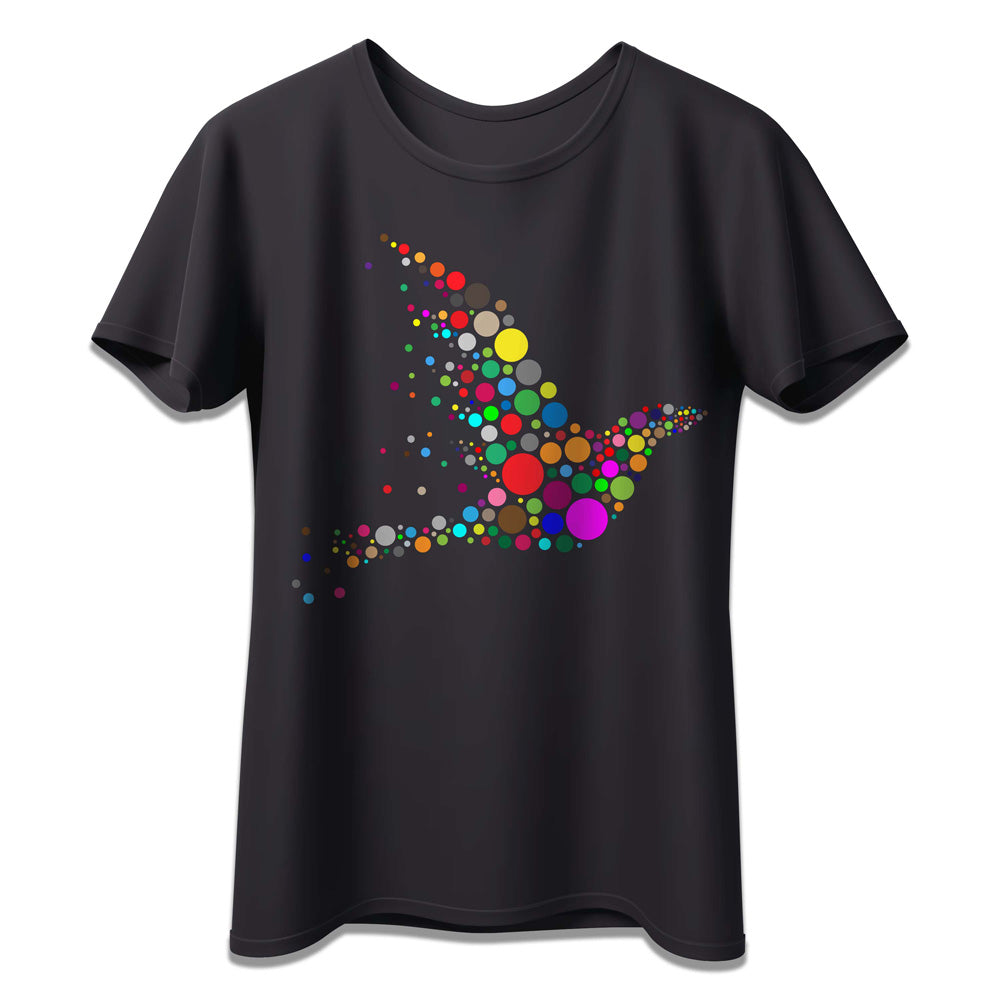
Paropy™ Heat Transfer Paper CL TrimFree Dark - Pack of 50
Paropy™ CL TrimFree Dark Laser Heat Transfer Paper for Easy No-Cut Applications
Streamline your garment decoration workflow with Paropy™ CL TrimFree Dark Laser Heat Transfer Paper, the professional self-weeding solution designed for decorating dark-colored garments without cutting or trimming.
Unlike traditional transfer papers, TrimFree technology automatically removes unprinted areas during application, leaving only your design on the garment for a clean, professional finish with exceptional detail and vibrant color reproduction.
Designed for compatibility with most color laser printers and copiers, this transfer paper delivers durable, high-quality results on cotton, polyester, and blended fabrics. Ideal for apparel decorators, print shops, promotional businesses, schools, event merchandise, and custom apparel production.
Key Features
- No trimming required with self-weeding technology
- Designed specifically for dark-colored garments
- Produces vibrant, detailed full-color transfers
- Smooth and professional finish after pressing
- Excellent wash resistance when properly applied
- Compatible with most color laser printers and copiers
- Ideal for short runs, personalization, and on-demand production
Perfect For
- Custom t-shirts and apparel businesses
- Promotional merchandise and branded uniforms
- Event apparel and retail-ready garments
- Small print shops and startup apparel brands
- Personalized fashion and creative projects
Personalization Options
Paropy™ CL TrimFree Dark is perfect for logos, text, graphics, and full-color artwork on dark garments. The self-weeding application process helps reduce production time while maintaining a premium finish, making it ideal for businesses managing frequent or high-volume orders.
Printing Compatibility
- Compatible with most color laser printers and copiers
- Not compatible with inkjet printers
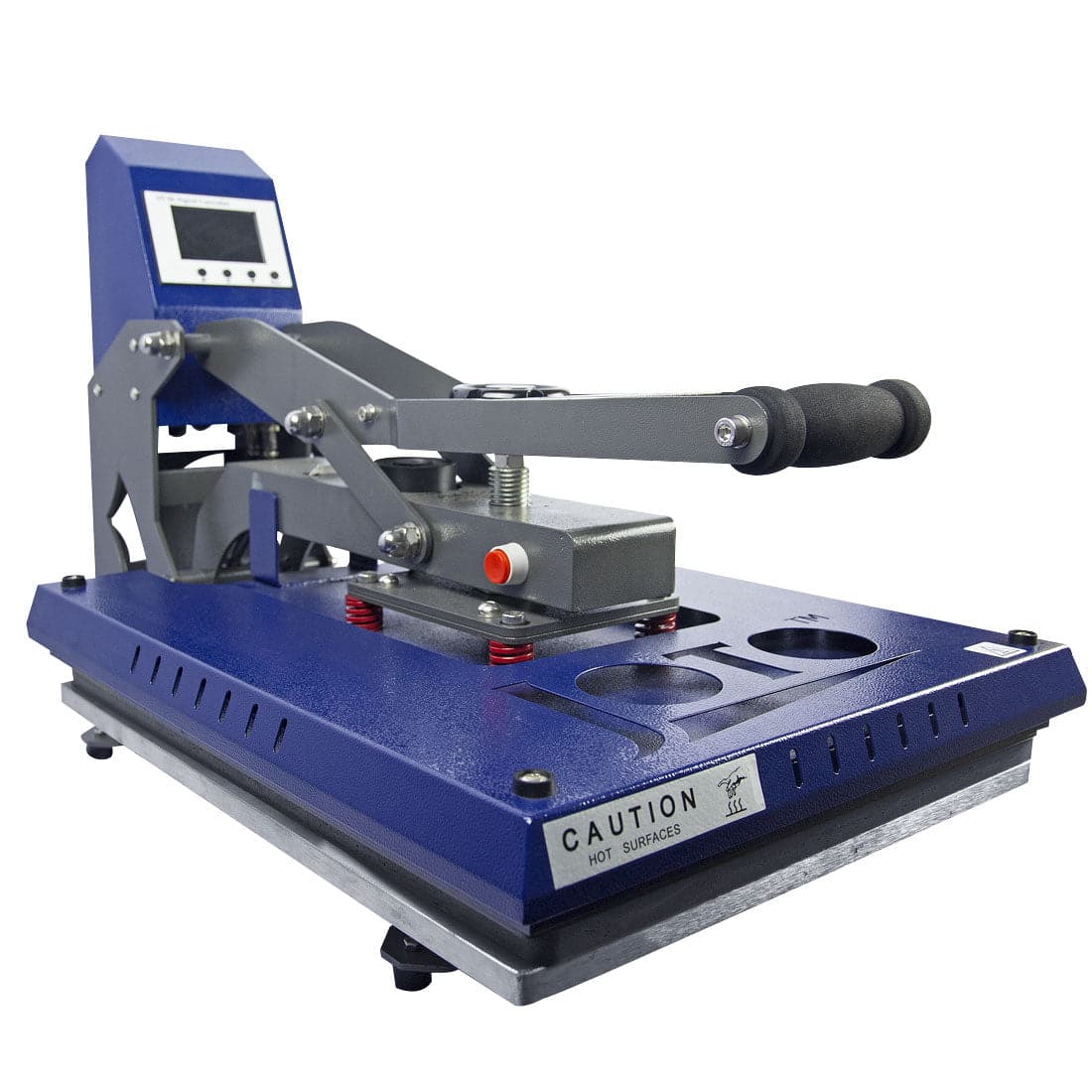
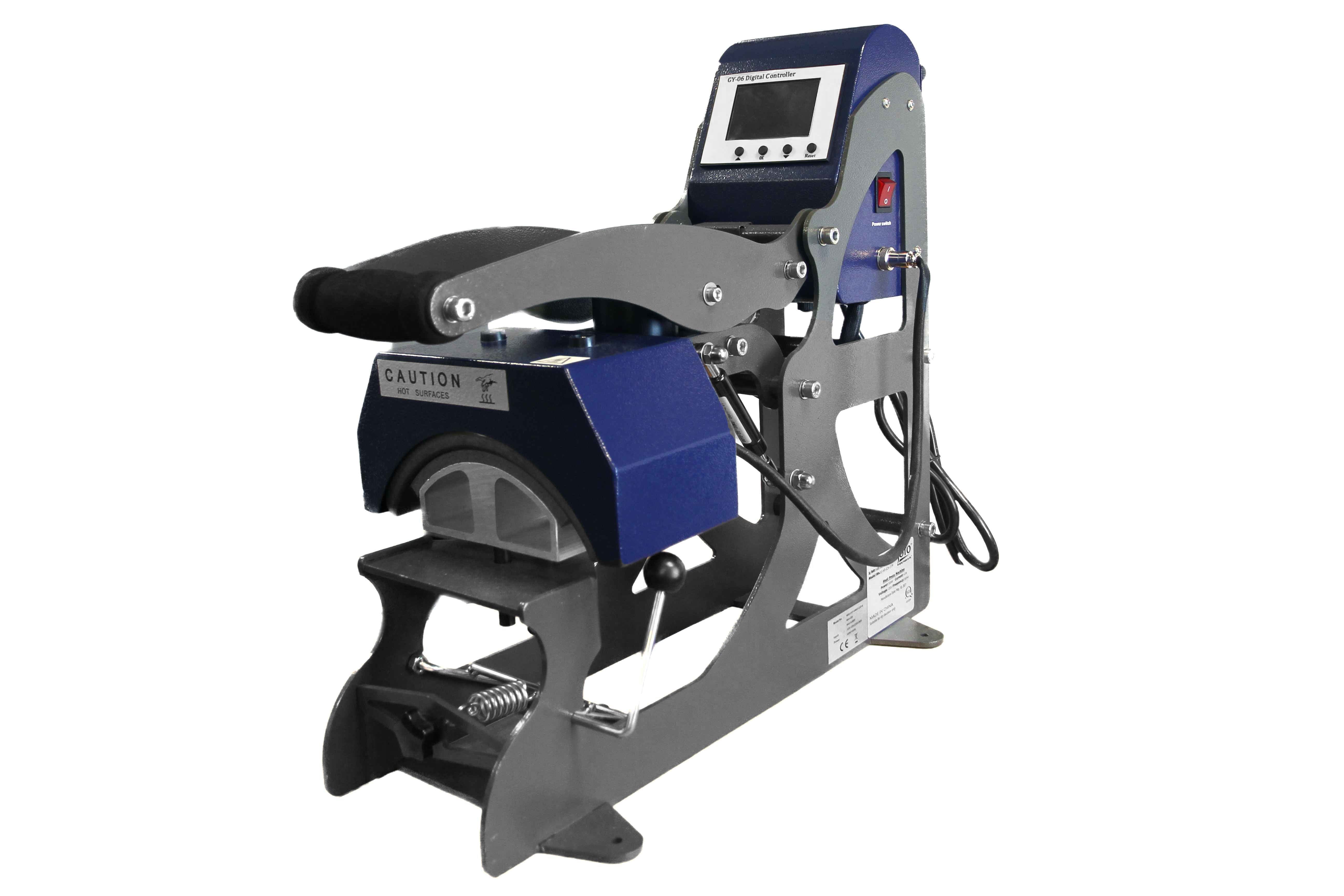
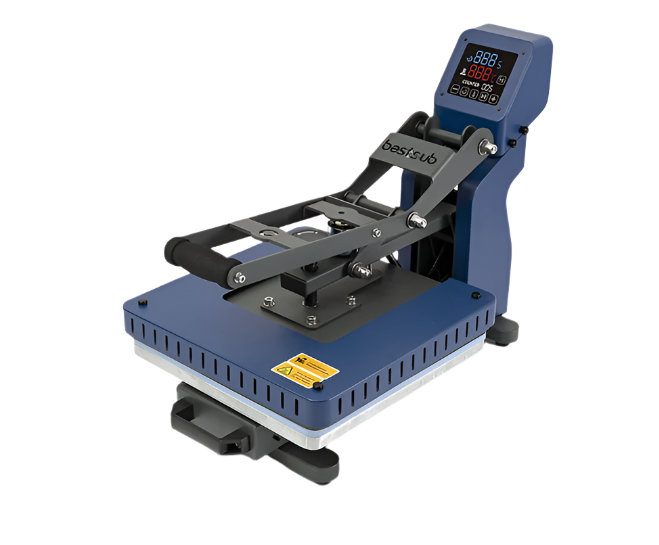
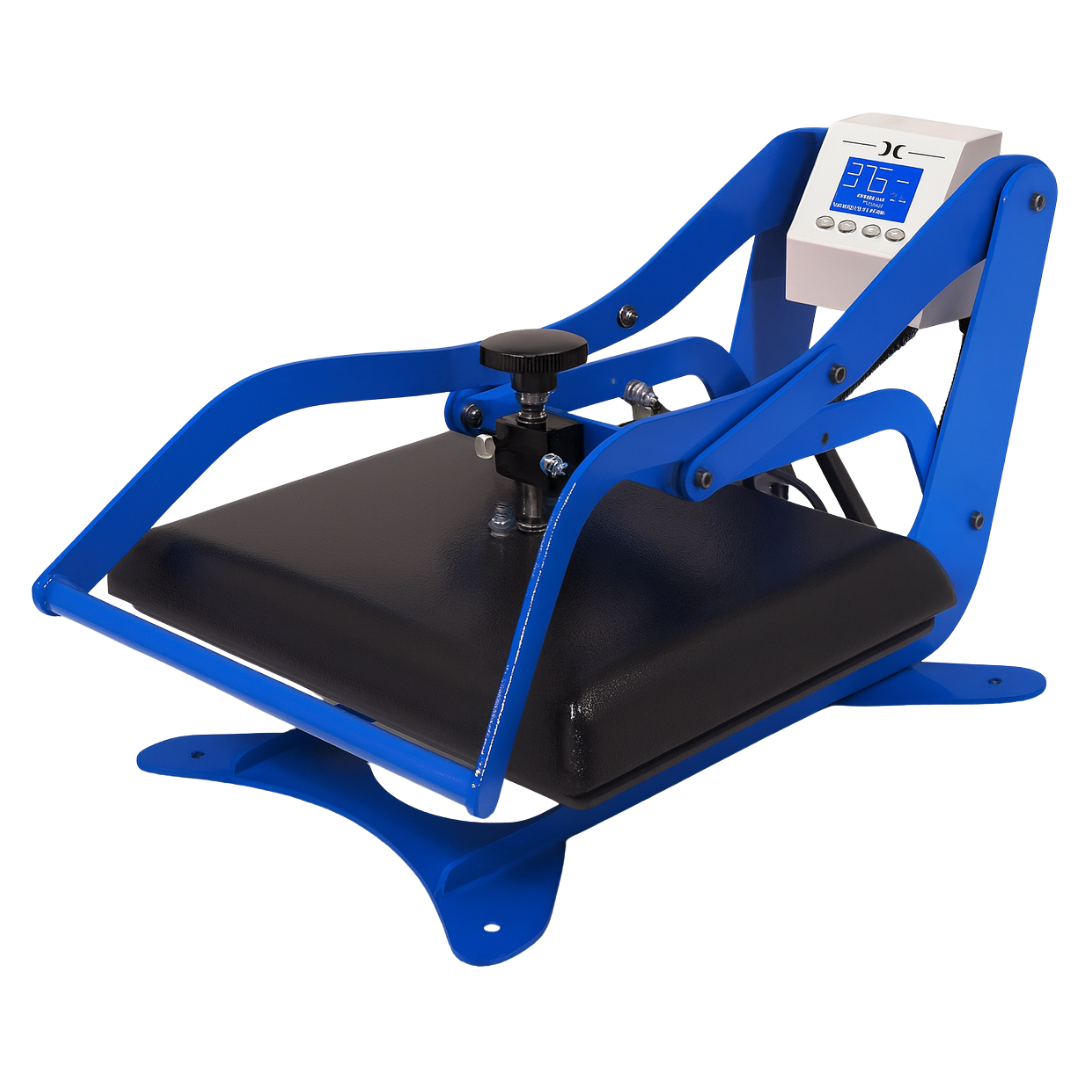
- Requires a heat press for application
Printer Settings
- White toner opacity: -3
- Paper tray: Multi-purpose Tray
- Paper mode: Transparency
- Mirror image: Yes
- Printable film: Matted side
Heat Press Settings
- Pressure: Heavy
- Temperature: 310°F (154°C)
Application Instructions
Step 1 - B Sheet Transfer
- Place the printed A sheet on the heat press with image face up (matte side up).
- Place the B sheet on top with coating face down.
- Press at 310°F on heavy pressure for 120 seconds.
- Peel the B sheet off the A sheet in one slow, diagonal motion while the A sheet remains on the press.
Step 2 - Transfer to Garment
- Place the garment on the heat press and pre-press for 5 to 10 seconds to remove moisture.
- Place the imaged A sheet on top of the garment with image face down (glossy side up).
- Press at 310°F on heavy pressure for 30 seconds.
- Remove the garment from the heat press and allow the transfer film to cool completely before peeling.
- Peel the A sheet cold.
- Cover the transferred image with the provided silicone sheet and press again for 10 seconds to improve wash durability.
Washing Instructions
- Wait 24 hours before first wash
- Maximum wash temperature: 40°C / 105°F
- Wash garments inside out using mild detergent
- Do not tumble dry — hang dry only
- Do not bleach
- Do not iron directly over the transferred area
- If ironing is necessary, cover the image with baking paper
Product Specifications
| Specification | Details |
|---|---|
| Material | Specialized self-weeding transfer paper |
| Finish | Transparent finish after pressing |
| Fabric Compatibility | Cotton, polyester, and blends |
| Printer Compatibility | Color laser printers and copiers |
| Application Method | Heat press required |
| Pack Quantity | 50 sheets |
Handling & Storage Recommendations
- Store in a cool, dry place away from direct sunlight
- Keep sheets flat to prevent curling
- Seal unused sheets to protect them from dust and humidity
Important Usage Notes
- Always print designs in mirror image before pressing
- Keep the A sheet flat on the press while peeling the B sheet — do not allow it to lift or cool unevenly
- Allow the transfer film to cool completely before peeling — do not peel warm
- Proper temperature, pressure, and dwell time are essential for optimal durability
- Requires a professional heat press capable of consistent heat and firm pressure
- Not recommended for nylon or coated fabrics
- Results may vary depending on printer model, toner type, fabric composition, and heat press accuracy
| Brand | Paropy |
|---|---|
| Carrier Sheet | Non-Adhesive |
| Compatible Fabric | Cotton|Polyester|Cotton/Polyester |
| Compatible Technology | Transfer Papers |
| Dye Blocking | No |
| Experience Pack Text | Pack |
| FCC Attribute | Yes |
| Finish | Matte |
| Pack Size | 50 |
| Shirt Color | White Shirts|Light Colored Shirts|Black Shirts|Dark Colored Shirts |
| SIP Attribute | Yes |
| Unit Sell | pack |
| Peel | B-Sheet: Immediate, T-shirt Transfer: Cold |
|---|---|
| Equipment | |
| Image | Mirror |
| Pressure | Heavy |
| Application Temperature | |
| Time | 60 seconds |
| Equipment Used | Laser Printer, Heat Press |
| Wash Temperature | Up To 105F (40C) |
| Hints & Tips | |
| Imaging Instructions |