































































































































Skip to content
en
CAD

Bloom Your Business Into Profit

OtterPro DTF Printers

Ā 

OtterPro DTF Printers for Professional Results

Expand your business with high-performance OtterPro DTF Printers.

OtterPro DTF Printers give shops the power to produce vivid, durable transfers with efficiency and ease. These printers support consistent output, allowing you to meet demand and maintain professional quality. Print shops of all sizes use them to grow product lines, boost revenue, and satisfy customer needs. Easy to operate and built for productivity, they help streamline workflows without compromising performance. With Joto Imaging Supplies, you also gain expert guidance, fast delivery, and dependable stock to keep your business running smoothly.

0 products

  • Sort by

No Product Found

Frequently Asked Questions:

What are the primary benefits of using OtterPro DTF printers for professional garment decoration?

OtterPro DTF printers offer professional garment decorators superior color vibrancy and high-resolution detail that traditional methods struggle to match. These advanced systems utilize specialized direct-to-film technology to produce durable, stretch-resistant transfers suitable for various fabric types, including cotton, polyester, and blends. By streamlining the production workflow, OtterPro printers provide a cost-effective solution for both small-batch custom apparel and high-volume industrial runs. Implementing these professional-grade printers ensures consistent, high-quality output while maintaining the technical precision required for modern imaging supplies.

What types of fabrics and specialized films are compatible with OtterPro DTF printers?

OtterPro DTF printers are engineered for maximum versatility, supporting a wide array of textiles including 100% cotton, polyester, nylon, leather, and various synthetic blends. These professional systems are fully compatible with specialized PET transfer films, such as matte, glossy, and metallic foil options, ensuring high-resolution output and superior ink absorption. By utilizing advanced Epson i3200 or i1600 printheads, the OtterPro series maintains exceptional color accuracy and bond strength across both light and dark substrates. This compatibility ensures that decorators can achieve durable, wash-resistant results on everything from performance activewear to premium personalized accessories.

How can I properly maintain my OtterPro DTF printer to ensure long-term reliability and consistent print quality?

To ensure the long-term reliability of your OtterPro DTF printer, perform daily maintenance including white ink agitation and nozzle checks to prevent pigment sedimentation and printhead clogging. Regularly clean the capping station, wiper blade, and encoder strip using approved lint-free swabs and cleaning solution to maintain high-resolution print accuracy. Consistent environmental monitoring of humidity and temperature is essential to prevent ink drying within the lines and to ensure optimal film curing during high-volume production. Following these technical protocols will maximize the lifespan of your DTF system while ensuring consistent color vibrancy and superior transfer quality for every print.

How do I print and apply high-quality transfers using the OtterPro DTF printer?

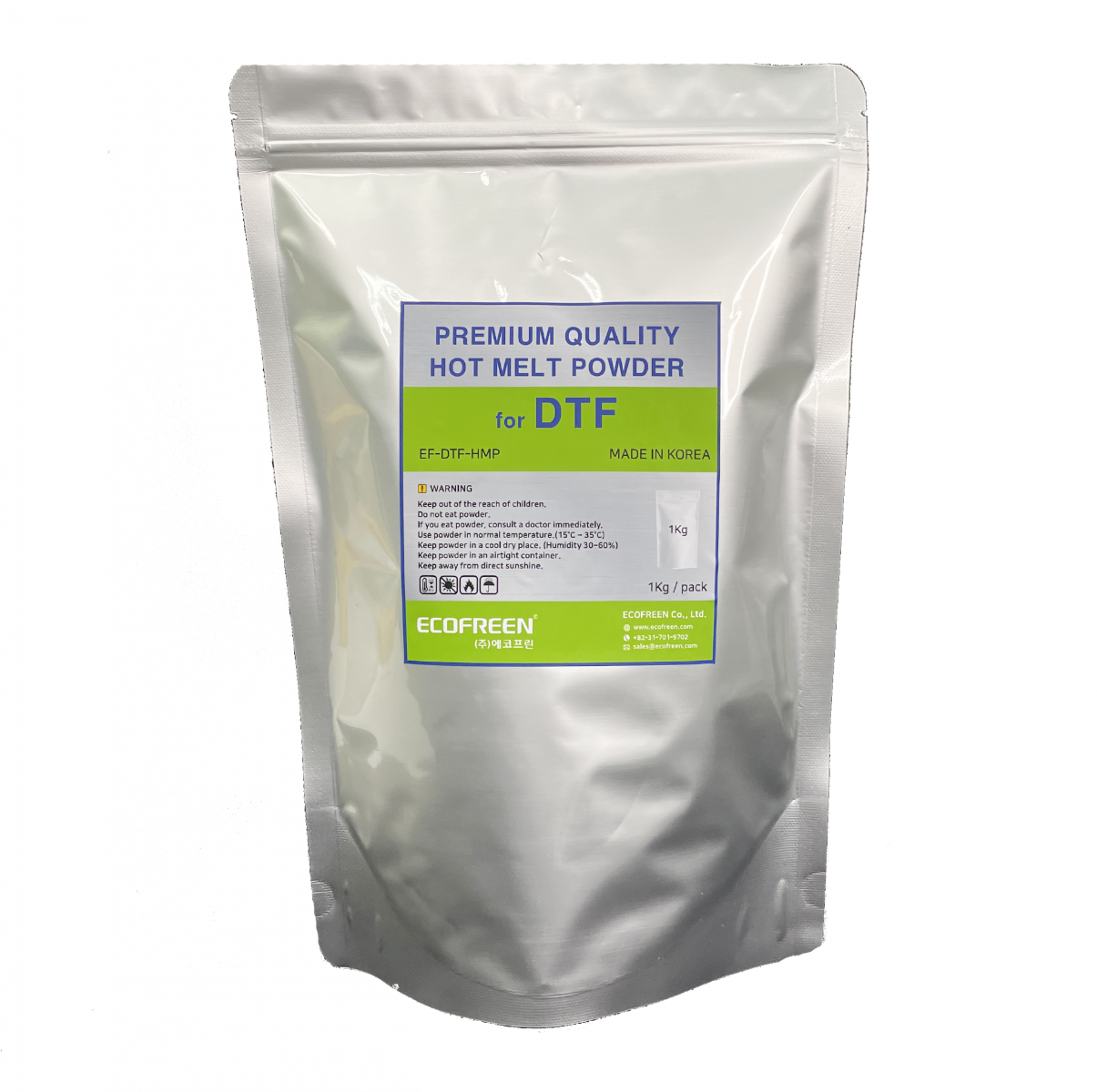
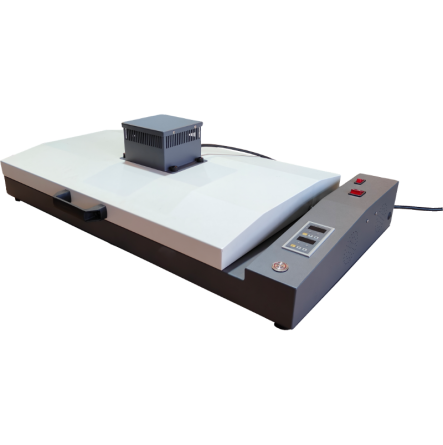
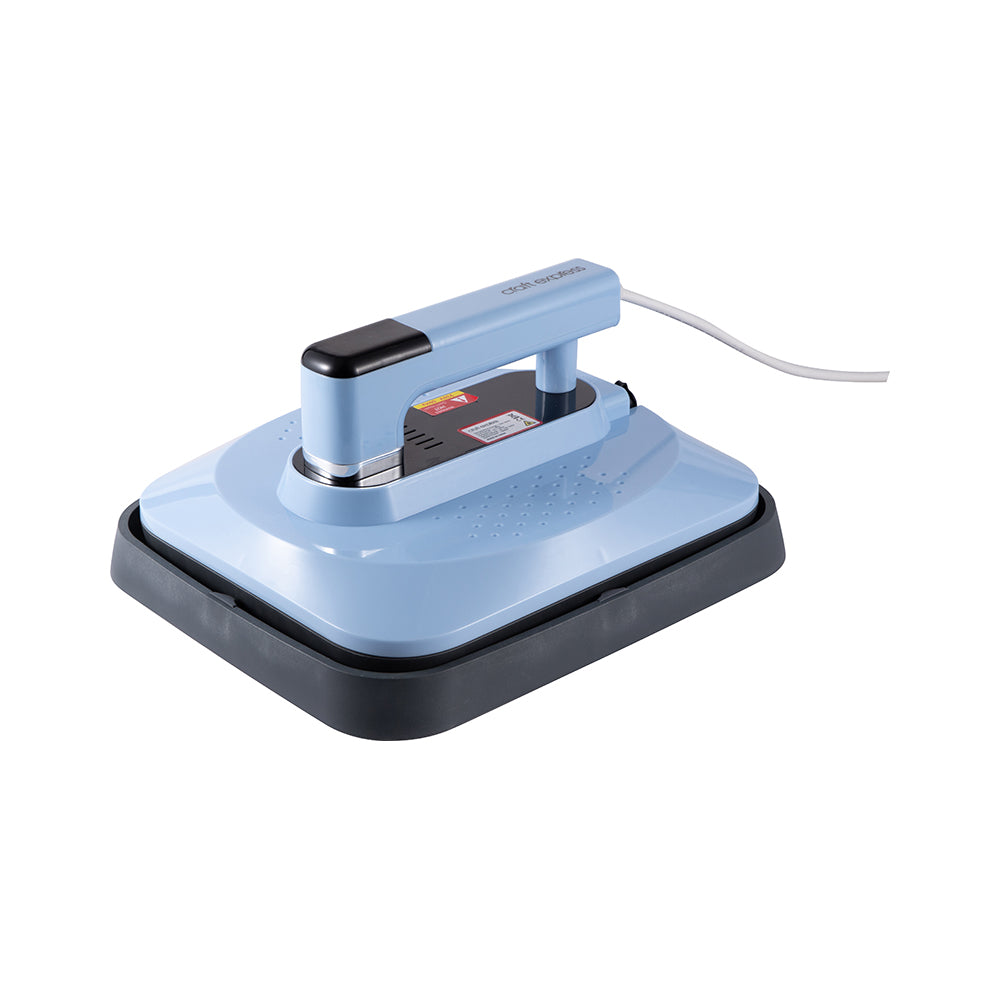
To print and apply high-quality transfers with the OtterPro DTF printer, begin by utilizing the OtterPro RIP software to manage color consistency and white ink layering before printing onto specialized PET film. Once printed, apply the hot melt adhesive powder evenly and cure it through the integrated drying system or a dedicated oven until the adhesive reaches a gelled, matte finish. For final application, heat press the transfer onto your garment at 300°F to 320°F for 10 to 15 seconds with medium-to-firm pressure, allowing the film to cool completely for a durable cold peel. A secondary five-second press with a finishing sheet is recommended to lock in the ink and achieve a professional, soft-hand texture.

What are the most common troubleshooting steps for resolving ink flow issues or clogged printheads in OtterPro DTF printers?

To resolve ink flow issues or clogged printheads in OtterPro DTF printers, start by performing a nozzle check and automated cleaning cycle to identify and clear any blockages in the pigment ink delivery system. Ensure the white ink circulation system is active and the ink tanks are gently agitated to prevent sedimentation, which is a common cause of head strikes and clogging. If issues persist, manually clean the capping station and wiper blade with specialized DTF cleaning solution to maintain a proper vacuum seal and ensure optimal printhead health. Consistent preventative maintenance and monitoring of environmental humidity levels are essential for achieving high-resolution, professional-grade transfers without downtime.

How can you achieve professional-grade color vibrancy and high-resolution detail when using OtterPro DTF printers for garment decoration?

To achieve professional-grade color vibrancy and high-resolution detail, always design your artwork at 300 DPI or higher in CMYK mode to ensure the output matches your screen precisely. Utilizing high-density OtterPro pigment inks and custom ICC profiles within the OtterPro RIP software is critical for maintaining color accuracy and smooth, photographic gradients. Additionally, leverage the printer’s automatic white ink circulation system and regular maintenance cycles to ensure consistent ink flow and prevent clogging that can diminish print clarity. Pairing these settings with premium OtterPro DTF films ensures optimal ink absorption and a soft-hand finish across diverse garment substrates.

How can investing in OtterPro DTF printers improve production efficiency and long-term ROI for professional garment decoration businesses?

Investing in OtterPro DTF printers significantly enhances production efficiency by automating the labor-intensive printing, powdering, and curing stages into a single, seamless digital workflow. These high-output systems utilize precision printheads and advanced white ink circulation to minimize downtime, ensuring a lower cost per print and consistent quality across high-volume runs. By enabling rapid production on diverse substrates like 100% cotton and polyester, decorators can achieve a faster ROI through increased throughput and reduced manual labor. The OtterPro series provides the professional-grade reliability and scalability necessary for garment decoration businesses to maximize profitability while maintaining exceptional color accuracy.

What are the recommended storage conditions and safety precautions for OtterPro DTF Printers to ensure their long-term durability and performance?

To ensure the long-term durability of OtterPro DTF Printers, maintain a temperature-controlled environment between 68-75°F (20-24°C) with relative humidity levels strictly between 40-60%. Proper environmental stability prevents ink from drying prematurely in the printheads and ensures optimal performance of the automated white ink circulation system. Additionally, the printer should be kept in a dust-free workspace away from direct sunlight to protect sensitive electronic components and maintain the integrity of the textile pigment inks. Following these technical storage protocols, along with daily nozzle checks and periodic lubrication of the guide rails, will maximize your equipment's operational lifespan and output quality.

How do OtterPro DTF Printers compare to other decoration methods in terms of final output and application efficiency?

OtterPro DTF Printers offer superior final output and application efficiency by integrating printing, powder shaking, and curing into a single automated workflow that surpasses traditional manual methods. These systems utilize high-precision Epson printheads and advanced white ink circulation to ensure photo-quality results with consistent color accuracy on a diverse range of fabric substrates. By streamlining the production process, businesses can achieve industrial-grade throughput and durable, vibrant transfers that are both cost-effective and scalable for high-volume garment decoration. This comprehensive DTF solution provides professional shops with a significant competitive advantage in output quality and operational speed compared to standard heat transfer or screen printing techniques.

What are the advanced calibration techniques and RIP software adjustments required for the OtterPro DTF printer to ensure precise white ink registration and consistent color accuracy across high-volume production runs?

To ensure precise white ink registration and color accuracy with the OtterPro DTF printer, technicians should perform systematic printhead calibrations and nozzle checks to maintain exact drop placement across all ink channels. Advanced RIP software adjustments, such as fine-tuning white choke settings between 2-5 pixels and implementing custom ICC profiles, are essential for preventing underbase peeking and ensuring high-fidelity color reproduction. Additionally, optimizing white ink density and utilizing the automatic circulation system prevents sediment buildup, which is critical for maintaining consistent output quality during high-volume production runs. These technical procedures guarantee that every DTF transfer meets the professional standards for vibrancy and durability expected from Joto Imaging Supplies.

Drawer Title
Similar Products