






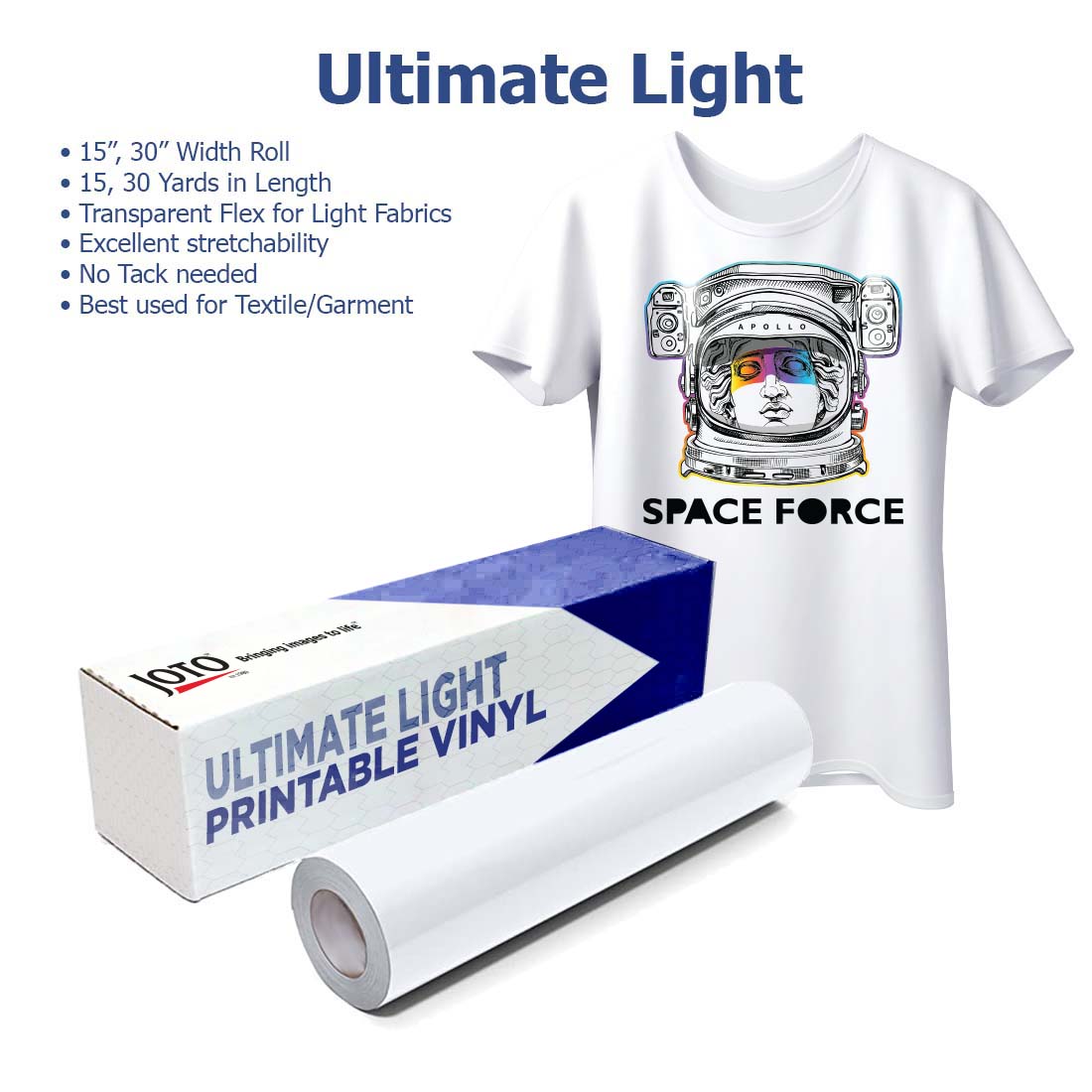
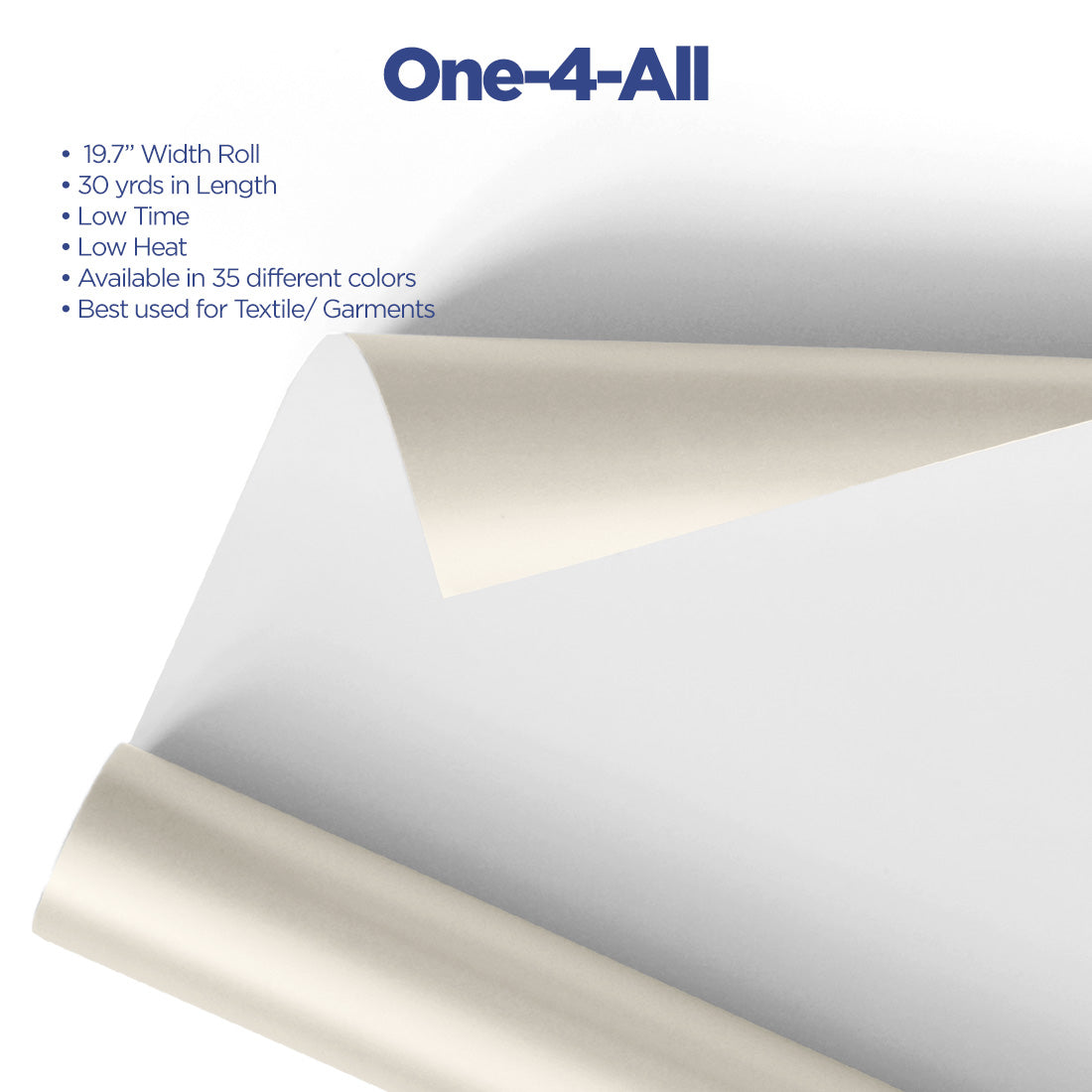
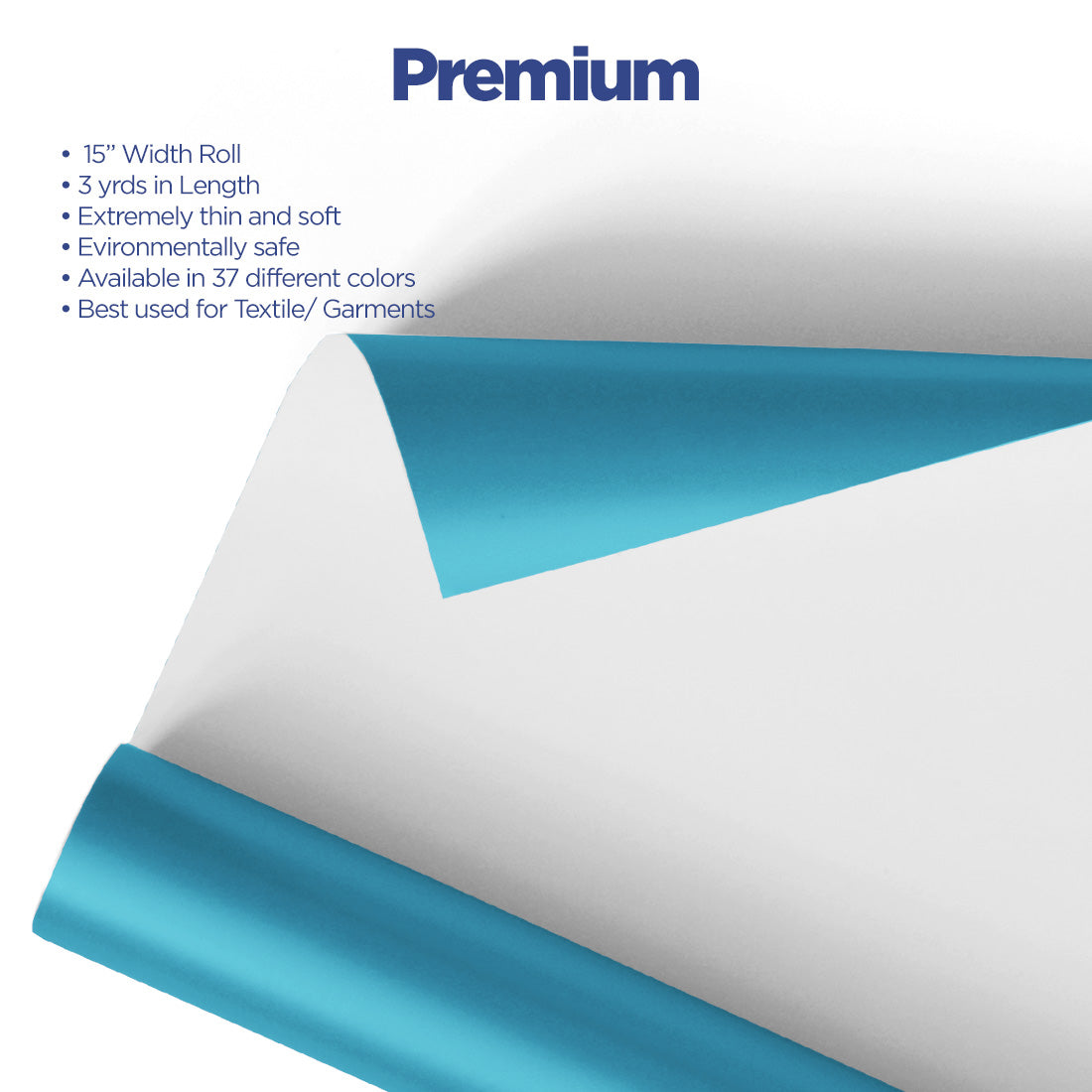




















































































































































Ready to unlock vibrant, long-lasting designs on fabrics? Direct-to-Film (DTF) printing is a cutting-edge method that provides unmatched versatility, high-quality results, and the ability to print on a wide range of materials. Whether you're new to the world of fabric printing or a seasoned pro, DTF offers a game-changing solution that's simple to learn and master.
What Is DTF Printing?
DTF (Direct-to-Film) printing is a technique that transfers custom designs onto fabric using a special adhesive film. Unlike traditional methods like sublimation or screen printing, DTF printing works on virtually any fabric type - cotton, polyester, blends, nylon, and even leather. This versatility makes it ideal for everything from t-shirts and hoodies to tote bags and caps.
The process involves printing your design onto a PET film using specialized CMYK and white inks, applying hot melt adhesive powder, curing the powder, and then heat pressing the transfer onto your garment. The result? Vibrant, durable prints with excellent wash resistance.
What You Need for DTF Printing
DTF Printer
Your printer is the foundation of your DTF operation. Entry-level options like the xTool Apparel Printer work well for home-based operations and small production runs. Mid-range systems like the Epson F1070 Hybrid Printer offer both DTG and DTF capabilities, providing flexibility as your business grows. For high-volume production, the OtterPro DTF 24" All-in-One System or Epson SureColor G6070 35" DTF Printer handle large-format work efficiently.
Heat Press Machine
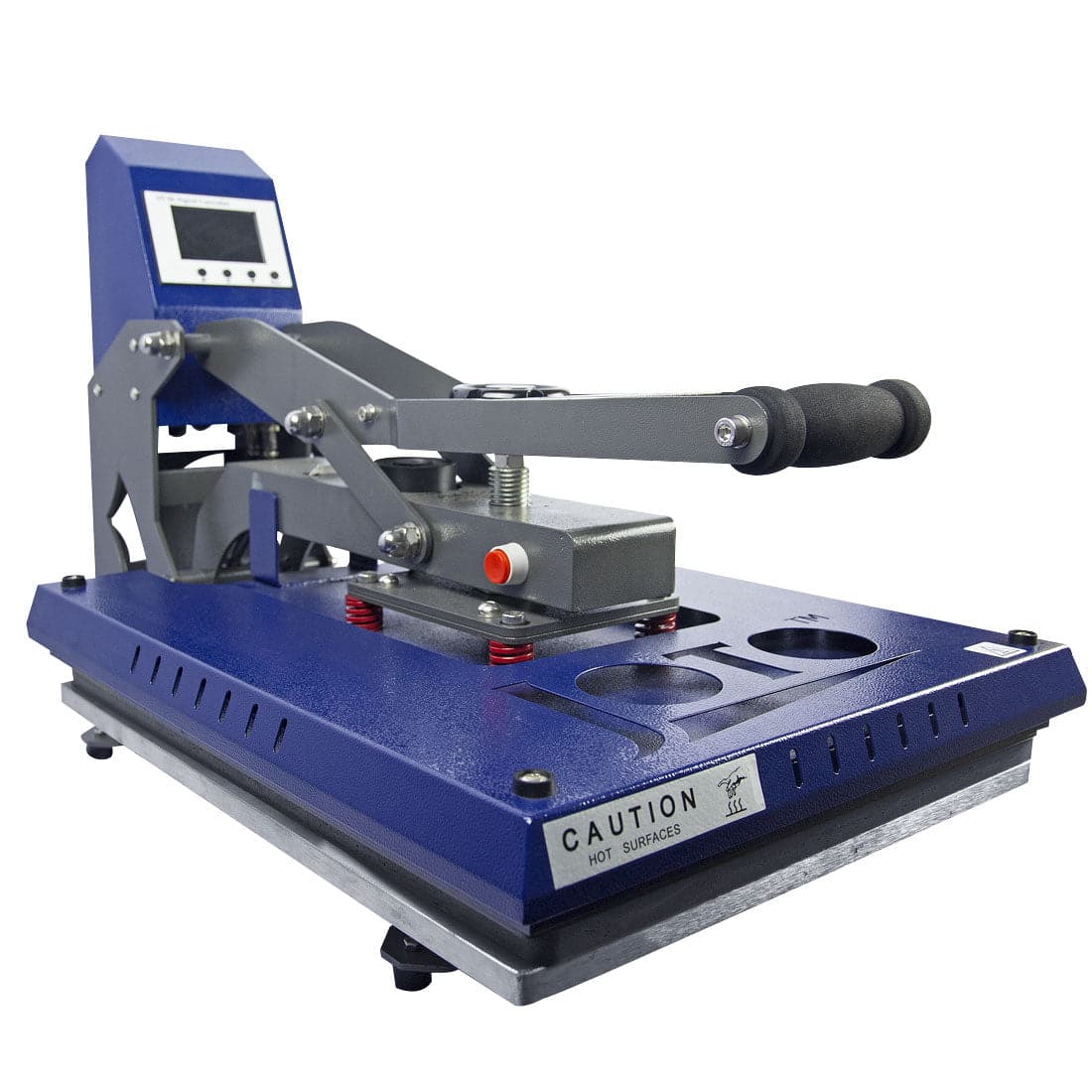
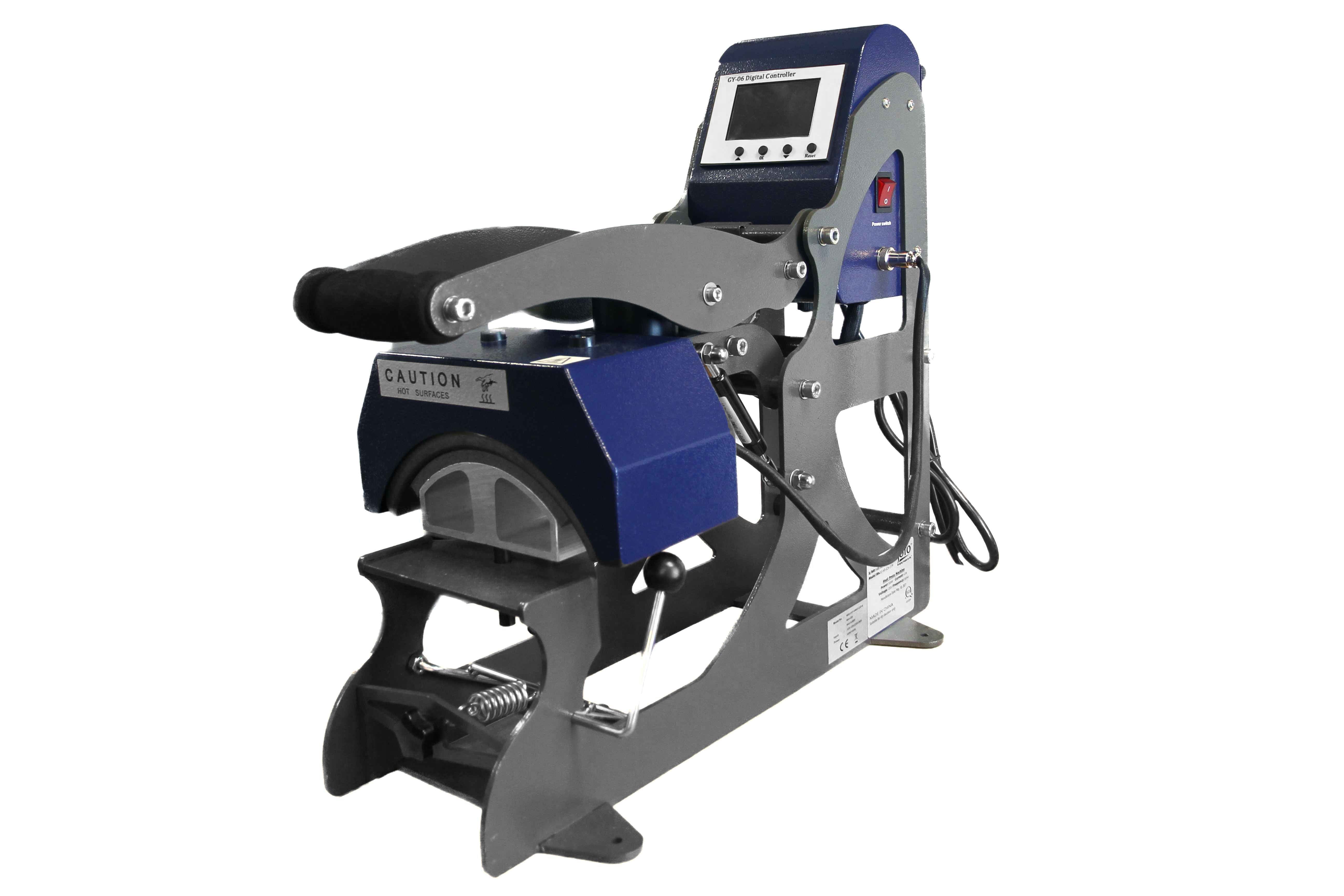
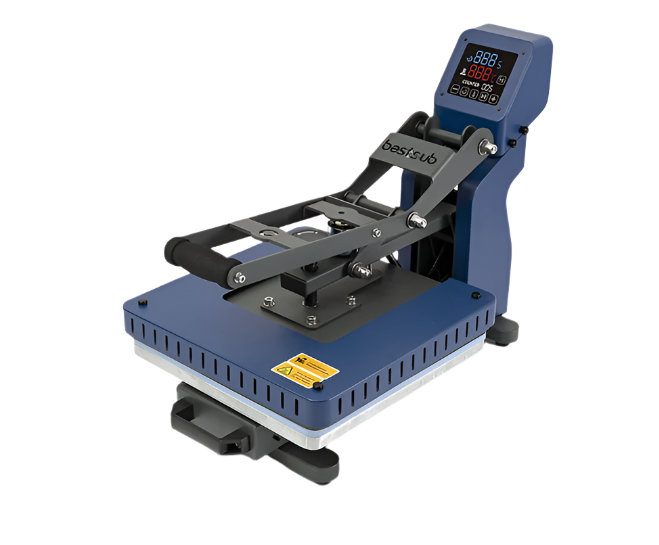
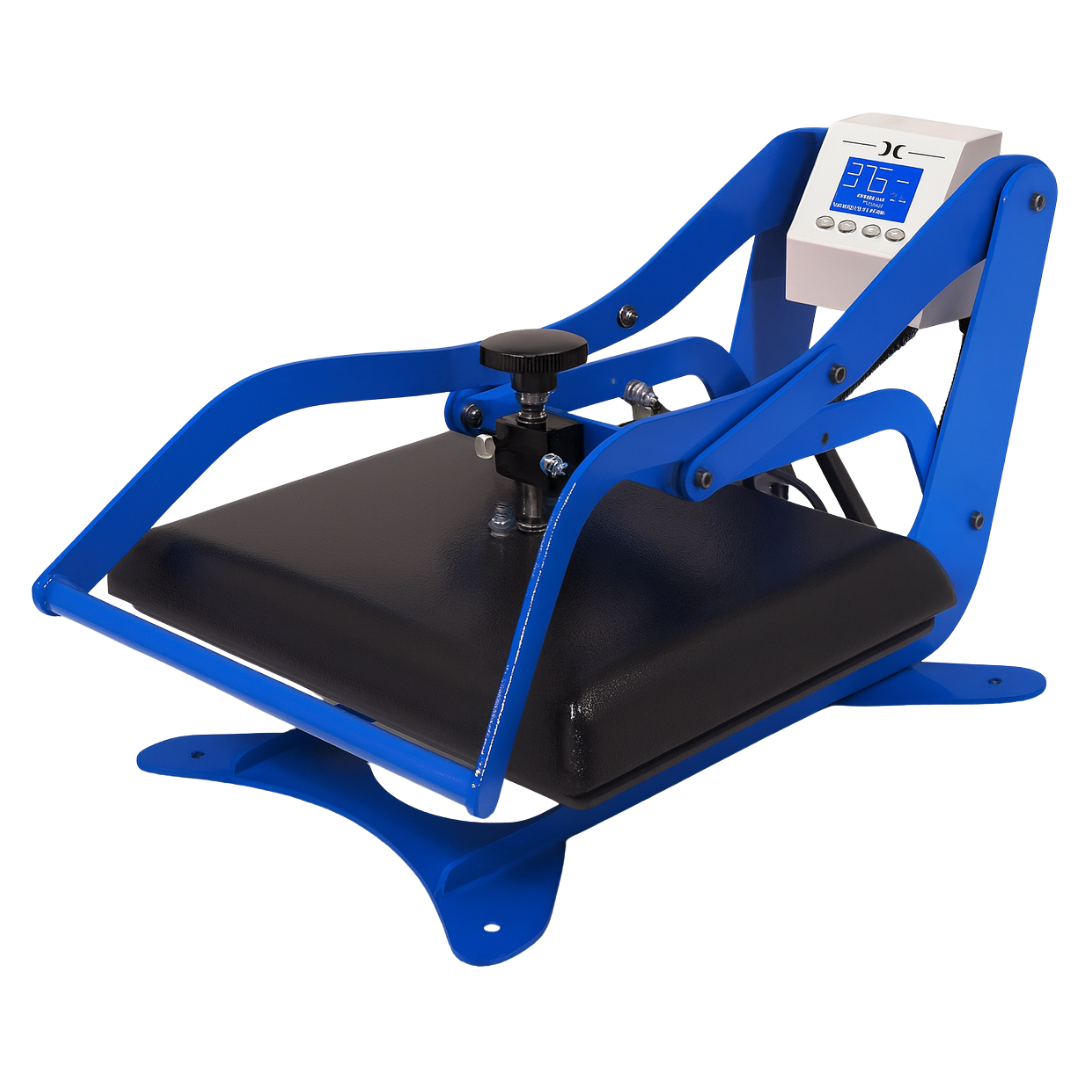
A quality heat press is essential for professional results. Look for presses that deliver consistent temperature, even pressure distribution, and reliable timing. Entry-level drawer-style presses work for small items, while 16"x20" clamshell or swing-away presses handle most apparel efficiently. For production environments, consider automatic or pneumatic presses that reduce operator fatigue.
DTF Consumables
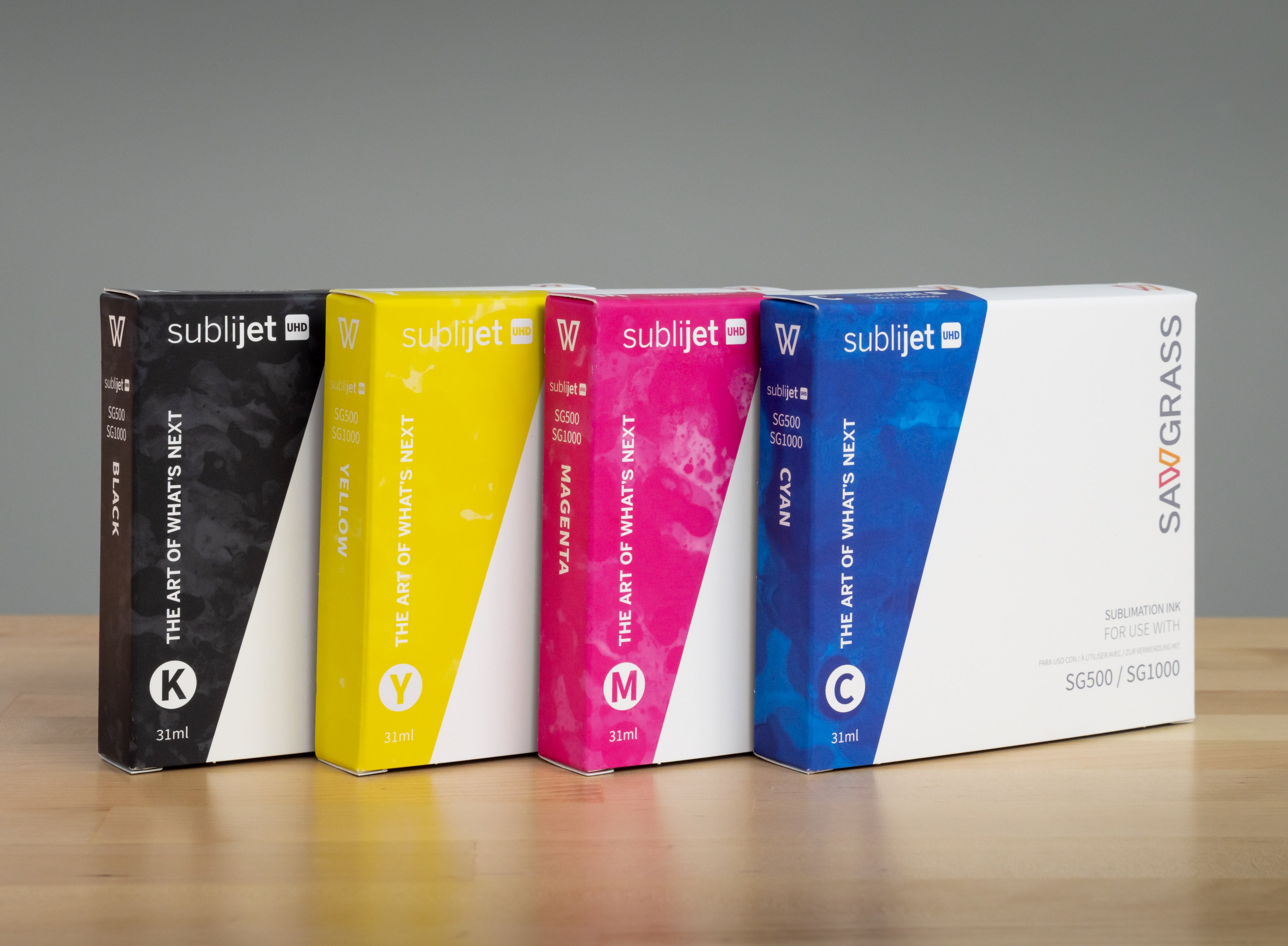
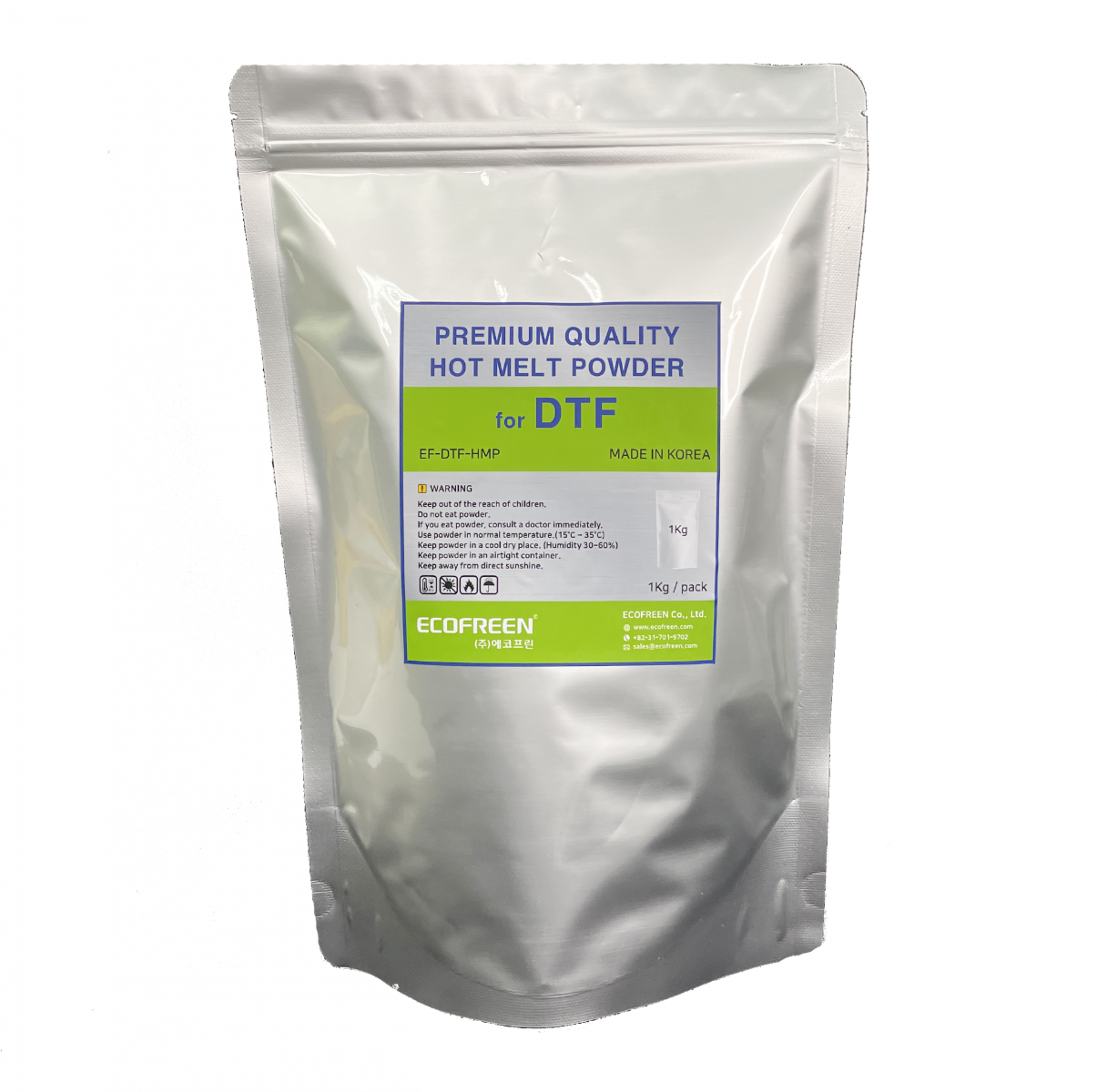
You'll need three key consumables: DTF-specific pigment inks (CMYK + white), DTF film (available in sheets or rolls), and hot melt adhesive powder. Rolls offer better value for high-volume work, while sheets provide flexibility for varied projects. Store these materials in a cool, dry location away from direct sunlight.
Step-by-Step DTF Printing Process
Step 1: Design Your Pattern
Create your design using software like Adobe Illustrator, CorelDRAW, or Photoshop. Remember to mirror your design horizontally before printing—this ensures proper orientation when transferred to the fabric. DTF handles complex designs beautifully, so embrace detailed graphics and vibrant colours.
Step 2: Prepare the DTF Printer
Load DTF film into your printer with the matte (coated) side facing up. Run a nozzle check to ensure all print heads are firing correctly, paying special attention to the white ink channel which tends to clog more easily. Set your resolution to at least 720 DPI for professional quality.
Step 3: Print Your Design
Print your design directly onto the DTF film. The printer lays down a base layer of white ink (which makes colours pop on dark fabrics) followed by your CMYK colour layers. Modern DTF printers automatically manage ink density for optimal results.
Step 4: Apply and Cure Hot Melt Powder
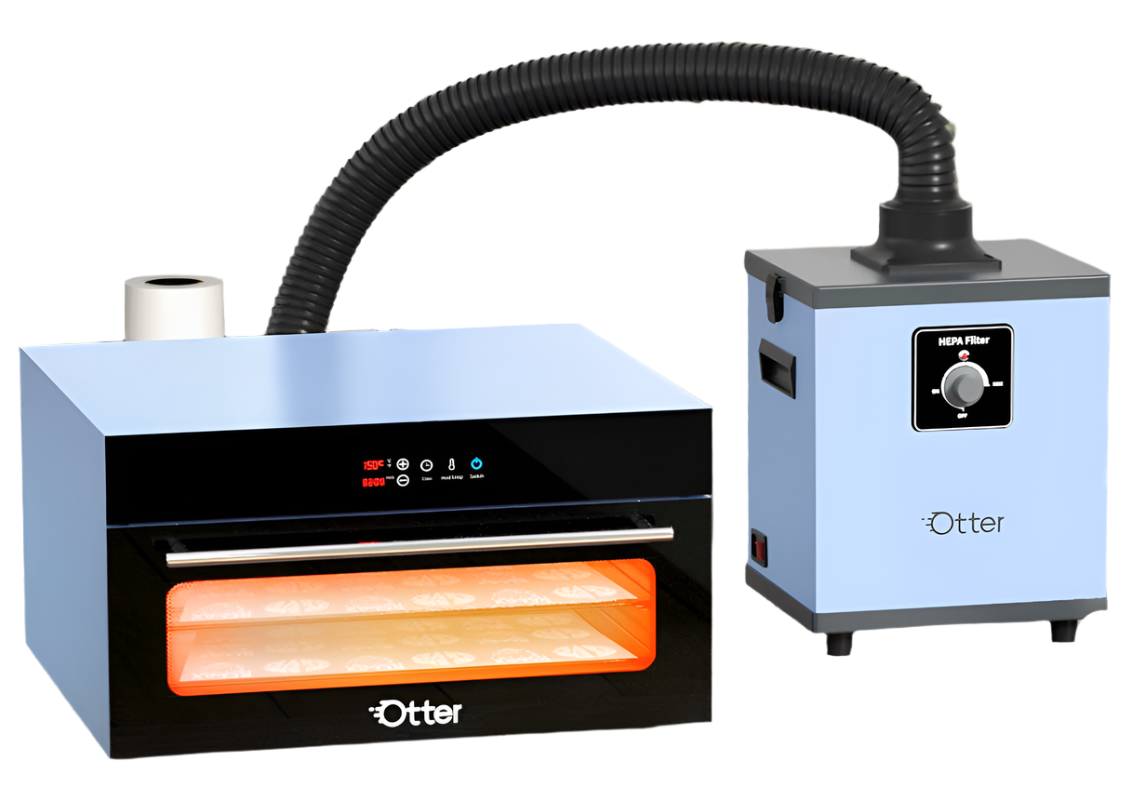
Immediately after printing while the ink is still wet, apply hot melt adhesive powder evenly across the entire design. Shake off excess powder—the powder should only stick to printed areas. Cure the powder using a heat press or curing oven at the recommended temperature (typically 160-170°C / 320-338°F for 2-3 minutes).
Step 5: Pre-Press Your Fabric
Pre-press your garment for 2-3 seconds to remove moisture, wrinkles, and sizing treatments. This step significantly impacts transfer adhesion and final print quality.
Step 6: Heat Press the Transfer
Place your cured DTF transfer onto the pre-pressed fabric with the design facing down. Cover with a protective sheet and press at 160-165°C (320-329°F) with medium-high pressure for 15-20 seconds.
Step 7: Peel and Finish
Allow the transfer to cool for 5-10 seconds (hot peel) or wait until completely cool (cold peel) - check your film manufacturer's recommendations. Peel away the carrier film smoothly to reveal a vibrant, soft-touch print.
Common DTF Issues and Solutions
White Ink Clogging
Problem: Missing white areas, streaky prints, or complete white ink failure.
Solution: Run daily nozzle checks and cleaning cycles. White ink contains larger pigment particles that settle and clog more easily. Never let your printer sit unused for more than 5-7 days without running a maintenance cycle.
Powder Adhesion Problems
Problem: Powder doesn't stick to wet ink or sticks everywhere.
Solution: Apply powder immediately after printing—ink dries quickly. Ensure powder is fresh and stored properly. If powder sticks to non-printed areas, reduce ink saturation in your printer settings.
Transfers Cracking or Peeling
Problem: Prints look great initially but crack or peel after washing.
Solution: Verify proper curing temperature (160-170°C) and adequate heat press time. Insufficient pressure creates weak bonds. Instruct customers to wash garments inside-out in cold water for maximum longevity.
Rough or Grainy Texture
Problem: Prints feel stiff or have visible powder texture.
Solution: You're applying too much powder. Shake off excess thoroughly. Consider switching to fine-grade powder for softer hand feel. Under-cured powder creates rough texture, while proper curing melts powder completely.
Colour Misalignment or Banding
Problem: Colours don't line up correctly or horizontal lines appear.
Solution: Run print head alignment through your printer's maintenance menu. Check that film tracks straight through the printer. Banding indicates clogged nozzles—perform cleaning cycles. Reduce print speed if issues persist.
Static Electricity Issues
Problem: Film sticks to everything, powder distribution is uneven.
Solution: Maintain 40-50% relative humidity in your workspace. Use anti-static spray on work surfaces. Store film in sealed bags until use. Ground your powder shaker and work table properly. This is especially important in dry winter conditions.
DTF vs. Other Printing Methods
DTF vs. Sublimation
Sublimation only works on polyester and light-coloured fabrics, while DTF works on any fabric colour and composition. Sublimation excels with athletic wear and polyester promotional products, while DTF dominates with cotton apparel and dark garments. Many successful shops maintain both technologies to serve different customer needs.
DTF vs. Screen Printing
Screen printing remains cost-effective for very large runs of simple designs, but DTF eliminates setup costs, has no minimum order quantities, and handles complex multi-colour designs with ease. For team orders with individual names and numbers, DTF offers flexibility that screen printing can't match.
DTF vs. Heat Transfer Vinyl
HTV requires cutting, weeding, and layering for multi-colour designs—time-consuming work. DTF prints full-colour photographic designs in a single transfer. However, HTV produces a unique textured look that some customers specifically request.
Popular DTF Applications
Custom Apparel: T-shirts, hoodies, sweatshirts, and athletic wear with full-colour designs and photographs.
Team Sports: Jerseys, uniforms, and team gear with player names, numbers, and logos.
Promotional Products: Canvas tote bags, denim jackets, cotton caps, and branded merchandise.
Fashion and Streetwear: Custom designs on premium cotton t-shirts, hoodies, and accessories for boutique retailers.
Workwear: Company logos and employee names on cotton-poly blend work shirts and safety apparel.
Building Your DTF Business
Equipment Investment Levels
Entry-level systems require lower initial investment with higher per-print costs, suitable for testing the market or low-volume production. Professional systems cost more upfront but reduce per-print expenses significantly at higher volumes. Industrial systems deliver the fastest production speeds and lowest per-print costs for high-volume operations.
Understanding Your Costs
Factor in consumable costs per print (ink, film, powder), labour time, electricity, and equipment depreciation. For a standard 11"x11" full-colour print, material costs are reasonable while allowing healthy profit margins. Volume discounts on consumables improve profitability as production scales.
Pricing Strategy
Research local competitors to understand market rates. Don't compete solely on price—emphasize quality, turnaround time, and customer service. Offer volume discounts for team orders and corporate clients to build repeat business.
Frequently Asked Questions
Can DTF printing work on all fabrics?
Yes, DTF is compatible with cotton, polyester, blends, nylon, leather, and many other materials. Unlike sublimation (polyester-only) or DTG (best on cotton), DTF offers true fabric versatility.
Do I need special ink for DTF printing?
Yes, DTF requires specialized pigment-based inks formulated specifically for DTF applications. Regular inkjet or sublimation inks will not work - they dry too quickly and don't bond properly with adhesive powder.
Is DTF printing beginner-friendly?
Absolutely! The DTF process is straightforward and easier to learn than screen printing or DTG. Most beginners achieve professional-quality results within their first few attempts.
How many wash cycles does a DTF transfer withstand?
Properly applied DTF transfers typically withstand 50+ wash cycles with minimal fading when washed according to care instructions (inside-out, cold water, low-heat drying). Premium films and proper curing can extend durability to 80-100+ washes.
What's the difference between hot peel and cold peel DTF film?
Hot peel film is removed immediately after pressing while still warm (5-10 seconds cooling), whereas cold peel requires complete cooling (30-60 seconds). Hot peel offers faster production throughput, while cold peel typically produces slightly softer hand feel.
Can I use a regular inkjet printer for DTF?
No, standard consumer inkjet printers cannot be used for DTF printing. DTF requires specialized printers with white ink capabilities, higher ink density output, and specific print head configurations.
How do I store DTF transfers before pressing?
Store cured transfers flat in a cool, dry location away from direct sunlight. Keep them in sealed plastic bags or between parchment paper sheets. Transfers remain usable for 6-12 months when stored correctly.
What software do I need for DTF printing?
DTF works with standard design software like Adobe Illustrator, Photoshop, or CorelDRAW. You'll also need RIP (Raster Image Processor) software to communicate with your DTF printer. Many printers include RIP software.
How does the powder application work?
Apply powder immediately after printing while ink is wet. The powder adheres only to wet ink areas. Shake off excess, then cure using heat. The curing process melts the powder into an adhesive that bonds to fabric during heat pressing.
What maintenance does a DTF printer require?
Run daily nozzle checks and cleaning cycles. Pay special attention to white ink channels. If not printing for several days, run maintenance prints to keep nozzles clear. Clean powder application areas regularly to prevent buildup.
Ready to Get Started with DTF?
DTF printing combines flexibility, durability, and vibrant results, making it perfect for fabric customization. Whether you're adding DTF to an existing business or starting fresh, this technology provides the versatility today's customers demand.
Explore our complete selection of DTF printers, heat presses, and DTF supplies at Joto Imaging Supplies, and start creating stunning designs today.