



























































































































































 Sublimation paper is the foundation of vibrant, professional-quality prints on everything from apparel to mugs and promotional products. At Joto Imaging Supplies, we've been helping businesses and creators achieve outstanding results for over 37 years, and one lesson we've learned is clear: not all sublimation papers are created equal. The quality of your paper directly impacts color vibrancy, ink efficiency, and the durability of your final prints. Whether you're just starting out or looking to optimize your workflow, choosing the right sublimation paper can make the difference between good prints and exceptional ones.
What Is Sublimation Paper?
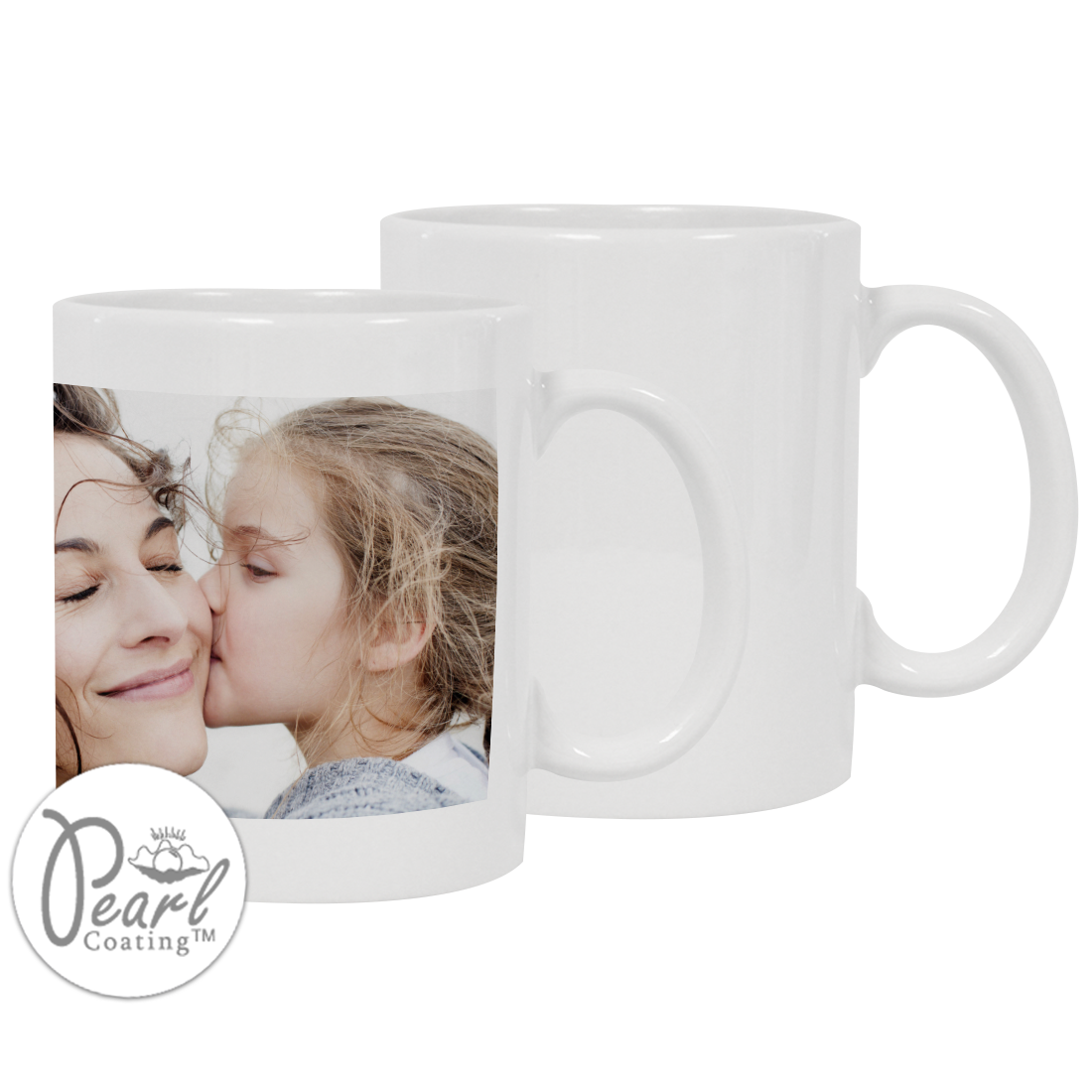
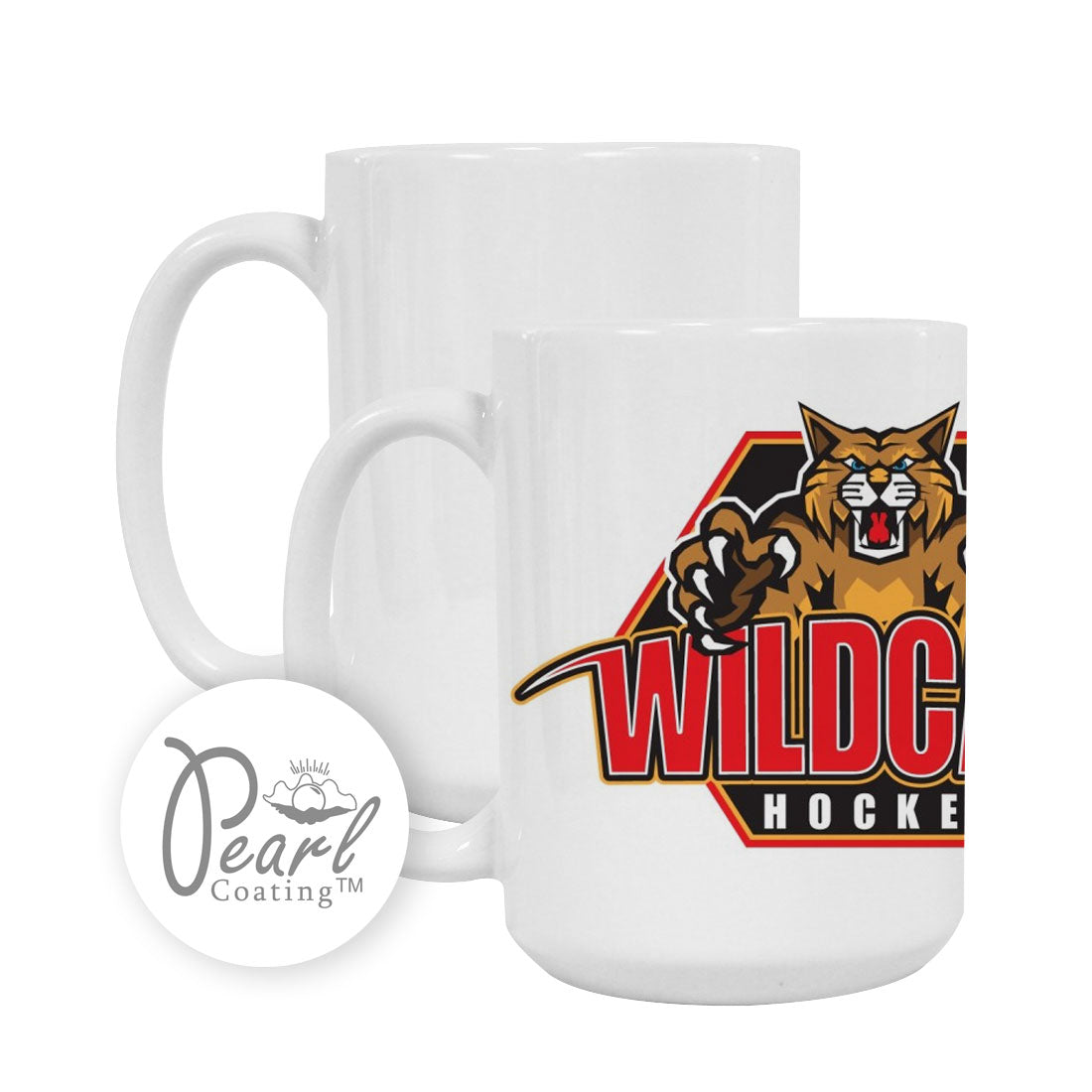
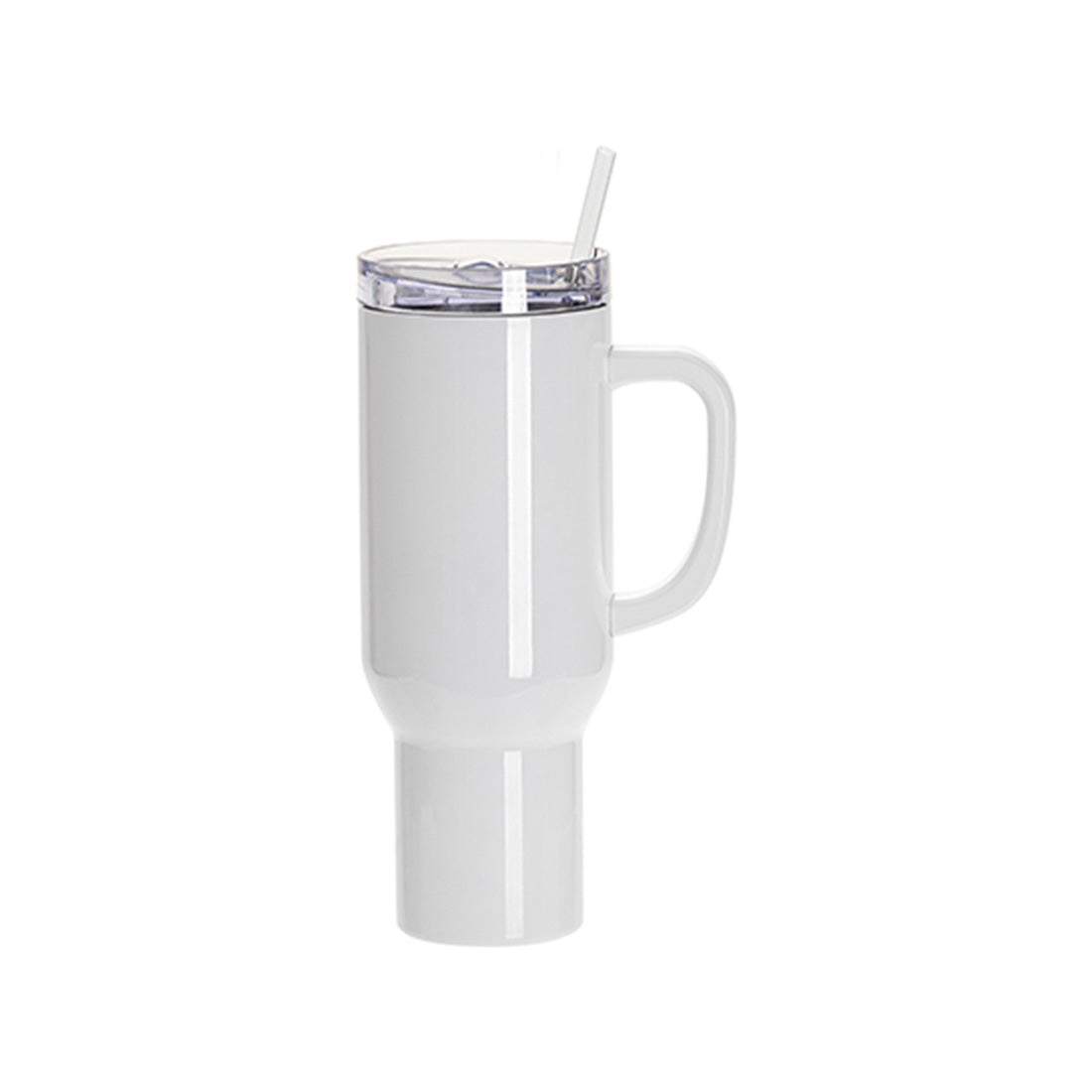
Sublimation paper plays a crucial role in creating vibrant, long-lasting prints on mugs, t-shirts, and other sublimation blanks. It's specially designed to hold sublimation ink, which is released when heat and pressure are applied. The real magic happens on sublimation blanks, which are coated with a special finish like Pearl Coating™, allowing your designs to transfer beautifully and become permanent prints.
Think of sublimation paper as the medium that brings your designs to life. The paper's coating is engineered to hold ink on the surface without allowing it to soak in like regular paper. When heat is applied during pressing, this coating releases the ink efficiently, transferring it to your substrate. The quality of this coating determines how much ink transfers successfully—a higher-quality coating means more vibrant colors and less wasted ink. Not all papers release ink equally, which is why choosing a paper with excellent transfer characteristics is essential for professional results.
How Does Sublimation Paper Work?
It's all about the heat! When you press your sublimation paper onto your blank (like a t-shirt or mug), the ink on the paper turns into gas. The fabric's fibers or the Pearl Coating™ on sublimation blanks open up, allowing the gaseous ink to bond, leaving a design that becomes part of the item. Once cooled, the ink solidifies, making your print super durable—no cracking, peeling, or fading!
This process, called dye sublimation, happens at the molecular level. Sublimation ink is unique because it transitions directly from a solid state to a gas when heated to approximately 350-400°F (175-205°C), skipping the liquid phase entirely. As the substrate's polymer coating or polyester fibers heat up, their molecules expand and open, creating space for the gaseous ink to penetrate. When the temperature drops, the molecules contract and trap the ink permanently inside the material—not just on the surface.
Several factors affect how well this transfer occurs: the paper's coating quality, the ink formulation, temperature accuracy, pressure consistency, and dwell time. This is why professional sublimation requires specialized paper designed specifically for this process. Regular paper would absorb the ink like a sponge, preventing proper transfer and resulting in faded, blurry prints.
Why Paper Quality Matters: Transfer Rate Explained
Transfer rate refers to the percentage of ink that successfully moves from the paper to your substrate during the heat press process. A high-quality sublimation paper will have a transfer rate of 98% or higher, meaning nearly all the ink you print ends up on your product rather than staying on the paper. This efficiency directly impacts both color vibrancy and cost-effectiveness.
Not all sublimation papers release ink equally. Lower-quality papers may only transfer 85-90% of the ink, leaving significant amounts of dye on the used transfer sheet. This results in faded colors, wasted ink, and higher material costs over time. At Joto Imaging Supplies, we prioritize papers that deliver exceptional transfer rates, ensuring your prints are as vibrant as possible while maximizing your ink investment.
The paper's coating quality is the primary factor affecting transfer rate. A well-engineered coating holds ink on the surface without absorption, then releases it cleanly when heated. The coating must also dry quickly to prevent smudging during handling. Additionally, factors like GSM (grams per square meter) weight and coating formulation affect how the paper performs with different ink loads and humidity conditions. Choosing quality paper means consistently vibrant results with less trial and error.
What Do You Need for Sublimation Printing?
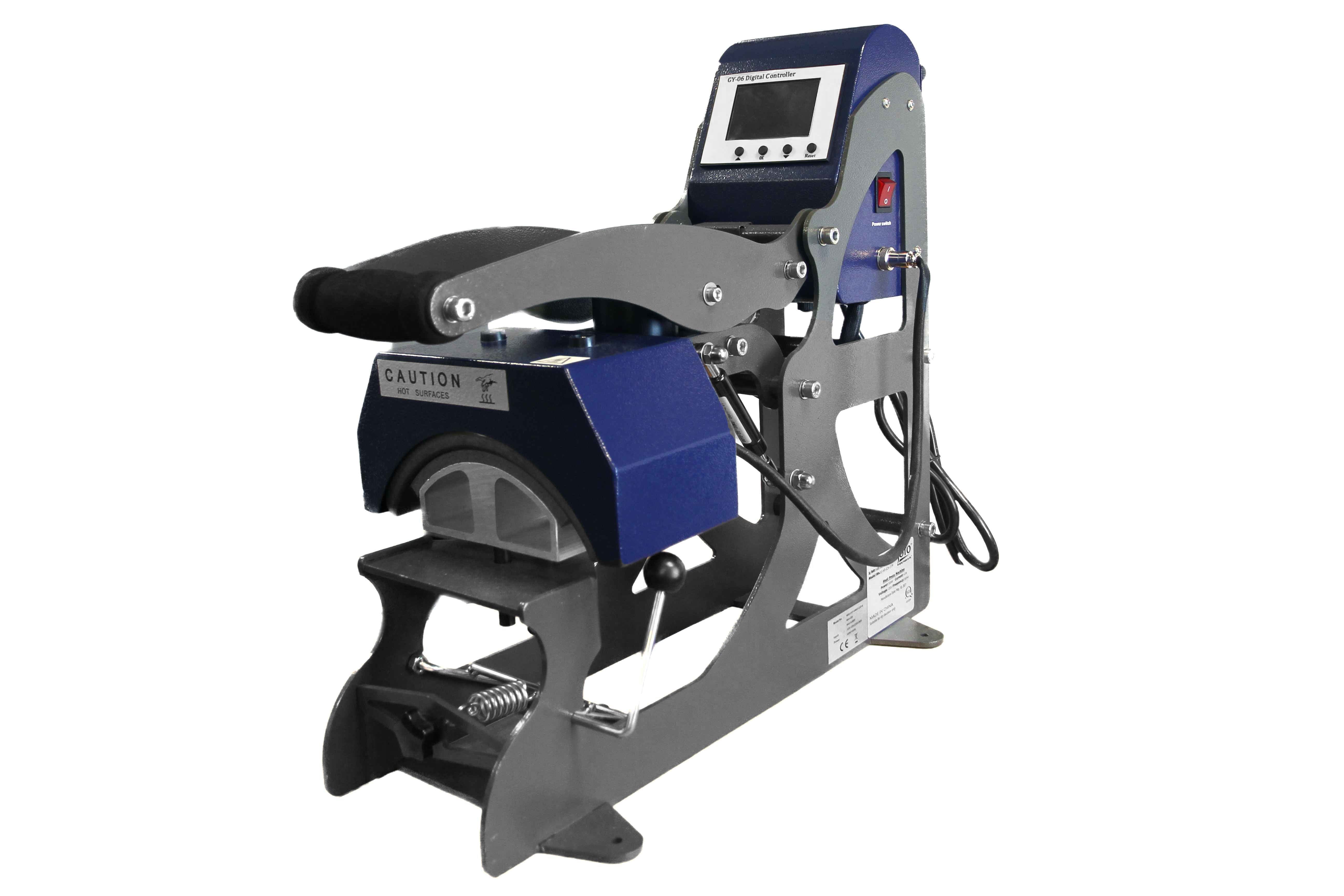
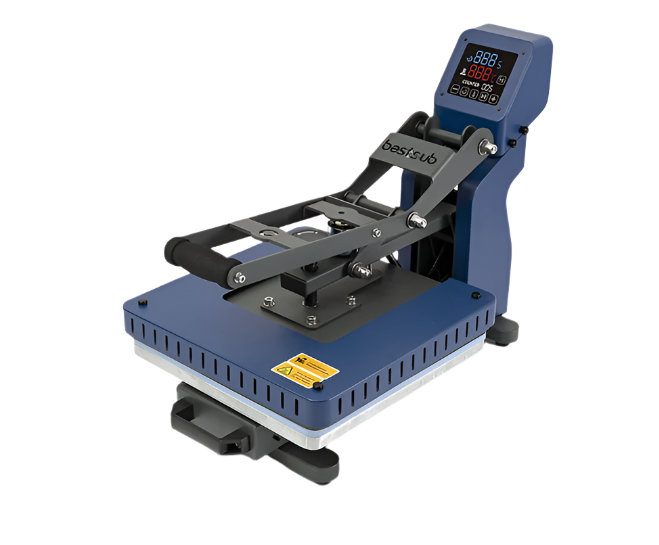
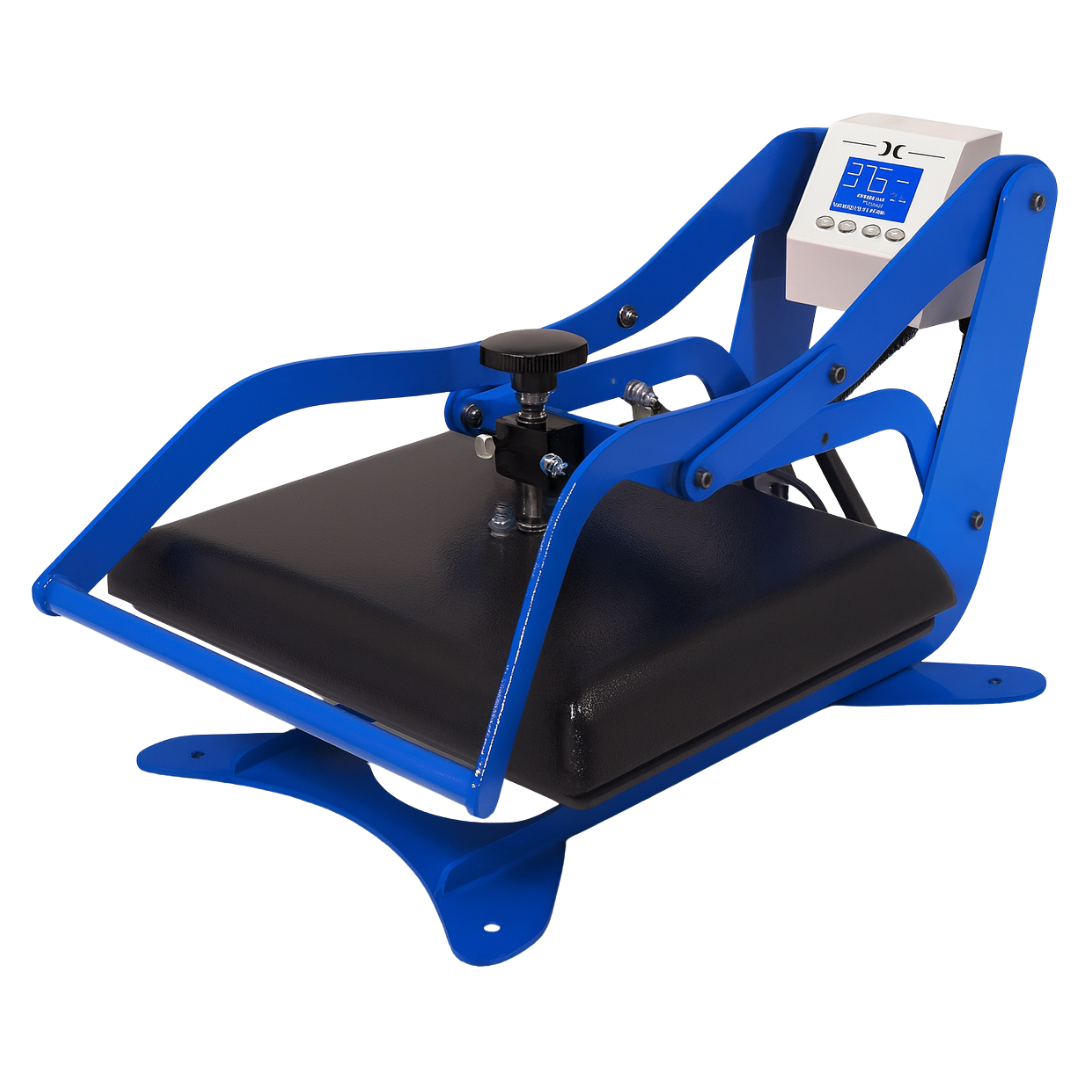
To get started with sublimation printing, you'll need three main items: sublimation paper, a sublimation printer, and a heat press machine. Without these core components, it's like trying to bake a cake without flour or an oven! Some additional tools, like heat-resistant tape and protective sheets, help you achieve perfect transfers consistently.
Essential Tools for Sublimation Printing
- Sublimation printer (like Epson or Sawgrass models) - These printers are specifically designed to work with sublimation inks. Standard inkjet printers won't work because they use different ink chemistry.
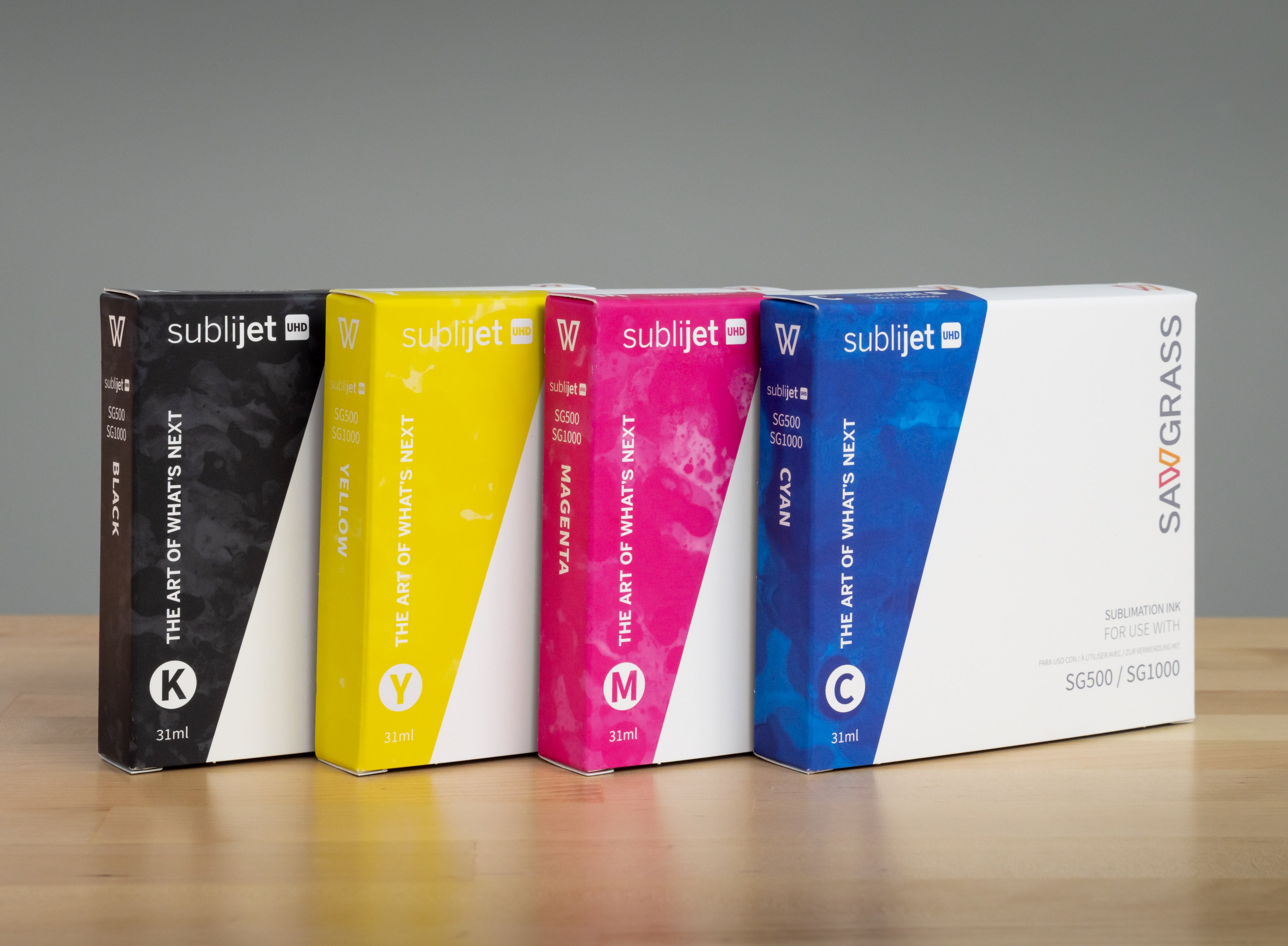
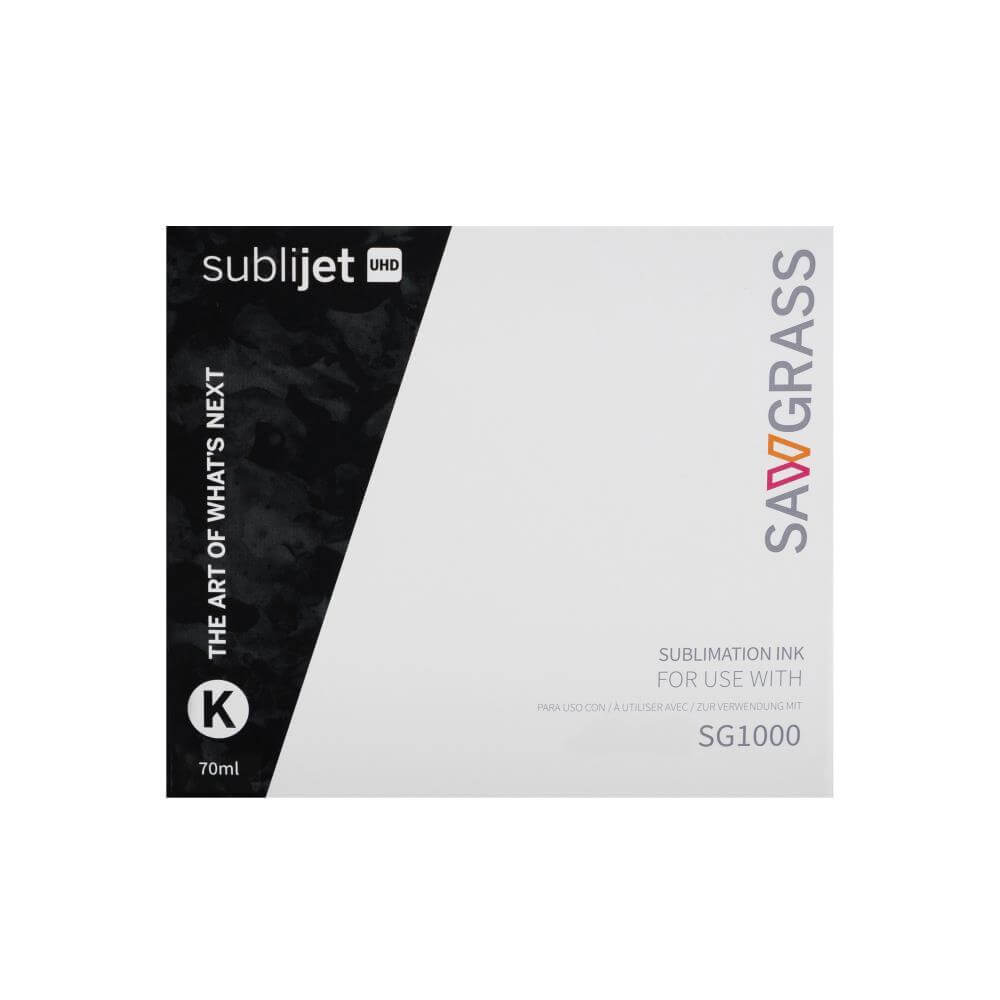
- Sublimation ink - Special dye-based inks that convert to gas under heat. These inks are formulated to bond permanently with polyester and polymer coatings.
- Sublimation paper - The transfer medium that holds your printed design until it's pressed onto your substrate.
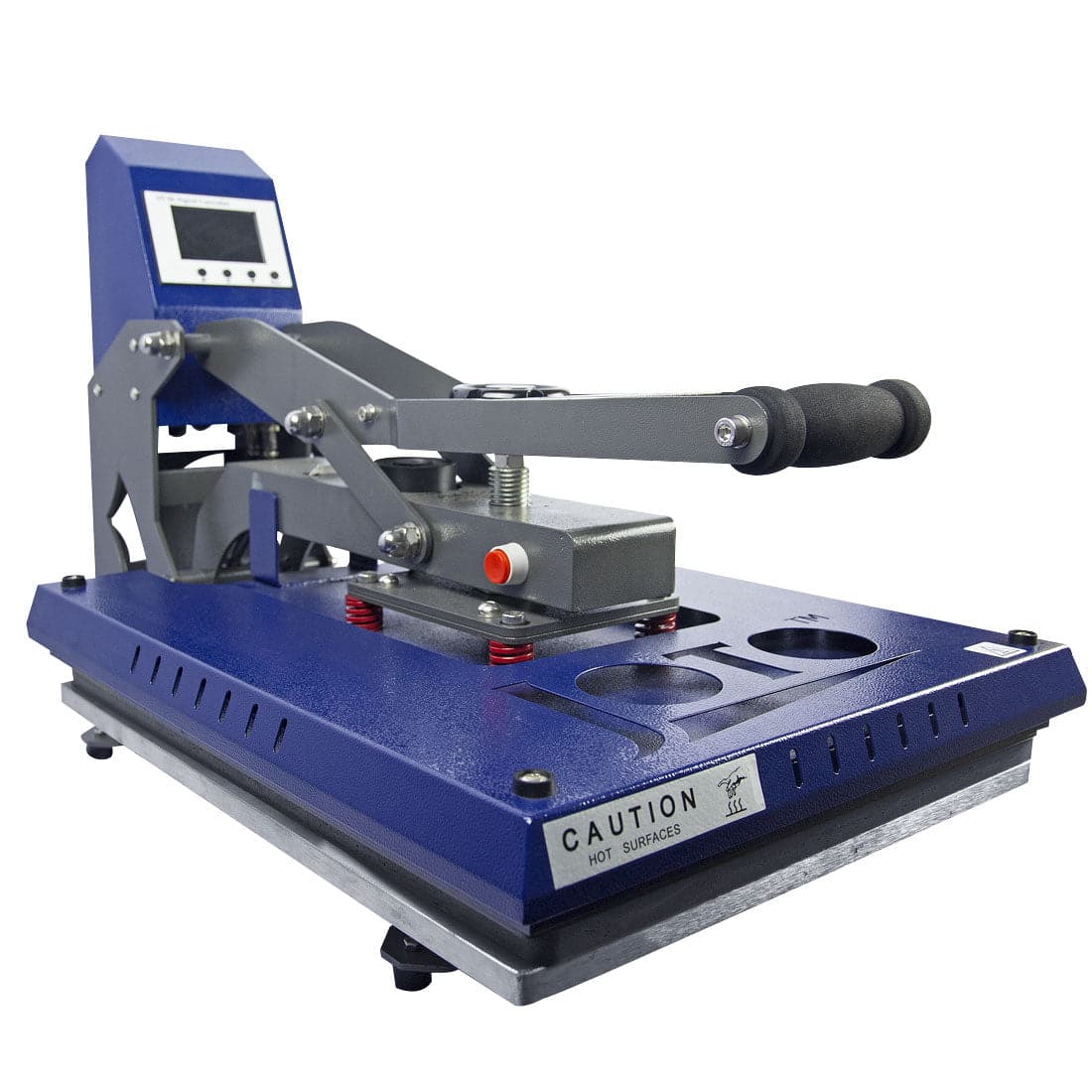
- Heat press (tumbler, mug, or flat press) - Provides the precise temperature and pressure needed for successful transfers. Different substrates require different press types.
- Heat-resistant tape - Essential for non-tacky papers to prevent your design from shifting during pressing, which causes ghosting or blurred images.
- Protective sheets - Teflon sheets or protective paper prevent ink from transferring to your heat press platen and protect your equipment.
Choosing the Right Paper Format: Rolls, Sheets, Tacky & Non-Tacky
Sublimation paper comes in several formats, and choosing the right one for your workflow can significantly impact both efficiency and cost-effectiveness. Understanding the differences helps you make the best decision for your specific production needs.
Rolls vs. Sheets: Roll paper is ideal for high-volume production and wide-format printing. If you're running a print shop or regularly producing large quantities, rolls offer better cost per square foot—typically 30-50% savings compared to pre-cut sheets. Sheets are perfect for desktop printers, small businesses, and low-volume operations where convenience matters more than bulk pricing. They're also easier to store and handle when you're just getting started.
Tacky vs. Non-Tacky Paper: Tacky sublimation paper has a light adhesive coating that keeps your transfer in place during pressing without the need for heat-resistant tape. This is particularly valuable for garment decoration, where the fabric can shift easily. Non-tacky paper requires tape to secure the transfer but works perfectly well for rigid substrates like mugs, aluminum panels, or ceramic tiles. At Joto, we offer both options so you can choose based on what you're printing.
GSM Weight: GSM (grams per square meter) indicates paper thickness and weight. Lighter papers (80-90 GSM) work well for simple designs with minimal ink coverage. Standard weight papers (100-110 GSM) handle most projects efficiently. Heavier papers (120+ GSM) excel with high-ink-coverage designs and humid environments where lighter papers might curl. The right GSM depends on your specific application and working conditions.
Sublimation Paper vs. Heat Transfer Paper
Although they might seem similar, sublimation paper and heat transfer paper have different properties and applications. Understanding these differences helps you choose the right material for your specific project requirements.
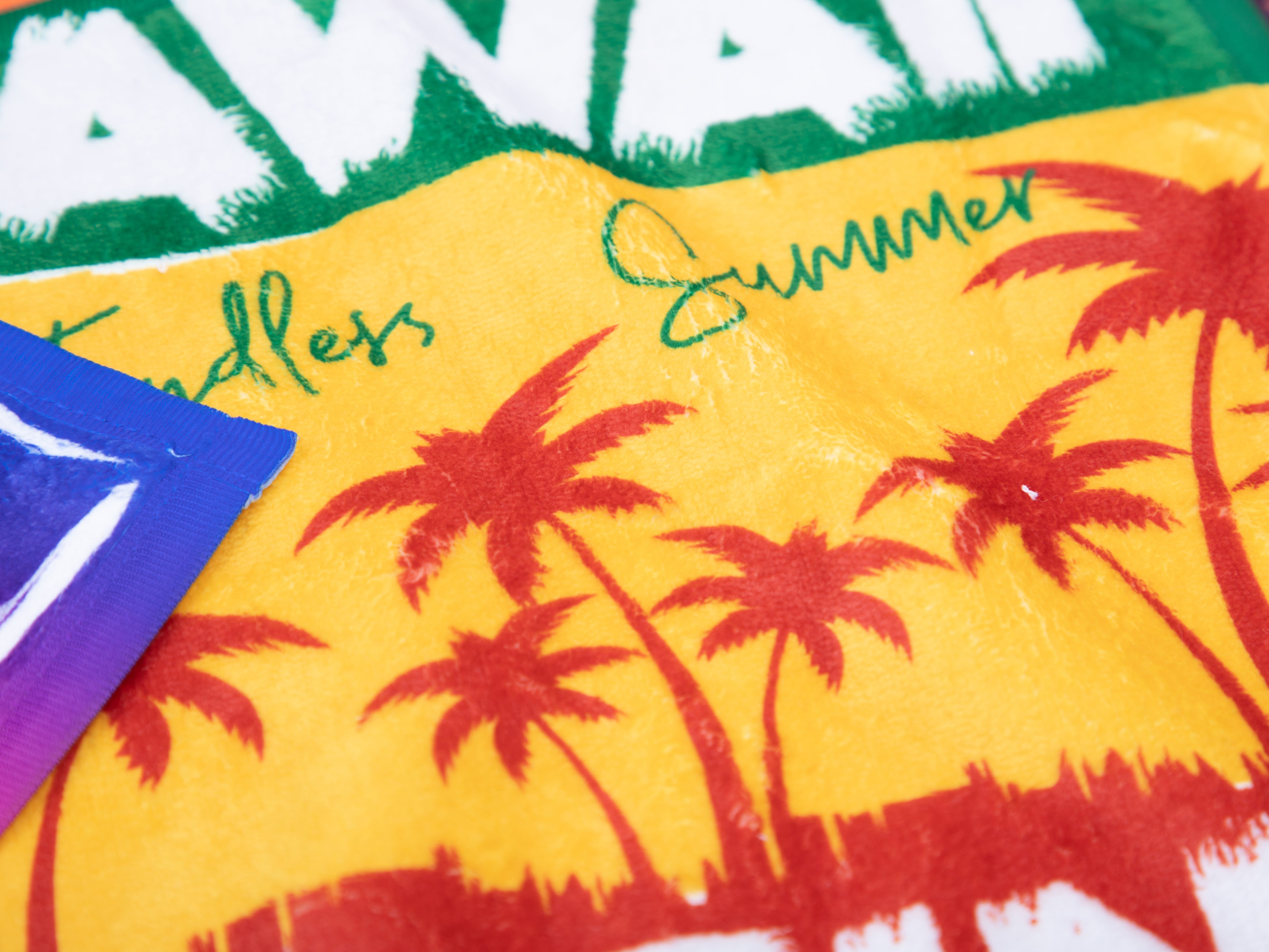
Sublimation bonds the ink directly into the fabric's fibers or the Pearl Coating™ on sublimation blanks, leaving no film or layer on top—just the design itself. The result is a print that becomes part of the material, with no texture you can feel. Heat transfer paper, on the other hand, leaves a thin film on the surface of the item, which can feel slightly stiff and may crack or peel over time with repeated washing.
Sublimation prints are smooth, vivid, and incredibly long-lasting because the ink is embedded in the material rather than sitting on top. This makes sublimation ideal for items that will be washed frequently or exposed to sunlight and weather. Heat transfer paper offers more flexibility in substrate choice but sacrifices some durability and hand-feel quality.
Key Differences:
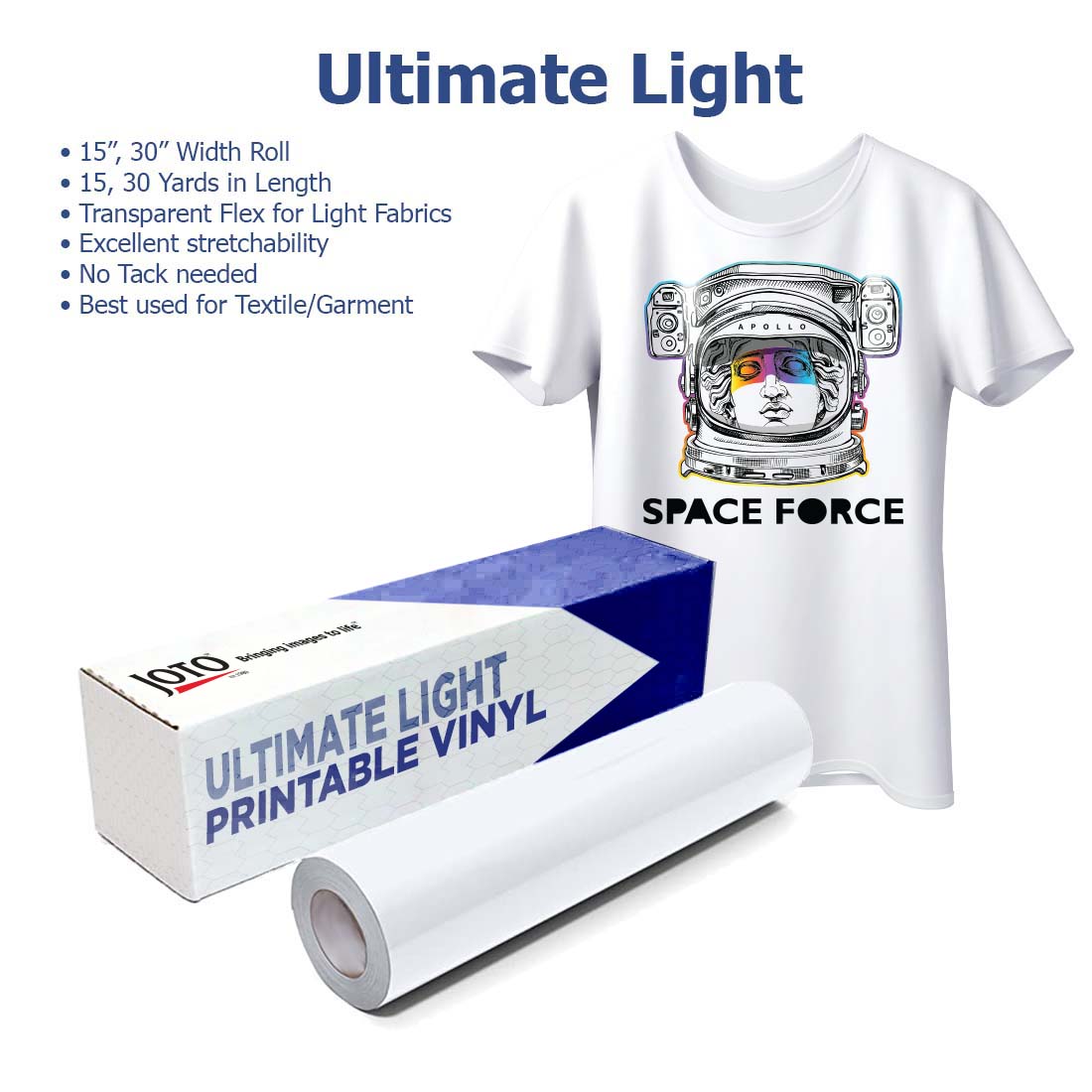
- Material Compatibility: Sublimation requires polyester or polymer-coated blanks, while heat transfer paper can work on cotton or poly-cotton blends. This makes heat transfer more versatile for fabric types but sublimation superior for polyester applications.
- Feel and Durability: Sublimation results in vibrant, long-lasting prints with no "feel" on top, while heat transfer paper may crack and peel over time, especially after multiple washes.
- Ideal Usage: Heat transfer paper is better for dark colors and cotton fabrics where sublimation won't work, but may not last as long as sublimation prints. Sublimation excels on white and light-colored polyester materials and polymer-coated hard goods.
How to Choose the Best Sublimation Paper for Your Project
Not all sublimation papers are created equal! When picking the right paper, consider factors like high transfer rate, fast drying speed, and ink-saving performance. Higher GSM papers tend to hold more ink and transfer vibrant colors, so choosing the right weight for your project is essential.
Factors to Consider When Selecting Sublimation Paper
- Transfer Rate: A high transfer rate (98%+) ensures more ink moves to your blank, resulting in vibrant colors and less waste. This efficiency means you get more value from every milliliter of ink you purchase.
- Drying Speed: Fast-drying paper means less smudging and quicker results. Papers that dry in 30-60 seconds allow you to handle transfers immediately after printing without worrying about ink transfer to your fingers or other surfaces.
- Ink-Saving Performance: Choose papers that use less ink while still giving you bright, bold colors. Quality papers with excellent transfer rates require less ink saturation to achieve vibrant results, helping you save on materials while ensuring top-notch output.
Quick Decision Guide: If you're printing garments, tacky paper eliminates the need for tape and prevents shifting. For mugs, tiles, and hard goods, non-tacky paper works perfectly well with heat-resistant tape. High-volume operations benefit from rolls, while desktop users and small businesses often prefer the convenience of sheets. If you're just starting out, 100-120 GSM sheets offer the best balance of quality and ease of use.
At Joto Imaging Supplies, we ensure our sublimation papers deliver exceptional color vibrancy and transfer efficiency. After 37 years in the industry, we know that paper quality directly impacts your bottom line—better transfer rates mean less ink waste, and consistent performance means fewer failed prints and reprints.
Common Sublimation Paper Problems and Solutions
Even experienced sublimation professionals encounter occasional challenges. Understanding these common issues and their solutions helps you troubleshoot quickly and maintain consistent quality.
Paper Curling or Warping: This typically happens when the paper absorbs moisture from humid environments or when using lightweight paper with heavy ink coverage. Solution: Choose a heavier GSM paper (110+) for humid conditions or high-ink designs. Store unused paper in its original packaging or a sealed container to prevent moisture absorption.
Ghosting (Double or Blurred Images): Ghosting occurs when your transfer shifts during the pressing cycle, causing a shadow or doubled appearance. Solution: Use tacky paper for garments, or secure non-tacky paper with heat-resistant tape on all four corners and edges. Ensure your substrate is completely flat against the transfer with no air gaps before pressing.
Faded or Washed-Out Colors: This usually indicates insufficient transfer rate, incorrect temperature, or inadequate pressure. Solution: Verify your heat press temperature is accurate (use an infrared thermometer), ensure proper pressure, and consider upgrading to a higher-quality paper with better ink release characteristics. Also check that you're using fresh sublimation ink.
Smudging During Handling: Wet ink that hasn't dried properly will smudge when touched. Solution: Allow 30-60 seconds drying time after printing before handling transfers. Fast-drying papers minimize this issue. If smudging persists, check your printer settings and ensure you're using the correct paper profile.
Frequently Asked Questions
-
How can I prevent my sublimation paper from curling or warping?
Make sure to choose the right GSM for your environment and design. A heavier paper (110gsm+) works better for designs with heavy ink usage or higher humidity levels. Store unused paper in a sealed bag or container to prevent moisture absorption, which is the primary cause of curling. Some printers also have adjustable humidity settings that can help. -
Can I reuse sublimation paper?
No, once the ink has been transferred, the paper can't be used again. It's a one-and-done deal! The coating releases the ink during the heat press process, and any remaining ink on the used paper won't transfer effectively on a second attempt. Always use fresh paper for each transfer to ensure optimal results. -
Which is better, sublimation or heat transfer?
Both have their uses, but sublimation provides more durable, vibrant prints with no hand-feel on the fabric, while heat transfer works better on darker fabrics and cotton blends where sublimation isn't compatible. For polyester garments and polymer-coated products, sublimation is superior in terms of longevity and wash durability. -
Can I use any printer for sublimation printing?
Nope! You'll need a printer compatible with sublimation ink, like certain Epson or Sawgrass models. Your regular office printer won't do the job because it's designed for standard dye or pigment inks, not sublimation dye. The printer heads and ink delivery systems are engineered differently for sublimation applications. -
Why can't I use regular ink with sublimation paper?
Sublimation requires special dye sublimation ink that turns into gas when heated. Regular ink just won't cut it—it won't transfer or last. Standard inks are water-based or pigment-based and don't have the chemical properties needed to sublimate (convert from solid to gas). Using regular ink will result in no transfer at all or extremely faded, temporary results. -
What makes sublimation paper different from regular paper?
Regular paper isn't designed for sublimation ink—it will smear or fade because it absorbs the ink into the paper fibers. Sublimation paper, however, is specially engineered with a coating that holds the ink on the surface until it's transferred to your fabric or object during the heat press, ensuring vivid, clear images every time. This coating is what makes proper transfer possible. -
What's the difference between tacky and non-tacky sublimation paper?
Tacky paper has a light adhesive coating that keeps your transfer in place during pressing without needing heat-resistant tape. This is especially helpful for garment printing where fabric can shift easily. Non-tacky paper works perfectly well but requires tape to secure it, making it ideal for rigid substrates like mugs, tiles, or aluminum panels where shifting is less of a concern. -
Does higher-quality sublimation paper really save ink?
Yes! Papers with higher transfer rates (98%+) release more ink onto your substrate and waste less on the used transfer sheet. Over time, this efficiency adds up to significant cost savings, especially for high-volume operations. Better transfer rates also mean you can use slightly less ink saturation in your designs while still achieving vibrant colors, further reducing ink consumption.
The Bottom Line
No matter what you're printing on, sublimation paper is your foundation for creating vibrant, long-lasting designs. The quality of your paper directly impacts color vibrancy, transfer efficiency, and the durability of your finished products. By choosing the right format—whether rolls or sheets, tacky or non-tacky—and selecting a paper with excellent transfer rates, you set yourself up for consistent, professional results.
At Joto Imaging Supplies, we've spent 37 years helping businesses achieve outstanding sublimation results. We know that not all papers are created equal, and we're committed to offering products that deliver exceptional color transfer and ink efficiency. Make sure to pair quality sublimation paper with a good sublimation printer, proper sublimation ink, and the right heat press settings, and you're all set for success.
Ready to upgrade your sublimation workflow? Explore our complete selection of sublimation papers and find the perfect match for your projects.