


































































































































Skip to content
en
CAD

Bloom Your Business Into Profit

Vinyl Cutters


Vinyl cutter machines for professional detail


Transform ideas into sharp graphics with vinyl cutter machines that balance speed, precision, and creativity for every workflow.


Vinyl cutters make it possible to personalize apparel, signage, and décor with designs that stand out. Their advanced tracking systems ensure clean cuts on long runs, while intuitive software allows easy adjustments and quick editing. From small intricate lettering to bold large-scale graphics, these machines handle diverse vinyl types with reliable accuracy. Compact frames save space in smaller studios, yet their power and consistency suit busy shops managing higher volumes. Their robust build reduces errors and minimizes waste, keeping production smooth and efficient. Easy to learn but engineered for professional outcomes, vinyl cutter machines are ideal for both new creators and established businesses looking to expand services. With local North American stock and Joto’s technical support, this collection equips your shop with the tools to deliver results that impress customers and grow your creative potential.
 

Frequently Asked Questions:

What are vinyl cutters used for?

Vinyl cutters are essential precision tools designed to accurately cut intricate designs, lettering, and shapes from various flexible materials such as heat transfer vinyl and adhesive sign vinyl. These machines utilize computer-controlled blades to slice through the material with extreme accuracy, making them ideal for creating custom apparel, professional banners, and high-quality decals. By integrating with specialized design software, vinyl cutters streamline the production workflow for businesses seeking to produce durable and professional-grade graphics. Whether for small-scale personalization or high-volume industrial applications, these cutters provide the versatility and efficiency required for modern garment decoration and signage industries.

What materials are compatible with Joto vinyl cutters?

Joto vinyl cutters are engineered to handle a wide variety of flexible media, including heat transfer vinyl (HTV) and adhesive sign vinyl for professional graphics. These precision cutting systems are also compatible with specialized substrates such as cardstock, stencil film, and mask materials used for sandblasting or painting. By utilizing adjustable downforce and blade depth settings, our cutters ensure technical accuracy across varying material thicknesses for both garment decoration and signage. This versatility allows users to create everything from custom apparel and decals to intricate paint stencils with consistent, high-quality results.

How can I maintain my vinyl cutter to ensure its long-term durability and precision?

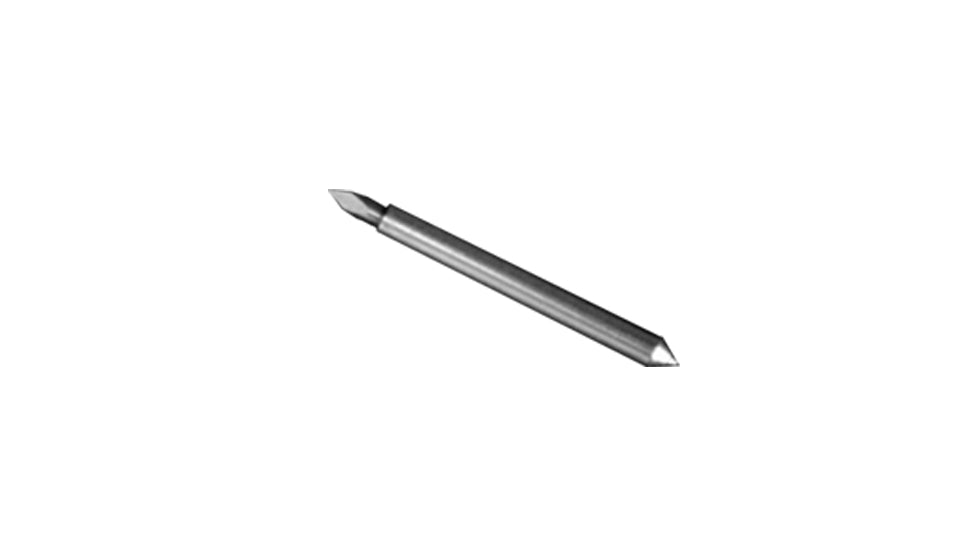
To ensure the long-term durability and precision of your vinyl cutter, it is essential to regularly clean the drive rollers and cutting strip to prevent debris buildup that can cause tracking issues. You should frequently inspect the blade holder for vinyl scraps and replace dull blades to maintain clean, accurate cuts through various heat transfer and sign vinyl materials. Additionally, lubricating the carriage rails and keeping the optical eye sensor free of dust will preserve the machine's technical integrity and ensure consistent registration for print-and-cut workflows. Following these professional maintenance protocols at Joto Imaging Supplies guarantees optimal performance and extends the operational lifespan of your high-precision cutting system.

How do I use a vinyl cutter to create custom heat transfer designs?

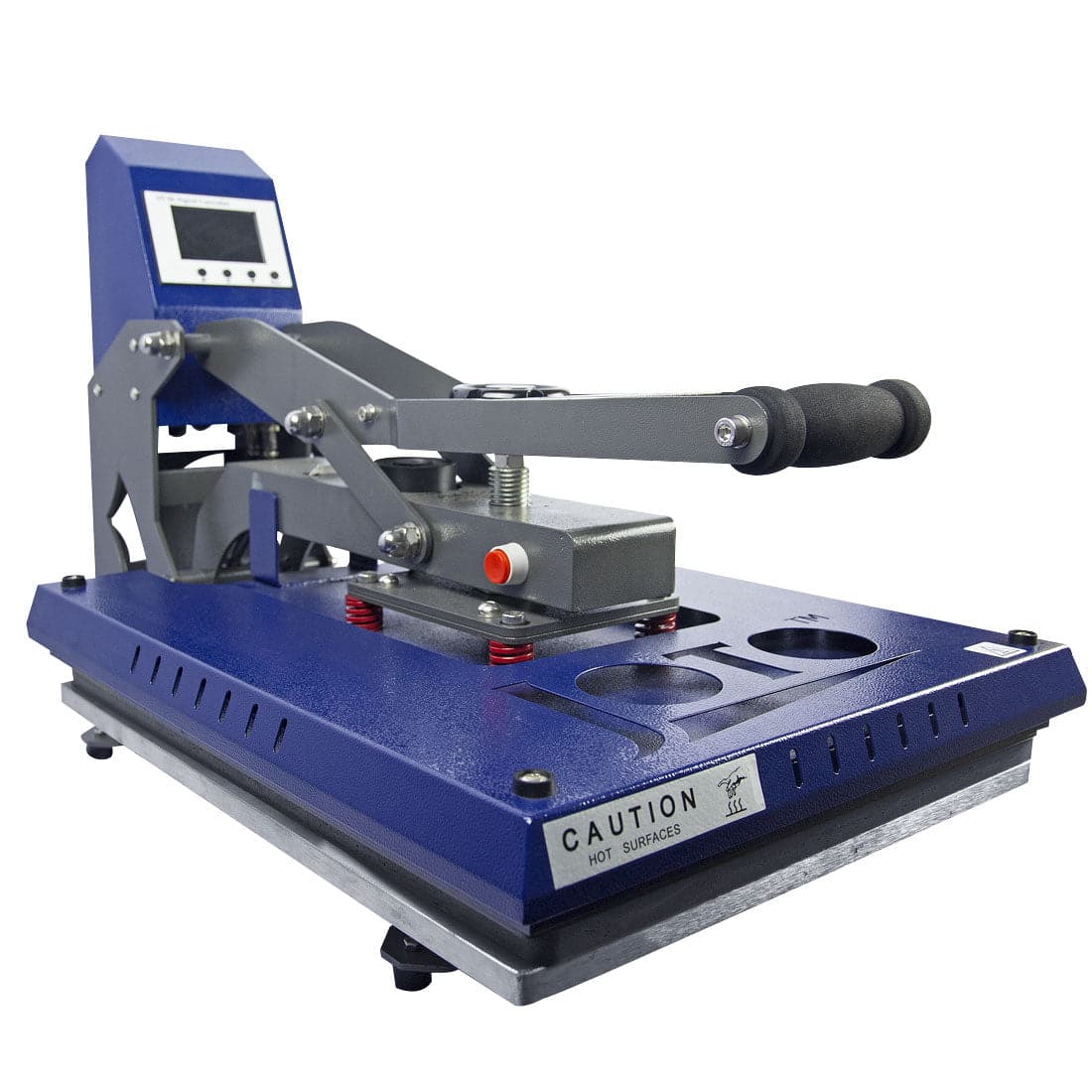
To create custom heat transfer designs, begin by importing your vector artwork into the included cutting software and mirroring the image to ensure the design faces the correct direction when applied. Load your heat transfer vinyl into the cutter with the carrier sheet side down, then perform a test cut to calibrate the blade depth and downforce for high-precision weeding. Once the cut is complete, remove the excess material and use a professional heat press at the specified temperature and pressure to bond the design to your substrate. Utilizing these technical workflows at Joto Imaging Supplies ensures durable, retail-quality results for all your apparel decoration projects.

Why is my vinyl cutter not cutting through the material or skipping sections of my design?

If your vinyl cutter is failing to cut through the material, first verify that your blade depth and downforce settings are correctly calibrated for the specific thickness of your heat transfer or sign vinyl. Skipping sections often indicates a worn cutting strip or debris in the blade holder, both of which prevent the carriage from maintaining consistent pressure across the workspace. Ensure your carbide blade is not dull or chipped, as even minor imperfections can lead to irregular cutting paths and poor weeding results. For optimal precision, regularly inspect the drive rollers and mechanical tracking to ensure the media is feeding through the machine without slippage.

How can I achieve professional-grade precision and high-quality results using Joto vinyl cutters?

To achieve professional-grade precision with Joto vinyl cutters, begin by precisely calibrating your blade depth and downforce settings to match the specific gauge of your heat transfer or sign vinyl. Utilizing the integrated optical eye technology ensures flawless registration for print-and-cut applications, allowing for intricate contouring of complex decals and logos. Furthermore, leveraging the professional cutting software streamlines the design-to-production workflow while maintaining the high-resolution output required for commercial-grade projects. Consistently monitoring blade wear and using high-quality substrates will guarantee the sharpest edges and long-term reliability for all your production needs.

How can Joto vinyl cutters improve my business's cost-effectiveness and overall profitability?

Joto vinyl cutters significantly improve business profitability by providing a high-precision, low-maintenance alternative to high-overhead decoration methods like DTG or screen printing. By utilizing a streamlined CAD-cut workflow with heat transfer vinyl, you eliminate the need for expensive inks and complex pretreatments, drastically reducing per-unit production costs. These versatile machines enable rapid, short-run customization across a wide range of substrates, ensuring high-detail accuracy and minimal material waste for peak cost-effectiveness. Investing in professional-grade equipment from Joto Imaging Supplies empowers your business to scale efficiently while delivering the durable, high-quality results your customers expect.

How should I store my vinyl cutter and blades to ensure long-term precision and operator safety?

To ensure long-term precision and operator safety, store your vinyl cutter in a climate-controlled, dust-free environment away from direct sunlight to prevent mechanical degradation. High-precision cutting blades should be kept in their original protective cases or a dedicated blade holder to prevent chipping the carbide tips and to avoid accidental injury. Regularly cleaning the carriage and tracks before storage prevents debris buildup, ensuring consistent tracking and cutting accuracy for future production runs. Following these storage protocols maintains the integrity of your equipment and extends the operational lifespan of your Joto vinyl cutting system.

How do vinyl cutters compare to other garment decoration methods like DTG, screen printing, or sublimation?

Vinyl cutters provide a versatile and cost-effective alternative to high-capital decoration methods like direct-to-garment (DTG) or screen printing, particularly for low-volume, high-opacity designs. Unlike sublimation, which is limited to polyester-rich fabrics, vinyl cutters utilize a variety of heat transfer vinyls (HTV) compatible with nearly any substrate, including cotton, nylon, and performance blends. This CAD-cut workflow eliminates the need for messy inks or complex pretreatment, ensuring a clean and efficient production cycle for personalized apparel and signage. By leveraging precision cutting technology, Joto Imaging Supplies customers can achieve professional-grade results with lower overhead and faster turnaround times than traditional printing methods.

How can I calibrate blade offset and downforce settings on my vinyl cutter to ensure precision weeding of intricate, high-detail heat transfer vinyl designs?

To calibrate your vinyl cutter for intricate weeding, start by performing a test cut to adjust the downforce until the blade cleanly pierces the heat transfer vinyl without cutting the carrier sheet. Next, fine-tune the blade offset settings—typically between 0.25mm and 0.50mm depending on the blade type—to ensure sharp corners and precise closing of cut paths. Consistent calibration of these parameters is essential for maintaining high-detail accuracy and reducing material waste during the production of professional-grade apparel transfers. Consistent monitoring of blade wear and adjusting these settings accordingly will guarantee optimal performance and ease of weeding for even the most complex designs.

Drawer Title
Similar Products